Every brochure and post is checked against brand rules and approved claims before it goes out
Each brochure, ad and post is checked against your approved claims and brand rules, and the fixes go back to whoever made it. Your brand manager approves.
- Used day to day by
- Brand team
- Marketing team
How it runs with AI
The AI picks up each piece from the review folder in SharePoint, checks every claim against the approved list and its proof, and checks the logo, colours and required lines against the brand rules. It sends the fixes on Teams to the person who made the piece, rechecks the new version and passes clean pieces to the brand manager for approval.
How it is done today
Zone teams and agencies send brochures, ads and posts to the brand team for review. Someone opens each file, looks up the approved claims and the brand guide, and checks every line and logo by eye. Pieces wait days in the queue, and when the queue is long a wrong claim can reach print.
Step by step
Where the work happens, what the AI does, and where it hands over to a person.
-
Step 1, AI
Picks up each brochure, ad and post sent for review
Needs to know: Review folders to watch, Who made each piece
In
 SharePoint
 -
Step 2, AI
Checks every claim against the approved claims list and its proof
Needs to know: Approved claims list, Proof behind each claim
In
SharePoint Exception to step 2
Sends any claim missing from the list to the brand manager and legal
-
Step 3, AI
Checks the logo, colours and required lines against your brand rules
Needs to know: Brand rules, Current logo versions, Required price lines
In
SharePoint -
Step 4, AI
Sends the fixes to the person who made it and rechecks the new version
Needs to know: Who made each piece, Print and posting dates
In
 Microsoft Teams , SharePoint
 -
Step 5, Person
Approves the clean version for print or posting
In
SharePoint
What stays with a person
- Approves the clean version for print or posting
What it checks against
Two documents your brand team already owns, kept in SharePoint:
- The approved claims list. Each claim, its exact wording, the proof behind it (a lab report, a survey or a certificate) and the date that proof runs out.
- The brand rules. Logo versions, colours, product names, the tagline, and the lines every price or offer must carry.
When either document changes, the next check uses the new version.
Apps in this example
- SharePoint
- Microsoft Teams
The same flow works with the apps you use.
This fits you if
- Zone teams, agencies or dealers make their own brochures, ads and posts
- Your products carry claims that need proof, such as test results or certifications
- Your brand team reviews more pieces than it can check line by line
- You keep an approved claims list, or are ready to write one
What to watch for
- The brand team owns the approved claims list and the brand rules, and updates them when a lab report runs out or a product changes
- New claims go to the brand manager and legal. People decide whether a claim can be made, and the AI matches wording against claims already approved
- Pieces in Hindi, Tamil or other regional languages get a final read from someone fluent in that language
- The brand manager gives the final approval to print or post
Often done together
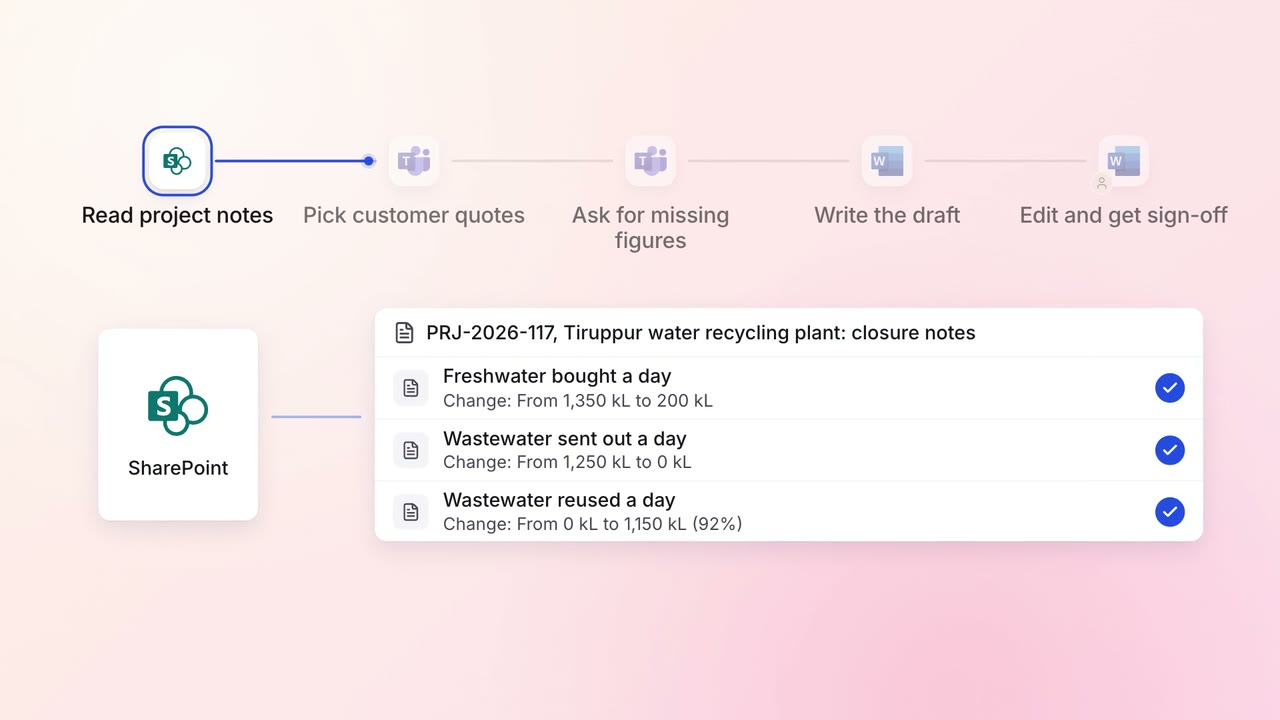
Marketing Content
Case study drafts come from project notes and the customer interview, ready for review
- SharePoint
- Microsoft Teams
 Microsoft Word
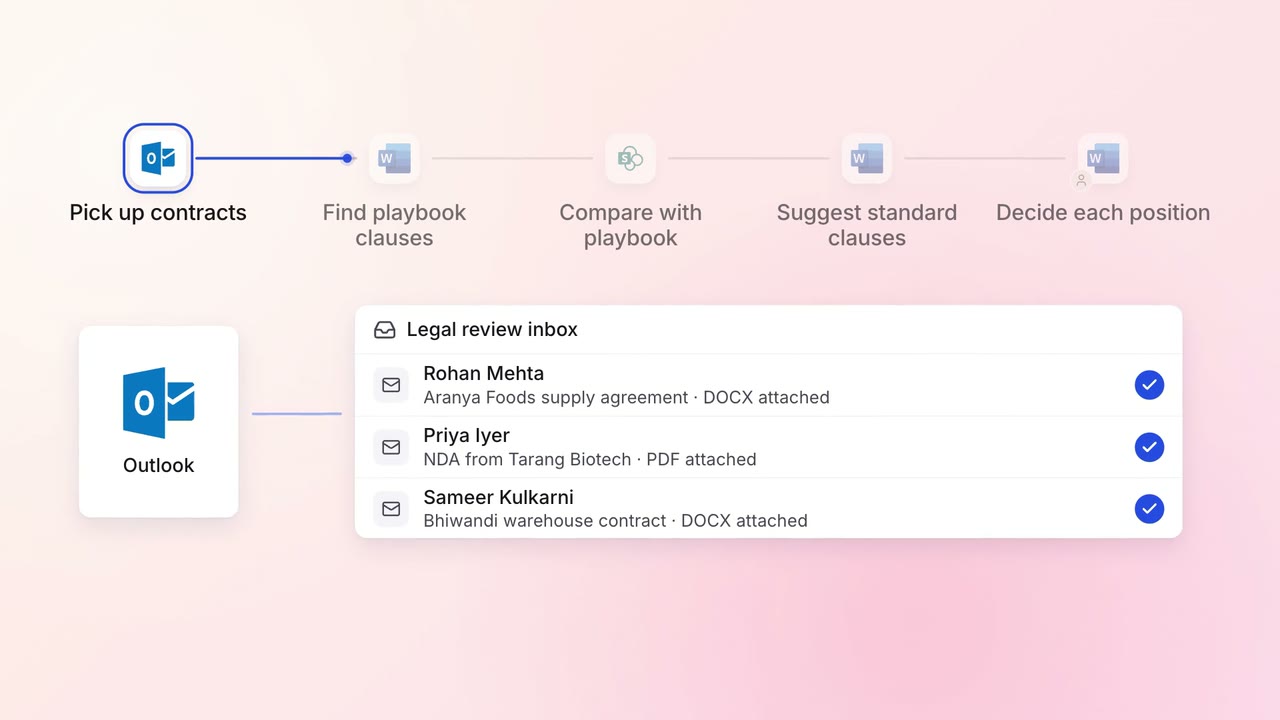
Legal and compliance Contract review
Incoming contracts are checked against your standard positions, with each difference marked
 Outlook
- Microsoft Word
- SharePoint