Incoming contracts are checked against your standard positions, with each difference marked
Each contract is compared clause by clause with your playbook. Every difference is marked in Word with your standard clause beside it, for your lawyer to decide.
- Used day to day by
- Legal team
- Salespeople
- Purchase team
How it runs with AI
The AI reads each contract as it arrives, finds the clauses your playbook covers and compares each one with your standard position. Every difference is marked in the Word file with your standard clause as a suggested edit, and any clause on a new topic goes to a lawyer to read. Your lawyers start from a marked-up draft and decide each position.
How it is done today
Sales and procurement teams email contracts from customers and vendors to the legal team. A lawyer reads each one in full, looks up the standard position on payment, liability and termination in the playbook on SharePoint, and types comments into Word. A one-page NDA waits in the same queue as a long supply agreement, so deals wait days for a first review.
Step by step
Where the work happens, what the AI does, and where it hands over to a person.
-
Step 1, AI
Picks up each contract sent to the legal review inbox
Needs to know: Contract types in scope
In
 Outlook
 -
Step 2, AI
Reads the contract and finds every clause your playbook covers
Needs to know: Topics the playbook covers
In
 Microsoft Word
 -
Step 3, AI
Compares each clause with your standard position in the playbook
Needs to know: Standard positions, Approved fallbacks
In
 SharePoint , Microsoft Word
 Exception to step 3
Sends any clause on a topic outside the playbook to a lawyer to read in full
-
Step 4, AI
Adds your standard clause as a suggested edit at each difference
Needs to know: Standard clause wording
In
Microsoft Word -
Step 5, Person
Decides which positions to hold and sends the draft back
In
Microsoft Word , Outlook
What stays with a person
- Decides which positions to hold and sends the draft back
Apps in this example
- Outlook
- Microsoft Word
- SharePoint
The same flow works with the apps you use.
This fits you if
- Your legal team reviews more than 50 incoming contracts a month
- You have written standard positions for payment, liability, indemnity and termination, or want to write them down
- Contracts reach legal by email as Word or PDF files
- Business teams wait days for a first review of routine contracts
What to watch for
- Your lawyers decide every legal position. The automation marks each difference and suggests your standard clause; accepting their wording or a fallback stays with the lawyer
- The playbook is the reference, so it has to be current. When a position changes, the lawyer who owns that topic updates the playbook, and the next review uses the new wording
- Scanned PDFs and contracts in other languages need a person to check the reading before anyone relies on the comparison
- Contracts are confidential. Check where the AI service processes and stores them before the first contract goes through
Often done together
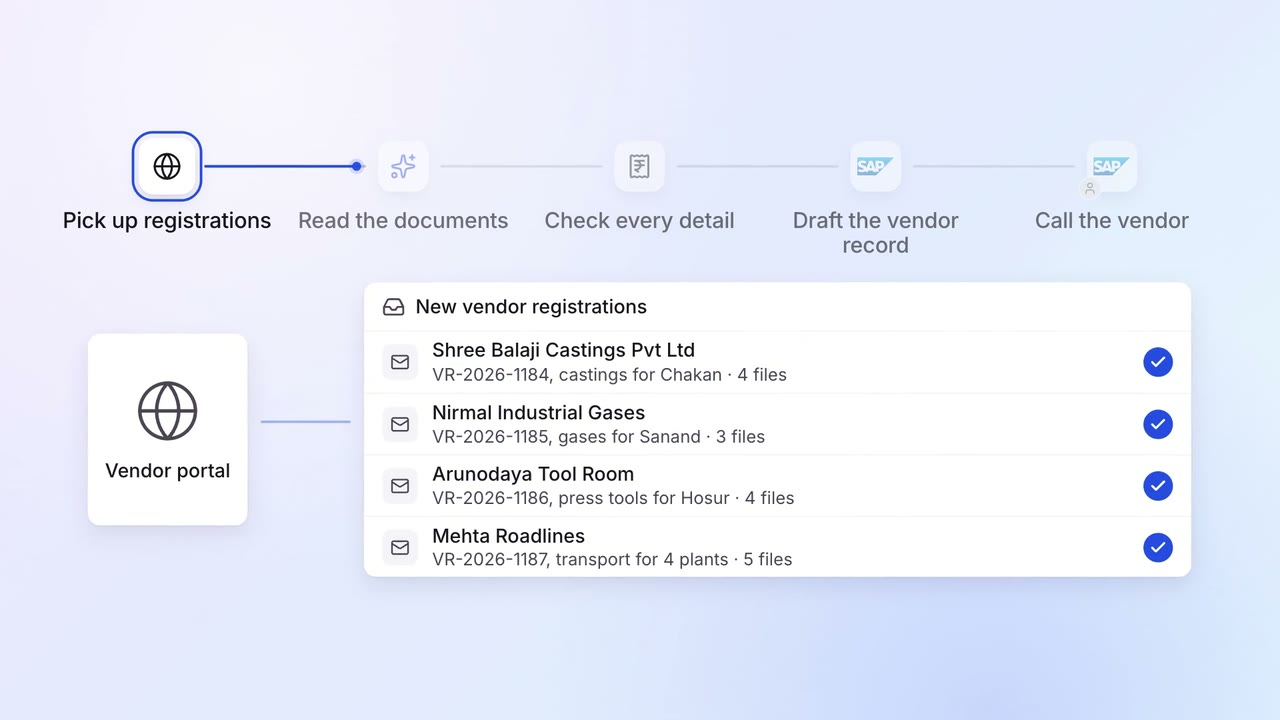
Operations Vendor management
New vendors are set up in SAP with their GST, PAN and bank details checked
- Vendor portal
- GST portal
 SAP S/4HANA
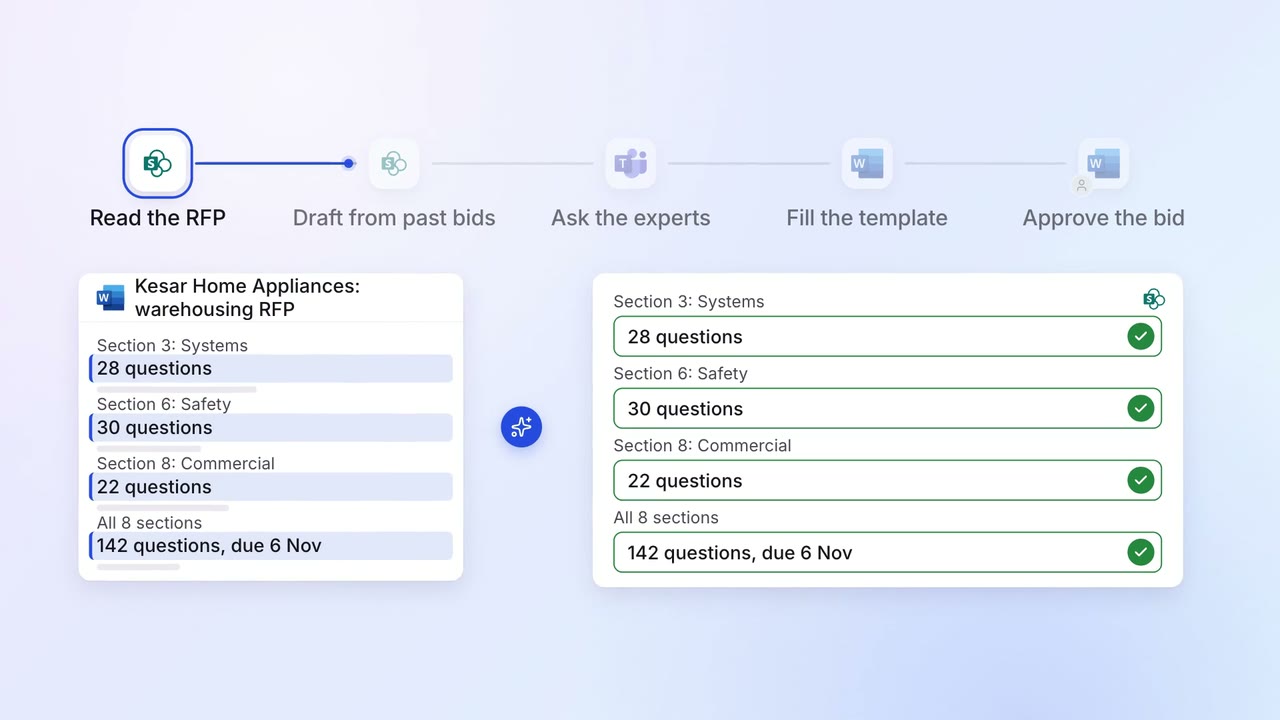
Sales Proposals and quotes
Most RFP questions are answered from your past bids, and experts fill the gaps
- SharePoint
- Microsoft Word
 Microsoft Teams
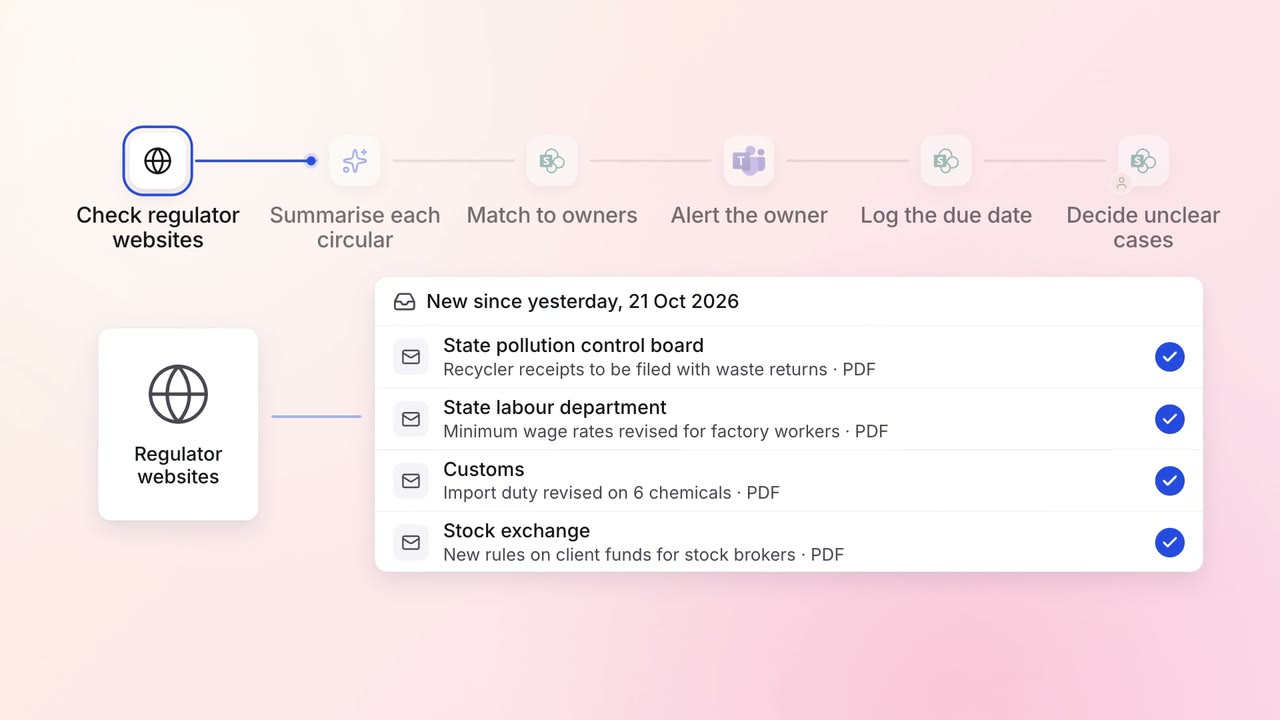
Legal and compliance Regulatory tracking
Every new circular is summarised and sent to the team that must act on it
- Regulator websites
- SharePoint
- Microsoft Teams