Renewals at risk are flagged months ahead, with the reasons
Each week the AI reads the support tickets and account history for every contract renewing in the coming months, and flags the ones at risk with the reasons.
- Used day to day by
- Account managers
- Sales head
- Customer service head
How it runs with AI
Every Monday, the AI reads each account's Freshdesk tickets, then checks Salesforce for the renewal date and changes such as a key contact leaving. For every contract renewing in the coming months, it marks the risk with the reasons, so account managers have months to fix the problem before the renewal talk.
Step by step
Where the work happens, what the AI does, and where it hands over to a person.
-
Step 1, AI
Reads each account's recent support tickets
Needs to know: Accounts with contracts
In
 Freshdesk
 -
Step 2, AI
Checks renewal dates and key contacts in Salesforce
Needs to know: Renewal window, Key roles at each customer
In
 Salesforce
 -
Step 3, AI
Rates the risk on each renewal and writes down the reasons
Needs to know: Risk signs and weights
In
Freshdesk , Salesforce -
Step 4, AI
Writes the risk and the reasons onto the account in Salesforce
Needs to know: Who owns each account
In
Salesforce Exception to step 4
Goes to the sales head when the flag stays open past the agreed time
-
Step 5, Person
Meets the customer and agrees a fix, months before the renewal talk
In
Salesforce
What stays with a person
- Meets the customer and agrees a fix, months before the renewal talk
The signs it looks for
- The same breakdown or problem raised more than once
- Tickets that missed their SLA
- A customer mentioning other vendors, quotes or the contract end date in a ticket
- A key contact, such as the plant head or purchase head, leaving
- A long gap since the last visit or review meeting
Your sales and service heads choose which signs count, and how much each one weighs.
Apps in this example
- Salesforce
- Freshdesk
The same flow works with the apps you use.
This fits you if
- Most of your revenue comes from contracts that renew each year
- You track more than 100 contracts with renewal dates in Salesforce
- Service issues are logged in Freshdesk, and renewals are handled in Salesforce
- You have lost renewals to problems the service team knew about
What to watch for
- Before going live, run the check on last year's renewals and confirm it would have flagged the contracts you lost
- Your sales and service heads set the rules, for example how many breakdowns count as high risk
- A flag is a reason to call. What to offer the customer, including any discount, stays with the account manager and the sales head
- Some warnings come up only in conversation, so account managers log call notes in Salesforce for the next weekly check to read
Often done together
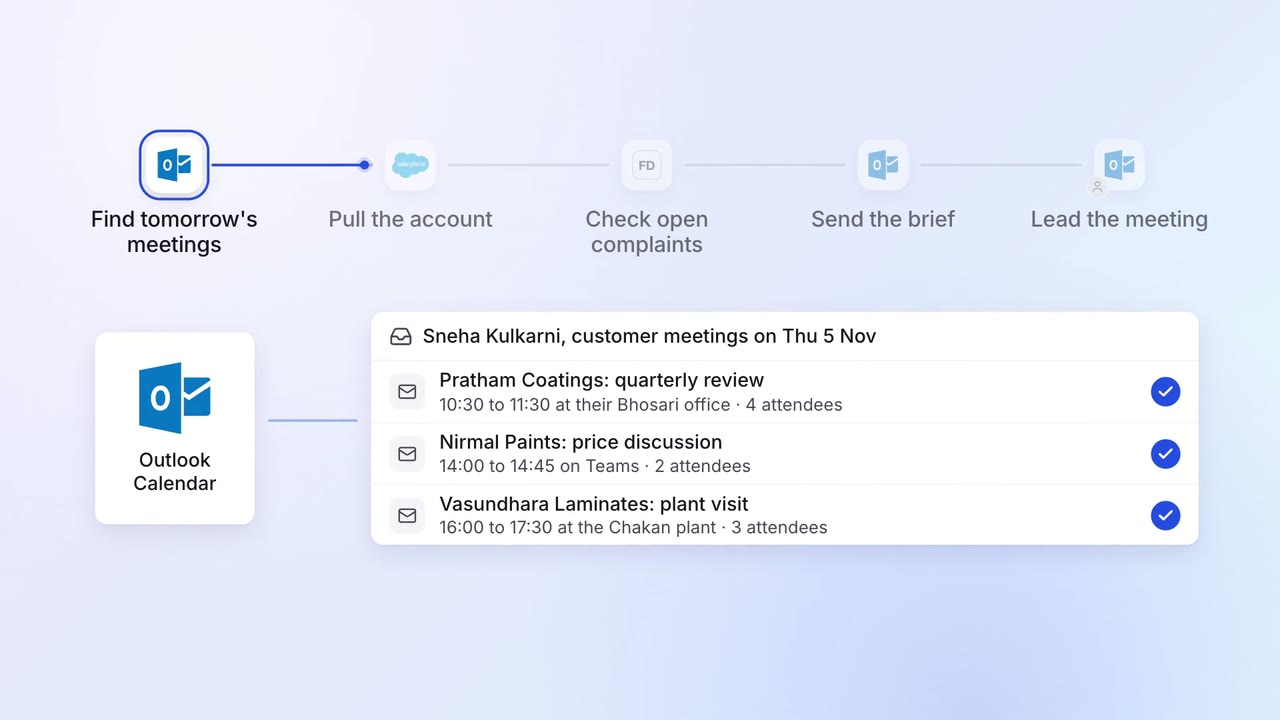
Sales Renewals and account care
Account managers get a one-page brief before every customer meeting
 Outlook
- Salesforce
- Freshdesk
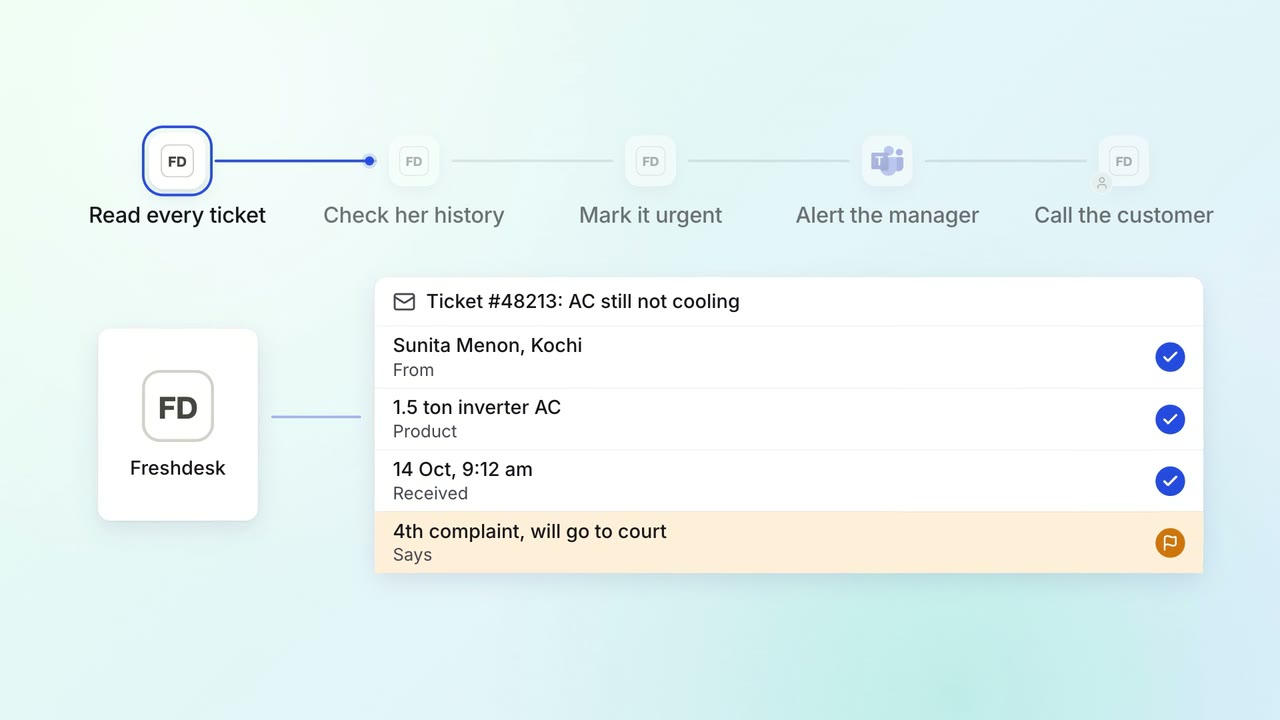
Customer service Complaints and escalations
Angry customers and repeat complaints reach a senior person the same day
- Freshdesk
 Microsoft Teams
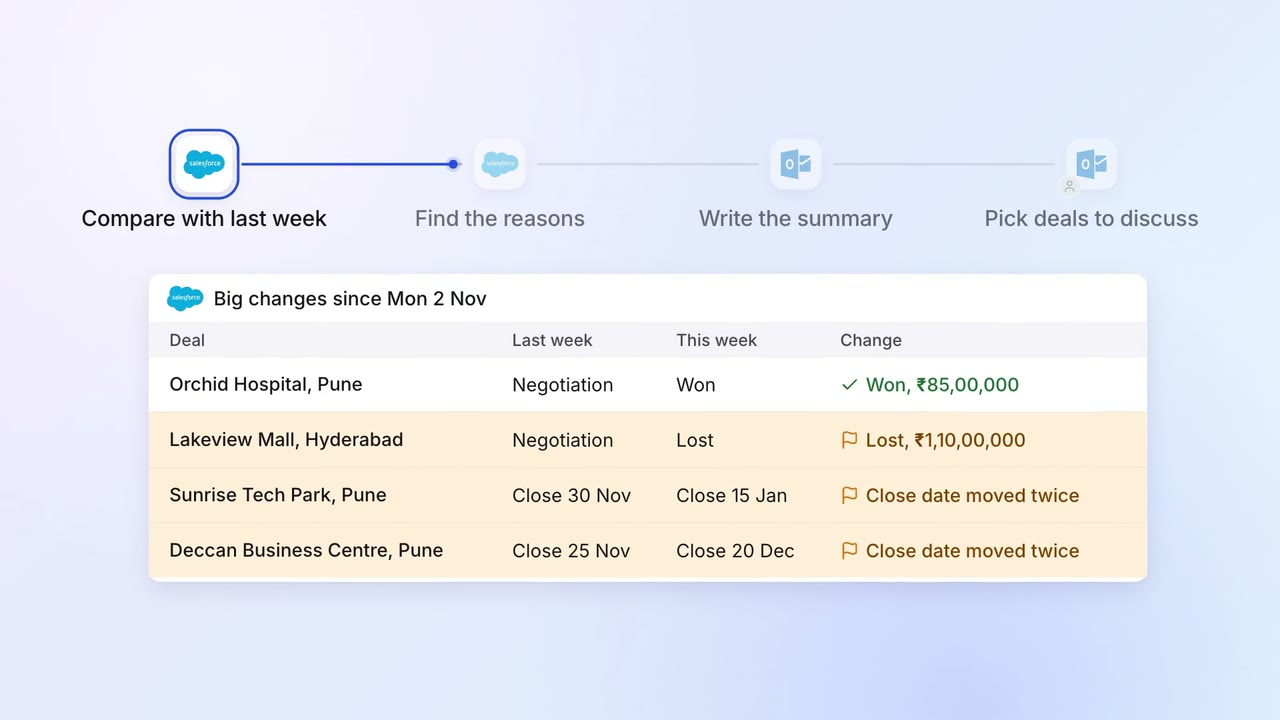
Sales Pipeline and forecasting
The sales head gets a one-page pipeline summary every Monday, with what changed and why
- Salesforce
- Outlook