The sales head gets a one-page pipeline summary every Monday, with what changed and why
Every Monday the AI compares the pipeline in Salesforce with last week's, finds the reason behind each big change and emails the sales head a one-page summary.
- Used day to day by
- Sales head
- Regional sales managers
- Sales operations team
How it runs with AI
Early every Monday the AI compares each deal in Salesforce with where it stood a week earlier. For each big change, such as a win, a loss or a close date moved, it reads the deal's notes and logged emails to find the reason. The sales head gets a one-page email in time for the review.
How it is done today
Every Monday a sales analyst exports the pipeline from Salesforce into Excel, compares it with last week's file and builds a summary for the sales head. The numbers show what moved, and the reasons sit in deal notes and email threads, so the analyst calls each regional manager to ask. The summary reaches the sales head on Tuesday, a day after the weekly review.
Step by step
Where the work happens, what the AI does, and where it hands over to a person.
-
Step 1, AI
Compares this week's pipeline in Salesforce with last week's
Needs to know: What counts as a big change
In
 Salesforce
 -
Step 2, AI
Finds the reason behind each big change in the deal notes
Needs to know: Deal owners
In
Salesforce ,  Outlook
 Exception to step 2
Asks the owner by email when the notes leave the reason unclear
-
Step 3, AI
Emails the sales head a one-page summary early every Monday
Needs to know: Summary layout, Regions and product lines
In
Outlook -
Step 4, Person
Reads it before the weekly review and picks the deals to discuss
In
Outlook
What stays with a person
- Reads it before the weekly review and picks the deals to discuss
Apps in this example
- Salesforce
- Outlook
The same flow works with the apps you use.
This fits you if
- Your sales head reviews the pipeline every week
- Your deals sit in Salesforce across several regions or product lines
- Someone builds the weekly summary by hand in Excel today
- The reasons for wins, losses and delays live in deal notes and emails
What to watch for
- The reasons come from what your team logs in Salesforce. Where the notes leave a big change unexplained, the AI asks the owner and marks the reason as pending in the summary
- Your sales head decides what counts as a big change, such as a large deal won or lost, or a close date moved well out
- Decisions on price, discounts and where to put the team's effort stay with the sales head and the regional managers
Often done together
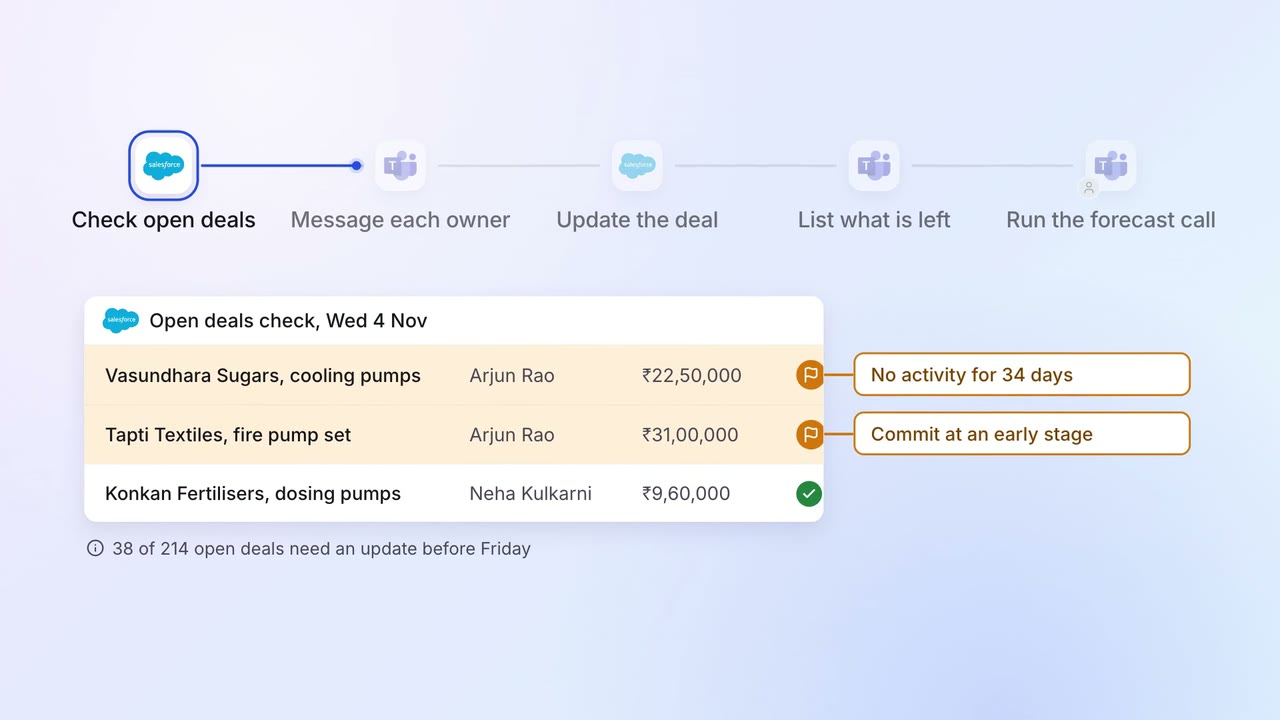
Sales Pipeline and forecasting
Every open deal is checked before the forecast call, and stale ones go back to their owners
- Salesforce
 Microsoft Teams
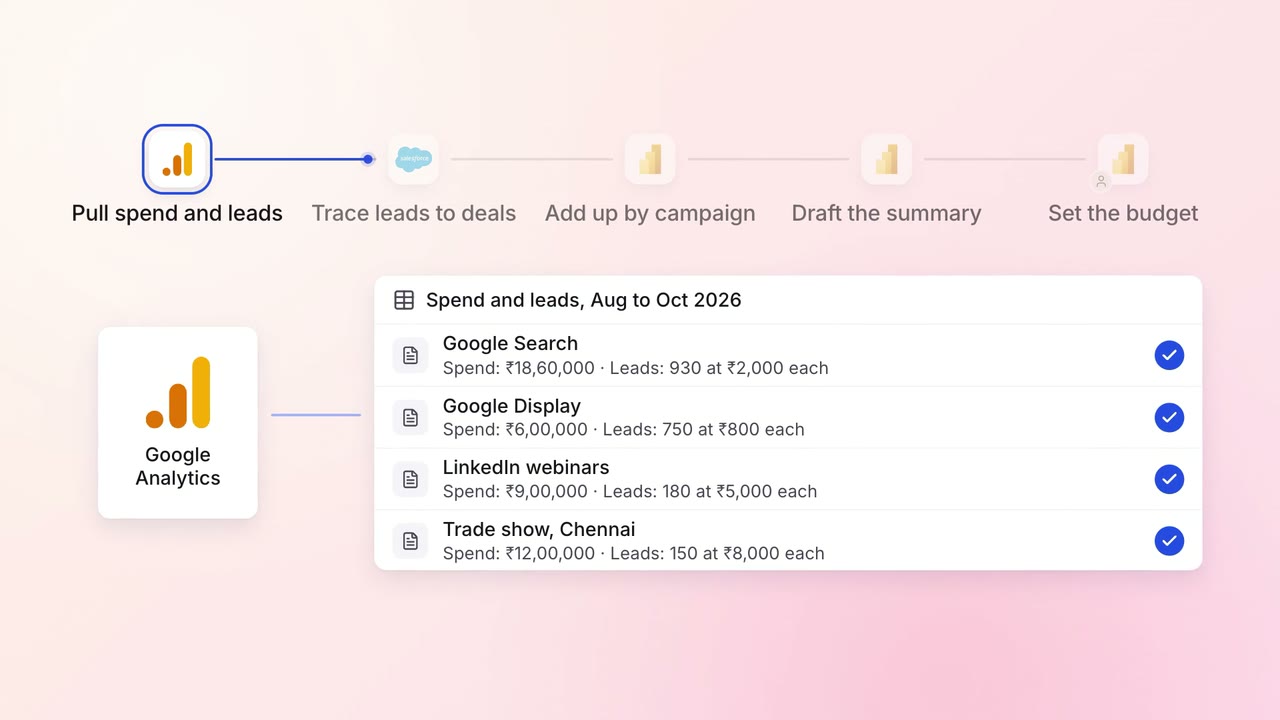
Marketing Reporting
Every campaign is tied to the pipeline and revenue it brings, in one monthly report
 Google Analytics
 Google Ads
 LinkedIn Ads
- Salesforce
 Power BI
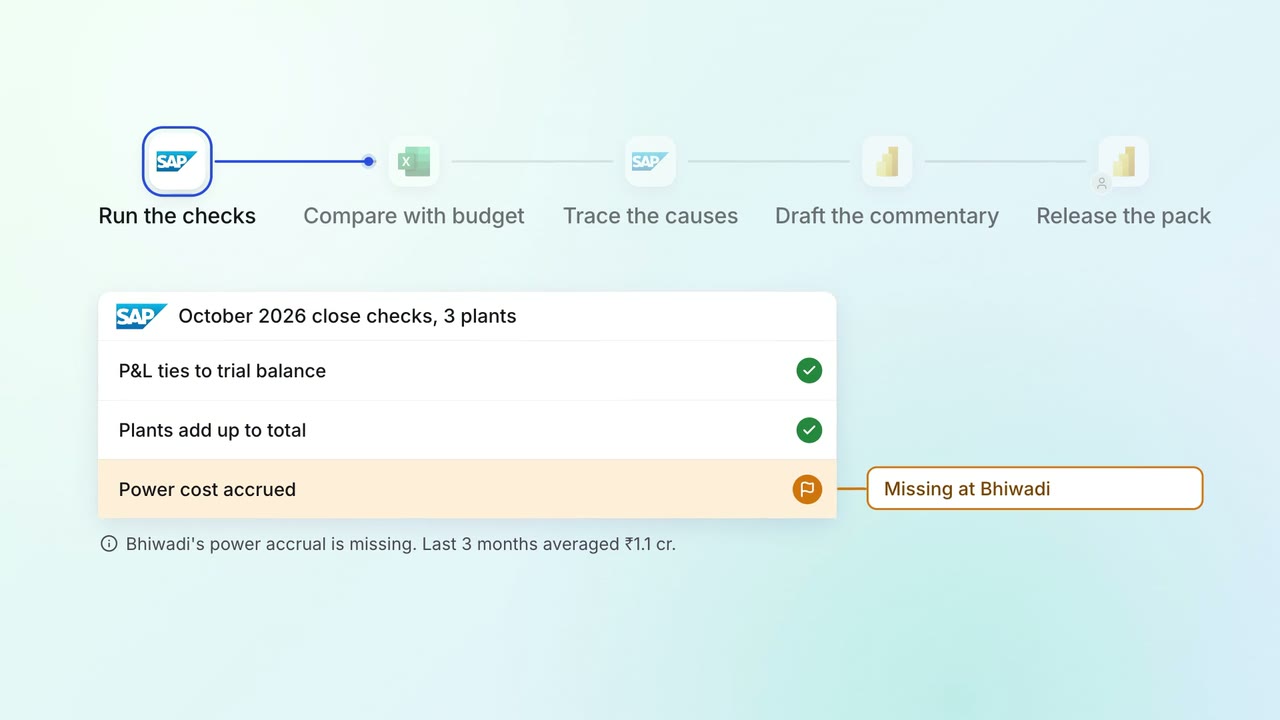
Leadership Management reports
The monthly MIS pack arrives with the numbers checked and the variances explained
 SAP S/4HANA
 Excel
Excel- Power BI