Account managers get any customer's deals, dues, tickets and emails in one answer
Account managers ask on Google Chat and get a customer's open deals, unpaid invoices, open tickets and last emails in one answer, with the source of each.
- Used day to day by
- Account managers
- Sales head
What the assistant uses here
Answers from your systems, within each person's access.
- Channels Reaches people where they already talk
- Your approval Acts in your systems only after a person approves
How it runs with AI
Account managers ask the automated assistant on Google Chat about any customer they look after, at any moment. Within a minute it answers with the open deals from HubSpot, unpaid invoices from Zoho Books, open tickets from Zendesk and the last emails from Gmail, each line with its source. A follow-up question gets the detail behind any line.
How the assistant works here
Where people ask, what it draws on, and what comes back.
Where people ask
-
 Google Chat, steps 1, 5 and 6
Who asks
- Account managers
- Sales head
What it draws on
Apps
-
 HubSpot, step 2
 -
 Zoho Books, step 3
 -
 Zendesk, step 4
 -
 Gmail, step 4
Context
- Customer names across apps, step 1
- Who can see which account, step 1
- Who owns each account, step 2
- Payment terms by customer, step 3
- Ticket priority levels, step 4
- Customer contacts, step 4
- Answer format with sources, step 5
What comes back, and who decides
- An answer with its sources, step 5
Who decides
- Decides what to raise on the call and what to offer the customer, step 6
How a request runs
-
Step 1, the assistant: Reads the question an account manager asks on Google Chat
-
Step 2, the assistant: Opens the customer in HubSpot and reads the open deals and the main contact
Exception Names the account owner instead, when the customer belongs to another account manager
-
Step 3, the assistant: Checks the customer's unpaid invoices in Zoho Books and marks the late ones
-
Step 4, the assistant: Reads the customer's open tickets in Zendesk and the last emails in Gmail, noting any that wait for a reply
-
Step 5, the assistant: Answers on Google Chat in one reply, each line with its source
- Person
Step 6, a person: Decides what to raise on the call and what to offer the customer
The same flow works with the apps you use.
Who controls it
-
Access
Each account manager gets answers on the customers they can open in HubSpot. The sales head sees every account, and access moves with the account when it changes hands
-
Approvals
Prices, discounts and credit stay with the account manager and the sales head. The assistant reports what the records say
-
Record
Every question, source, action and approval is recorded
This fits you if
- Your account managers look after customers on contracts or repeat orders
- Deals sit in HubSpot, invoices in Zoho Books and complaints in Zendesk
- Customers often call or email before your team has checked their account
- Your company works in Google Workspace
What to watch for
- The assistant reads the account manager's own mailbox and the shared sales inbox. Other people's mail stays out of reach
- An answer is as current as the records. A payment that accounts has not yet recorded in Zoho Books still shows as unpaid
Often done together
Sales Renewals and account care
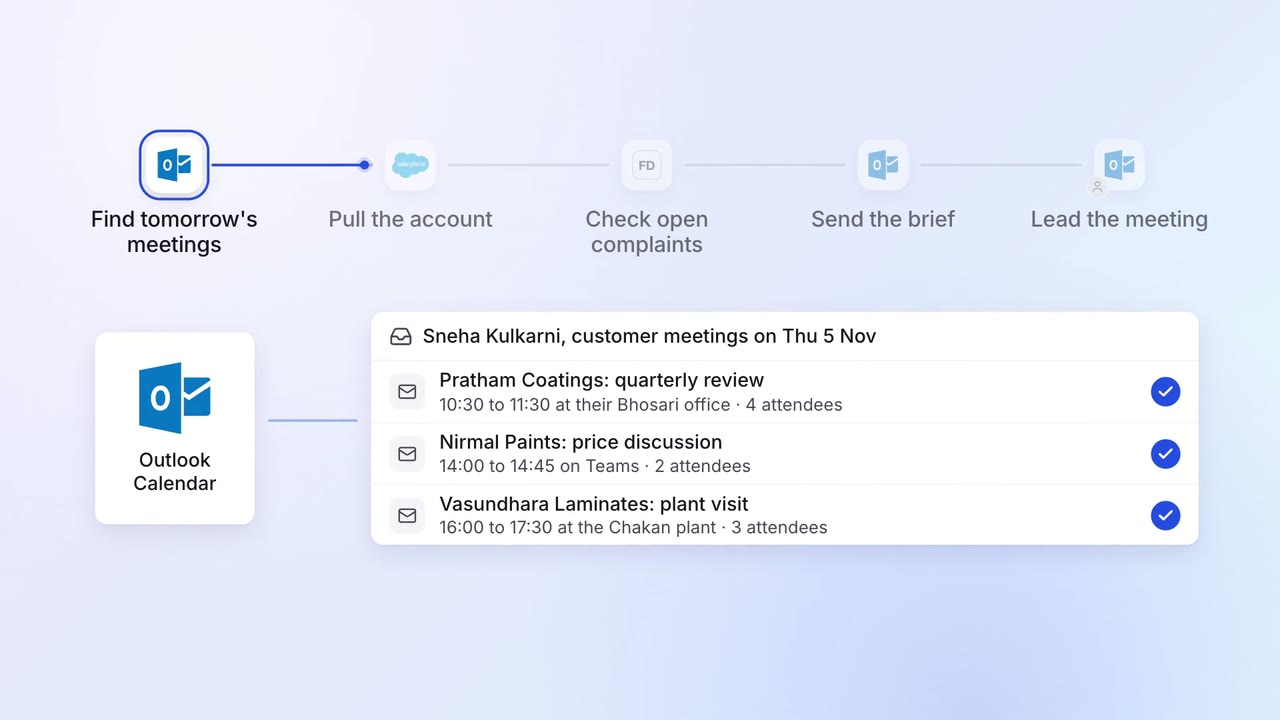
Account managers get a one-page brief before every customer meeting
 Outlook
 Salesforce
 Freshdesk
Sales Renewals and account care
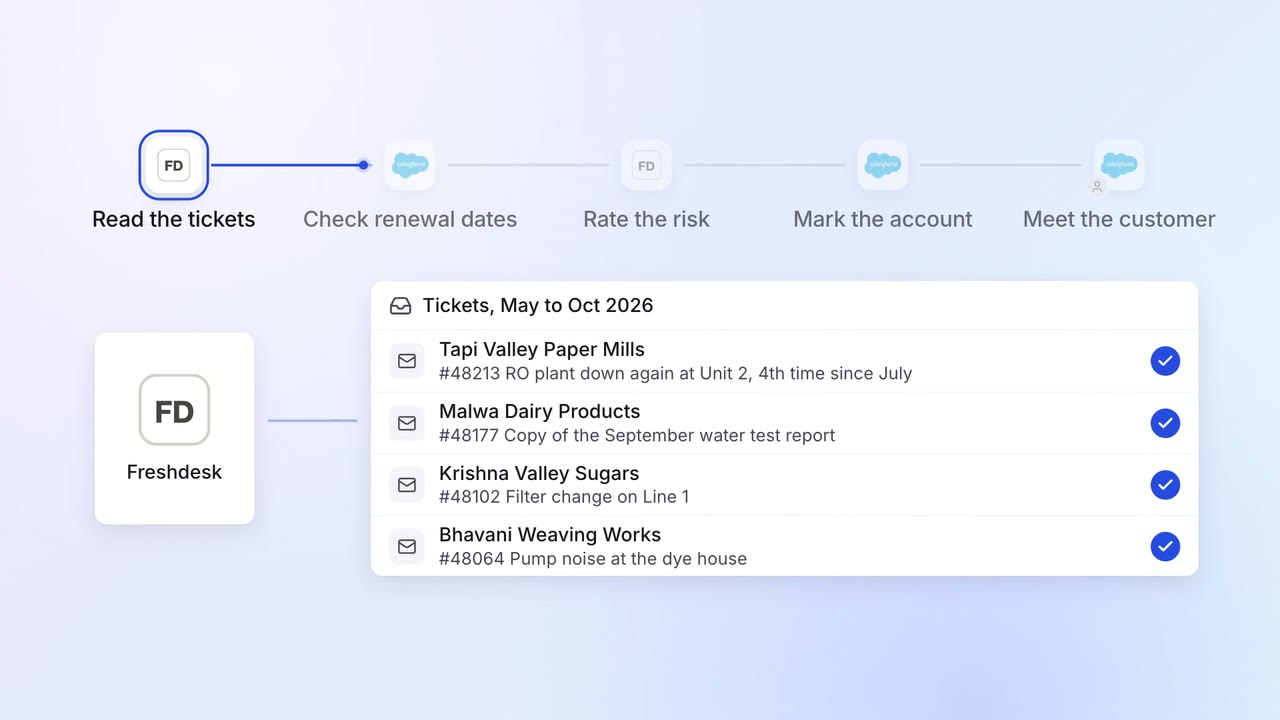
Renewals at risk are flagged months ahead, with the reasons
- Salesforce
- Freshdesk
 Company assistant
IT Helpdesk
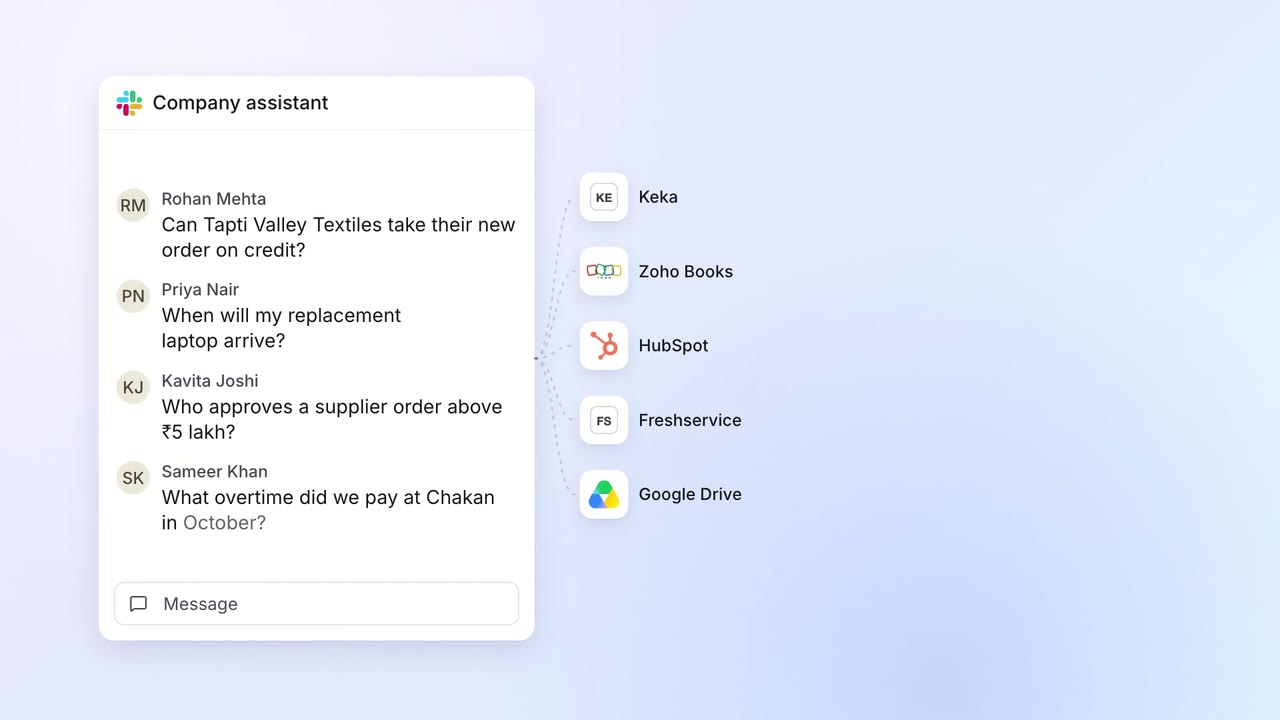
Staff get answers from every company system on Slack, within their own access
 Slack
Slack Keka
Keka- Zoho Books
- HubSpot
 Freshservice
 Google Drive