Staff get answers from every company system on Slack, within their own access
An automated assistant on Slack answers questions about customers, invoices, leave, IT tickets and policies from the systems that hold them, names its sources and shows each person only what their role allows.
- Used day to day by
- Employees
- IT service desk
- Department heads
What the assistant uses here
Answers from your systems, within each person's access.
- Channels Reaches people where they already talk
- Your approval Acts in your systems only after a person approves
How it runs with AI
Staff ask one automated assistant on Slack. It checks who is asking in Keka, finds the answer in Zoho Books, HubSpot, Keka, Freshservice or the policies in Google Drive, and replies within a minute with its sources and the name of whoever decides. Each person sees only what their role can already open, and anything outside that goes to the person who owns the answer.
How the assistant works here
Where people ask, what it draws on, and what comes back.
Where people ask
-
 Slack, steps 1, 5 and 6
Who asks
- Employees
- IT service desk
- Department heads
What it draws on
Apps
-
 Keka, steps 2 and 3
 -
 Zoho Books, step 3
 -
 HubSpot, step 3
 -
 Freshservice, step 3
 -
 Google Drive, step 4
Context
- Company names and terms, step 1
- Access rules by role, step 2
- Where each fact lives, step 3
- Credit policy, step 4
- Who decides what, step 4
- Company tone of voice, step 5
What comes back, and who decides
- An answer with its sources, step 5
Who decides
- The finance head decides whether to allow the extra credit, step 6
How a request runs
-
Step 1, the assistant: Reads every question staff ask the assistant on Slack
-
Step 2, the assistant: Looks up each person's role in Keka and what that role may see
Exception Tells the person who can answer instead, and lets that person know they were asked
-
Step 3, the assistant: Reads the customer's unpaid invoices and credit limit in Zoho Books and the new deal in HubSpot
-
Step 4, the assistant: Checks the order against the credit policy in Google Drive and finds who decides
-
Step 5, the assistant: Replies on Slack with the answer, its sources and the person who decides
- Person
Step 6, a person: The finance head decides whether to allow the extra credit
The same flow works with the apps you use.
Who controls it
-
Access
The assistant opens each system with the asker's own access, so it shows nothing they could not open themselves. Keeping roles current in Keka when people join, move or leave keeps every answer right
-
Approvals
Decisions such as extra credit, payments and hiring stay with the people who own them. The assistant reports what the records say and names who decides
-
Record
Every question, source, action and approval is recorded
This fits you if
- Staff ask the IT desk, accounts and HR the same kinds of question every week
- The answers sit in 4 or more systems, such as Zoho Books, HubSpot, Keka and Freshservice
- Your policies and approval rules are written down in Google Drive
- Your teams already work on Slack
What to watch for
- Each head of department chooses what their system shares, and which topics always go to a person, such as salaries, appraisals and complaints
- The IT desk reviews a sample of answers each week in the first month, along with every question the assistant could not answer
Often done together
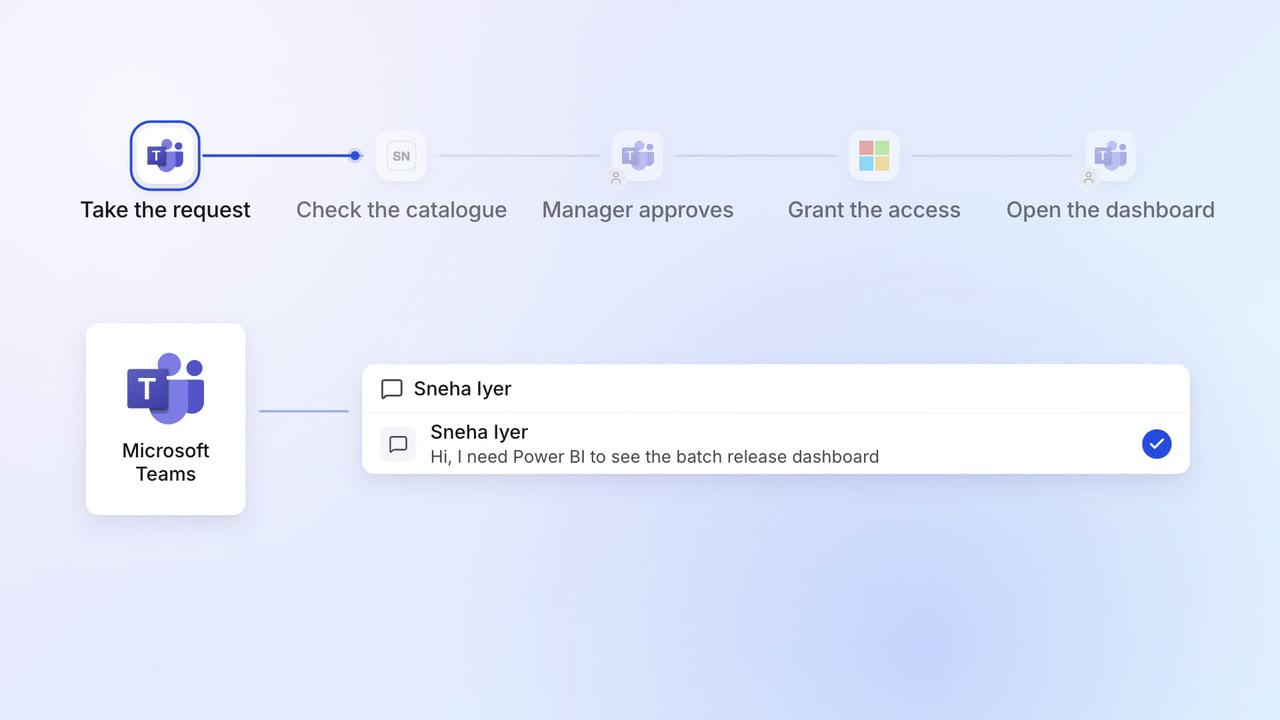
IT Helpdesk
Password resets and software access are handled on Teams in minutes
 Microsoft Teams
 ServiceNow
 Entra ID
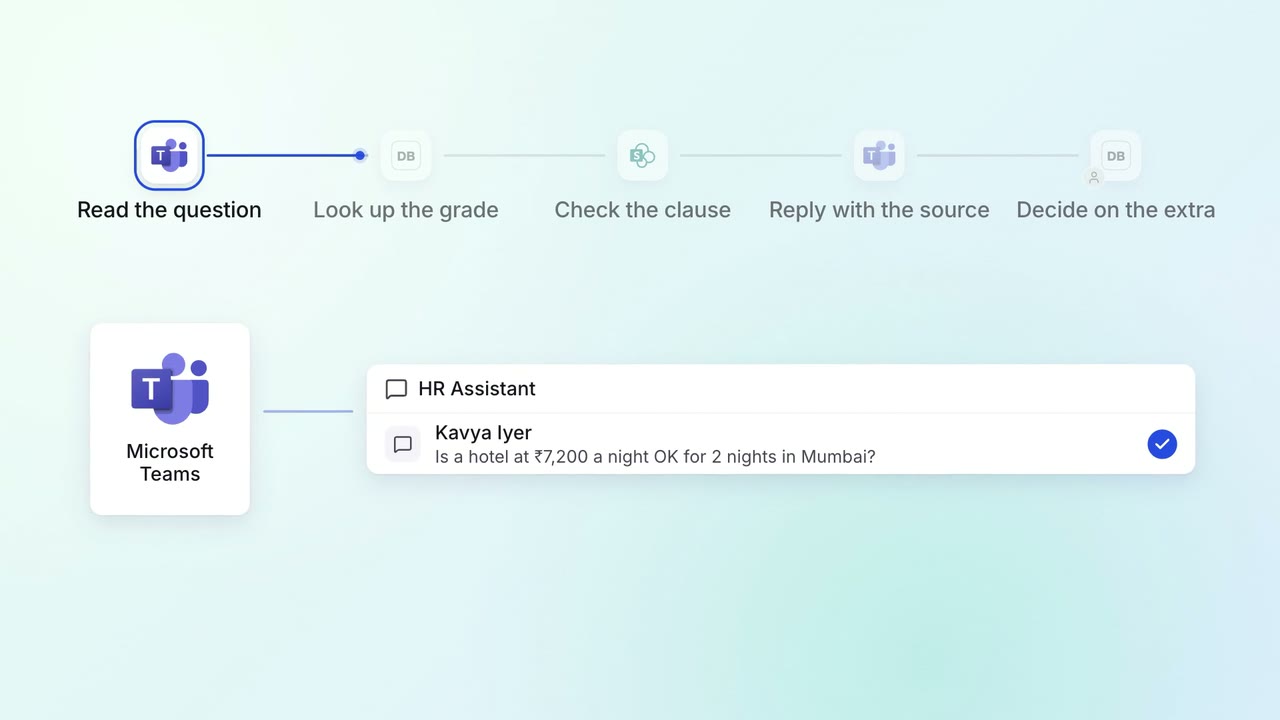
HR Policy questions
Staff get policy answers on Teams, with the clause each answer comes from
- Microsoft Teams
 Darwinbox
 SharePoint
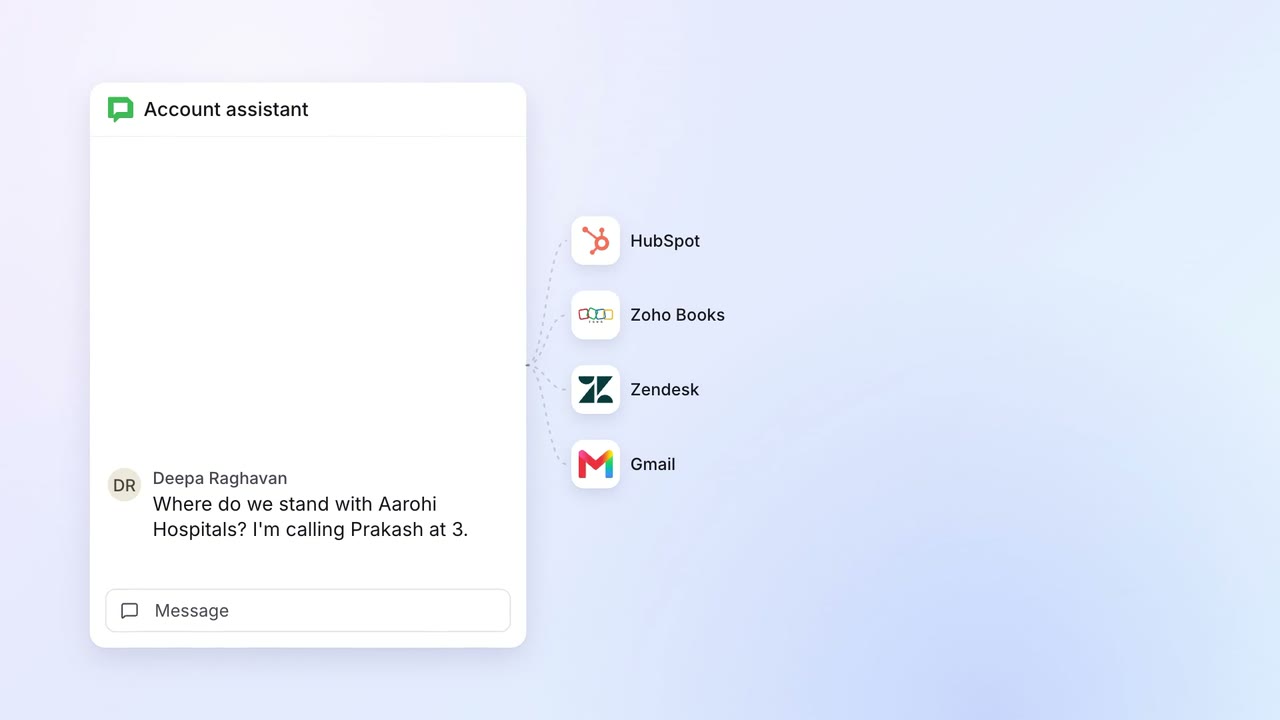 Company assistant
Sales Renewals and account care
Account managers get any customer's deals, dues, tickets and emails in one answer
 Google Chat
- HubSpot
- Zoho Books
 Zendesk
 Gmail
Gmail