Ad spend on Google, LinkedIn and Meta is checked against the plan every morning
Each morning the AI compares every campaign's spend with the media plan and tells the owner on Teams which campaigns are off plan, and why.
- Used day to day by
- Marketing team
- Marketing head
- Marketing agencies
How it runs with AI
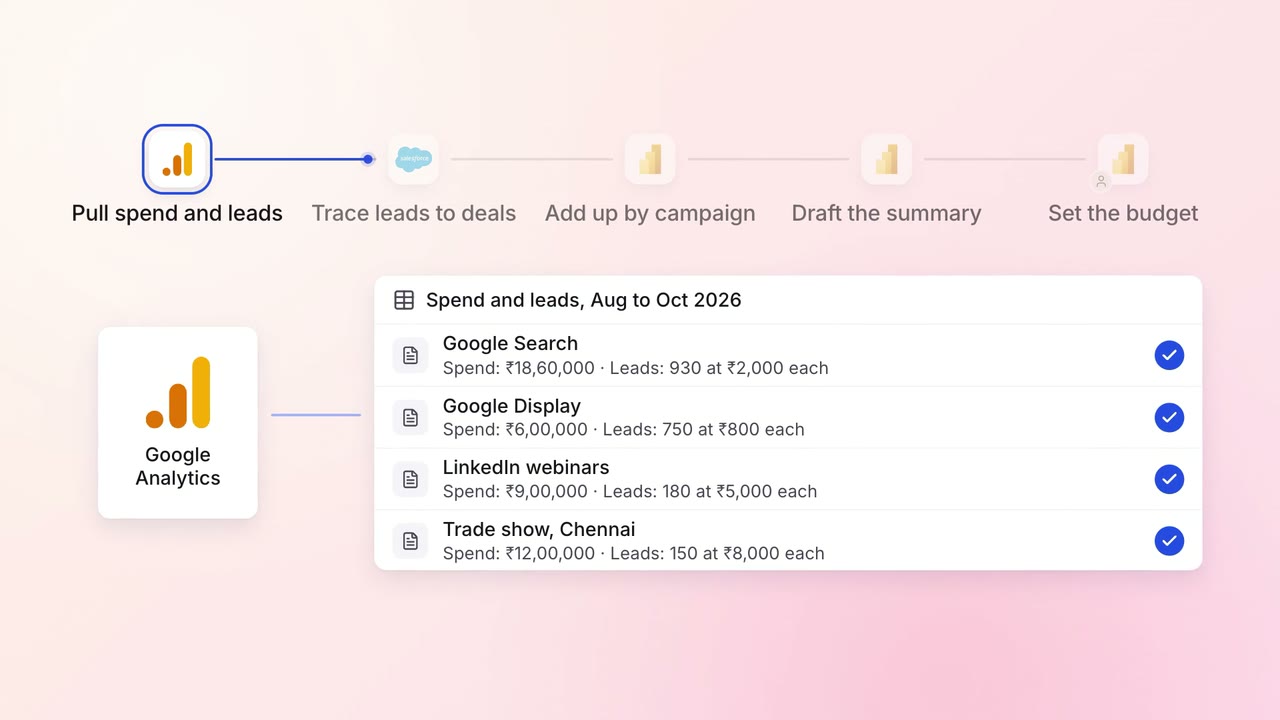
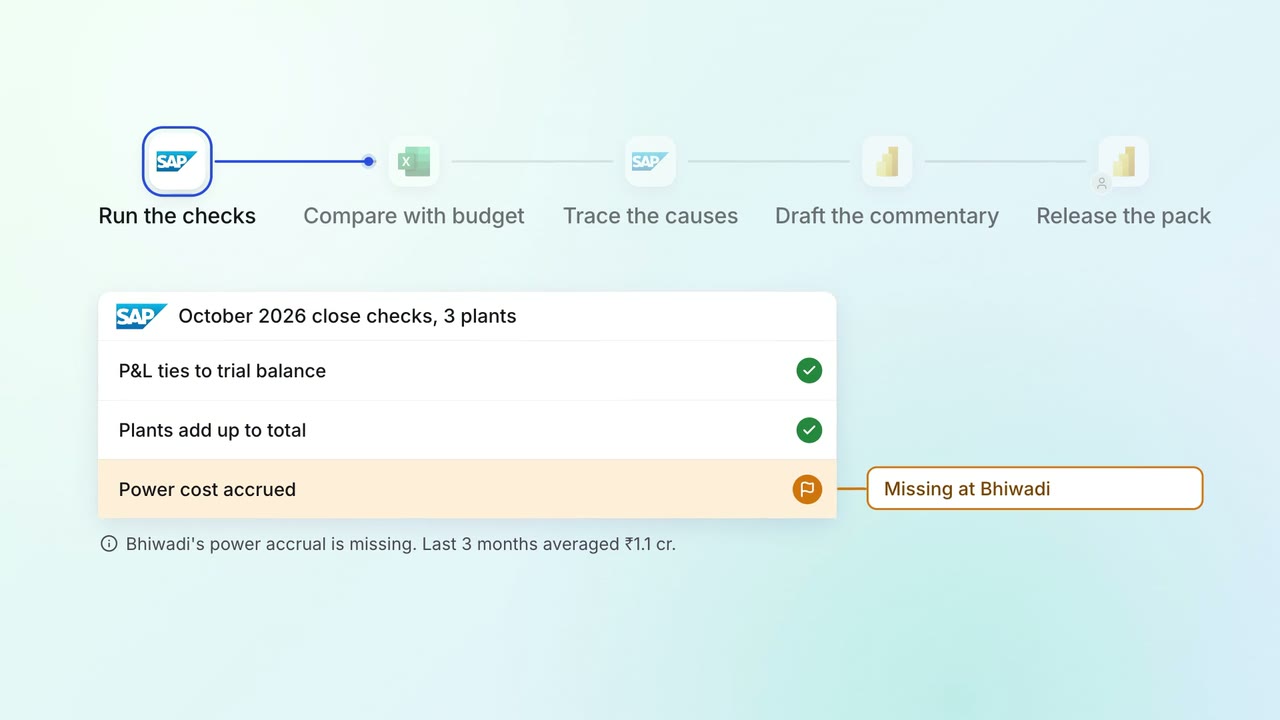
Every morning before work starts, the AI pulls yesterday's spend from Google Ads, LinkedIn Ads and Meta Ads and compares each campaign with the plan to date. For any campaign off plan by more than the agreed margin, it finds what changed and tells the owner in Teams. Owners start the day knowing which campaigns need them.
How it is done today
The media plan sits in an Excel sheet, with a monthly budget for each campaign, product line and region. The spend sits in 3 ad accounts that the team and the agency can both change. Once a week someone exports each account, matches the campaign names by hand and updates the sheet, so a raised budget or a stopped campaign can run for days before anyone sees it.
Step by step
Where the work happens, what the AI does, and where it hands over to a person.
-
Step 1, AI
Pulls yesterday's spend from Google, LinkedIn and Meta each morning
Needs to know: Ad accounts in scope
In
 Google Ads ,
  LinkedIn Ads ,
  Meta Ads
 -
Step 2, AI
Compares every campaign with the media plan to date
Needs to know: Media plan, Campaign to plan links, Alert limit
In
 Excel
Excel -
Step 3, AI
Finds what changed in each campaign that is off plan
Needs to know: Usual daily budgets
In
Google Ads , LinkedIn Ads , Meta Ads -
Step 4, AI
Posts the morning check in Teams and tags each owner
Needs to know: Who owns each campaign
In
 Microsoft Teams
 Exception to step 4
Tells the marketing head if a campaign is still off plan the next morning
-
Step 5, Person
Fixes the campaign, or agrees a new plan with the marketing head
In
Google Ads , LinkedIn Ads , Meta Ads , Excel
What stays with a person
- Fixes the campaign, or agrees a new plan with the marketing head
Apps in this example
- Google Ads
- LinkedIn Ads
- Meta Ads
- Excel
- Microsoft Teams
The same flow works with the apps you use.
This fits you if
- You run 10 or more campaigns across Google, LinkedIn and Meta
- Your media plan sits in Excel, with a budget for each campaign
- An agency or several people can change budgets in your ad accounts
- Spend is checked against the plan weekly or at month end today
What to watch for
- The AI reads the ad accounts and reports what it finds. Changing budgets and pausing campaigns stay with your team and the agency
- Your team keeps one list that links each campaign in the ad accounts to its line in the media plan, and adds new campaigns as they launch
- Each ad account needs the same time zone and currency as the media plan, so every day's spend lines up with it
- Your team sets the alert line. A narrow margin suits most months, and launch weeks may need a wider one