The monthly MIS pack arrives with the numbers checked and the variances explained
The AI pulls the month from SAP, checks that every number ties back and drafts the reason behind each variance. Your financial controller edits and releases the pack.
- Used day to day by
- Financial controllers
- Finance head
- FP&A team
How it runs with AI
The day the books close, the AI pulls the month from SAP and the budget from Excel and runs the same tie-out checks your team runs today. It traces every variance above your threshold to its cause in SAP, by plant, product or cost centre, and drafts the commentary in the Power BI pack. Your financial controller edits the draft and releases it.
How it is done today
Once the books close, the MIS team exports the trial balance for each plant from SAP, pastes it into an Excel template and ties the totals back by hand. Then they email plant accountants and business heads to ask why the numbers moved. The pack reaches leadership around working day 10, and the commentary mostly restates the numbers.
Step by step
Where the work happens, what the AI does, and where it hands over to a person.
-
Step 1, AI
Pulls the month from SAP and runs your tie-out checks
Needs to know: Month-end tie-out checks, Usual monthly accruals
In
 SAP S/4HANA
 Exception to step 1
Holds the pack and asks the plant accountant to post the missing entry
-
Step 2, AI
Compares every line with the budget
Needs to know: Approved budget, Chart of accounts mapping
In
SAP S/4HANA ,  Excel
Excel -
Step 3, AI
Traces each variance above your threshold to its cause in SAP
Needs to know: Variance threshold, Business head per line
In
SAP S/4HANA Exception to step 3
Marks the line for the business head when the cause sits outside SAP
-
Step 4, AI
Drafts the commentary next to each number in the pack
Needs to know: Commentary style, Last month's pack
In
 Power BI
 -
Step 5, Person
Edits the draft and releases the pack to leadership
In
Power BI
What stays with a person
- Edits the draft and releases the pack to leadership
Apps in this example
- SAP S/4HANA
- Excel
- Power BI
The same flow works with the apps you use.
This fits you if
- You report across several plants, entities or business units
- Your MIS pack is built in Excel from SAP exports
- Leadership reads last month's pack around the 10th working day
- Your commentary says what moved more often than why it moved
What to watch for
- Every number comes straight from SAP and your budget file through fixed reports. The AI writes the words around the numbers
- Some causes sit outside SAP, like a competitor's price cut or a dealer dispute. The AI marks those lines for the business head to explain
- Your finance team sets the threshold for commentary, as an amount, a share of budget or both
- The pack reaches leadership after the financial controller signs it off
Often done together
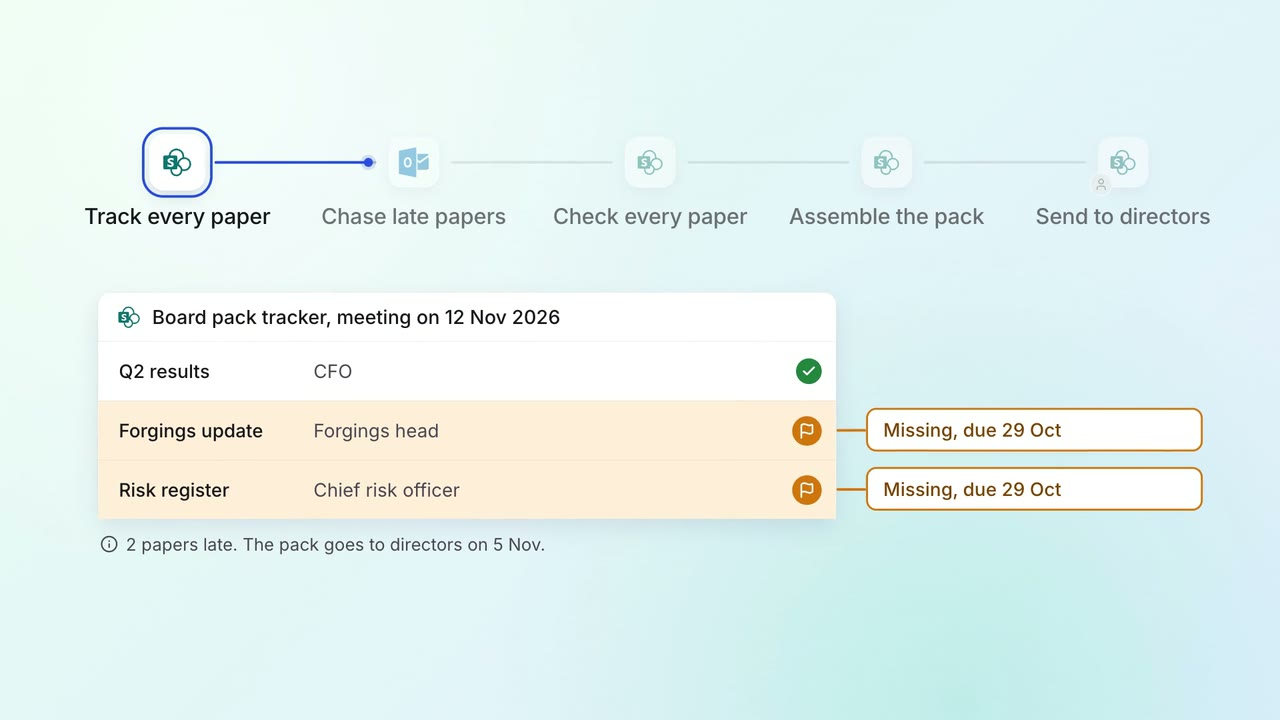
Leadership Board and investor packs
The board pack comes together from every department's papers, with late ones chased
 SharePoint
 Outlook
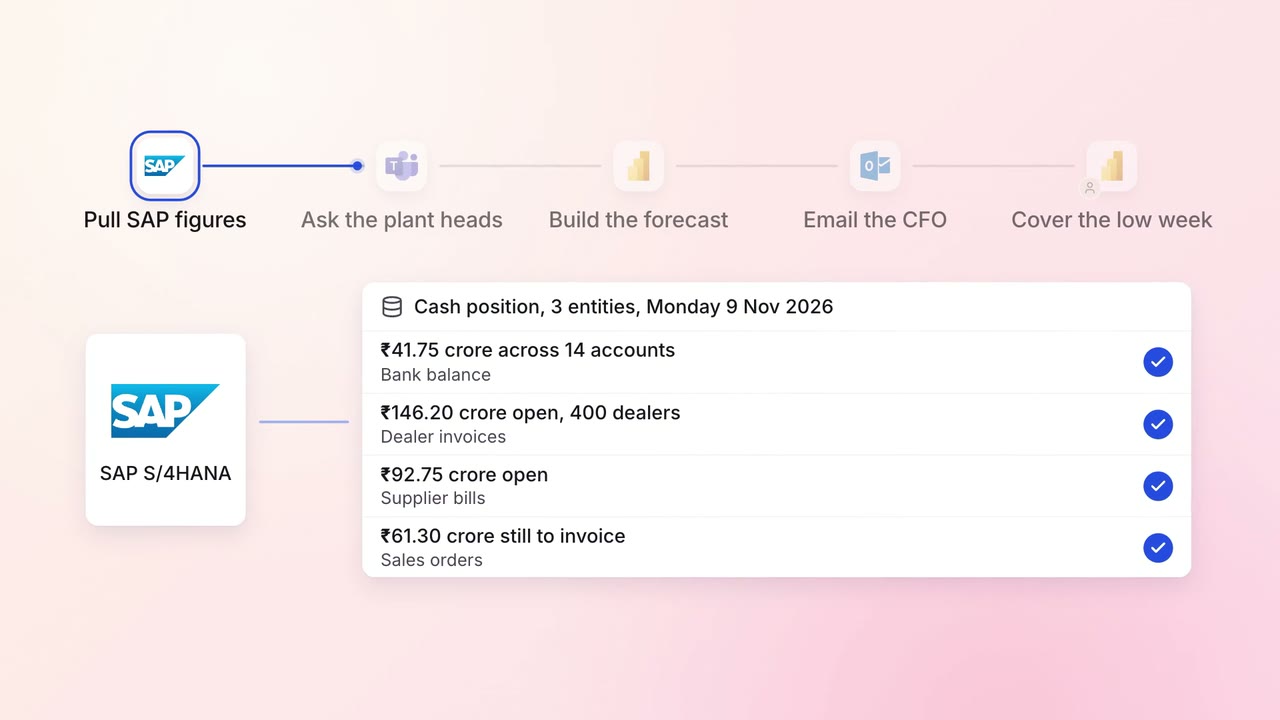
Finance MIS and cash flow
A 13-week cash forecast that updates itself every Monday
- SAP S/4HANA
 Microsoft Teams
- Excel
- Power BI
- Outlook
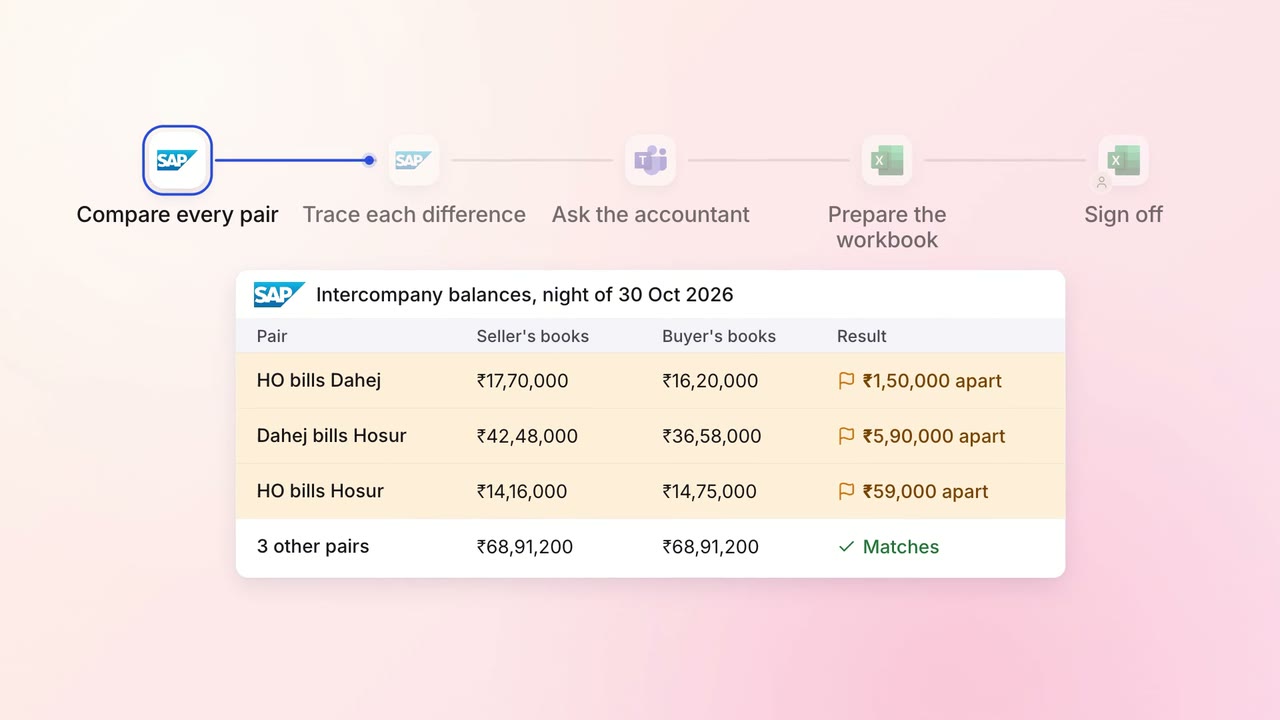
Finance Month-end close
Intercompany balances across your entities agree before the close starts
- SAP S/4HANA
- Microsoft Teams
- Excel