Customer reviews of your products and your rivals' are compared every month
Every month the AI reads the new reviews of your products and your rivals', compares them theme by theme and tells your product and marketing heads where you lead and where you trail.
- Used day to day by
- Product managers
- Marketing head
- E-commerce team
How it runs with AI
Each month the AI gathers the new reviews of your products and service centres from your Amazon brand account and Google Business Profile, and your rivals' from a licensed review-data provider. It reads each one, in English or Hindi, tags what it praises or complains about and compares you with each rival theme by theme. Your product and marketing heads get a short email of where you lead, where you trail and what changed.
Step by step
Where the work happens, what the AI does, and where it hands over to a person.
-
Step 1, AI
Gathers your reviews from your own accounts, and rivals' from a licensed review-data provider
Needs to know: Rival products to compare, Approved data sources
In Amazon Seller Central , Google Business Profile , Review data provider
-
Step 2, AI
Reads each review, in English or Hindi, and tags what it praises or complains about
Needs to know: Agreed list of themes, Your product range
In Amazon Seller Central , Google Business Profile , Review data provider
-
Step 3, AI
Compares you with each rival, theme by theme, and with last month
Needs to know: Last month's results, Signs of fake reviews
In
 Power BI
 Exception to step 3
Sets aside sudden bursts of short 5-star reviews for a person to check
-
Step 4, AI
Emails the product and marketing heads where you lead, where you trail and what changed
Needs to know: Who gets the email
In
 Outlook
 -
Step 5, Person
Product and marketing heads decide what to fix and what to say in campaigns
In
Outlook , Power BI
What stays with a person
- Product and marketing heads decide what to fix and what to say in campaigns
What it compares each month
- Ratings: the average stars for each product and each service centre, yours and your rivals’, against last month
- Praise and complaints: the share of reviews that mention each theme, such as a product fault, noise or a late service visit
- New themes: anything customers started mentioning this month, about your products or a rival’s
You choose the rival products to compare and the cities whose service centres count, and the review-data provider supplies those reviews under its licence.
Apps in this example
- Amazon Seller Central
- Google Business Profile
- Review data provider
- Power BI
- Outlook
The same flow works with the apps you use.
This fits you if
- Your products sell on Amazon under your own brand account, next to 2 or more close rivals
- Your service network spans several cities, and customers review it on Google
- Your products and your rivals' get more than 1,000 reviews a month between them
- Today reviews get read in samples, or when a rating drops
What to watch for
- Your legal team approves each data source before the first run. Your own reviews come from your Amazon brand account and your Google Business Profile, rivals' reviews come from a provider licensed to supply them, and the AI reads only what these sources supply
- A sudden burst of short 5-star reviews on one listing is set aside for a person to check before it counts in the comparison
- Your product head agrees the list of themes at the start, and a person checks a sample of the tags each month
- Product fixes, prices and any claim about a rival in your ads stay with your product and marketing heads, with your usual legal check on comparisons
Often done together
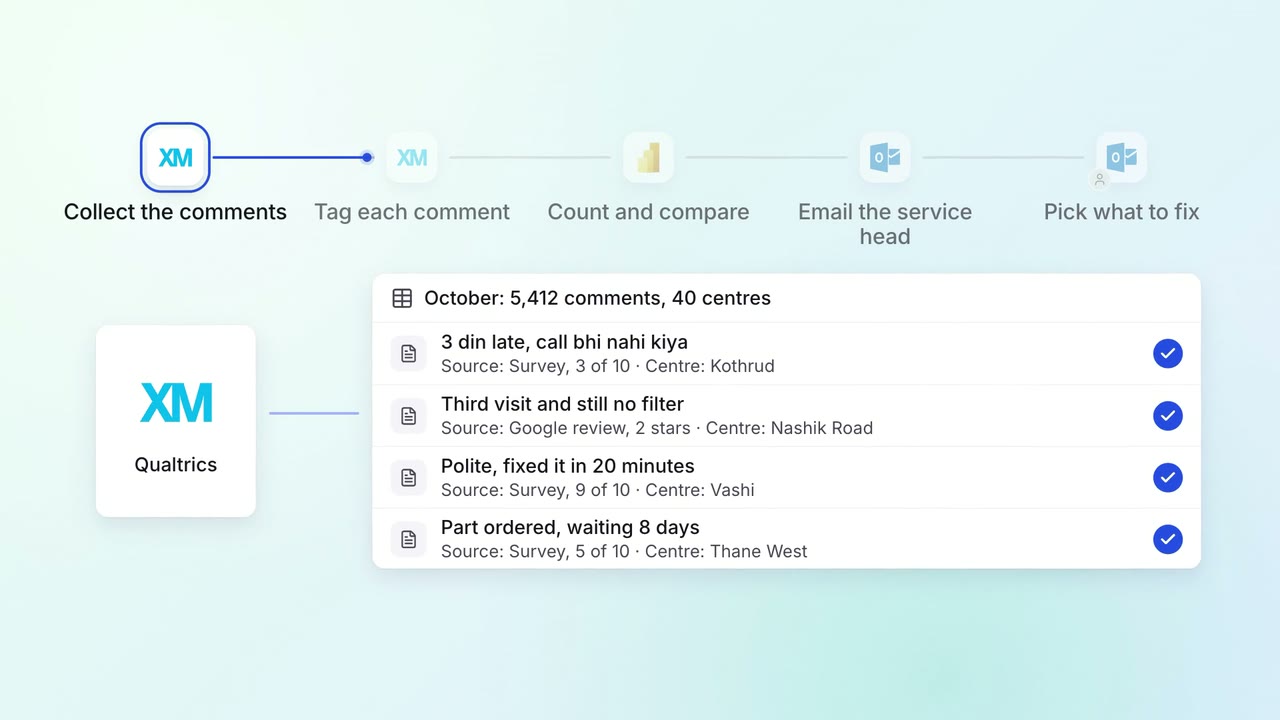
Customer service Feedback analysis
Thousands of survey comments and reviews become a monthly list of themes, with examples
 Qualtrics
 Google reviews
- Power BI
- Outlook
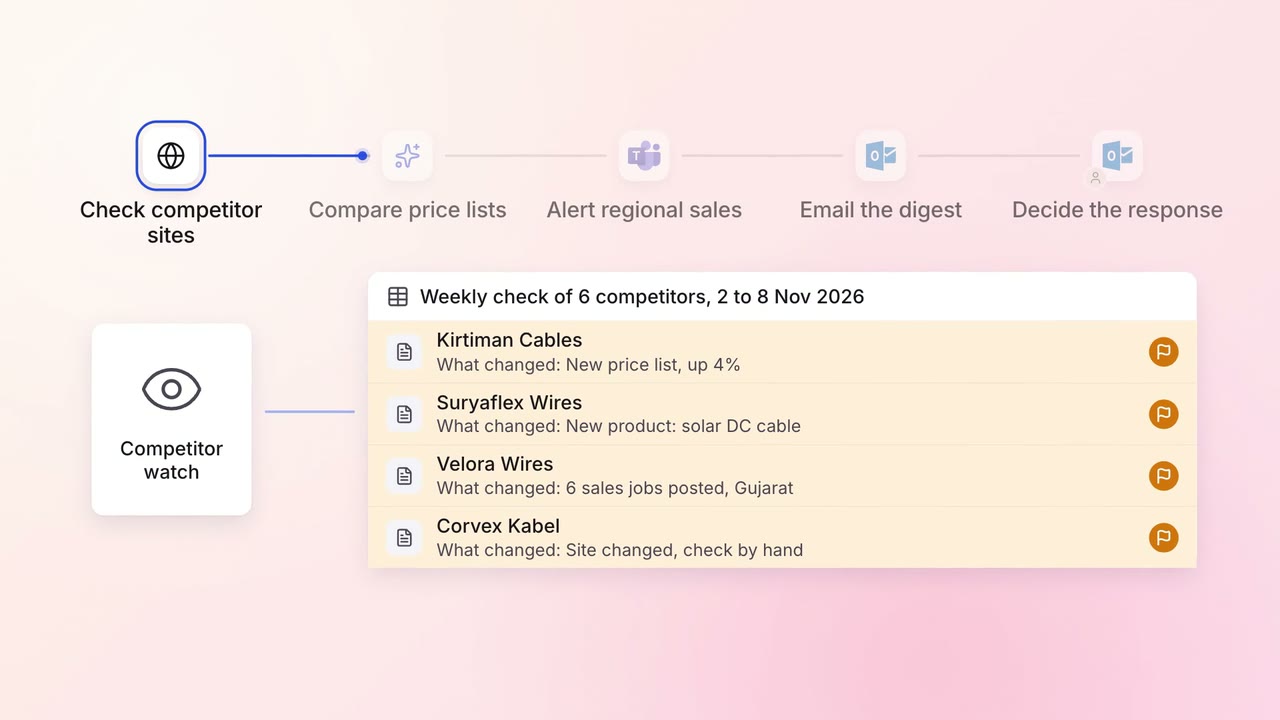
Marketing Market and competitor research
Competitor price changes, launches and hiring arrive in one email every Monday
- Competitor websites
- Job portals
 Microsoft Teams
- Outlook
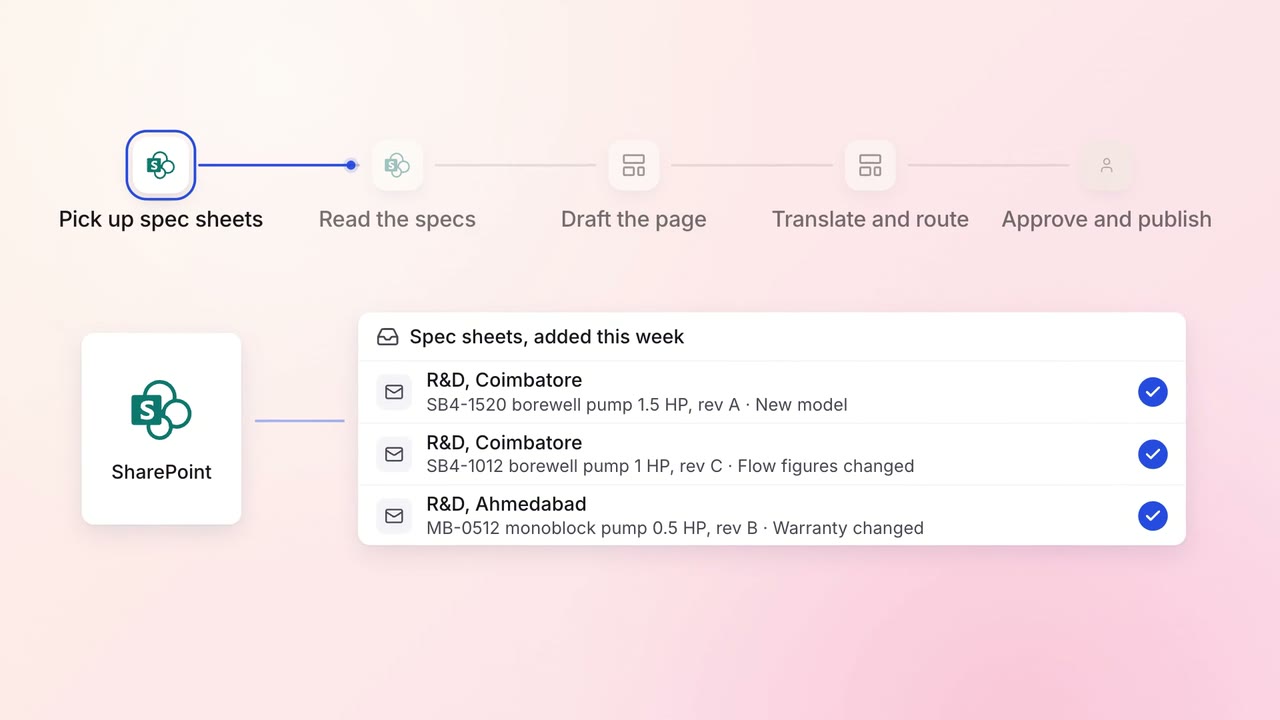
Marketing Content
Product pages are drafted from spec sheets, in every language you sell in
 SharePoint
- Website CMS