Customer POs become sales orders in SAP, checked against price and stock
Each emailed purchase order becomes a sales order in SAP S/4HANA, with price, stock and credit checked. Anything that needs a decision is held for your order desk.
- Used day to day by
- Order desk
- Sales coordinators
How it runs with AI
The AI reads each PO as it arrives, checks every line against the customer's contract price, the stock at each plant and the credit limit, and creates the sales order in SAP S/4HANA. Orders that pass every check go to the plant straight away. Any difference is held with the reason, so the order desk spends its time on the orders that need a decision.
How it is done today
Customers email their purchase orders as PDFs or Excel files, each in their own format. Someone on the order desk keys every line into SAP, looks up the contract price, checks stock at each plant and asks finance about the credit limit. On a busy morning orders wait a day, and a wrong price shows up later as a disputed invoice.
Step by step
Where the work happens, what the AI does, and where it hands over to a person.
-
Step 1, AI
Picks up every purchase order that lands in the orders inbox
Needs to know: Registered customer contacts
In
 Outlook
 -
Step 2, AI
Reads the items, quantities, prices and delivery date from the PO
Needs to know: Each customer's PO layout, Customer item code links
In
Outlook Exception to step 2
Sends scanned or handwritten POs to the order desk to check
-
Step 3, AI
Checks price, stock and credit limit in SAP
Needs to know: Contract prices, Credit limits, Rules for holding orders
In
 SAP S/4HANA
 Exception to step 3
Holds the order and sends each difference to the sales coordinator
-
Step 4, AI
Creates the sales order, held until any difference is decided
Needs to know: Sales coordinator per customer
In
SAP S/4HANA , Outlook -
Step 5, Person
Approves the price or calls the customer, then releases the order
In
SAP S/4HANA
What stays with a person
- Approves the price or calls the customer, then releases the order
Apps in this example
- Outlook
- SAP S/4HANA
The same flow works with the apps you use.
This fits you if
- You receive more than 300 customer POs a month by email
- Customers send POs in their own formats, as PDF or Excel
- Your contract prices or price lists for each customer are in SAP
- Your order desk keys orders into SAP by hand today
What to watch for
- Price changes, discounts and credit-limit exceptions stay with your sales and finance teams. The automation holds the order and explains the difference
- A revised PO is matched to its existing sales order, and a person approves the change before the order updates
- Your team decides up front which checks hold an order and which only add a note, for example a small rounding difference on a line
- Scanned or handwritten POs go to the order desk, who check what the AI read before the order is created
Often done together
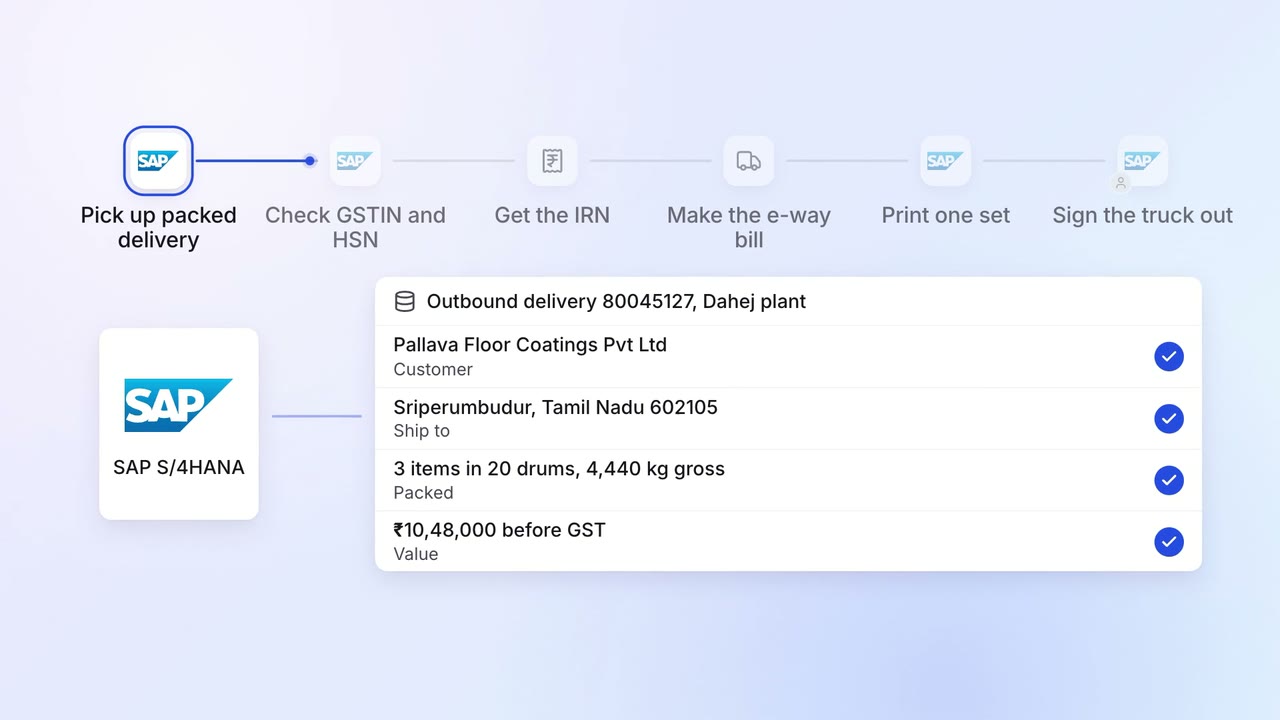
Operations Dispatch paperwork
E-way bills, invoices and packing lists are ready when the truck arrives
- SAP S/4HANA
- E-invoice portal
- E-way bill portal
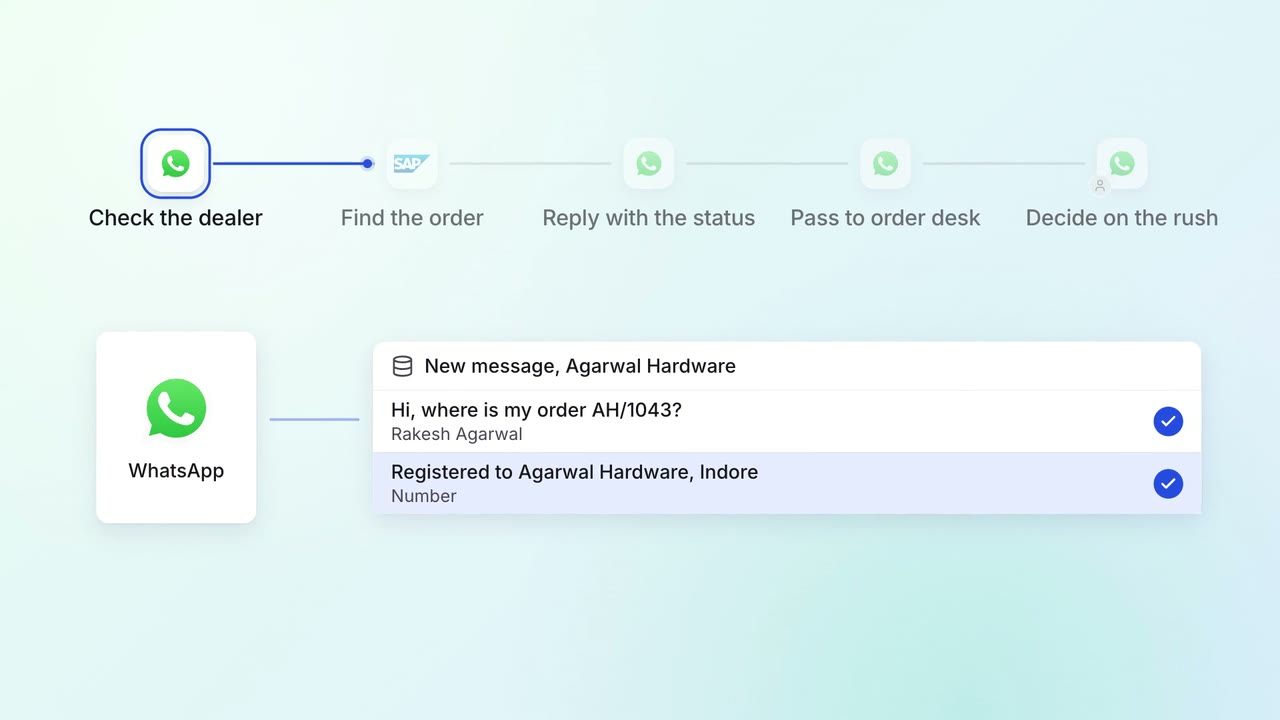
Customer service Incoming queries
Dealers and customers get their order status on WhatsApp, straight from SAP
 WhatsApp Business
- SAP S/4HANA
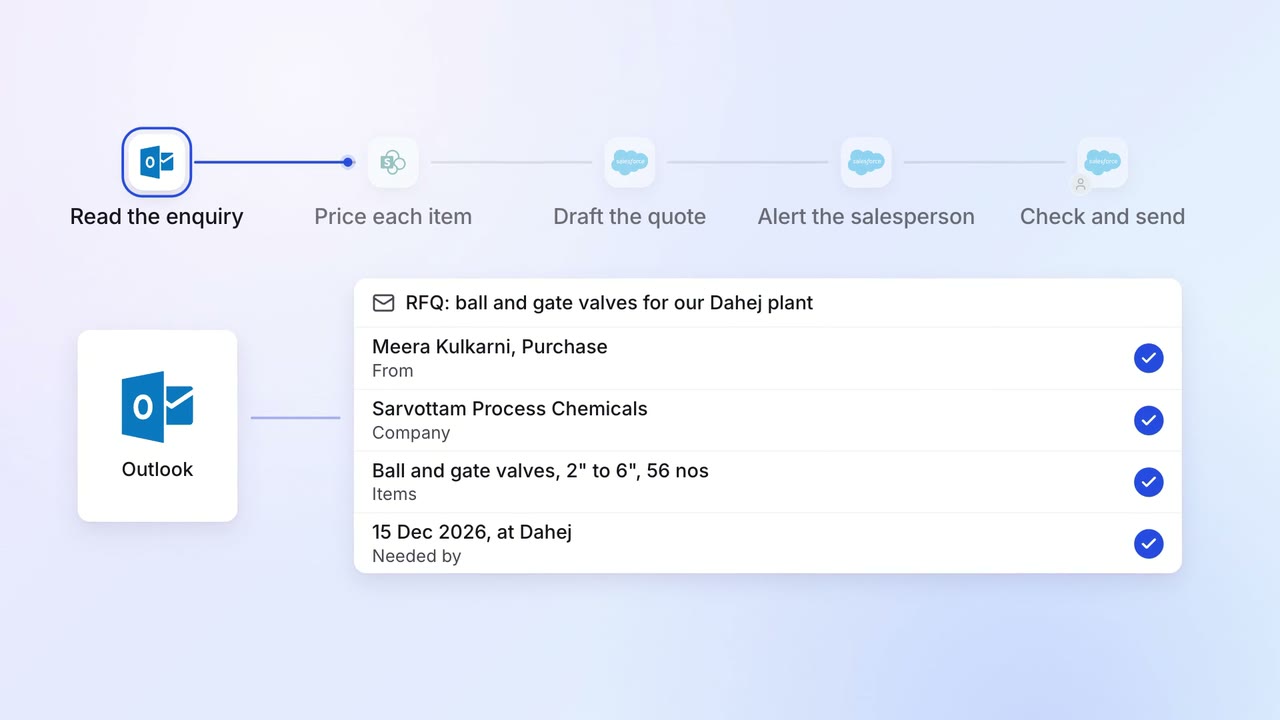
Sales Proposals and quotes
Every enquiry gets a draft quote, priced from your list and past deals
- Outlook
 SharePoint
 Salesforce