Every enquiry gets a draft quote, priced from your list and past deals
Each enquiry email becomes a draft quote in Salesforce, priced from your price list and the customer's past orders. Your salesperson checks it and sends it.
- Used day to day by
- Salespeople
- Sales coordinators
- Sales head
How it runs with AI
The AI reads each enquiry as it arrives, prices every item from the price list and checks the customer's past orders in Salesforce. It drafts the quote in your format, with GST and your standard terms, and saves it in Salesforce with anything unusual marked. The salesperson checks the rates and sends it the same day.
How it is done today
Enquiries reach the regional sales inboxes in Outlook as lists of items, sizes and quantities. A salesperson looks up each item in the price list on SharePoint, searches Salesforce for what the customer paid last time, and types the quote into the template. Each quote takes a long time to build, so customers often wait days for a price.
Step by step
Where the work happens, what the AI does, and where it hands over to a person.
-
Step 1, AI
Reads each new enquiry in the regional sales inbox
Needs to know: Product names and codes
In
 Outlook
 -
Step 2, AI
Prices each item from the price list and past orders
Needs to know: Price list, Discount rules by account
In
 SharePoint ,
  Salesforce
 Exception to step 2
Asks the product engineer to confirm the rate on any special item
-
Step 3, AI
Drafts the quote in your format, with GST and terms
Needs to know: Quote template, Standard terms
In
Salesforce -
Step 4, AI
Saves the draft in Salesforce and alerts the salesperson
Needs to know: Who owns each account
In
Salesforce -
Step 5, Person
Checks the rates and terms, then sends the quote
In
Salesforce , Outlook
What stays with a person
- Checks the rates and terms, then sends the quote
Apps in this example
- Outlook
- SharePoint
- Salesforce
The same flow works with the apps you use.
This fits you if
- Your team sends more than 100 quotes a month
- Enquiries arrive by email as lists of items, sizes and quantities
- Your price list sits in Excel or on SharePoint, and past quotes sit in Salesforce
- Customers wait a day or more for a quote today
What to watch for
- Prices and discounts stay with your salespeople. The draft follows the discount rules you set, and the salesperson decides what goes out
- Special items go to the product engineer, who confirms the rate or sets a new one
- Someone in sales owns the price list and updates it when rates change, because every draft is priced from it
- Enquiries that arrive as drawings or scanned sheets need a person to read the specification
Often done together
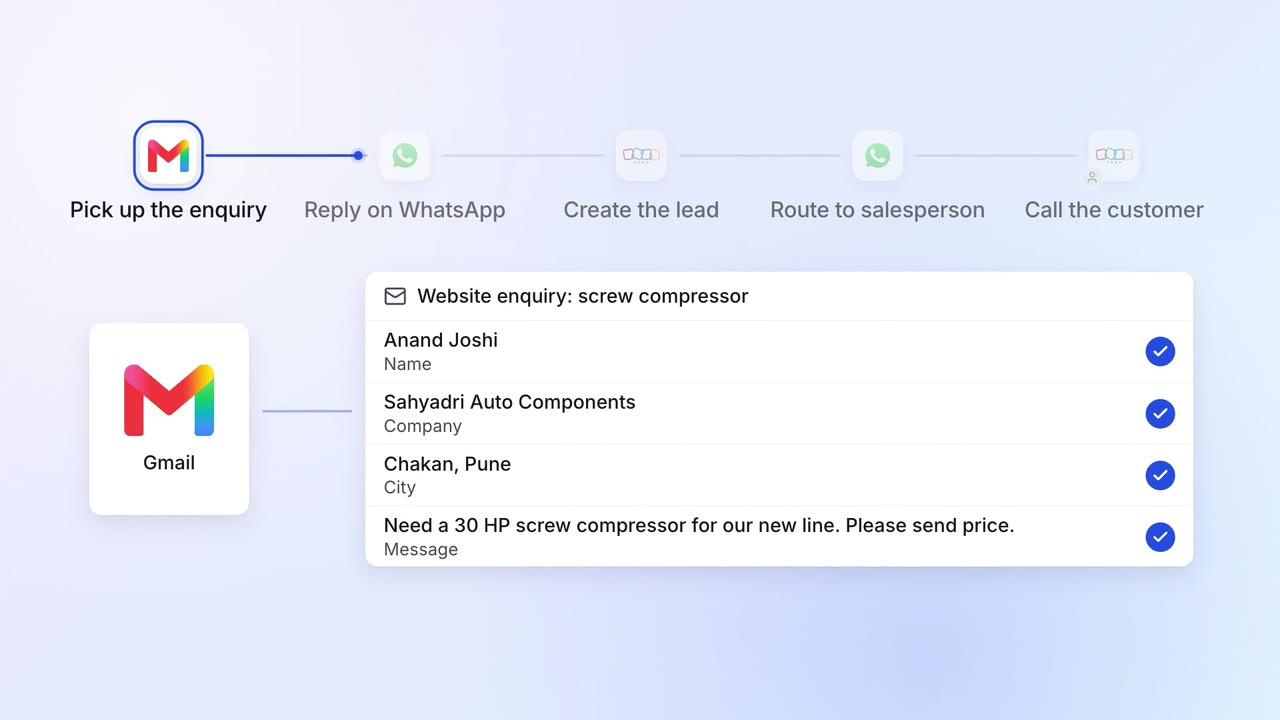
Sales Lead capture and routing
Website enquiries get a reply in minutes and reach the right salesperson
 Gmail
Gmail WhatsApp Business
 Zoho CRM
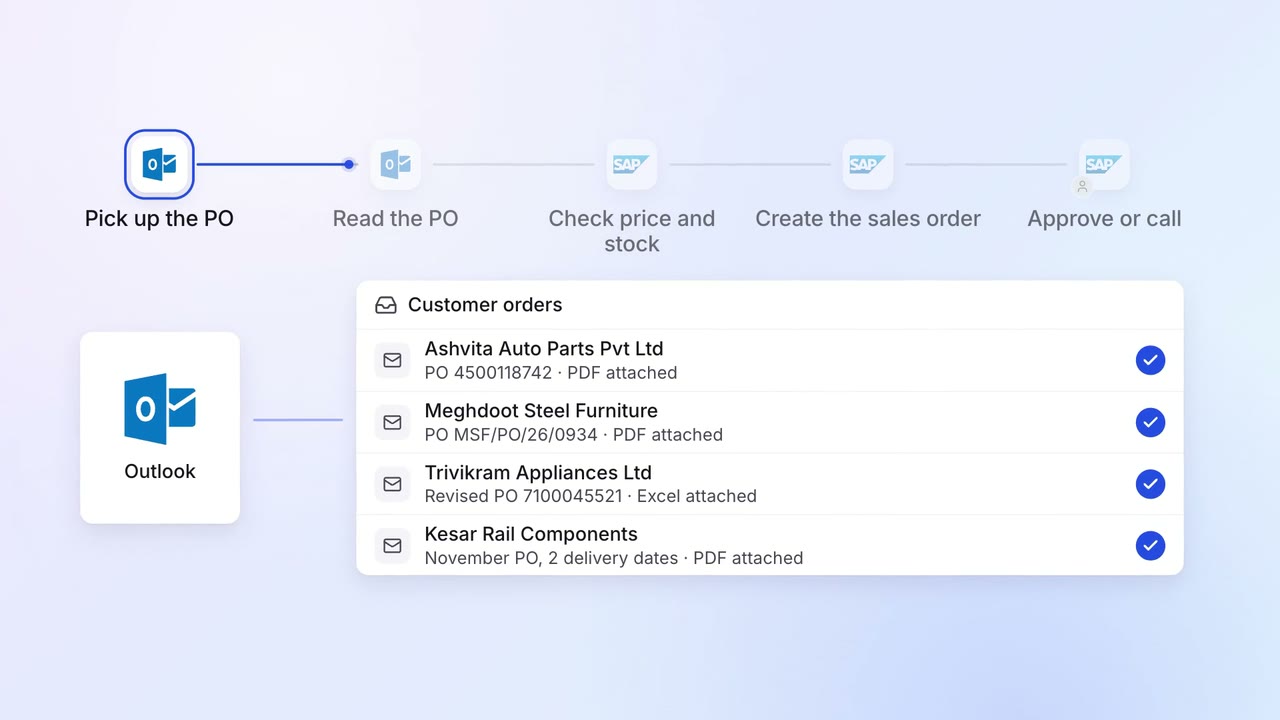
Operations Order processing
Customer POs become sales orders in SAP, checked against price and stock
- Outlook
 SAP S/4HANA
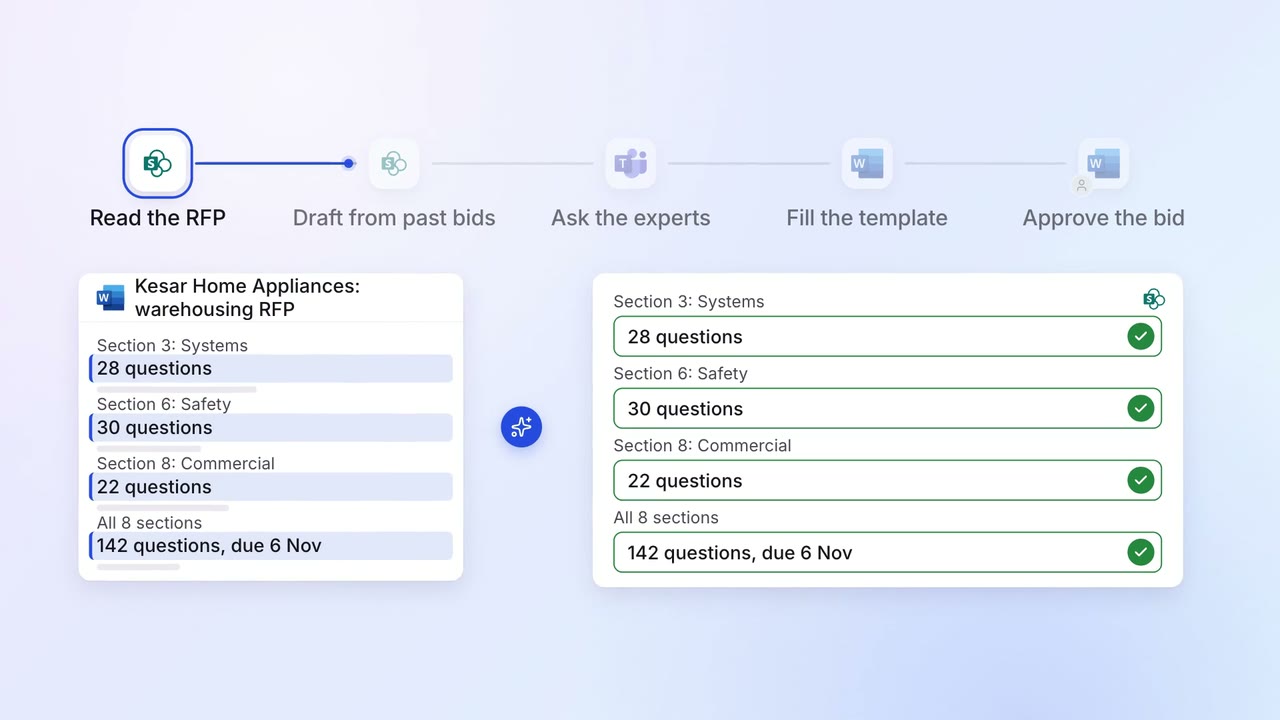
Sales Proposals and quotes
Most RFP questions are answered from your past bids, and experts fill the gaps
- SharePoint
 Microsoft Word
 Microsoft Teams