Each dealer review comes with sales, stock and claims on one page
Two days before each dealer review, the sales manager gets one page from SAP and Salesforce with sales against target, stock at the dealer, money due and open claims.
- Used day to day by
- Area sales managers
- Regional sales managers
- Claims team
How it runs with AI
Two days before each review, the AI pulls the dealer's quarter from SAP and the stock the dealer reported in Salesforce. It sets sales against target for each product group, works out days of stock and lists every open claim with its age, sending the oldest claims to the claims desk first. The manager gets it all on one page, with a suggested agenda.
How it is done today
Area sales managers review each dealer every quarter. Before a review, the manager asks a sales coordinator for billing and outstanding from SAP, opens the dealer's stock report in Salesforce and calls the claims desk. Preparation is slow, and the meeting often opens with the dealer's list of unpaid claims.
Step by step
Where the work happens, what the AI does, and where it hands over to a person.
-
Step 1, AI
Pulls the dealer's billing, outstanding and claims for the quarter from SAP
Needs to know: Dealer review dates, Dealer credit terms
In
 SAP S/4HANA
 -
Step 2, AI
Sets sales against target for each product group, with the stock the dealer reported
Needs to know: Targets by product group, Healthy stock days
In
SAP S/4HANA ,  Salesforce
 Exception to step 2
Uses the last stock report, and shows its date, when the dealer reports late
-
Step 3, AI
Lists every open claim with its age and marks those past the age limit
Needs to know: Claim age limit, Claim types
In
SAP S/4HANA Exception to step 3
Sends overdue claims to the claims desk to settle or date before the review
-
Step 4, AI
Puts sales, stock, money due and claims on one page in Salesforce, with a suggested agenda
Needs to know: One-page review format, Agenda priorities
In
Salesforce -
Step 5, Person
Holds the review knowing every number the dealer is likely to raise
In
Salesforce
What stays with a person
- Holds the review knowing every number the dealer is likely to raise
Apps in this example
- SAP S/4HANA
- Salesforce
The same flow works with the apps you use.
This fits you if
- You sell through more than 100 dealers or distributors
- Your sales managers review each dealer every month or quarter
- Billing, outstanding and claims sit in SAP, and targets and dealer stock in Salesforce
- Dealers often open a review with claims they say are unpaid
What to watch for
- The page is as current as the stock dealers report. When a report is late, the page uses the last one and shows its date
- Credit notes, claim approvals and credit limits stay with your claims desk and finance team. The AI lists each claim and where it stands
- Each manager sees only their own dealers, following your SAP and Salesforce access rules
- Figures come from SAP and Salesforce. Reasons, such as why one product group slowed, appear as questions for the dealer
Often done together
Sales Renewals and account care
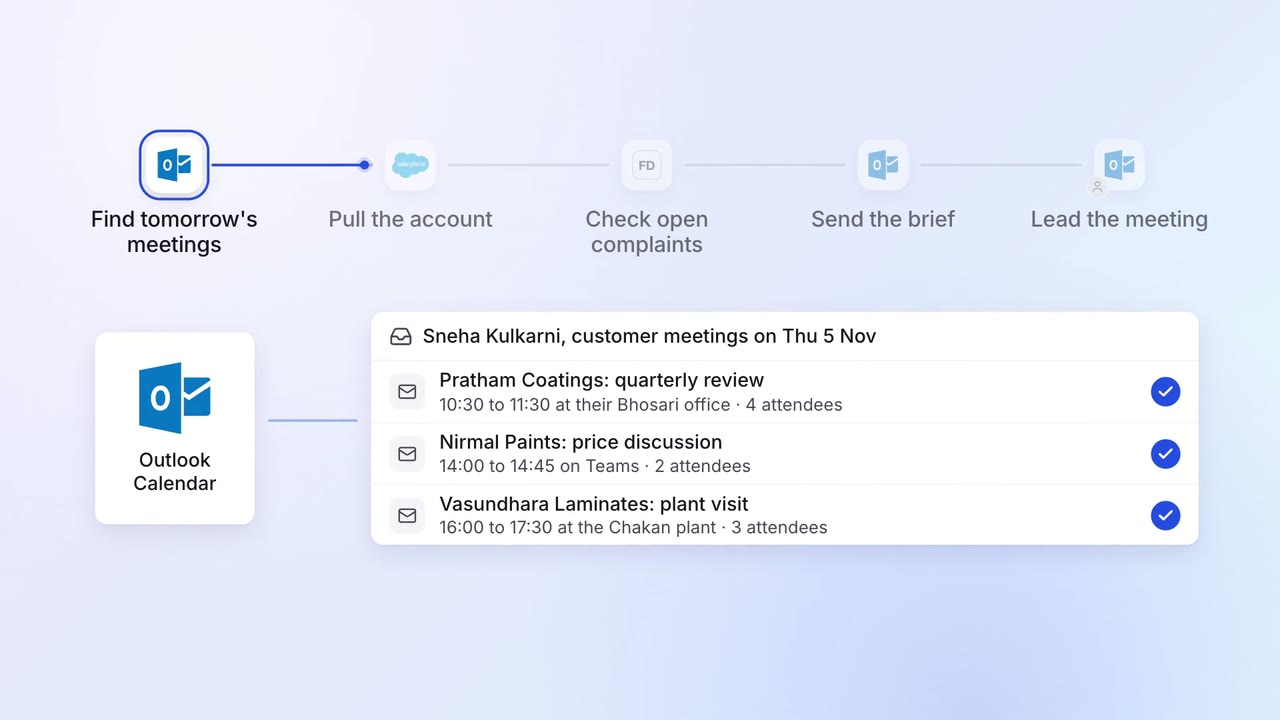
Account managers get a one-page brief before every customer meeting
 Outlook
- Salesforce
 Freshdesk
Sales Renewals and account care
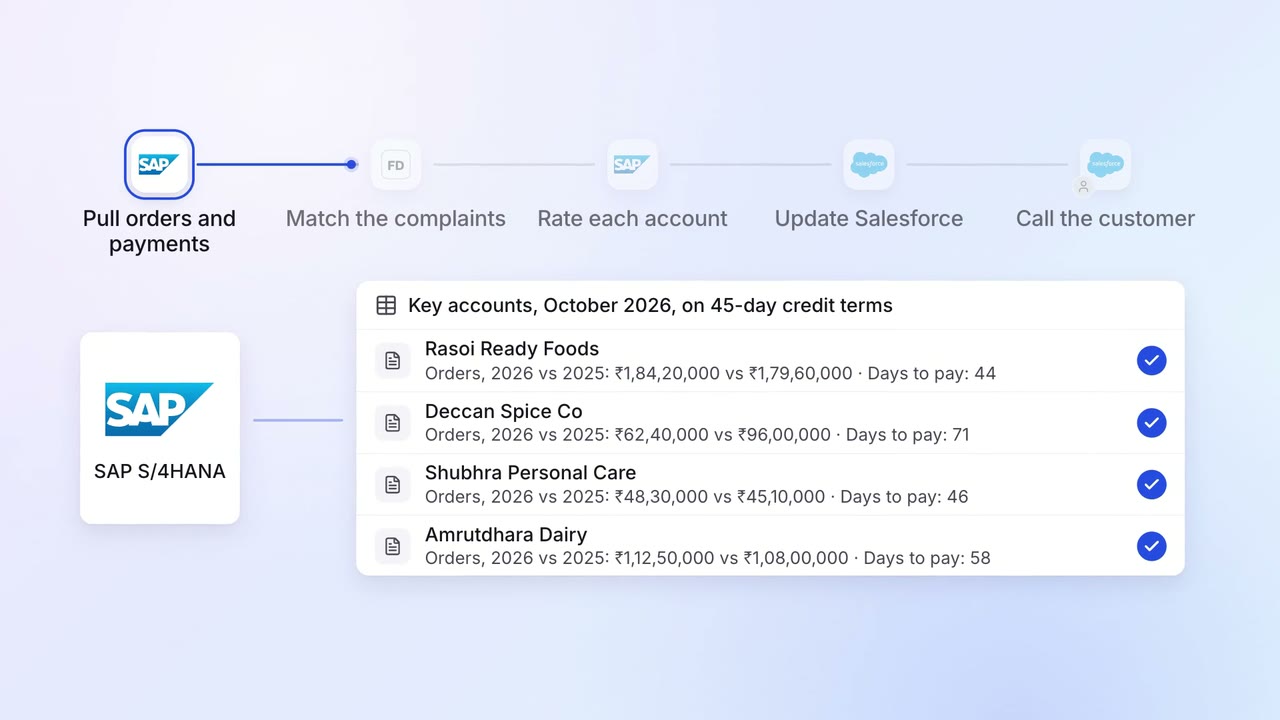
Key accounts get a monthly health check from orders, payments and complaints
- SAP S/4HANA
- Freshdesk
- Salesforce
Finance Invoicing and collections
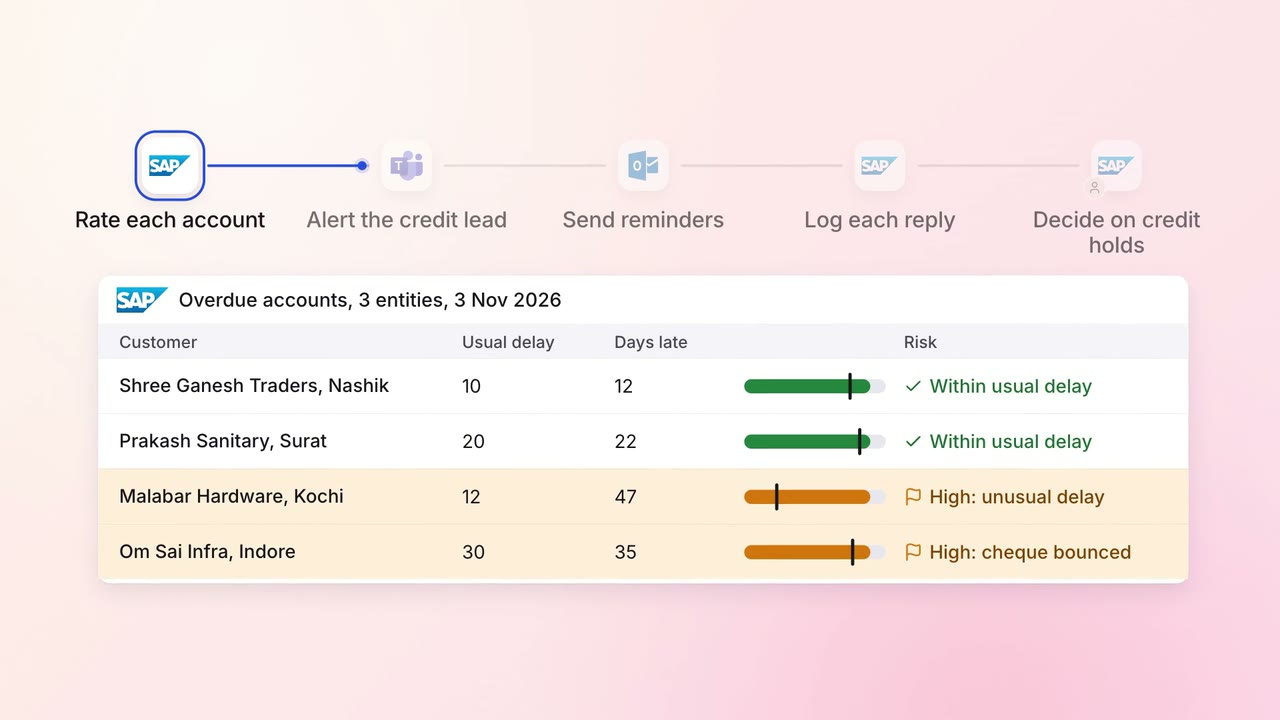
Overdue invoices get the right reminder, and risky accounts reach a person first
- SAP S/4HANA
- Outlook
 Microsoft Teams