Overdue invoices get the right reminder, and risky accounts reach a person first
Each morning the AI rates every overdue account by risk. Risky ones reach your credit lead first, the rest get a reminder, and replies are logged in SAP.
- Used day to day by
- Receivables team
- Credit controller
How it runs with AI
Each morning the AI reads every overdue invoice in SAP and compares it with how that customer usually pays. Accounts that look risky go to the credit lead on Teams before any reminder goes out. The rest get a polite reminder with their invoice copies, and every reply is logged in SAP as a promise to pay or a dispute.
How it is done today
Every Monday someone in shared services exports the ageing report for each entity from SAP, sorts it by amount and works down the list. Reminders go out one by one from Outlook with invoice copies attached, and the largest balances get a call. A distributor who suddenly pays far later than usual gets noticed at the month-end review, weeks after the first signs.
Step by step
Where the work happens, what the AI does, and where it hands over to a person.
-
Step 1, AI
Reads every overdue invoice in SAP and rates each account's risk
Needs to know: Usual delay by customer, Credit team's risk rules, Key accounts list
In
 SAP S/4HANA
 -
Step 2, AI
Alerts the credit lead on Teams about the risky accounts first
Needs to know: Credit lead by entity
In
 Microsoft Teams
 -
Step 3, AI
Sends the other accounts a polite reminder with their invoice copies
Needs to know: Approved reminder wording, Who reads replies
In
 Outlook , SAP S/4HANA
 Exception to step 3
Sends a firmer reminder after 7 days, then passes it to the team
-
Step 4, AI
Logs each reply in SAP as a promise to pay or a dispute
Needs to know: Salesperson for each account, Promise and dispute types
In
Outlook , SAP S/4HANA Exception to step 4
Alerts the credit team when a promised payment date passes
-
Step 5, Person
Calls the risky accounts and decides on any credit hold
In
SAP S/4HANA
What stays with a person
- Calls the risky accounts and decides on any credit hold
How it decides which accounts are risky
The AI compares each overdue account with its own payment history. A customer who always pays a little late, and is late by the usual amount, gets a reminder. One who is far later than usual goes to a person. The AI also looks at the amount, any recent bounced cheque, open disputes and how close the account is to its credit limit. Your credit team decides how much each signal counts, and can name accounts that always go to a person, such as your largest customers.
Apps in this example
- SAP S/4HANA
- Outlook
- Microsoft Teams
The same flow works with the apps you use.
This fits you if
- You chase more than 200 overdue invoices a month
- Reminders go out by hand from Outlook today
- You bill from more than one entity or region
- Your invoices and customer receipts are in SAP S/4HANA
What to watch for
- A payment that reached the bank but is still unmatched in SAP can trigger a wrong reminder. Match the day's receipts before reminders go out each morning
- Your credit team approves the reminder wording once. Each email says it comes from an automated assistant and names the person who reads replies
- Credit holds, payment plans and legal notices stay with your credit team. The automation brings them the history and the replies
- Disputes go to the salesperson who owns the account, and reminders on that invoice pause until they close it
Often done together
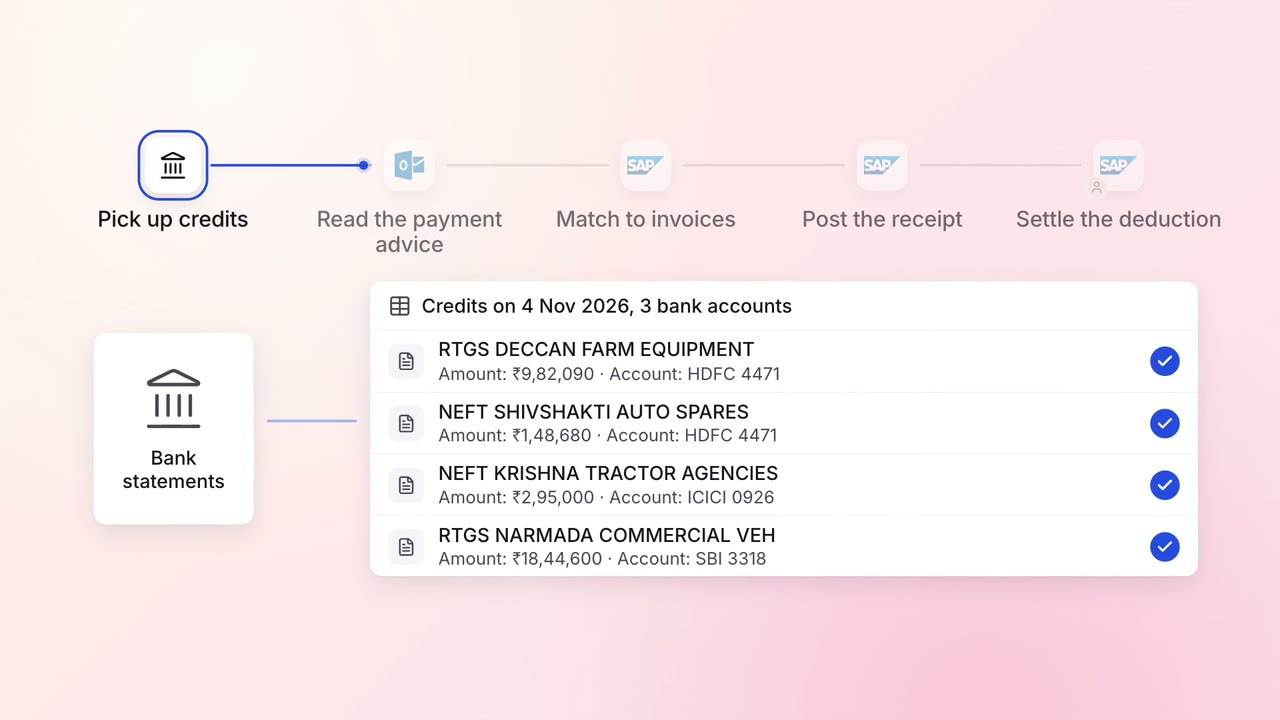
Finance Invoicing and collections
Customer payments are matched to the right invoices the day they land
- Bank statements
- Outlook
- SAP S/4HANA
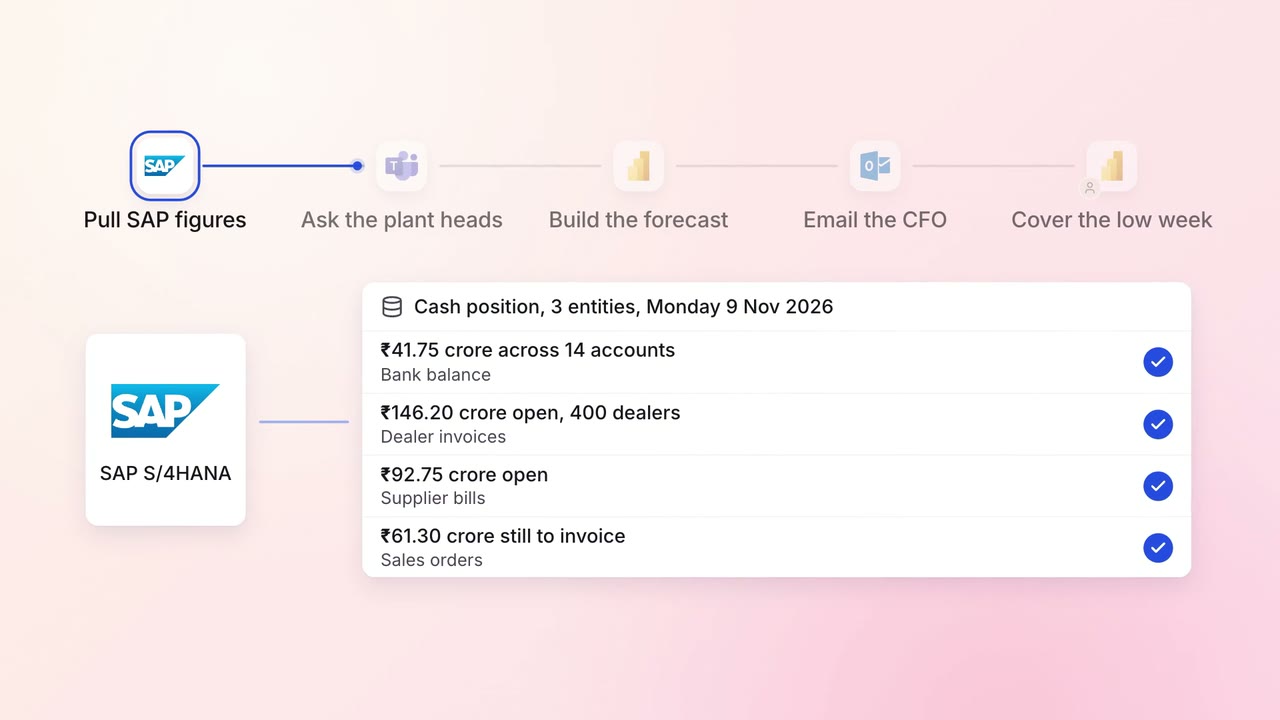
Finance MIS and cash flow
A 13-week cash forecast that updates itself every Monday
- SAP S/4HANA
- Microsoft Teams
 Excel
Excel Power BI
- Outlook
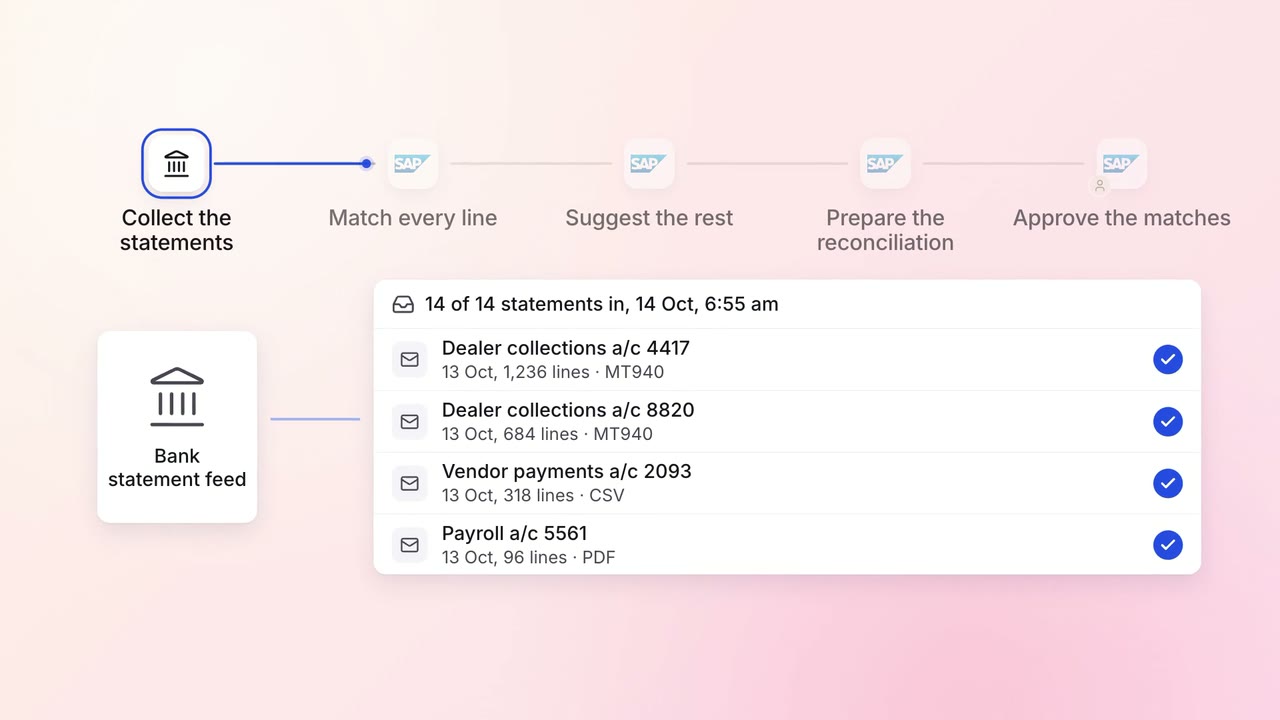
Finance Month-end close
Every bank account is reconciled each morning, with only the exceptions left for the team
- Bank statements
- SAP S/4HANA