Key accounts get a monthly health check from orders, payments and complaints
On the first working day of each month, the AI rates every key account green, amber or red from its orders, payments and complaints, and writes the reasons in Salesforce.
- Used day to day by
- Account managers
- Sales head
- Finance team
How it runs with AI
On the first working day of each month, the AI reads every key account's orders and payments in SAP and its complaints in Freshdesk. It compares each account with the same month last year and with its credit terms, rates it green, amber or red, and writes the reasons onto the account in Salesforce. Account managers start the month knowing which customers need a call.
How it is done today
Orders and payments sit in SAP, complaints in Freshdesk and account plans in Salesforce, with a different team watching each one. An account that starts ordering less or paying later can drift for a quarter before anyone sees the 3 signs together.
Step by step
Where the work happens, what the AI does, and where it hands over to a person.
-
Step 1, AI
Pulls each key account's orders and payments for the month from SAP
Needs to know: Key account list, Credit terms
In
 SAP S/4HANA
 -
Step 2, AI
Matches each Freshdesk complaint to its account and counts the repeat problems
Needs to know: Customer codes across apps
In
 Freshdesk
 -
Step 3, AI
Rates each account green, amber or red, and writes down the reasons
Needs to know: Amber and red limits
In
SAP S/4HANA , Freshdesk -
Step 4, AI
Writes the rating and the reasons onto the account in Salesforce, with a task for the account manager
Needs to know: Account manager per account
In
 Salesforce
 Exception to step 4
Goes to the key accounts head when a red account's task stays open past the agreed time
-
Step 5, Person
Calls the customer that week and agrees a plan to fix what changed
In
Salesforce
What stays with a person
- Calls the customer that week and agrees a plan to fix what changed
What it reads
- Orders: this month against the same month last year, and any product the customer has stopped buying
- Payments: average days to pay against the credit terms, and invoices past their due date
- Complaints: the same problem raised more than once, and tickets open past their target time
Your sales head and finance head set the limits that make an account amber or red.
Apps in this example
- SAP S/4HANA
- Freshdesk
- Salesforce
The same flow works with the apps you use.
This fits you if
- You have more than 30 key accounts, each with a named account manager
- Orders and payments sit in SAP, complaints in Freshdesk and accounts in Salesforce
- Your monthly account review is built by hand from exports
- You have lost or shrunk an account where the signs were in your systems months earlier
What to watch for
- Some drops are planned, such as a customer's seasonal range ending or a plant shutdown. Account managers note these in Salesforce, and the next check reads them
- Freshdesk companies and SAP customer codes need to point to the same account. The first run lists the ones it cannot pair, for your team to link once
- Before going live, run the check on the last 12 months and confirm it would have flagged the accounts you lost or that shrank
- The rating is a reason to call. Credit holds, price changes and any offer to the customer stay with the account manager, the sales head and finance
Often done together
Sales Renewals and account care
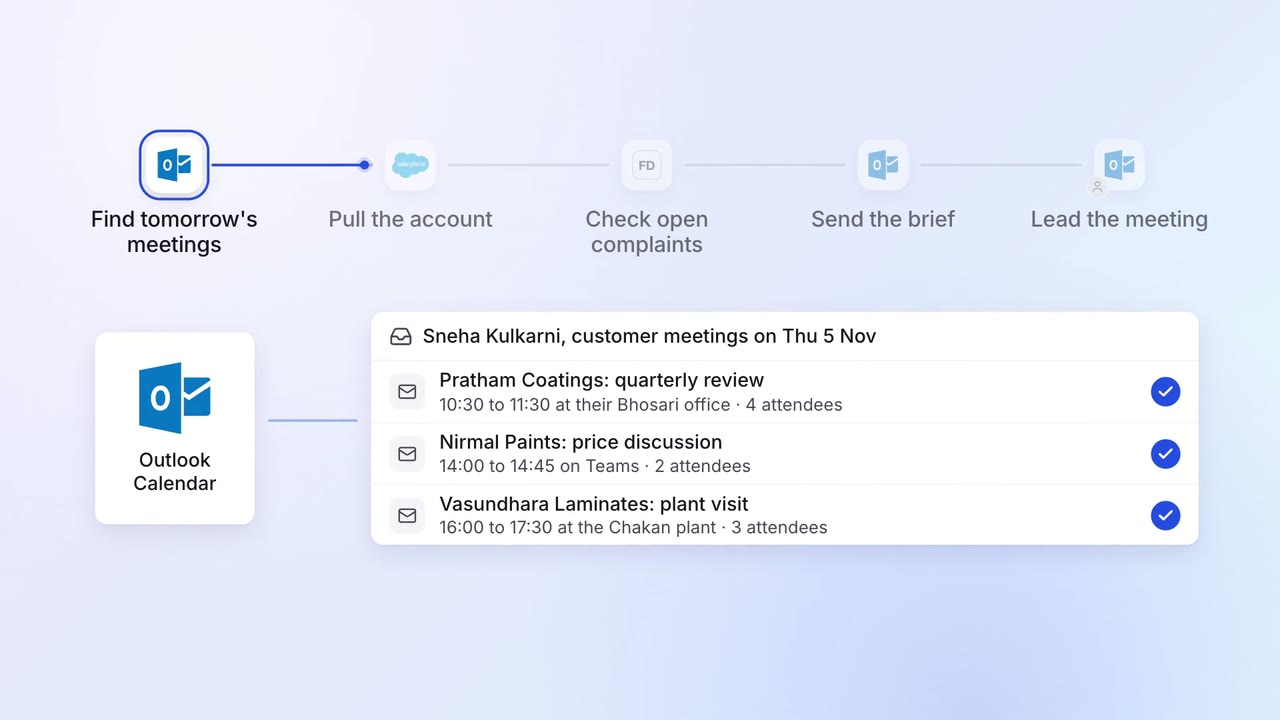
Account managers get a one-page brief before every customer meeting
 Outlook
- Salesforce
- Freshdesk
Sales Renewals and account care
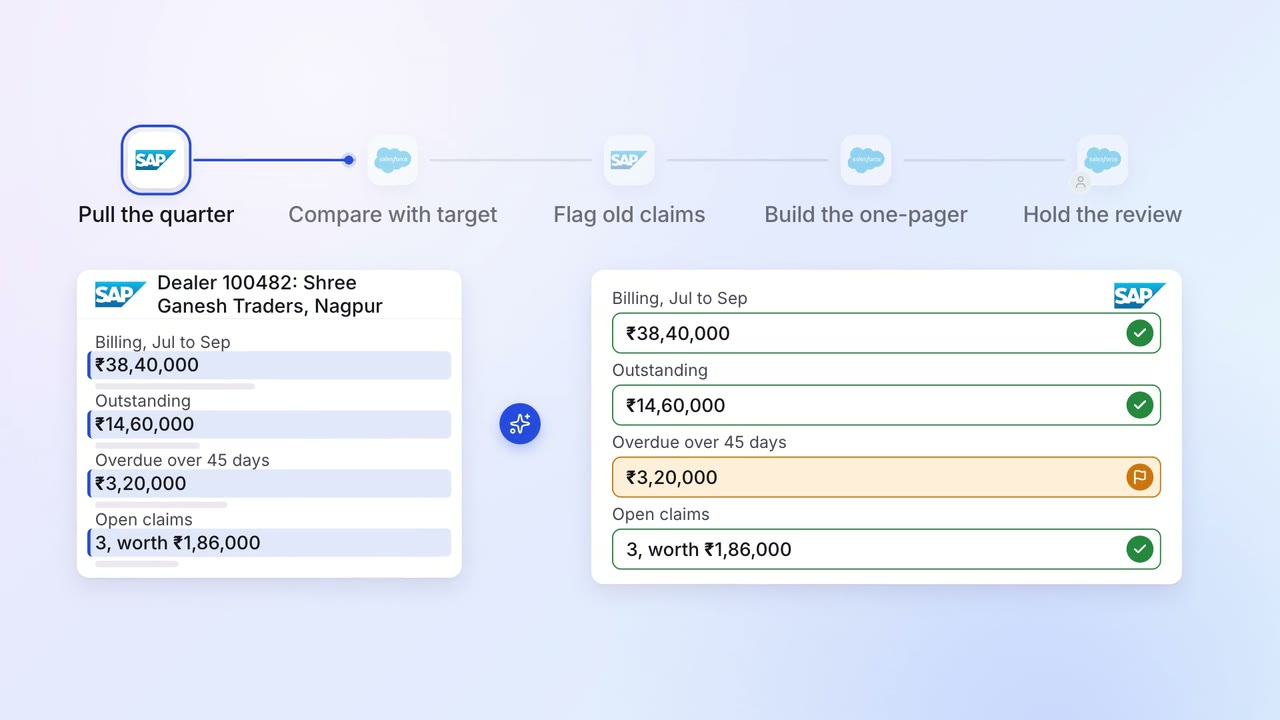
Each dealer review comes with sales, stock and claims on one page
- SAP S/4HANA
- Salesforce
Finance Invoicing and collections
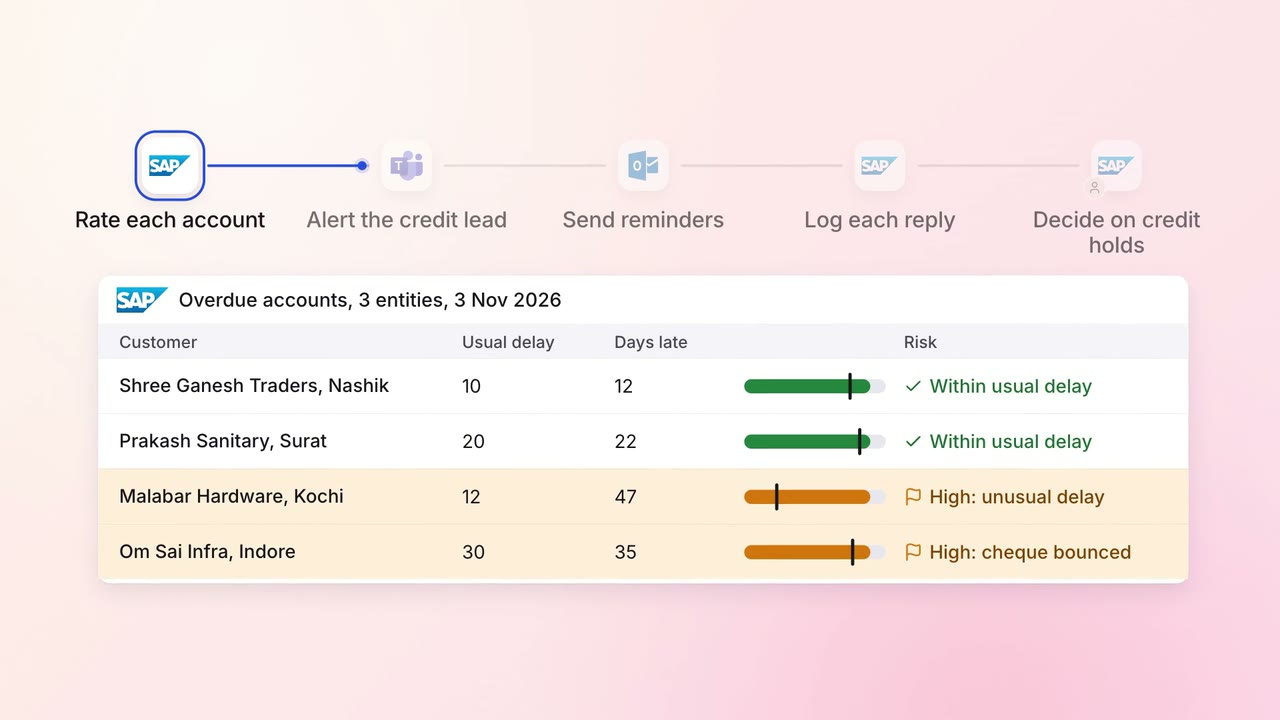
Overdue invoices get the right reminder, and risky accounts reach a person first
- SAP S/4HANA
- Outlook
 Microsoft Teams