Enquiries from Google Ads, LinkedIn and your website become one lead per buyer, answered in minutes
Every enquiry lands in Zoho CRM, a buyer who asks twice stays with the same salesperson, and each one gets an email reply within minutes.
- Used day to day by
- Salespeople
- Sales coordinators
- Sales head
How it runs with AI
The AI picks up every enquiry as it arrives and looks for the buyer in Zoho CRM by phone number, email and name. A repeat enquiry joins the buyer's existing lead and stays with the same salesperson, and an existing customer goes to their account owner. Each buyer gets an email reply within minutes that names who will call and when.
How it is done today
Enquiries come from three places. Google Ads and LinkedIn lead forms are downloaded from each ad account, and the website form lands in the sales inbox. The sales coordinator types each one into Zoho CRM, often hours later, and a buyer who enquires through two channels can end up as two leads, with two salespeople quoting two prices.
Step by step
Where the work happens, what the AI does, and where it hands over to a person.
-
Step 1, AI
Picks up each new enquiry from Google Ads lead forms, LinkedIn lead forms and the website form
Needs to know: Enquiry sources in use
In
 Google Ads ,
  LinkedIn Ads ,
  Gmail
Gmail -
Step 2, AI
Looks for each buyer in Zoho CRM by phone number, email and name
Needs to know: Buyer matching rules, Existing customers
In
 Zoho CRM
 Exception to step 2
Holds unsure matches, such as a shared office phone, for the sales coordinator to confirm
-
Step 3, AI
Adds a repeat enquiry to the buyer's existing lead, keeps the same salesperson, and creates new leads for the rest
Needs to know: Who covers each area, Account owners
In
Zoho CRM -
Step 4, AI
Emails the buyer within minutes, naming the salesperson who will call and when
Needs to know: Approved reply wording, Call-back times
In
Gmail , Zoho CRM Exception to step 4
Puts enquiries with only a phone number on the salesperson's call list, to call first
-
Step 5, Person
Calls the buyer the same day, with every enquiry and any earlier quote in front of them
In
Zoho CRM
What stays with a person
- Calls the buyer the same day, with every enquiry and any earlier quote in front of them
Apps in this example
- Google Ads
- LinkedIn Ads
- Zoho CRM
- Gmail
The same flow works with the apps you use.
This fits you if
- Enquiries reach you from 3 or more places, such as Google Ads, LinkedIn and your website
- Your sales team gets more than 200 enquiries a month
- Buyers often enquire through more than one channel before they decide
- Your salespeople work from Zoho CRM
What to watch for
- Two people can share a phone number, such as family members or an office line. When the name or the need differs, the sales coordinator confirms the match
- Some lead forms carry only a phone number. These go on the salesperson's call list, to call within the hour
- The reply names who will call and when. Prices and quotes stay with your salespeople
- Your sales head keeps the list of who covers which area, and existing customers stay with their account owner
Often done together
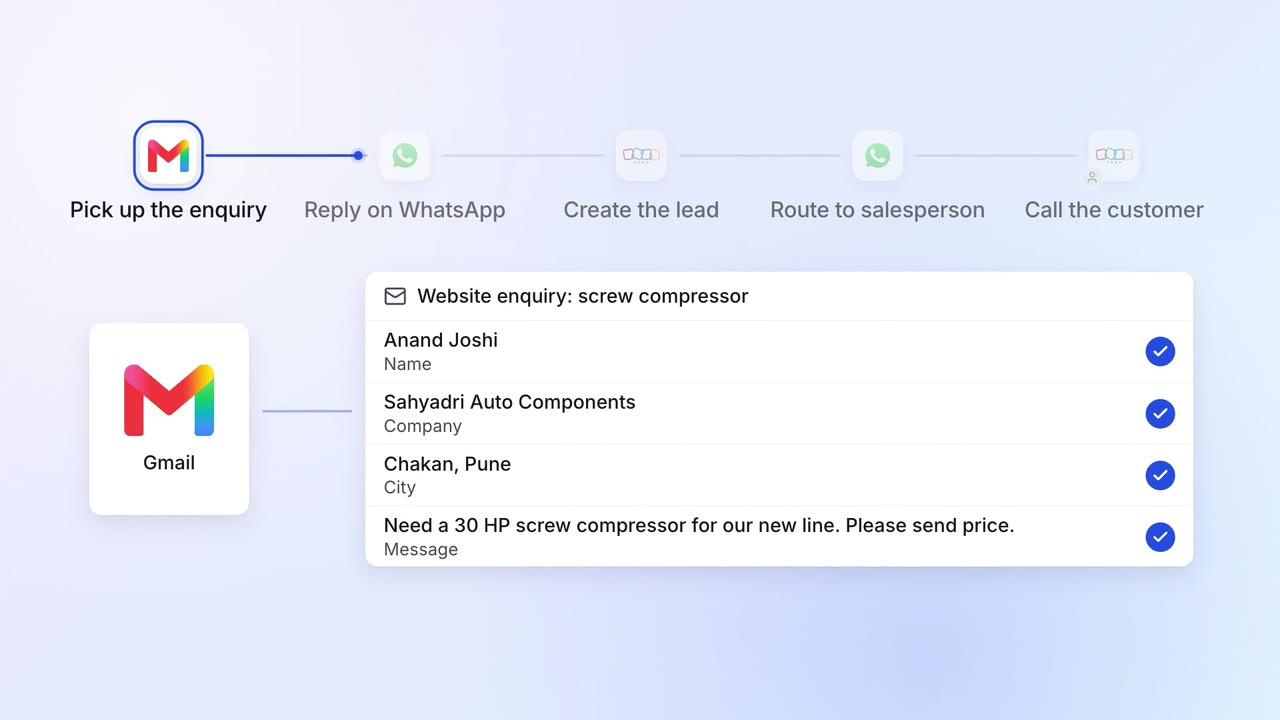
Sales Lead capture and routing
Website enquiries get a reply in minutes and reach the right salesperson
- Gmail
 WhatsApp Business
- Zoho CRM
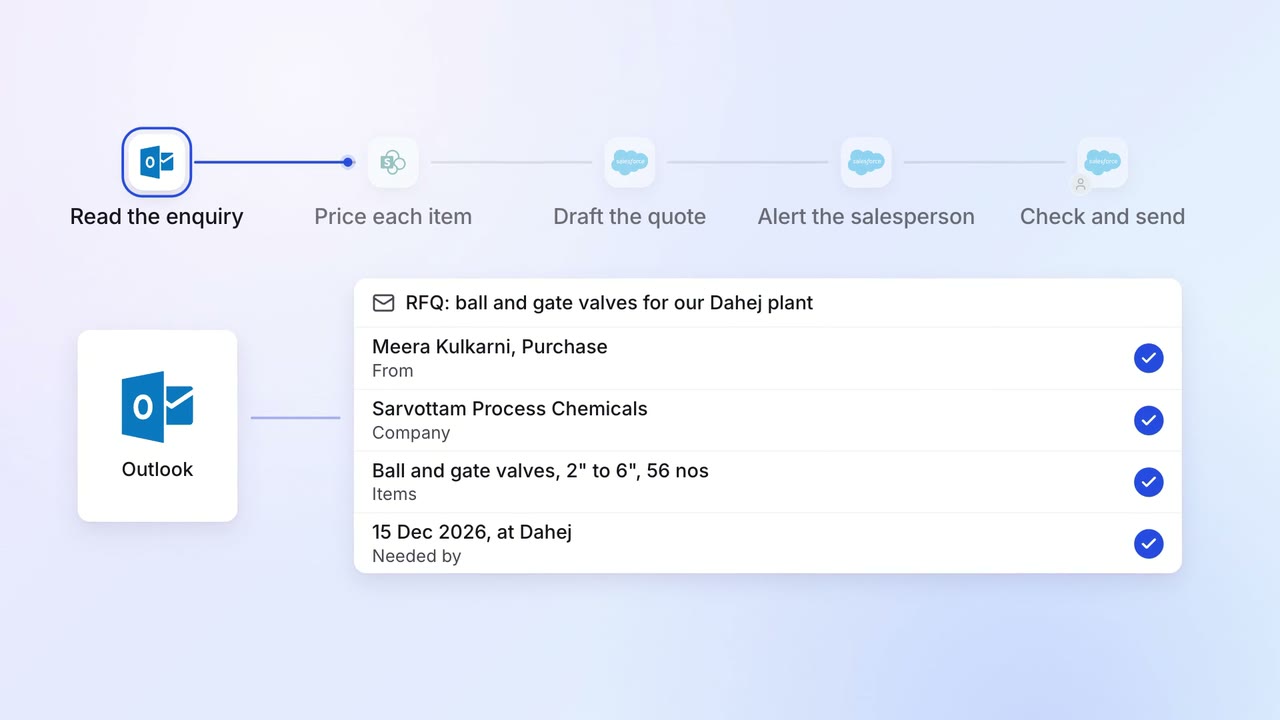
Sales Proposals and quotes
Every enquiry gets a draft quote, priced from your list and past deals
 Outlook
 SharePoint
 Salesforce
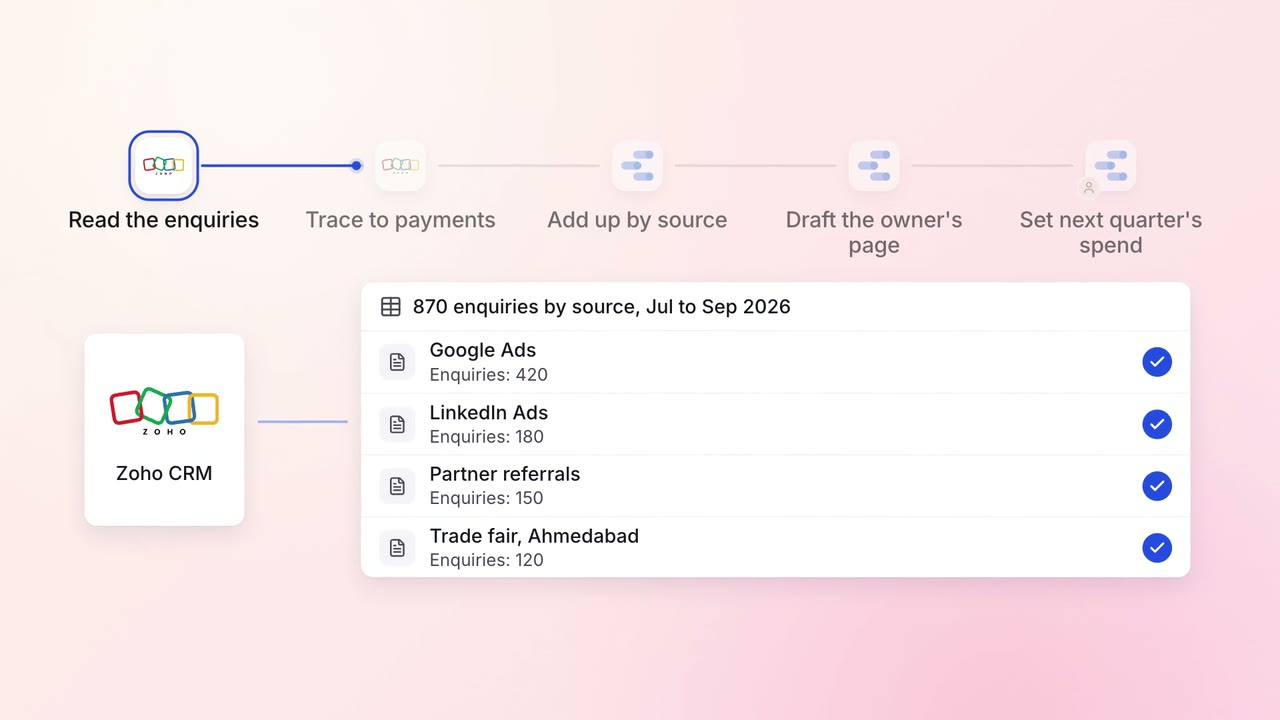
Marketing Reporting
Each month, the owner sees which enquiry sources turn into paid orders
- Zoho CRM
- Zoho Books
- Google Ads
- LinkedIn Ads
 Looker Studio