Each month, the owner sees which enquiry sources turn into paid orders
Each month the AI follows every enquiry from its source in Zoho CRM to a paid invoice in Zoho Books, and shows the owner what each source brings back for every ₹1 spent.
- Used day to day by
- Business owner
- Sales coordinators
- Accounts team
How it runs with AI
At the start of each month, the AI takes 3 months of enquiries from Zoho CRM, finds each one's invoice and payment in Zoho Books, and sets the paid amount against what each source cost in Google Ads, in LinkedIn and in supplier bills. The owner gets one page in Looker Studio showing which sources bring orders that get paid, and decides where the next quarter's money goes.
How it is done today
Enquiries come in from Google Ads, LinkedIn, trade fairs and partner referrals, and the sales coordinator logs each one in Zoho CRM with its source. The owner sees how many enquiries each source brings. Which of them became orders that were paid sits in Zoho Books, so the money follows the sources that bring the most calls.
Step by step
Where the work happens, what the AI does, and where it hands over to a person.
-
Step 1, AI
Reads 3 months of enquiries in Zoho CRM, each with its source
Needs to know: Enquiry sources list, Reporting window
In
 Zoho CRM
 -
Step 2, AI
Finds each enquiry's invoice and payment in Zoho Books, matching the customer by GST number or phone
Needs to know: How customers are matched, First-enquiry credit rule
In
Zoho CRM , Zoho Books Exception to step 2
Sends enquiries it cannot link with certainty to the sales coordinator to confirm
-
Step 3, AI
Sets the paid orders from each source against its spend, taken from Google Ads, LinkedIn and the supplier bills in Zoho Books
Needs to know: What each source costs
In
 Google Ads ,
  LinkedIn Ads , Zoho Books ,
  Looker Studio
 -
Step 4, AI
Drafts a one-page summary for the owner, with the sources to look at marked
Needs to know: Owner's report format, Current spend by source
In
Looker Studio -
Step 5, Person
Decides how much each source gets next quarter
In
Looker Studio
What stays with a person
- Decides how much each source gets next quarter
Why the report looks back
An enquiry can take weeks to become an order, and the order weeks more to be paid. So each report counts enquiries from an earlier three-month window, with payments received up to the end of the previous month. Each month, both dates move forward by a month.
Apps in this example
- Zoho CRM
- Zoho Books
- Google Ads
- LinkedIn Ads
- Looker Studio
The same flow works with the apps you use.
This fits you if
- Enquiries reach you from 3 or more sources, such as Google Ads, LinkedIn, trade fairs and partner referrals
- Your team records each enquiry and its source in Zoho CRM
- Your invoices and payments are in Zoho Books
- You judge each source today by the number of enquiries or calls it brings
What to watch for
- Each enquiry needs its source recorded when it comes in. Website forms carry it from the ad link, and the sales coordinator picks it from a list for phone enquiries
- The AI links enquiries to customers by GST number or phone. A new contact at an existing customer may need the sales coordinator to confirm the link
- An order is credited to the source of the customer's first enquiry. The owner agrees this rule with sales up front
- Spending decisions stay with the owner, and chasing unpaid invoices stays with accounts
Often done together
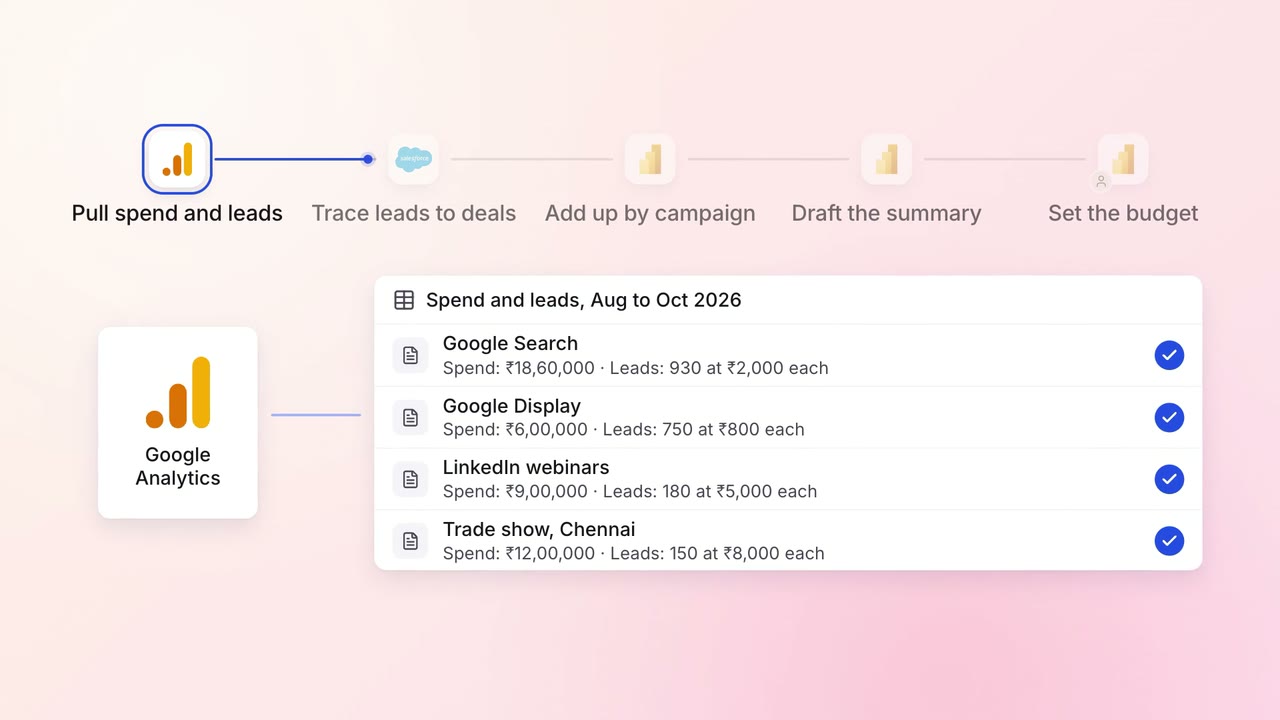
Marketing Reporting
Every campaign is tied to the pipeline and revenue it brings, in one monthly report
 Google Analytics
- Google Ads
- LinkedIn Ads
 Salesforce
 Power BI
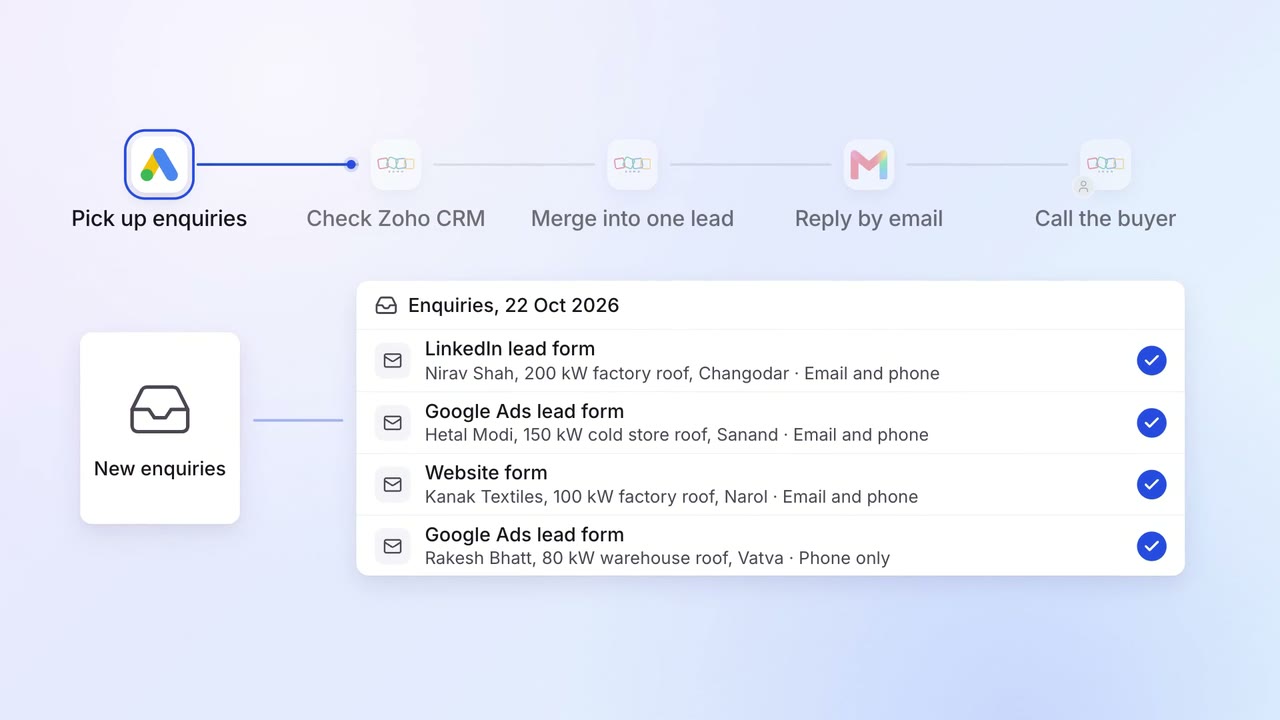
Sales Lead capture and routing
Enquiries from Google Ads, LinkedIn and your website become one lead per buyer, answered in minutes
- Google Ads
- LinkedIn Ads
- Zoho CRM
 Gmail
Gmail
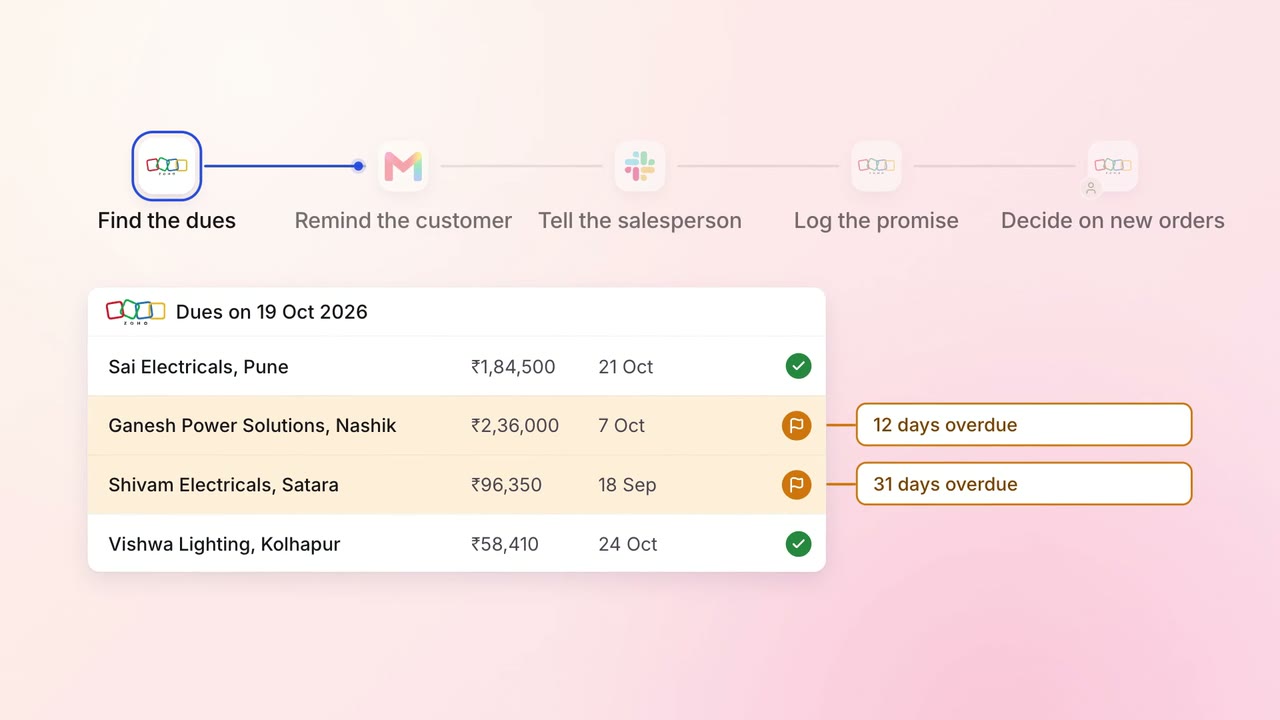
Finance Invoicing and collections
Customers are reminded of their dues, and their salesperson hears about it the same day
- Zoho Books
- Zoho CRM
- Gmail
 Slack
Slack