Event guests are confirmed and reminded, and no-shows hear from you the next day
The AI keeps one guest list in Excel, confirms every registration, sends WhatsApp reminders and follows up attendees and no-shows the morning after.
- Used day to day by
- Marketing team
- Salespeople
How it runs with AI
The AI keeps one guest list in Excel for each event, removes duplicates and confirms every registration by email with a calendar invite. It sends WhatsApp reminders 2 days before and on the morning, and offers cancelled seats to the waitlist. The morning after, attendees get the slides, no-shows get the recording and the next date, and site-visit requests go to the regional sales team.
How it is done today
Registrations for each seminar arrive through the website form, replies to the invitation email and lists sent by dealers. Someone in marketing copies them into Excel, emails confirmations and calls every guest the day before. After the event, follow-up emails go out days later, and site-visit requests from the feedback forms wait in a pile.
Step by step
Where the work happens, what the AI does, and where it hands over to a person.
-
Step 1, AI
Picks up registrations from the website form, email replies and dealer lists
Needs to know: Upcoming events, Dealers who send lists
In
 Outlook ,
  Excel
Excel -
Step 2, AI
Adds each person to the Excel guest list, removes duplicates and emails a confirmation with a calendar invite
Needs to know: Hall capacity, Seat priority rules, Approved message wording
In
Excel , Outlook Exception to step 2
Puts people on a waitlist when the hall is full, and tells the event owner
-
Step 3, AI
Sends WhatsApp reminders 2 days before and on the morning, and records each reply
Needs to know: Approved WhatsApp templates, WhatsApp consent per guest
In
 WhatsApp Business , Excel
 Exception to step 3
Offers each cancelled seat to the next person on the waitlist
-
Step 4, AI
Matches door check-ins with the guest list, marks the no-shows and sends site-visit requests to sales
Needs to know: Each region's sales team
In
Excel , Outlook -
Step 5, AI
Emails attendees a thank-you with the slides, and no-shows the recording and the next date
Needs to know: Next event dates, Approved message wording
In
Outlook -
Step 6, Person
Calls the guests who asked for a site visit
In
Excel
What stays with a person
- Calls the guests who asked for a site visit
What each guest receives
- On registering: a confirmation email with the date, venue, agenda and a calendar invite
- 2 days before: a WhatsApp reminder that asks them to confirm or cancel
- On the morning: a WhatsApp message with the start time and a map link
- The morning after: the slides if they came, or the recording and the next date if they missed it
Your event owner approves the wording of each message once, before the first event.
Apps in this example
- Outlook
- WhatsApp Business
- Excel
The same flow works with the apps you use.
This fits you if
- You run seminars, dealer meets or customer days in several cities each quarter
- Registrations come in through more than one route, such as a web form, email and dealers
- Your guest lists live in Excel
- Follow-ups after an event depend on someone finding the time
What to watch for
- The registration form asks each guest to agree to WhatsApp reminders from your company, as WhatsApp requires. Reminders use message templates that WhatsApp has approved
- The no-show list is as good as the check-in at the door, so someone at the desk marks each guest in the shared sheet as they arrive
- Your event owner sets who gets a seat when a hall is full. The AI follows those rules and asks the owner about any unclear case
- Messages about a change of date, venue or speaker are approved by your event owner before they go out
Often done together
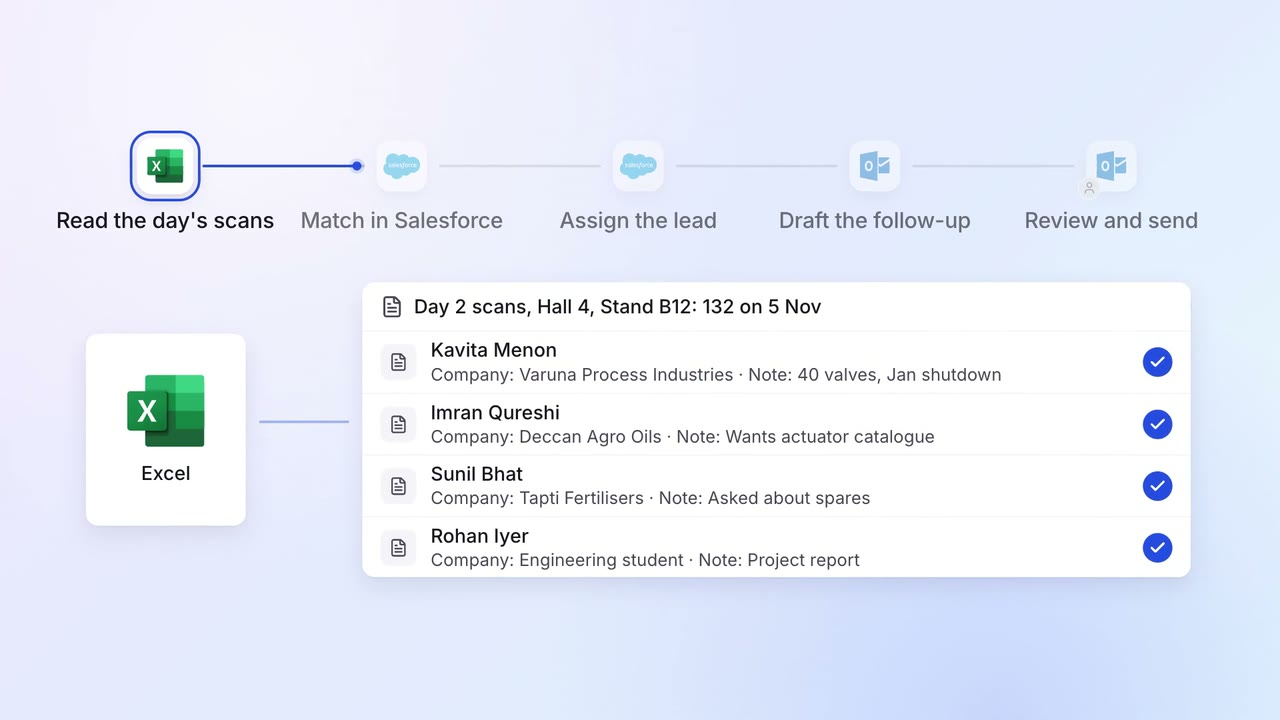
Sales Lead capture and routing
Every trade-show lead gets a personal follow-up within a day
- Excel
 Salesforce
- Outlook
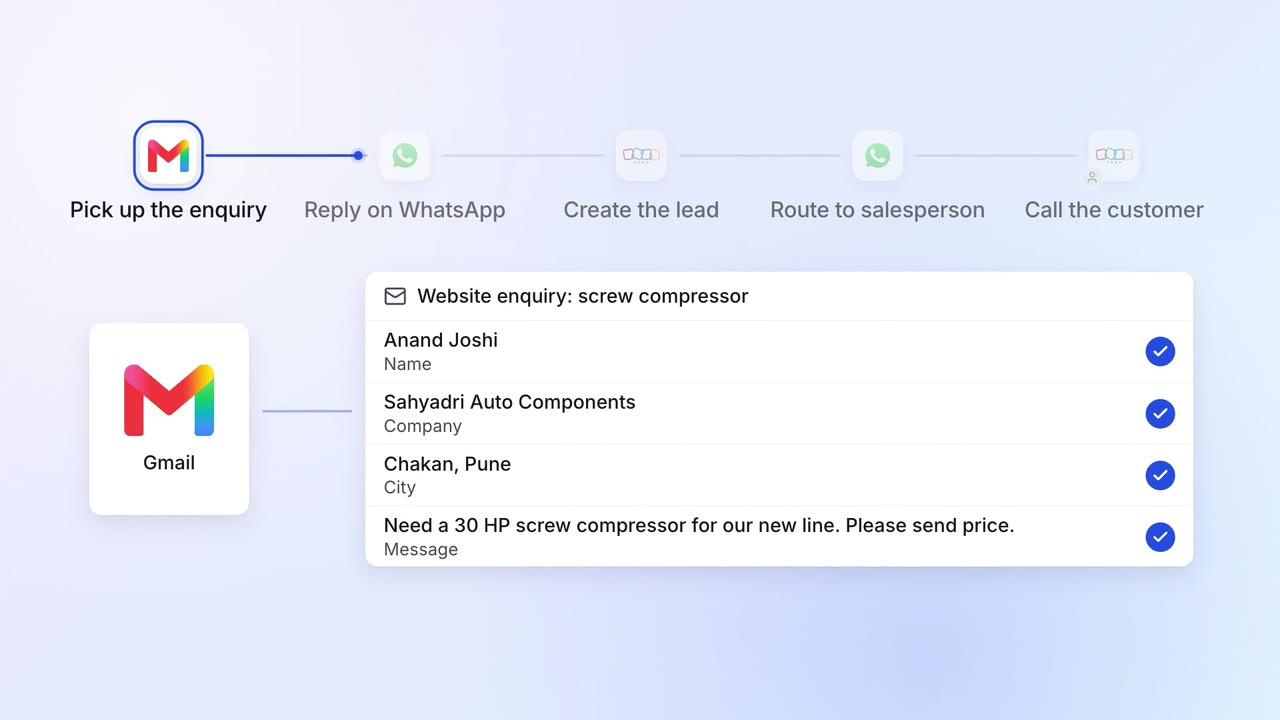
Sales Lead capture and routing
Website enquiries get a reply in minutes and reach the right salesperson
 Gmail
Gmail- WhatsApp Business
 Zoho CRM
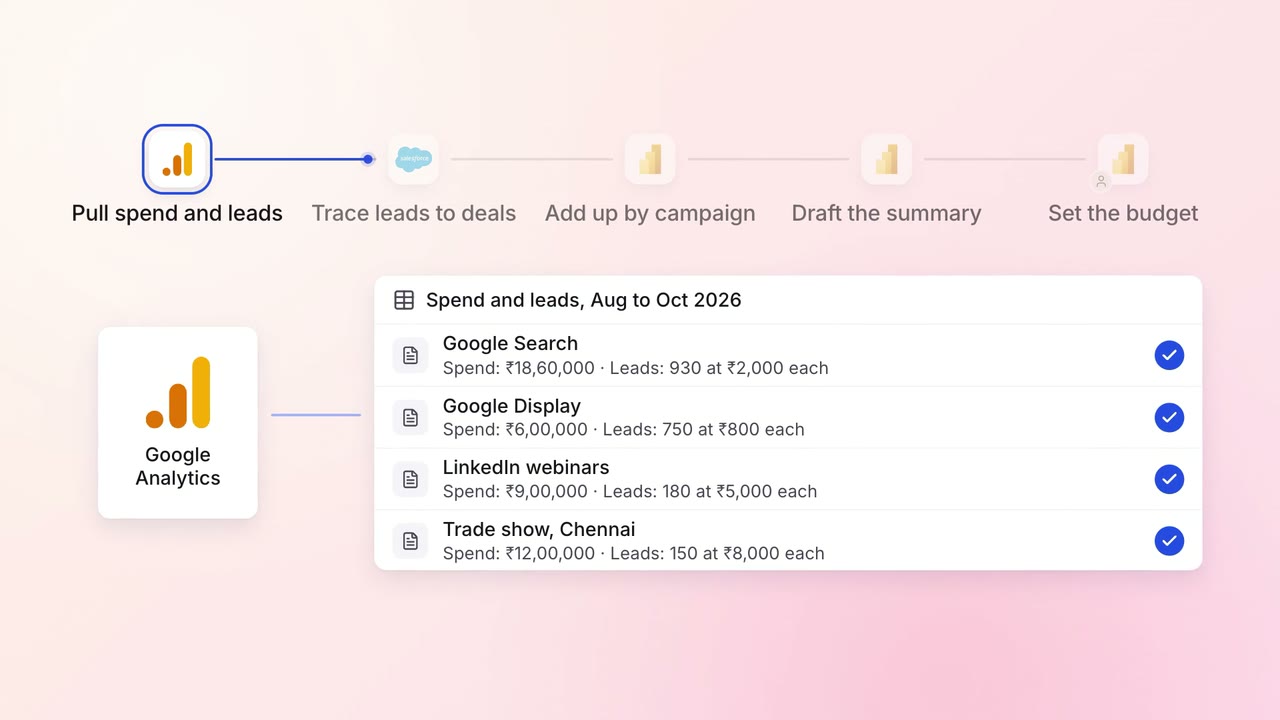
Marketing Reporting
Every campaign is tied to the pipeline and revenue it brings, in one monthly report
 Google Analytics
 Google Ads
 LinkedIn Ads
- Salesforce
 Power BI