Every trade-show lead gets a personal follow-up within a day
Each evening's badge scans and stand notes become Salesforce leads and draft emails in Outlook, written in the name of the person each visitor met.
- Used day to day by
- Salespeople
- Marketing team
- Sales head
How it runs with AI
Each evening of the fair, the AI reads the day's scans and notes, checks every visitor against Salesforce and gives each lead to the right owner. It drafts a follow-up email in Outlook that mentions what was discussed at the stand. Next morning, each salesperson reads their drafts, edits where needed and sends them.
How it is done today
Badge scans and stand notes pile up in Excel during the fair. After the show, a coordinator checks each name against Salesforce and types the leads in, and salespeople write follow-up emails when they find the time. Most visitors hear from you a week or more later, when the conversation at the stand has faded.
Step by step
Where the work happens, what the AI does, and where it hands over to a person.
-
Step 1, AI
Reads the day's badge-scan export and the stand team's notes
Needs to know: Who staffed the stand
In
 Excel
Excel -
Step 2, AI
Checks each visitor against Salesforce accounts, contacts and open deals
Needs to know: Visitor types to skip, Account owners
In
 Salesforce
 Exception to step 2
Sends visits from existing customers to their account owner instead of creating a new lead
-
Step 3, AI
Creates or updates each lead in Salesforce, with the stand notes, and assigns its owner
Needs to know: Region and owner rules, Lead priority rules
In
Salesforce -
Step 4, AI
Drafts a personal follow-up email in Outlook, in the name of the person the visitor met
Needs to know: Company tone of voice
In
 Outlook
 Exception to step 4
Reminds the salesperson the next afternoon about any draft still unsent
-
Step 5, Person
Reads, edits and sends each draft the next morning
In
Outlook
What stays with a person
- Reads, edits and sends each draft the next morning
Apps in this example
- Excel
- Salesforce
- Outlook
The same flow works with the apps you use.
This fits you if
- You exhibit at 3 or more trade fairs a year
- Your stand collects more than 200 badge scans at each fair
- Leads from fairs reach Salesforce days or weeks after the show
- Salespeople from different regions staff the same stand
What to watch for
- The salesperson who met the visitor reads every draft and presses send
- The draft mentions only what the stand note says. A one-line note for each visitor, typed on the spot, is what makes the email personal
- Prices, discounts and delivery dates stay with your salespeople. The draft offers a quote or a visit
- Someone in sales operations keeps the region and account-owner rules in Salesforce up to date
Often done together
Marketing Campaigns and ads
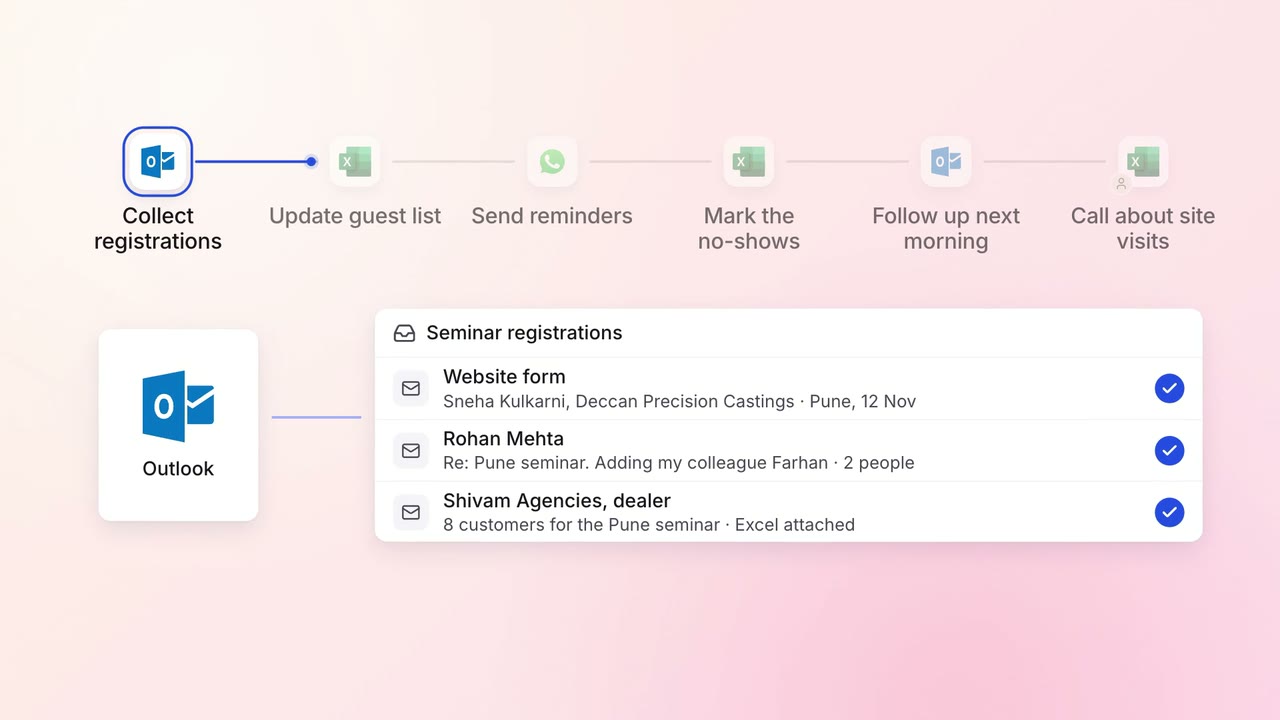
Event guests are confirmed and reminded, and no-shows hear from you the next day
- Outlook
 WhatsApp Business
- Excel
Marketing Reporting
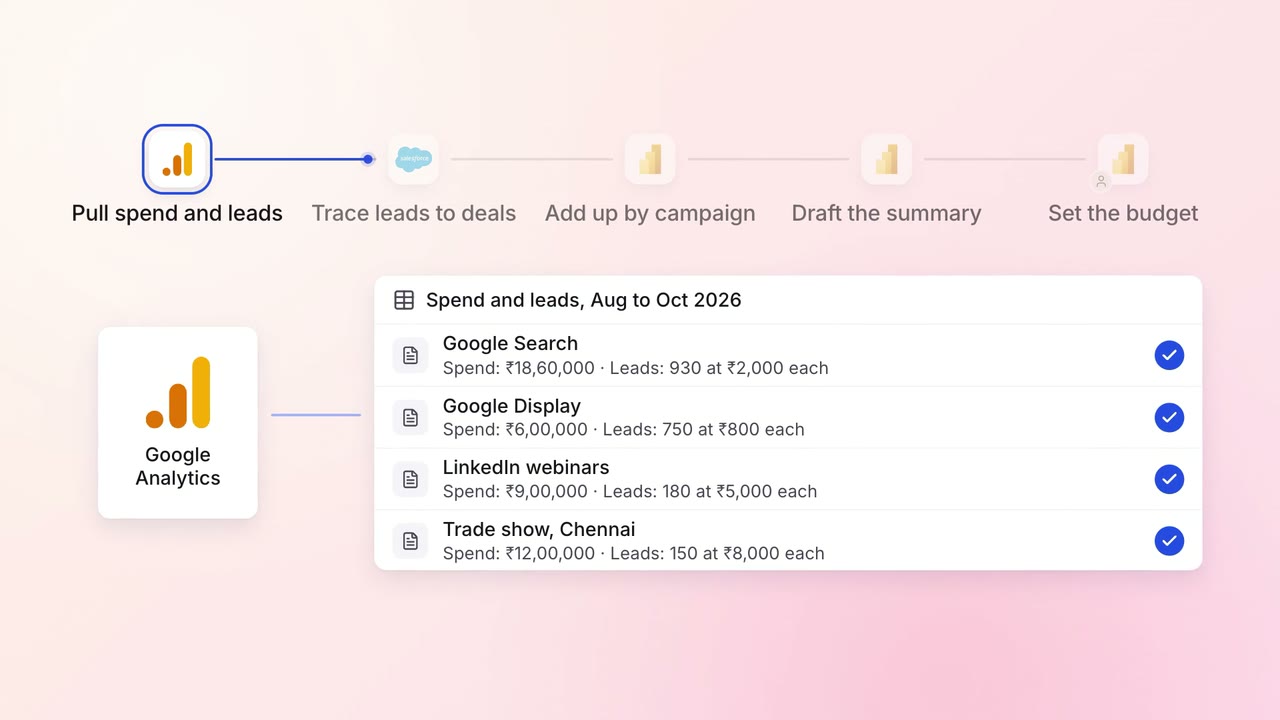
Every campaign is tied to the pipeline and revenue it brings, in one monthly report
 Google Analytics
 Google Ads
 LinkedIn Ads
- Salesforce
 Power BI
Sales Lead capture and routing
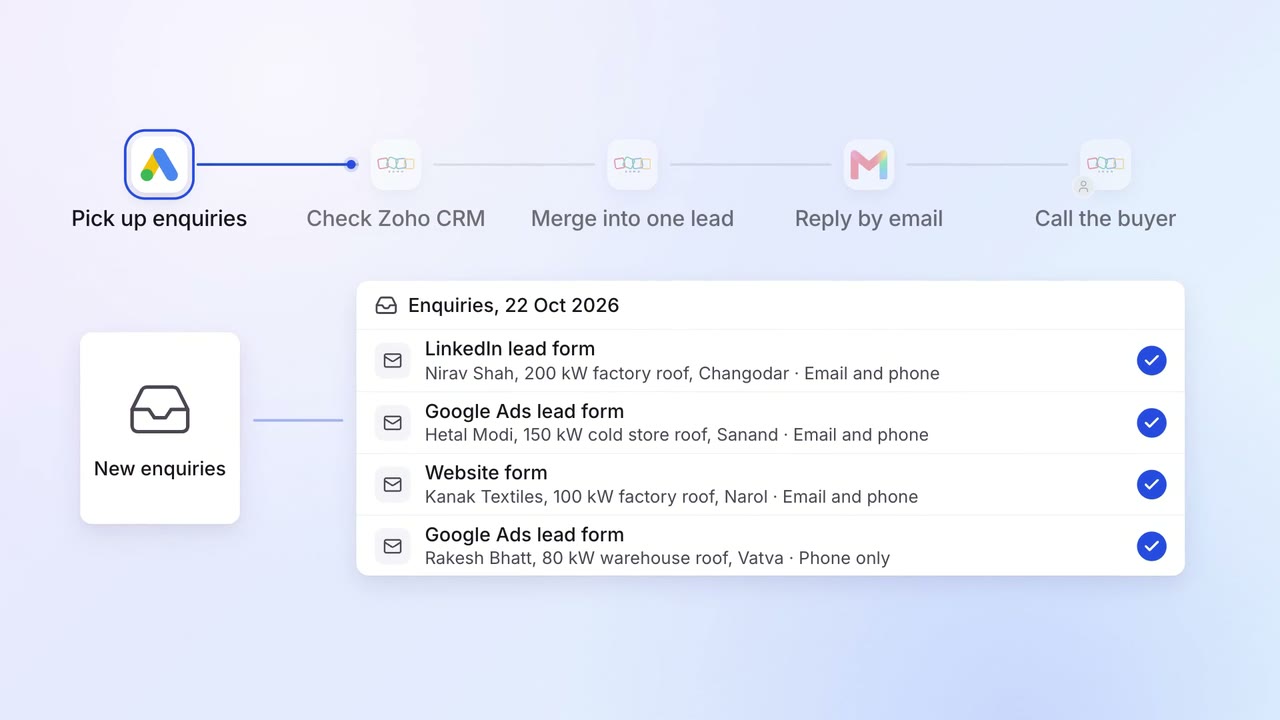
Enquiries from Google Ads, LinkedIn and your website become one lead per buyer, answered in minutes
- Google Ads
- LinkedIn Ads
 Zoho CRM
 Gmail
Gmail