Every month, HR leadership sees why people are leaving, by site and role
The AI reads every exit interview and exit survey in Darwinbox, finds the real reasons people leave and sends HR leadership the themes by site and role, with names removed.
- Used day to day by
- HR head
- Plant HR
- HR business partners
How it runs with AI
Each month, the AI reads every exit interview note and survey, finds the real reason for leaving and removes names. It counts each reason by site and role against the last 3 months and sends HR leadership a one-page brief, with edited quotes as examples. A complaint about harassment or safety goes to the right committee the same day.
Step by step
Where the work happens, what the AI does, and where it hands over to a person.
-
Step 1, AI
Collects the month's exit interview notes and exit surveys from Darwinbox
Needs to know: Sites and roles
In
 Darwinbox
 -
Step 2, AI
Reads each note and survey, finds the main reason and removes names
Needs to know: Agreed list of reasons, Identifying details to remove, Complaint committee contacts
In
Darwinbox Exception to step 2
Sends a harassment or safety complaint to the right committee the same day, outside the monthly counts
-
Step 3, AI
Counts each reason by site and role, against the last 3 months
Needs to know: Past months' counts, Minimum group size
In
Darwinbox ,  Power BI
 -
Step 4, AI
Emails HR leadership a one-page brief, with edited quotes as examples
Needs to know: Who sees which sites, Brief format
In
 Outlook
 -
Step 5, Person
Picks the reasons to act on and names an owner for each
In
Outlook , Power BI
What stays with a person
- Picks the reasons to act on and names an owner for each
Who sees what
- HR business partners see the full notes of the leavers they interviewed.
- Each site HR head sees the themes and edited quotes for their own site.
- HR leadership sees every site, as counts and edited quotes.
- A group of leavers appears in the brief only when it is large enough that no one can be picked out. Smaller groups are combined, so one person’s reasons stay private.
- A complaint about harassment or safety goes only to the committee that handles it.
Apps in this example
- Darwinbox
- Power BI
- Outlook
The same flow works with the apps you use.
This fits you if
- You have more than 30 leavers a month across sites, units or regions
- Exit interviews are recorded in Darwinbox, as notes or a survey
- The reason on file is mostly "better opportunity" or "personal reasons"
- HR leadership sees exit reasons once a quarter, or later
What to watch for
- HR agrees the list of reasons at the start, and an HR analyst checks a sample of the tags each month, especially notes that give more than one reason
- The brief shows patterns. Any step about a particular manager or supervisor stays with the site HR head, who reads the full notes
- The AI passes a possible harassment or safety complaint to the committee the same day. The committee decides what happens next, under your POSH policy
- Leavers are told at the start of the interview how their answers are used, and that leadership sees themes and edited quotes
Often done together
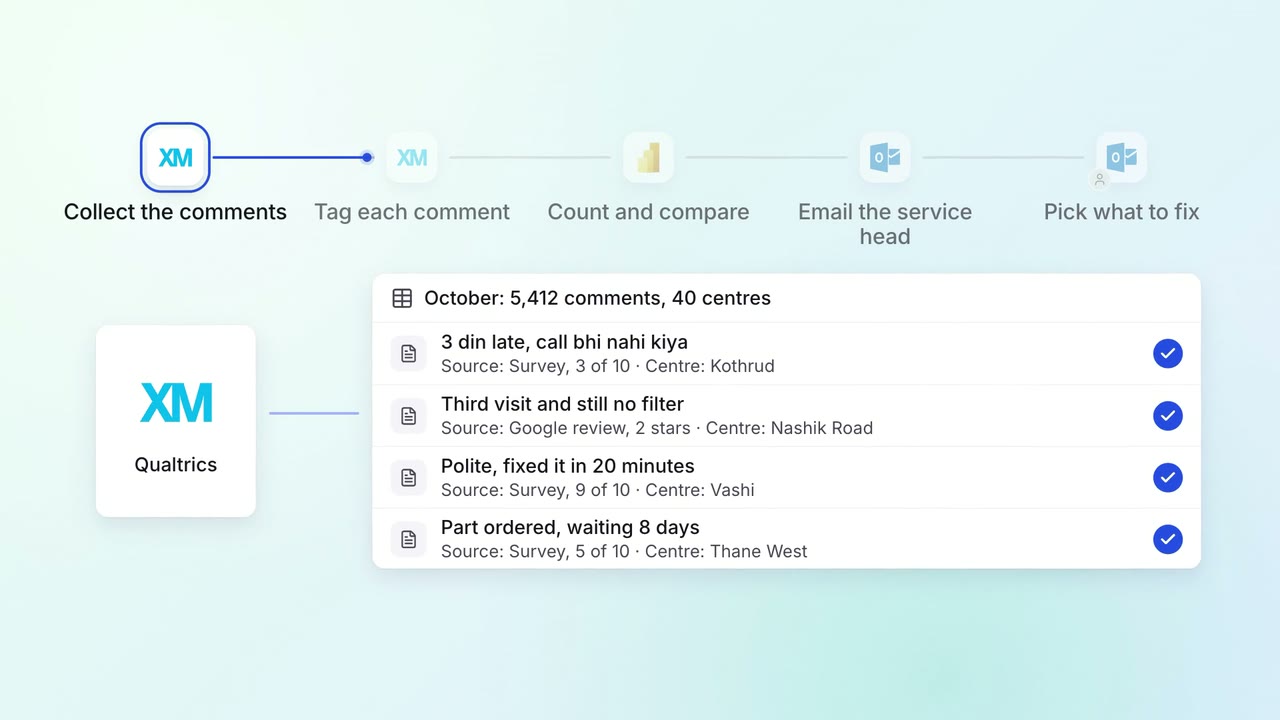
Customer service Feedback analysis
Thousands of survey comments and reviews become a monthly list of themes, with examples
 Qualtrics
 Google reviews
- Power BI
- Outlook
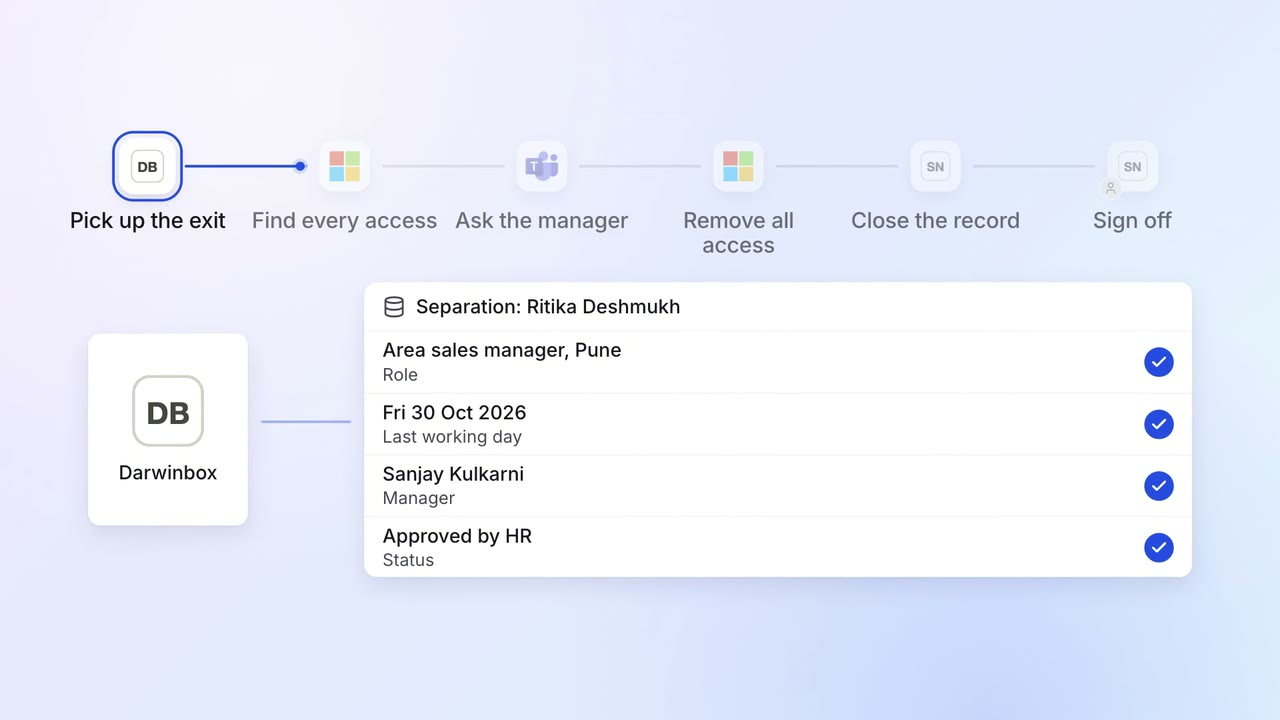
IT Access for joiners and leavers
Every leaver's access ends on the last day, with a record for audit
- Darwinbox
 Entra ID
 Microsoft Teams
 ServiceNow
 SAP S/4HANA
 Salesforce