Every leaver's access ends on the last day, with a record for audit
When HR approves an exit in Darwinbox, the AI switches off every account the person holds at the end of their last day and logs each removal in ServiceNow.
- Used day to day by
- IT team
- HR team
- Internal auditors
How it runs with AI
The AI picks up each approved exit in Darwinbox, finds every account, group and licence the person holds, and asks the manager on Teams who takes over the mailbox, files and customer accounts. At the end of the last day it switches everything off and closes a ServiceNow record with the time of each removal. Systems that need a person get a task for their owner.
How it is done today
HR emails IT a list of leavers, often after their last day. IT switches off the Microsoft 365 account, but SAP, Salesforce, the VPN and the smaller apps depend on someone remembering them, so some accounts stay open for weeks. When the auditors ask for proof, the team pieces it together from tickets and system logs by hand.
Step by step
Where the work happens, what the AI does, and where it hands over to a person.
-
Step 1, AI
Picks up each approved exit, with the last working day
Needs to know: Exit approval rules
In
 Darwinbox
 -
Step 2, AI
Finds every account, group and licence the person holds
Needs to know: Systems and their owners, How accounts link to people
In
 Entra ID ,
  SAP S/4HANA ,
  Salesforce
 -
Step 3, AI
Asks the manager who takes over the mailbox, files and accounts
Needs to know: Reporting lines, Handover rules
In
 Microsoft Teams
 -
Step 4, AI
Removes every access at the end of the last day
Needs to know: Removal steps per system, System owners
In
Entra ID , SAP S/4HANA , Salesforce ,  ServiceNow
 Exception to step 4
Sends a ServiceNow task to the system's owner when removal needs a person
-
Step 5, AI
Closes the leaver request in ServiceNow with the time of each removal
Needs to know: Audit evidence needed
In
ServiceNow -
Step 6, Person
Reviews and signs off the record, ready for audit
In
ServiceNow
What stays with a person
- Reviews and signs off the record, ready for audit
Apps in this example
- Darwinbox
- Entra ID
- Microsoft Teams
- ServiceNow
- SAP S/4HANA
- Salesforce
The same flow works with the apps you use.
This fits you if
- More than 20 people leave each month across your sites and offices
- Leavers hold accounts beyond Microsoft 365, such as SAP, Salesforce or a dealer portal
- HR records exits in Darwinbox and IT works from ServiceNow
- Your auditors test how quickly leavers lose access
What to watch for
- The removal runs only for exits HR has approved in Darwinbox. When a last day moves, HR changes it there and the removal moves with it
- For a dismissal, HR decides the moment access ends, and IT starts the removal at that time
- IT keeps the list of systems and their owners. Each new app joins the list when it goes live, so its accounts are covered from the first leaver
Often done together
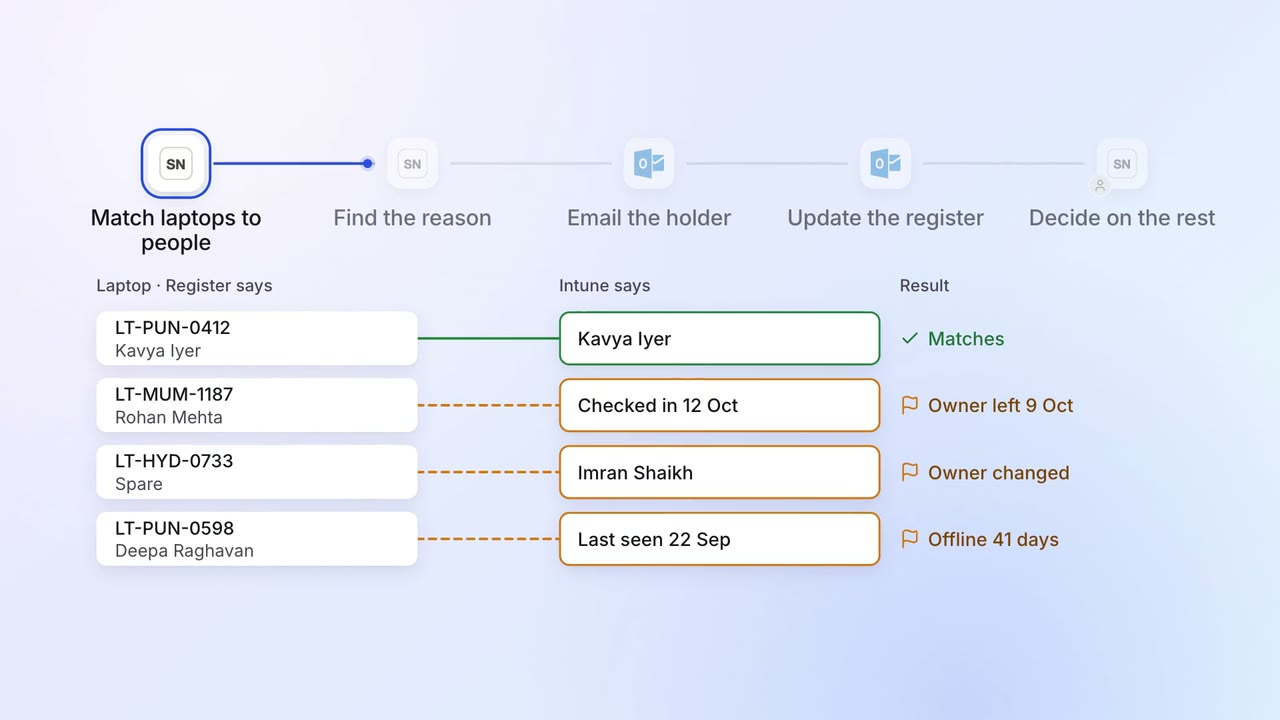
IT Asset tracking
Every laptop is matched to a person, and the missing ones are chased
- ServiceNow
- Intune
- Darwinbox
 Outlook
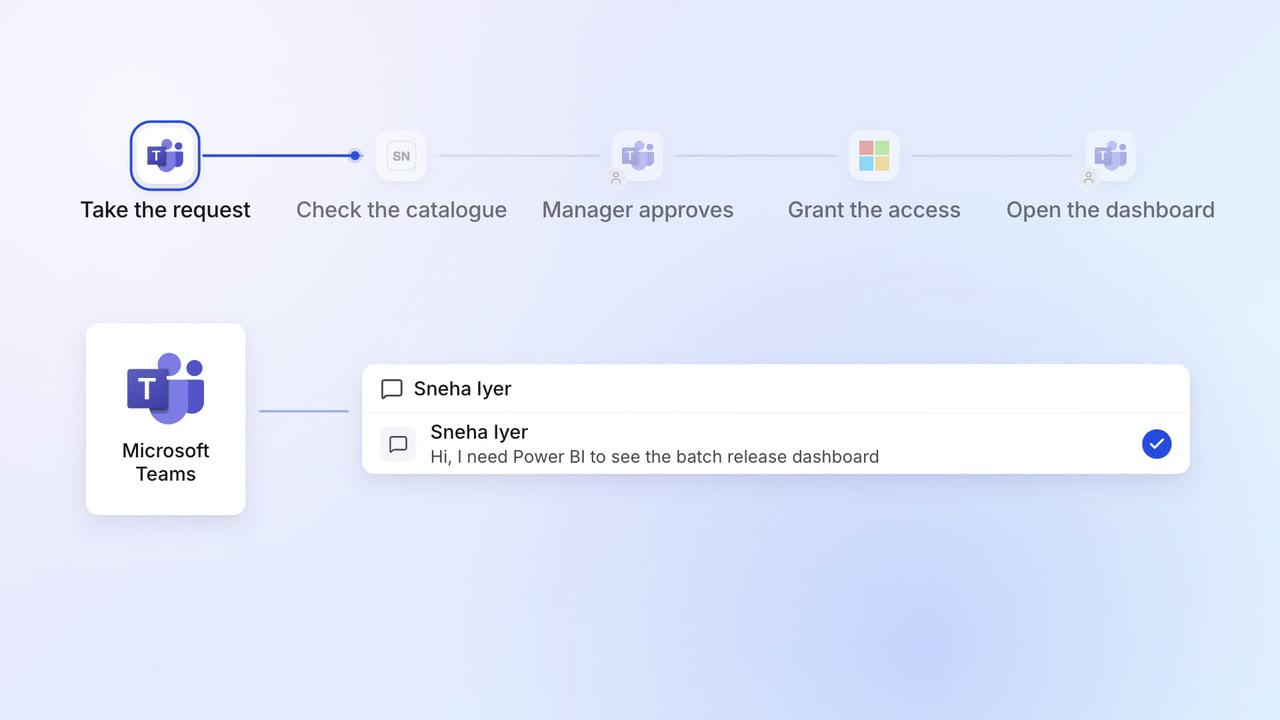
IT Helpdesk
Password resets and software access are handled on Teams in minutes
- Microsoft Teams
- ServiceNow
- Entra ID
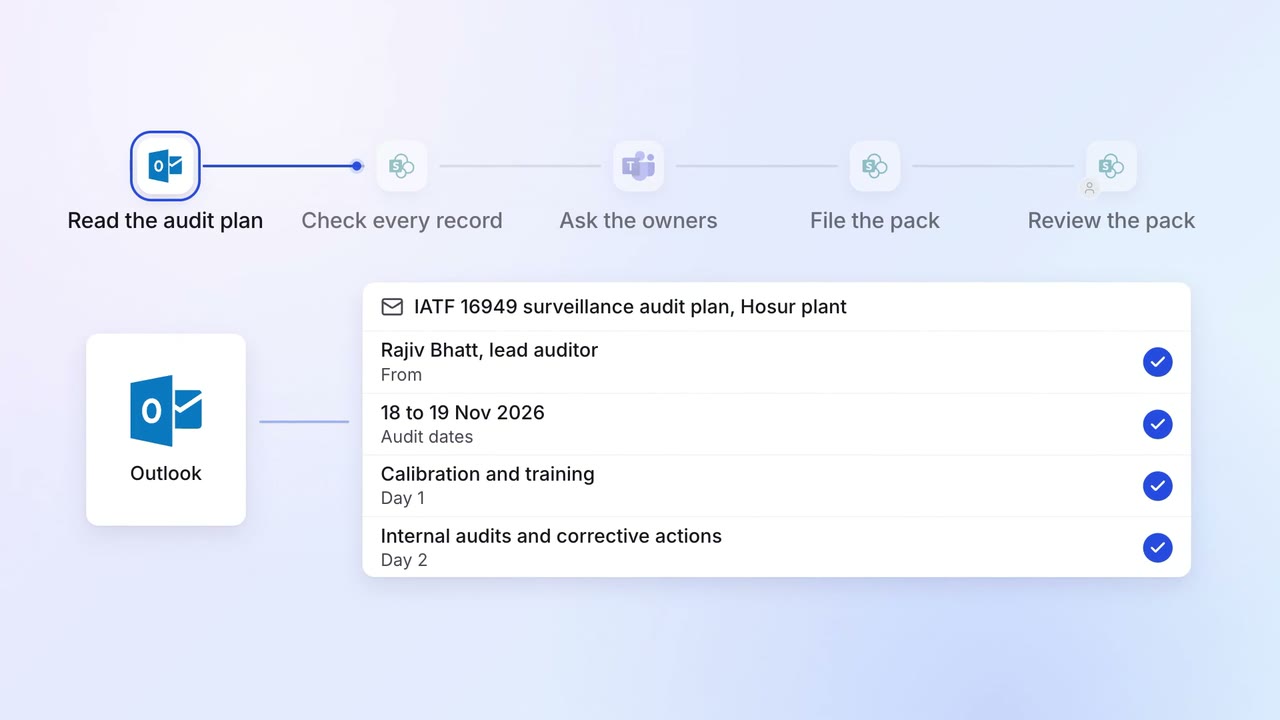
Operations Quality and audits
Evidence for every audit point is ready before the auditor asks
- Outlook
 SharePoint
- SAP S/4HANA
- Microsoft Teams