The fixed asset register matches the shop floor, with every change posted at month end
At each month end the AI finds every asset that was commissioned, sold, moved or expensed by mistake, checks the plants' tag scans and prepares the entries. Your asset accountant posts them.
- Used day to day by
- Accountants
- Finance team
- Financial controllers
How it runs with AI
At each month end, the AI looks in SAP for every sign that an asset changed: production on a new line, a scrap sale, a transfer between plants, a capital item booked as an expense. It matches each plant's tag scans to the register and prepares every correcting entry with its evidence. The asset accountant reviews and posts them, so the register matches the shop floor all year.
How it is done today
At each month end, the asset accountant emails every plant to ask what was commissioned, scrapped or moved, and checks the replies against SAP. New machines run for months while their cost still sits in capital work in progress, and scrap sales leave old assets on the register. The yearly tag check ends in a spreadsheet of unexplained lines that waits for the auditor.
Step by step
Where the work happens, what the AI does, and where it hands over to a person.
-
Step 1, AI
Pulls the register, open capital projects, capex purchases and scrap sales from SAP
Needs to know: Plants and asset classes
In
 SAP S/4HANA
 -
Step 2, AI
Finds the changes the register is missing, with the evidence for each
Needs to know: Capitalisation policy, Asset classes
In
SAP S/4HANA -
Step 3, AI
Matches the tags a plant scanned this month against the register
Needs to know: Customer-owned dies and moulds, Last known locations
In
 Excel , SAP S/4HANA
 Exception to step 3
Sends the plant team each untraced asset with its last known location, to search again
-
Step 4, AI
Prepares each correcting entry with its evidence, ready for review
Needs to know: Depreciation policy, Posting rules
In
SAP S/4HANA -
Step 5, Person
Reviews and posts each entry, and the CFO approves any write-off
In
SAP S/4HANA
What stays with a person
- Reviews and posts each entry, and the CFO approves any write-off
Apps in this example
- SAP S/4HANA
- Excel
The same flow works with the apps you use.
This fits you if
- Your assets are spread across several plants, offices or warehouses
- New machines often run for months while still in capital work in progress
- Plants sell scrap and move equipment between sites, and tell accounts later
- Your auditors ask how assets were physically verified and how differences were dealt with in the books
What to watch for
- The put-to-use date sets when depreciation starts, so the plant's engineering head confirms it before the entry is posted
- Writing off a missing asset stays with your finance team and the CFO. The AI prepares each entry and your team posts it in SAP
- Dies, moulds and tools owned by your customers carry their own tags. Keep a list of them so the AI reports them apart from your own assets
- Your auditor expects every asset to be verified within a set cycle. Plan each plant's tag check so the cycle covers every asset
Often done together
Finance Month-end close
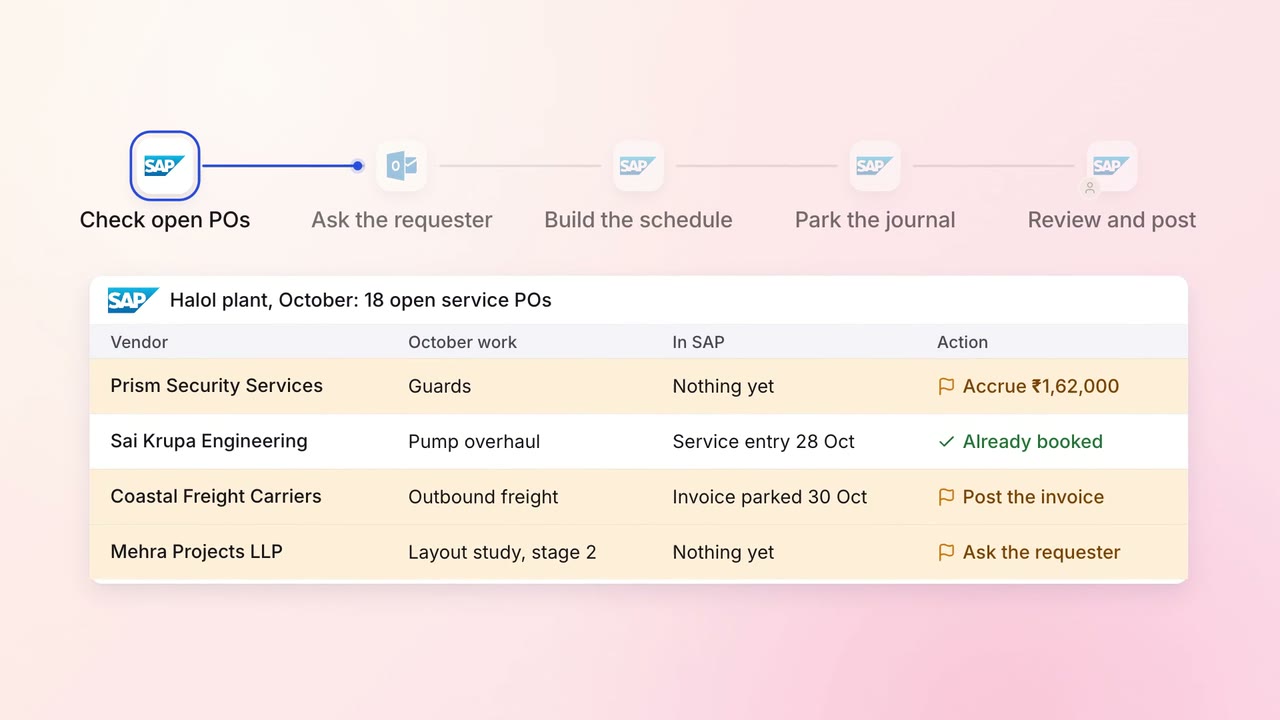
Month-end accruals are ready on day 1, drafted from open POs and goods receipts
- SAP S/4HANA
 Outlook
Operations Quality and audits
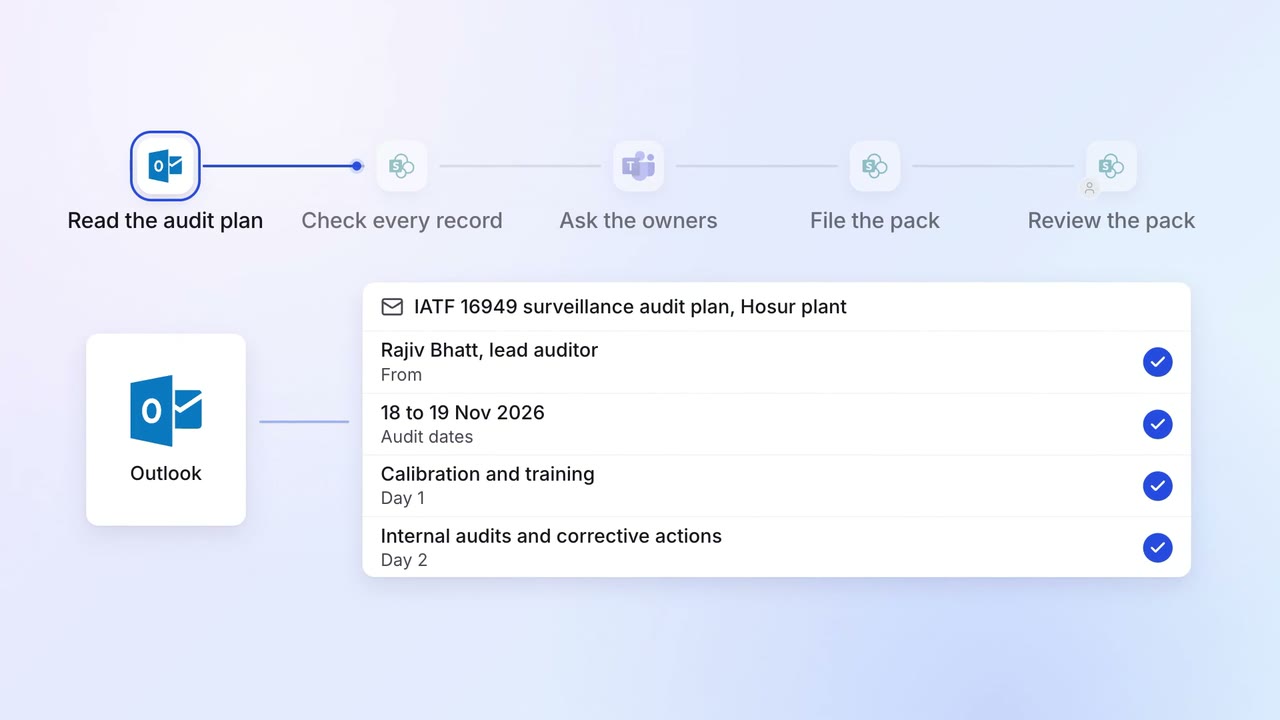
Evidence for every audit point is ready before the auditor asks
- Outlook
 SharePoint
- SAP S/4HANA
 Microsoft Teams
IT Asset tracking
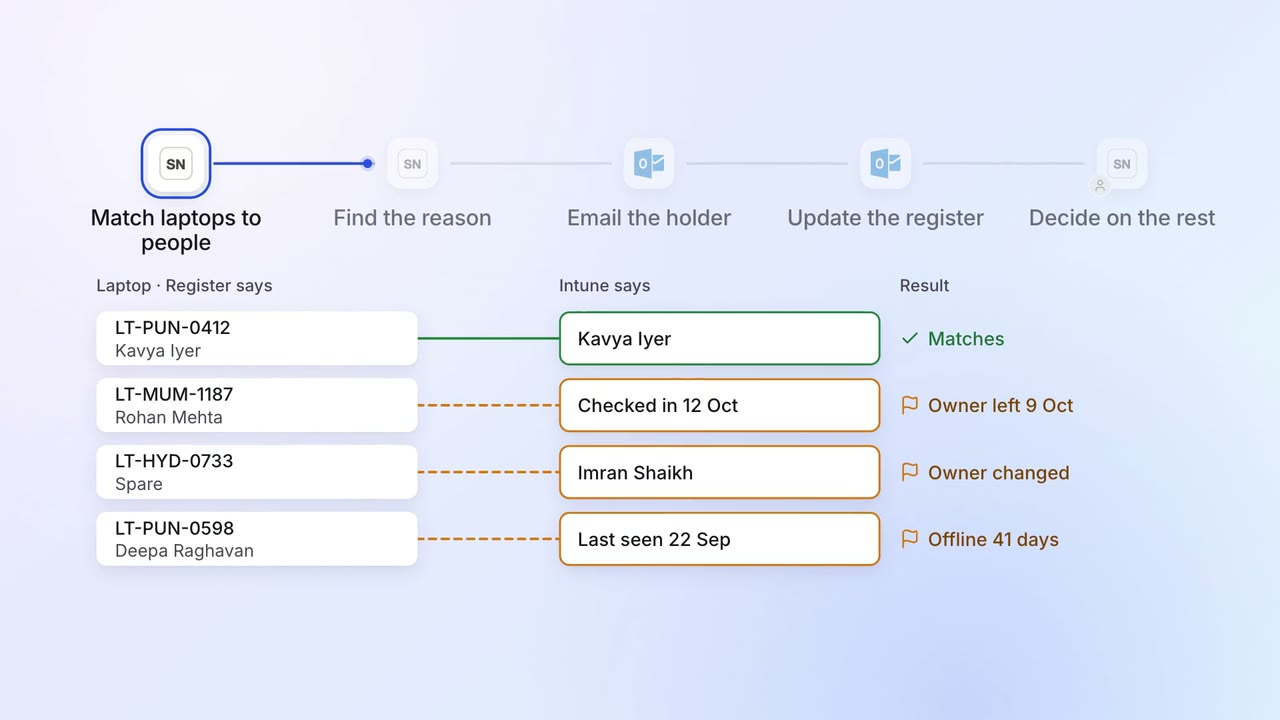
Every laptop is matched to a person, and the missing ones are chased
 ServiceNow
 Intune
 Darwinbox
- Outlook