Solved tickets become help articles, so each question gets answered once
The AI groups solved tickets by question, finds the common ones that need an article and drafts it from the fix that worked. Your support team checks it and publishes.
- Used day to day by
- Customer service agents
- Support team leads
- Training team
How it runs with AI
Each month the AI reads the solved tickets in Zendesk, groups them by the question behind them and finds the common questions that need an article. It drafts the article in Confluence from the fix that worked, using tickets the dealers rated well. The support lead checks the draft, adds photos and publishes it, and agents send the link from then on.
How it is done today
Dealer workshops raise the same questions month after month, and agents answer each one from scratch. The fix that worked sits in old tickets, so a new agent finds it by searching or by asking a senior colleague. Help articles get written when someone has time, which is rarely.
Step by step
Where the work happens, what the AI does, and where it hands over to a person.
-
Step 1, AI
Reads every ticket the team solved this month
Needs to know: Product list
In
 Zendesk
 -
Step 2, AI
Groups them by question and finds the common ones that need an article
Needs to know: Existing help articles, What counts as common
In
Zendesk ,  Confluence
 -
Step 3, AI
Takes the fix from the tickets dealers rated well
Needs to know: Ticket ratings, Approved safety steps
In
Zendesk Exception to step 3
Asks the product team to choose when agents gave different fixes
-
Step 4, AI
Drafts the article in Confluence with the steps that worked
Needs to know: Article template, House style
In
Confluence -
Step 5, Person
Checks the draft, adds photos and publishes it for every dealer
In
Confluence
What stays with a person
- Checks the draft, adds photos and publishes it for every dealer
Keeping articles current
The same check runs on questions that already have an article. When tickets on one of them start ending with a different fix, for example after a software update or a new model, the AI marks the article for review and lists the tickets that disagree with it.
Apps in this example
- Zendesk
- Confluence
The same flow works with the apps you use.
This fits you if
- Your team solves more than 1,000 tickets a month
- The same questions come back every month from customers, dealers or staff
- Your tickets live in Zendesk, Freshdesk or a similar help desk
- New agents learn the fixes by asking senior colleagues
What to watch for
- Tickets carry names, phone numbers and other personal details. The draft leaves them out, and the reviewer checks before publishing
- A fix that worked on one ticket can still be wrong as general advice, for example when an agent skipped a safety step. A service expert signs off every article
- Someone owns the knowledge base and retires articles when a product changes
Often done together
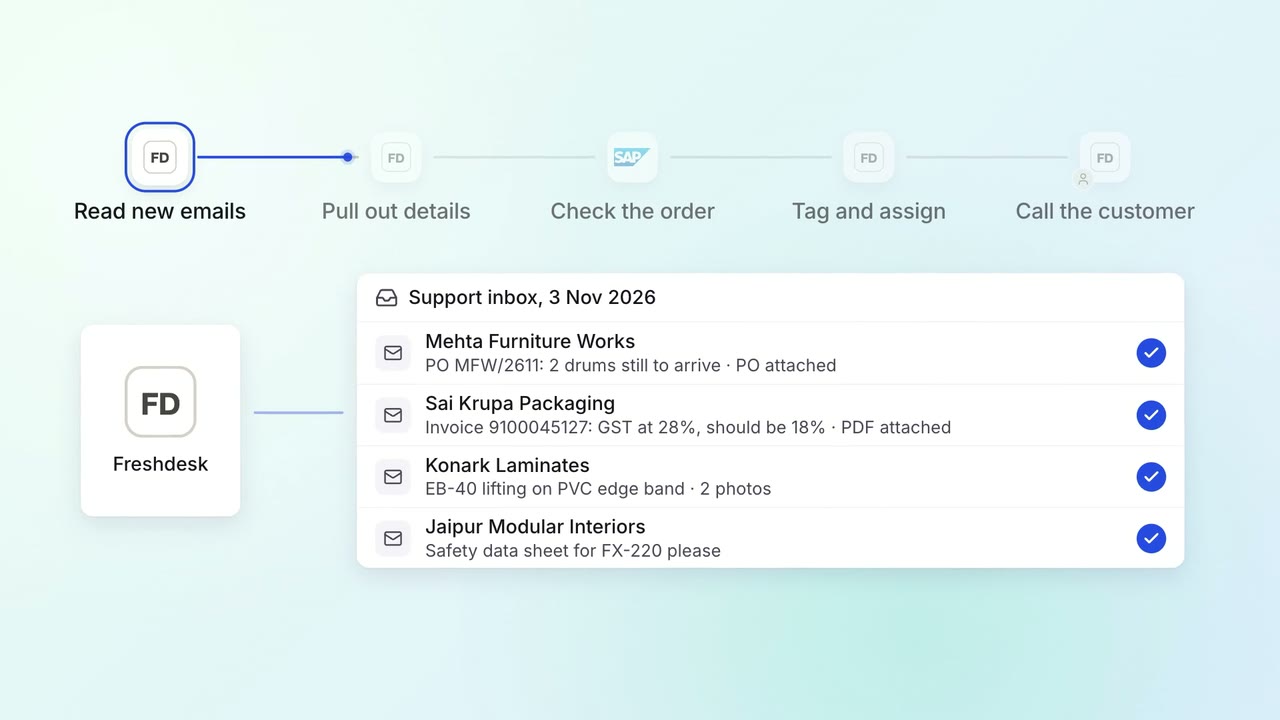
Customer service Incoming queries
Every support email is read, tagged and sent to the right team within minutes
 Freshdesk
 SAP S/4HANA
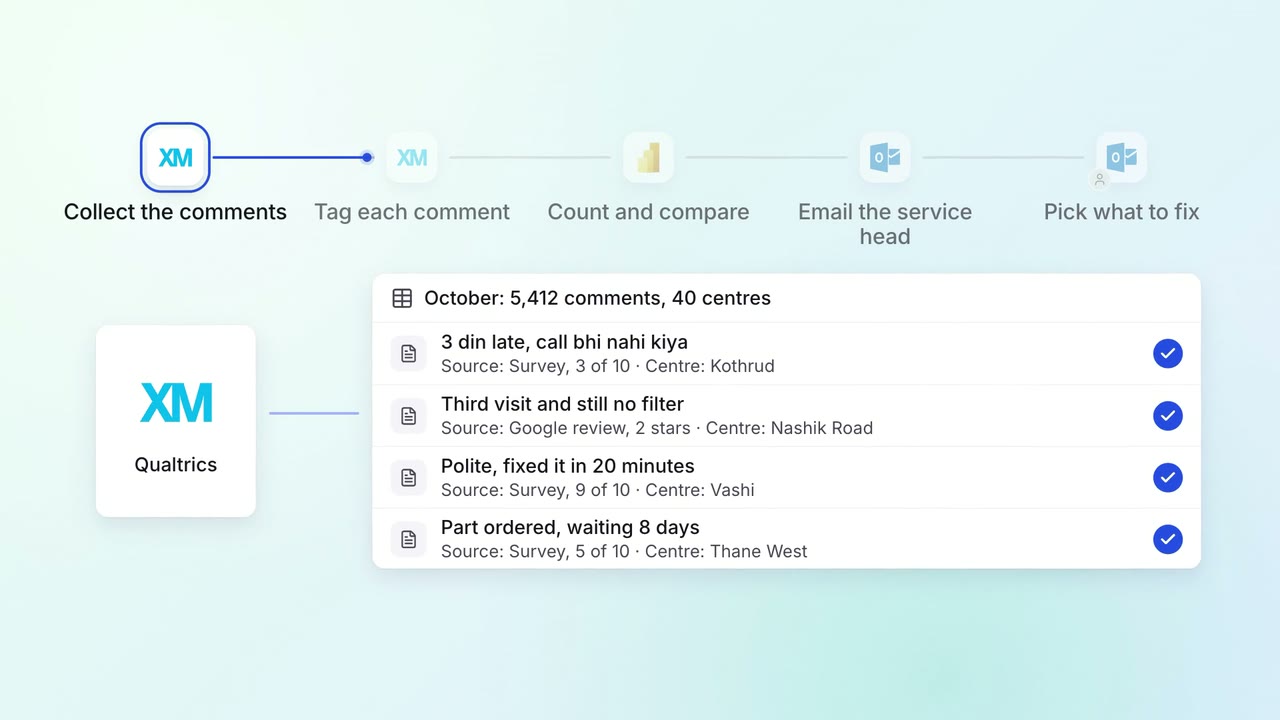
Customer service Feedback analysis
Thousands of survey comments and reviews become a monthly list of themes, with examples
 Qualtrics
 Google reviews
 Power BI
 Outlook
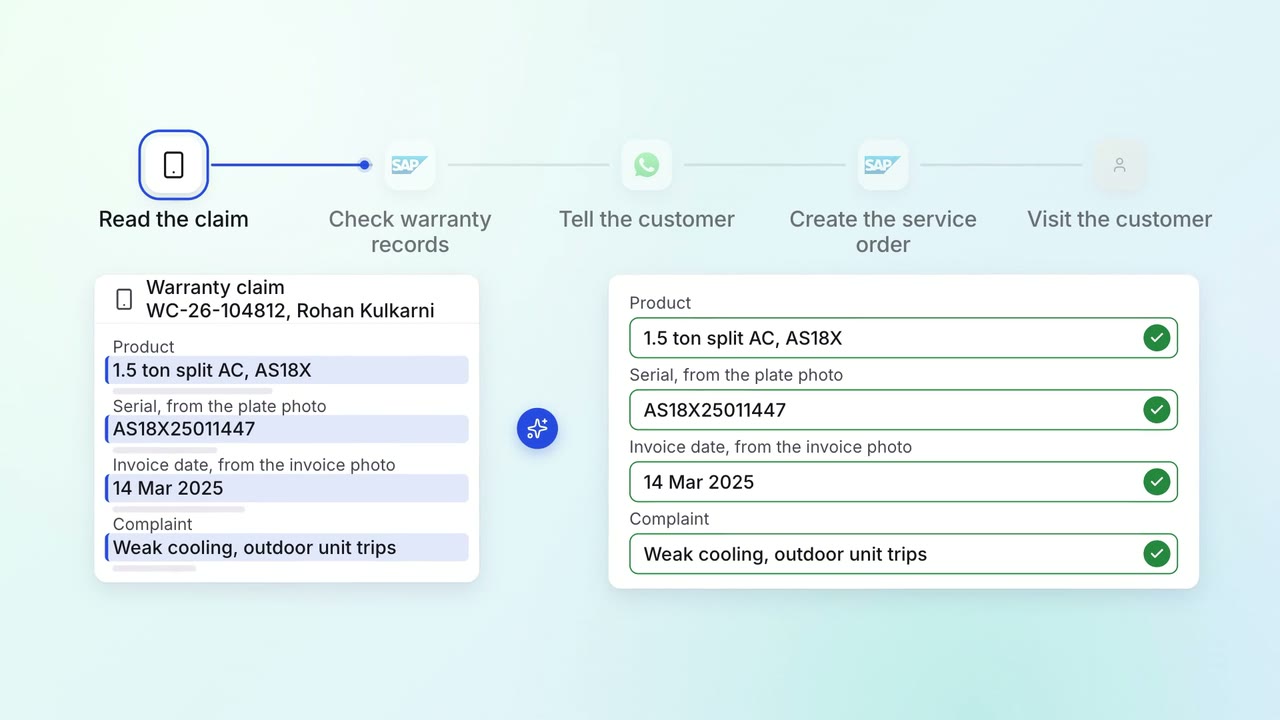
Customer service Complaints and escalations
Warranty claims are checked against the terms and service history before anyone is sent out
- Service app
- SAP S/4HANA
 WhatsApp Business