Every support email is read, tagged and sent to the right team within minutes
The AI reads each email in the support inbox, checks the order in SAP, tags the ticket in Freshdesk and assigns it to the team that can answer.
- Used day to day by
- Customer service agents
- Order desk
- Customer service head
How it runs with AI
The AI reads each email as it arrives, finds the customer, order and invoice in SAP and tags the ticket in Freshdesk by type and urgency. It assigns the ticket to the right team with a one-line summary and the SAP details attached, so the team starts on the answer straight away. Emails it is unsure about go to the support lead.
How it is done today
Customer emails land in one support inbox. A coordinator reads each one, looks up the order or invoice in SAP, decides which team should handle it and forwards it. Emails wait in the queue while the coordinator works through the ones before them, and some sit with the wrong team for a day before anyone moves them.
Step by step
Where the work happens, what the AI does, and where it hands over to a person.
-
Step 1, AI
Picks up every new email in the support inbox
Needs to know: Types of customer query
In
 Freshdesk
 -
Step 2, AI
Reads the customer, order and problem from each email
Needs to know: Product list, Registered customers
In
Freshdesk -
Step 3, AI
Checks the order and delivery in SAP
Needs to know: Checks by query type
In
 SAP S/4HANA
 -
Step 4, AI
Tags the ticket and assigns it to the right team
Needs to know: Team for each query, Urgency rules
In
Freshdesk Exception to step 4
Sends it to the support lead when it is unsure which team fits
-
Step 5, Person
Calls the customer with the dispatch date the same morning
In
Freshdesk
What stays with a person
- Calls the customer with the dispatch date the same morning
Apps in this example
- Freshdesk
- SAP S/4HANA
The same flow works with the apps you use.
This fits you if
- Your support inbox receives more than 100 emails a day
- One or two people read and forward every email today
- Most answers depend on order, delivery or invoice details in SAP
- Several teams handle queries, split by region or by type of query
What to watch for
- Your support lead owns the list of teams and what each one handles, and updates it when teams or regions change
- Emails the AI is unsure about go to the support lead. In the first weeks the lead also checks a sample of tagged tickets each day, and the instructions are adjusted from those corrections
- The AI reads from SAP and writes only in Freshdesk, so orders and invoices stay exactly as your team left them
- Credit notes, replacements and refunds stay with your teams. The AI sorts and summarises, and people decide what the customer gets
Often done together
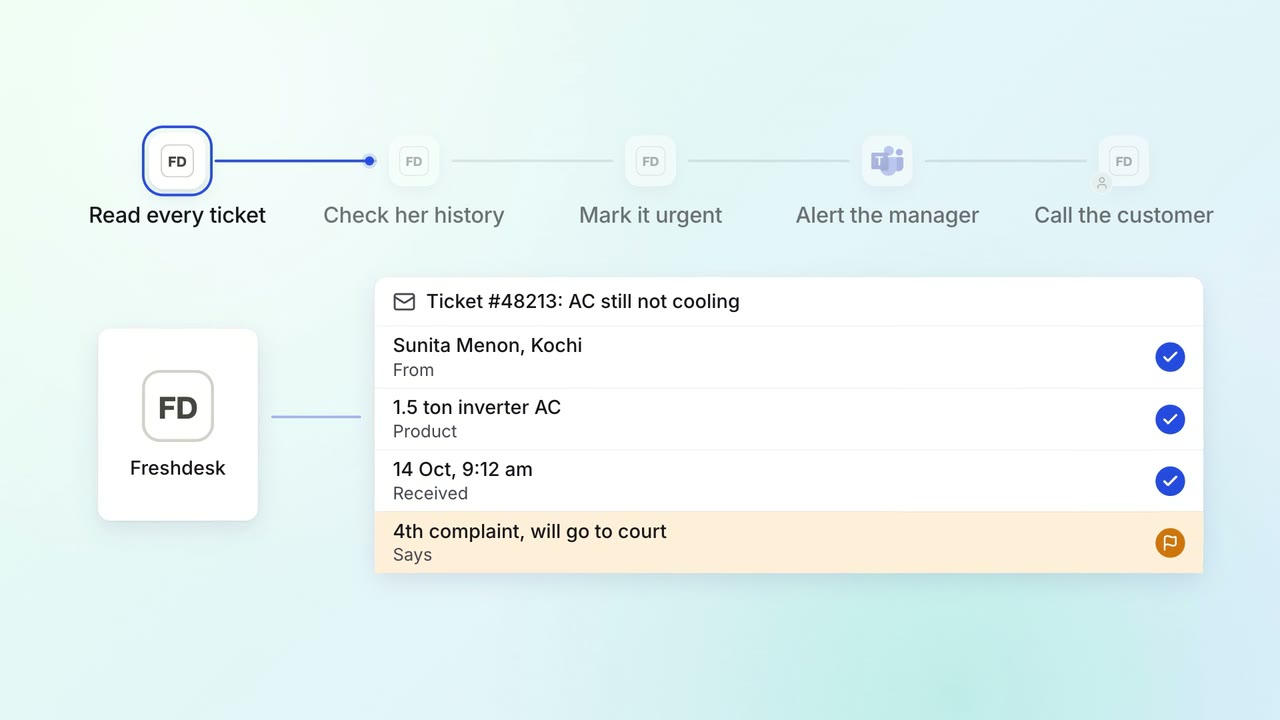
Customer service Complaints and escalations
Angry customers and repeat complaints reach a senior person the same day
- Freshdesk
 Microsoft Teams
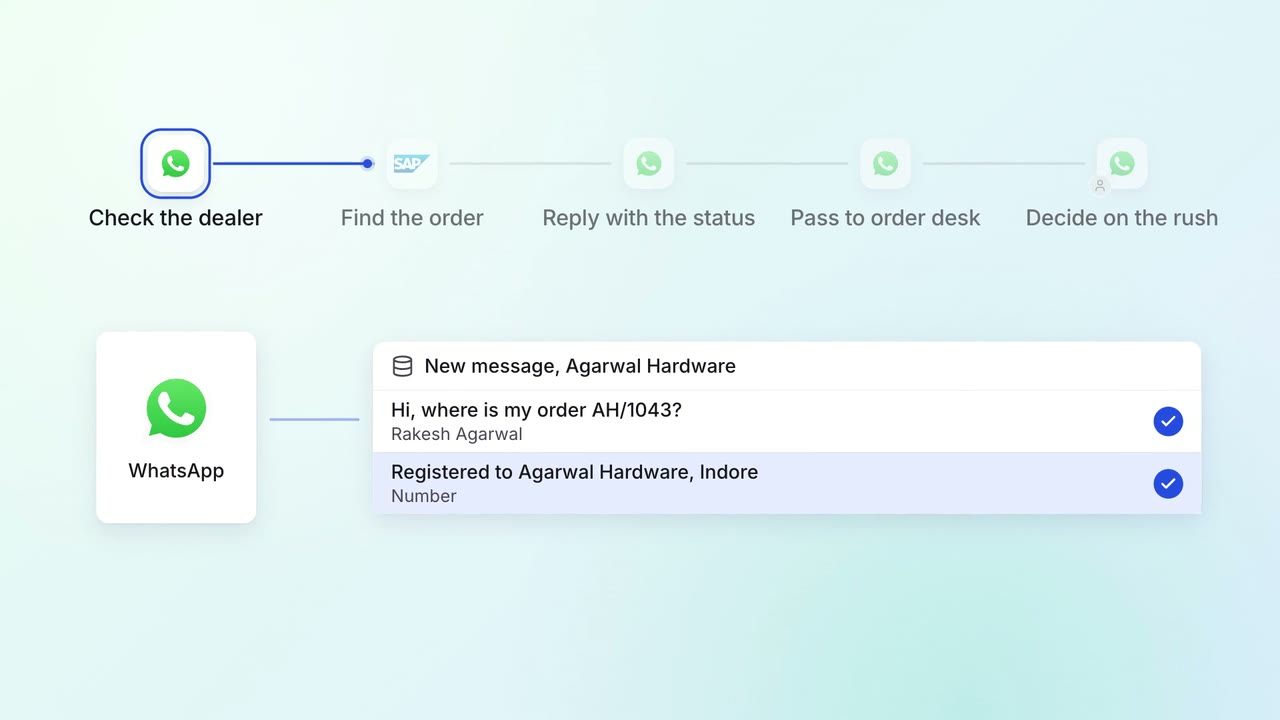
Customer service Incoming queries
Dealers and customers get their order status on WhatsApp, straight from SAP
 WhatsApp Business
- SAP S/4HANA
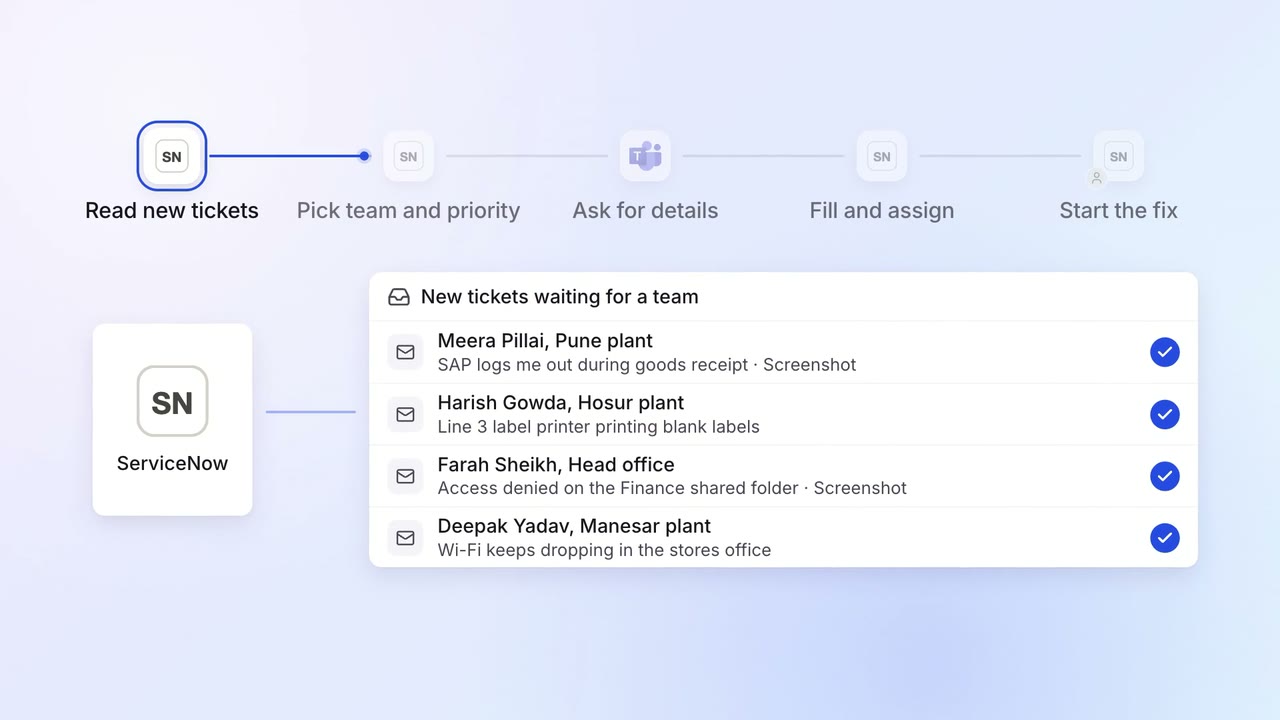
IT Helpdesk
Every IT ticket lands with the right team, with the details they need
 ServiceNow
- Microsoft Teams