News from every site and team becomes a LinkedIn post, ready for approval
The AI reads the news your plants and teams share in Microsoft Teams, drafts LinkedIn posts with every fact taken from the source, and holds anything that needs a customer's OK. Your communications head approves each post.
- Used day to day by
- Communications team
- Communications head
How it runs with AI
The AI reads the company news channel in Teams each day and picks the items worth a post. It drafts each one in your brand voice, with every name and number taken from the source message, and holds news that names a customer until the customer agrees. The communications head approves each draft, and the AI posts it on the LinkedIn page at the planned time.
How it is done today
News from the plants, sales and HR reaches the communications team in scattered Teams messages and emails, often after the moment has passed. Someone chases the details, writes each post and checks every name and number with the plant. The company page goes quiet for weeks, then posts several times in a day.
Step by step
Where the work happens, what the AI does, and where it hands over to a person.
-
Step 1, AI
Reads the news that plants and teams share in the company news channel
Needs to know: Channels that carry news
In
 Microsoft Teams
 -
Step 2, AI
Picks the news worth a post and holds anything that needs a customer's OK
Needs to know: What merits a post, Customer consent rule
In
Microsoft Teams Exception to step 2
Asks the person who shared it for the customer's written OK, and holds the post until it arrives
-
Step 3, AI
Drafts each post in your brand voice, with every name and number from the source
Needs to know: Brand voice, Past company posts
In
Microsoft Teams -
Step 4, Person
Reviews each draft beside its source, edits if needed and approves it
In
Microsoft Teams -
Step 5, AI
Posts each approved draft on the LinkedIn page at its planned time and tells the person who shared the news
Needs to know: Posting schedule
In
 LinkedIn , Microsoft Teams
What stays with a person
- Reviews each draft beside its source, edits if needed and approves it
Apps in this example
- Microsoft Teams
- LinkedIn
The same flow works with the apps you use.
This fits you if
- You have several plants, offices or business units, each with news worth sharing
- Your company page posts in bursts, or goes quiet for weeks
- News reaches your communications team through Teams messages and forwarded emails
- One person or a small team writes every post today
What to watch for
- Posts that name a customer wait for that customer's written OK, and photos of people are used only when everyone in them has agreed
- If your company is listed, drafts about large orders, results or deals go to your company secretary before anything is posted, since such news goes to the stock exchanges first
- Your communications head approves every post. The AI posts only what has been approved, at the planned time
- LinkedIn reviews and approves the connection that lets the AI post on your company page, and a super admin of your page verifies it
Often done together
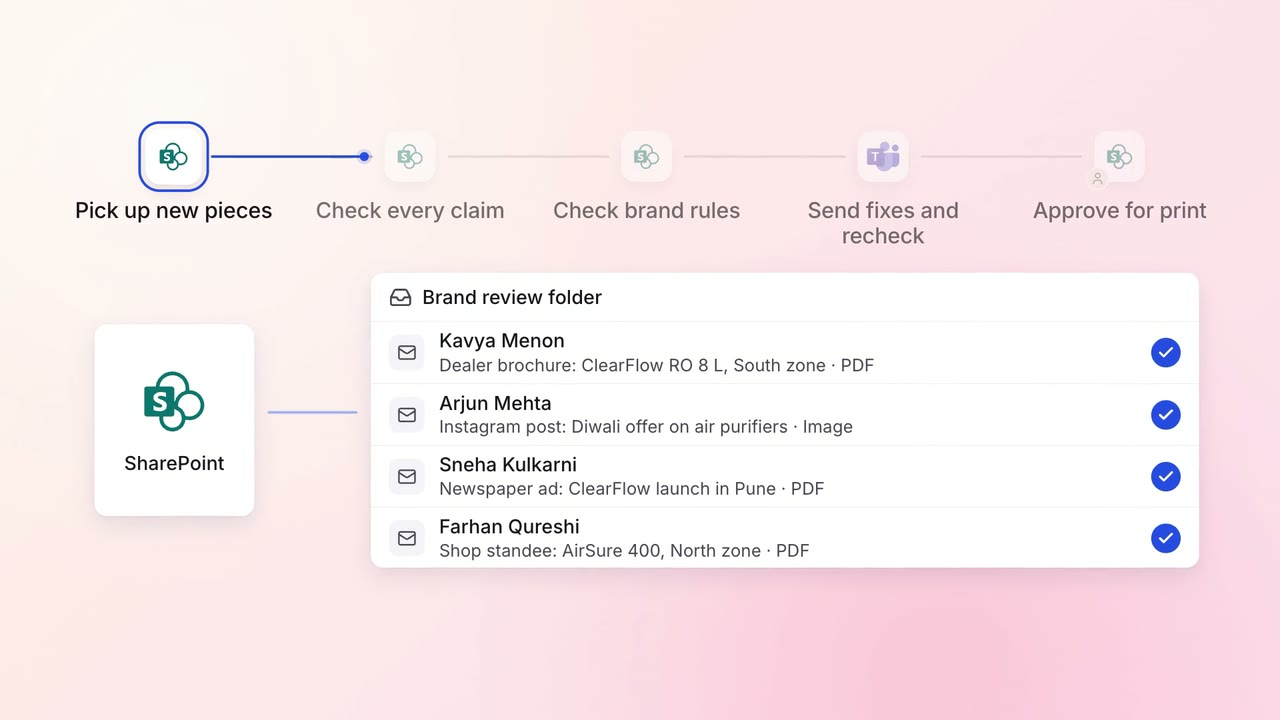
Marketing Content
Every brochure and post is checked against brand rules and approved claims before it goes out
 SharePoint
- Microsoft Teams
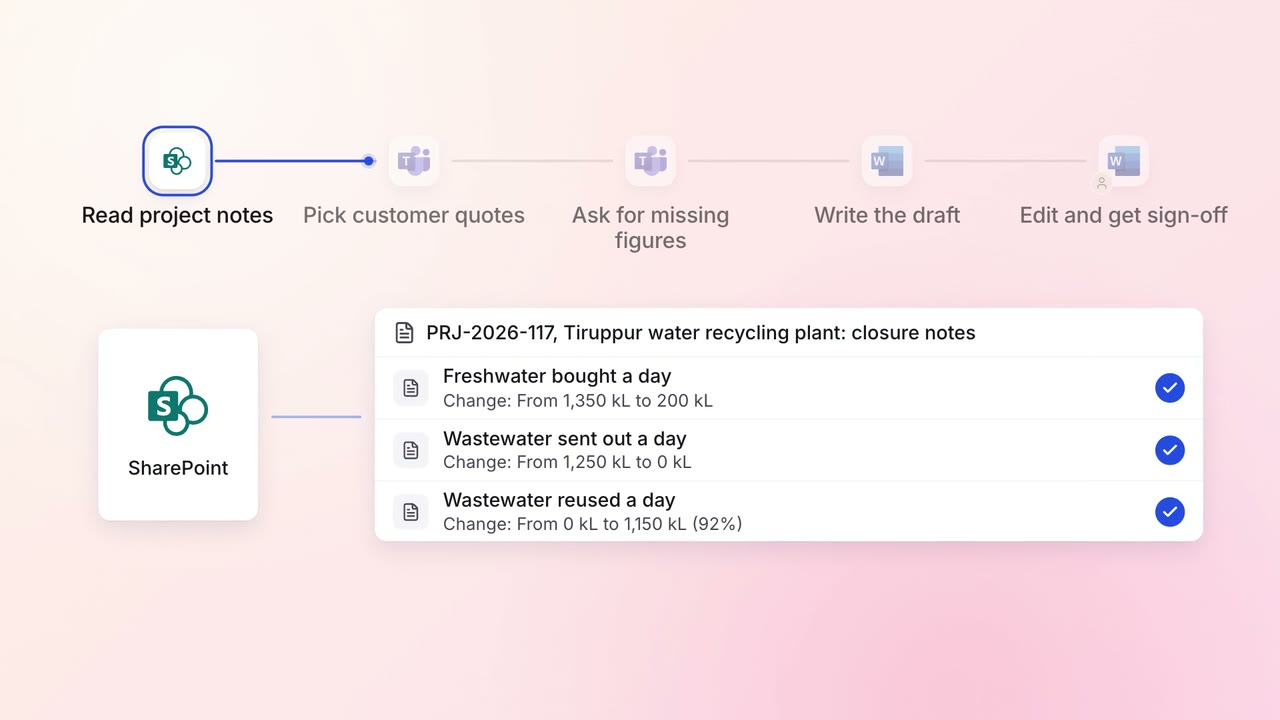
Marketing Content
Case study drafts come from project notes and the customer interview, ready for review
- SharePoint
- Microsoft Teams
 Microsoft Word
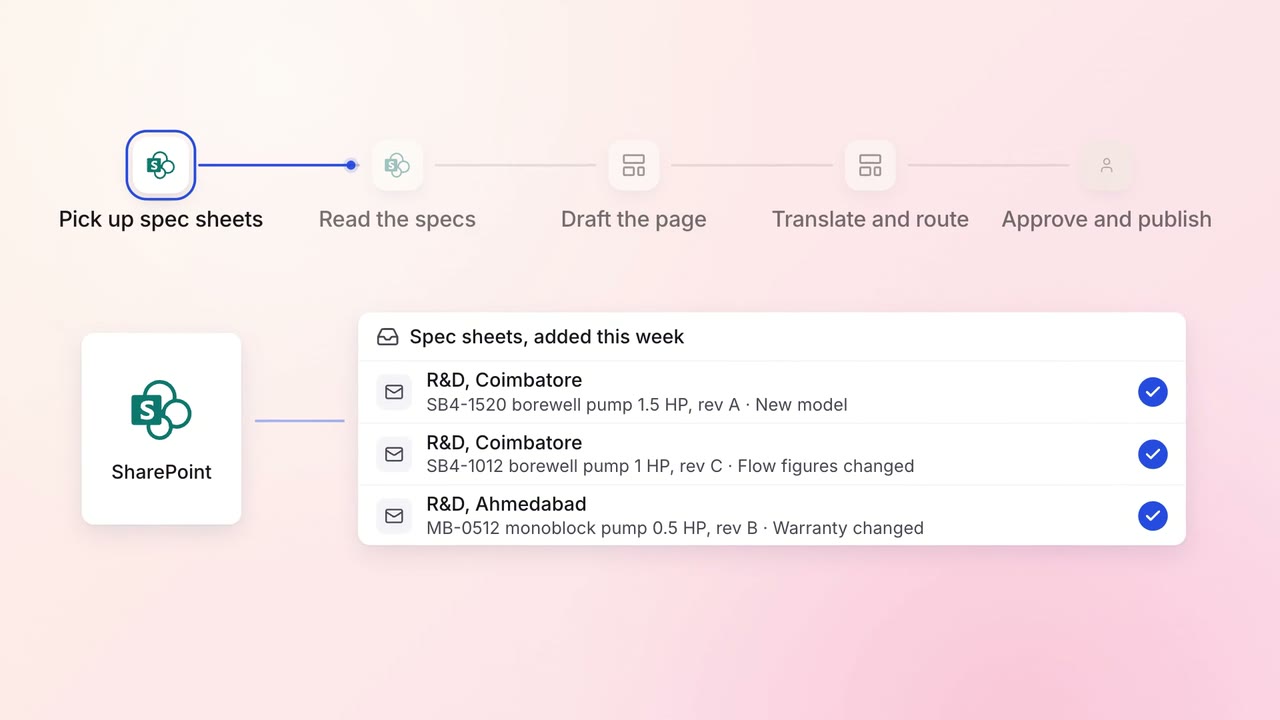
Marketing Content
Product pages are drafted from spec sheets, in every language you sell in
- SharePoint
- Website CMS