Leadership gets a 7 am summary of every plant's yesterday, with the reasons
At 7 am the AI posts each plant's output, rejects, stoppages and safety on Teams, compared with plan and with the reasons recorded in SAP.
- Used day to day by
- Operations head
- Plant heads
- Leadership team
How it runs with AI
Early each morning, the AI pulls yesterday's output, rejects, stoppages and safety records from SAP for every plant, compares each with plan and its recent average, and reads the breakdown and quality records for the reason behind each miss. It posts a short summary on Teams at 7 am, with a Power BI link, so the call starts with the plants that need a decision. Actions agreed on the call go under the summary, and the next morning's summary reports where each one stands.
How it is done today
Each morning, a planner at every plant copies yesterday's numbers from SAP into an Excel sheet and emails it to head office. Someone there combines the sheets and chases the reasons, and the email often lands after the morning call has begun, so the call opens with plant heads reading out numbers and explaining misses from memory.
Step by step
Where the work happens, what the AI does, and where it hands over to a person.
-
Step 1, AI
Pulls yesterday's output, rejects, stoppages and safety records for every plant
Needs to know: Plants and lines, Shift timings
In
 SAP S/4HANA
 -
Step 2, AI
Compares each plant with its plan and its recent average
Needs to know: Daily plan by plant, What counts as a miss
In
 Power BI , SAP S/4HANA
 -
Step 3, AI
Reads the breakdown and quality records in SAP for the reason behind each miss
Needs to know: Breakdown and quality codes
In
SAP S/4HANA ,  Microsoft Teams
 Exception to step 3
Asks the plant head on Teams when the cause is blank, and marks the reason as awaited
-
Step 4, AI
Posts a short summary on Teams at 7 am, with a link to the Power BI dashboard
Needs to know: Who gets the summary, Summary format
In
Microsoft Teams , Power BI -
Step 5, Person
Opens the morning call with the flagged plants and agrees the actions
In
Microsoft Teams
What stays with a person
- Opens the morning call with the flagged plants and agrees the actions
Apps in this example
- SAP S/4HANA
- Power BI
- Microsoft Teams
The same flow works with the apps you use.
This fits you if
- You run 3 or more plants, and leadership reviews them every morning
- Output, rejects and breakdowns are recorded in SAP S/4HANA during each shift
- Plant numbers reach head office as Excel sheets or emails today
- The morning call starts with people reading out numbers
What to watch for
- The summary reads what is in SAP when it runs. A line that posts late shows as awaited, so each shift posts its confirmations before handover
- Breakdown and quality records need a short cause written in them. Where one is blank, the AI asks the plant head and the summary says the reason is awaited
- Plant heads see the summary at the same time as leadership, so each one can correct a reason before the call
- Decisions on overtime, holding a supplier's material or moving production between plants stay with the COO and plant heads
Often done together
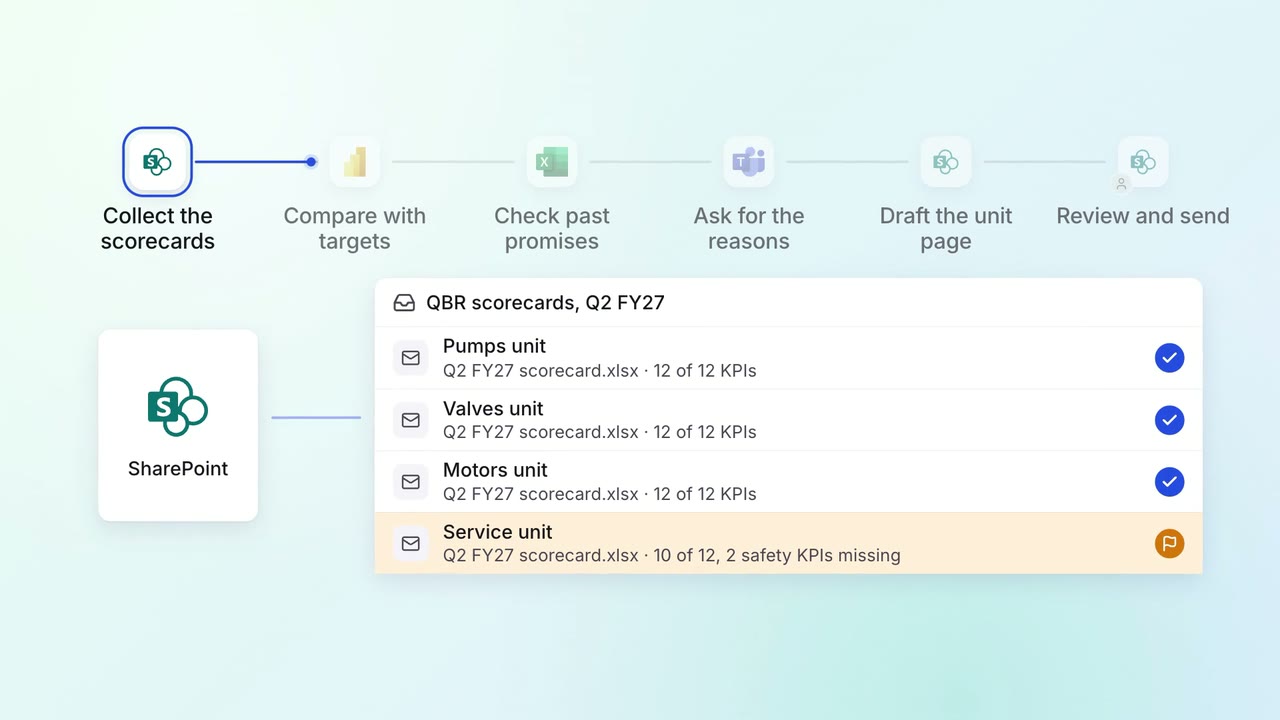
Leadership Management reports
Quarterly business reviews arrive with every unit's KPIs explained
- Power BI
 Excel
Excel SharePoint
- Microsoft Teams
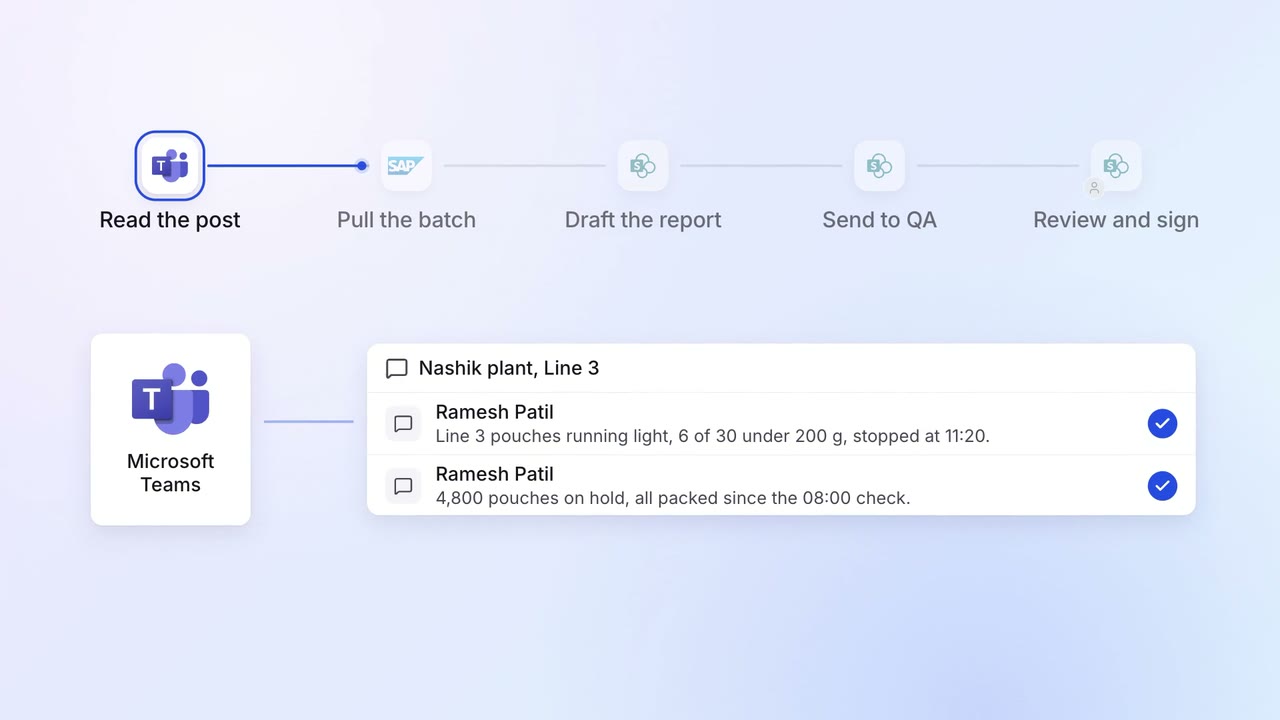
Operations Quality and audits
Quality deviations are written up and sent for sign-off on the same shift
- Microsoft Teams
- SAP S/4HANA
- SharePoint
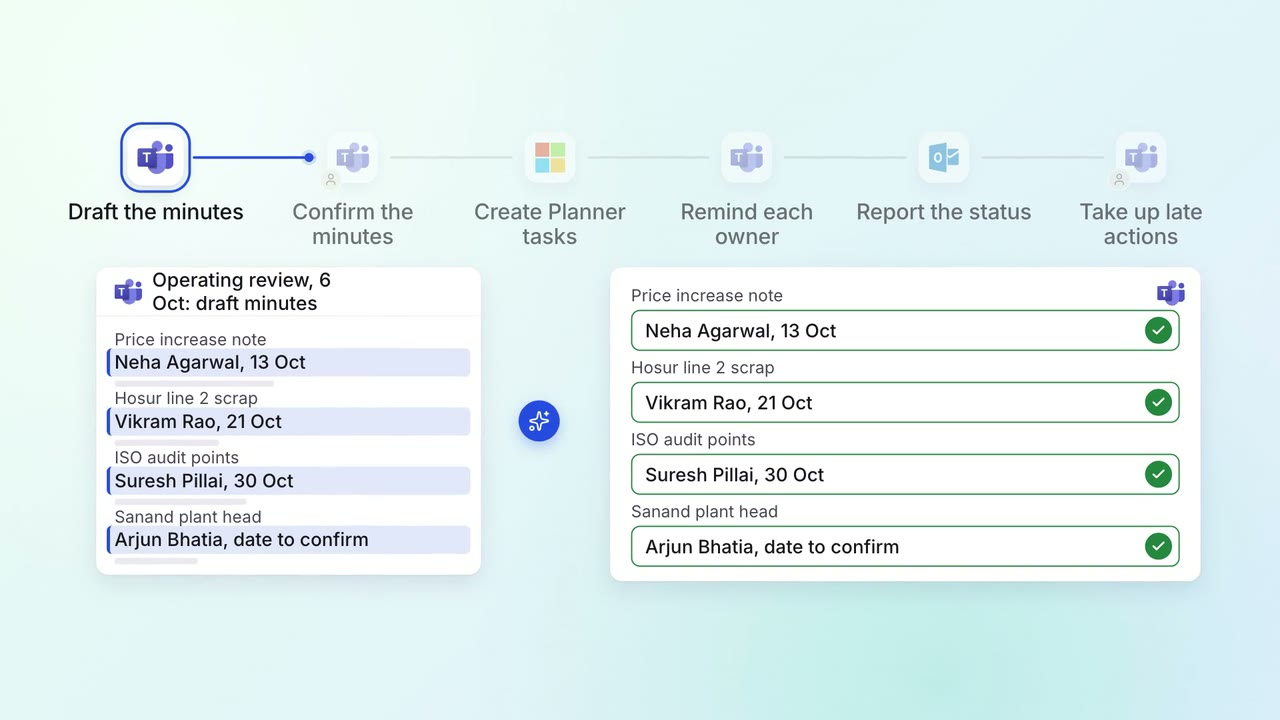
Leadership Meeting follow-ups
Every action from a leadership meeting gets an owner, a date and a follow-up
- Microsoft Teams
 Microsoft Planner
 Outlook