Every action from a leadership meeting gets an owner, a date and a follow-up
Minutes are drafted from the Teams transcript, each action goes into Planner with an owner and a date, and owners get a reminder on Teams before it is due.
- Used day to day by
- CEO's office
- Leadership team
How it runs with AI
The AI drafts the minutes from the Teams transcript within the hour, with every decision and each action's owner and date. Once the chief of staff confirms them, each action goes into Planner and its owner gets a reminder on Teams before the date. The MD gets the status of every action the day before the next meeting.
How it is done today
The chief of staff takes notes in the meeting, types up the minutes the next day and emails them round. Actions sit in an Excel tracker that someone keeps current by chasing each owner on calls and messages. At the next meeting, the first half hour goes on asking where things stand.
Step by step
Where the work happens, what the AI does, and where it hands over to a person.
-
Step 1, AI
Reads the meeting transcript and drafts the minutes, with every action
Needs to know: Who is on the team, Minutes template
In
 Microsoft Teams
 -
Step 2, Person
Confirms the minutes and fills in any missing owner or date
In
Microsoft Teams -
Step 3, AI
Creates each action in Planner with its owner, date and source
Needs to know: Owner directory
In
 Microsoft Planner
 -
Step 4, AI
Checks in with each owner on Teams before the due date
Needs to know: Reminder schedule, Who approves new dates
In
Microsoft Teams , Microsoft Planner Exception to step 4
Alerts the chief of staff when reminders go unanswered
-
Step 5, AI
Sends the MD the status of every action the day before the next review
Needs to know: Next meeting date, Status report format
In
Microsoft Planner ,  Outlook
 -
Step 6, Person
Takes up the late actions first at the next review
In
Microsoft Teams
What stays with a person
- Confirms the minutes and fills in any missing owner or date
- Takes up the late actions first at the next review
Apps in this example
- Microsoft Teams
- Microsoft Planner
- Outlook
The same flow works with the apps you use.
This fits you if
- Your leadership team meets every week or month and agrees 5 or more actions each time
- Your meetings run on Microsoft Teams
- Actions live in an Excel tracker or someone's notebook today
- The same actions show up as "in progress" meeting after meeting
What to watch for
- The chief of staff checks the draft minutes before they go out, because the record of who agreed to what carries weight
- Everyone in the meeting is told it is being transcribed. Teams shows a notice when transcription starts
- New dates are approved by the MD's office. The assistant records the request and passes it on
- People matters, such as a senior hire, can go only to the people the MD names, in a separate set of minutes
Often done together
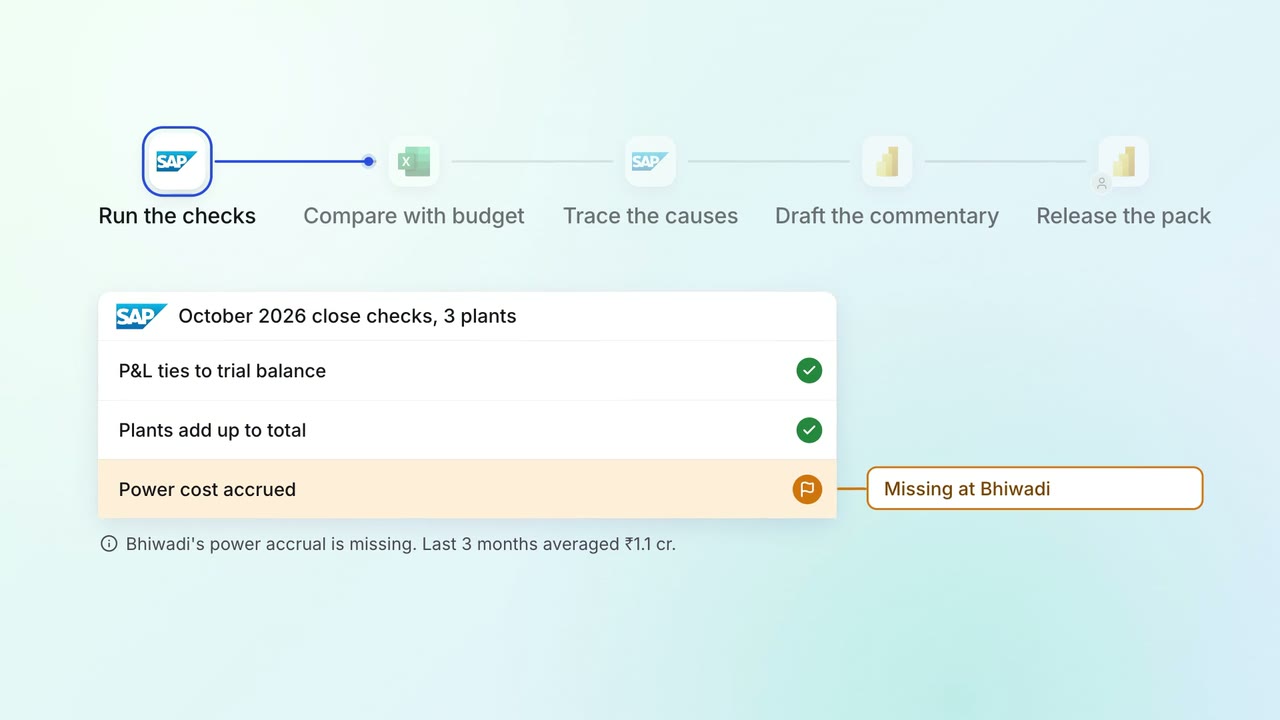
Leadership Management reports
The monthly MIS pack arrives with the numbers checked and the variances explained
 SAP S/4HANA
 Excel
Excel Power BI
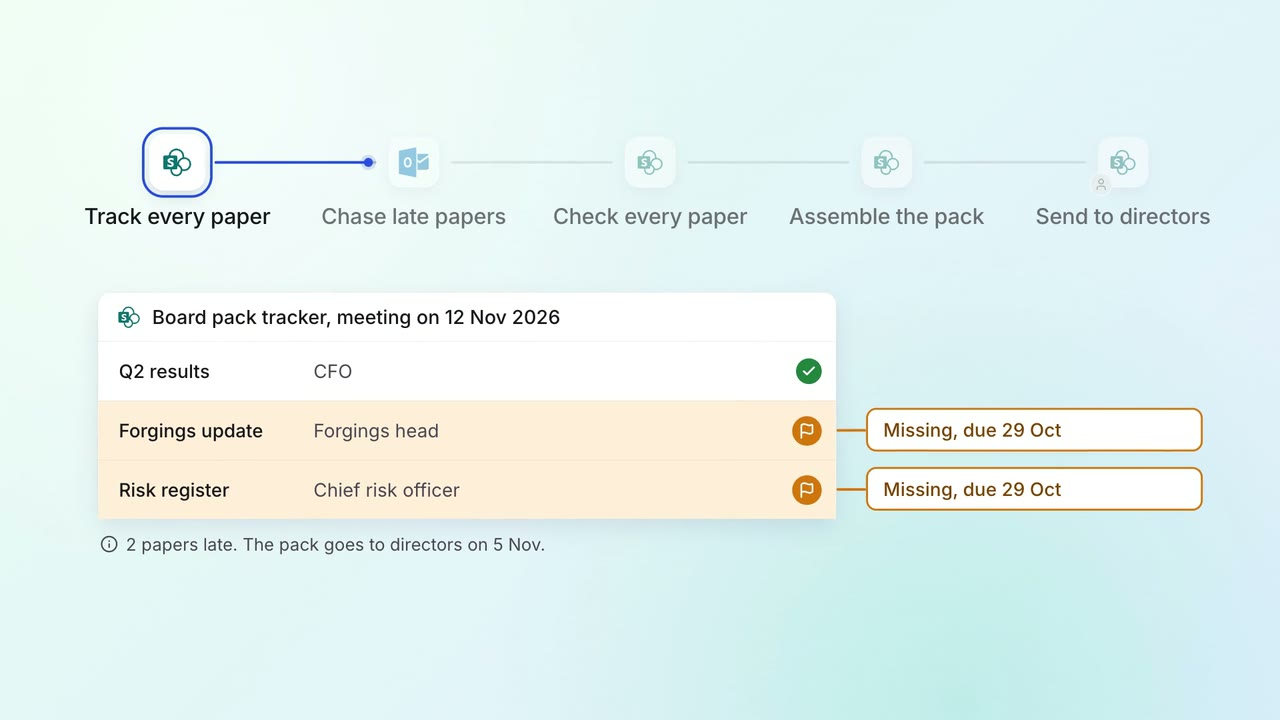
Leadership Board and investor packs
The board pack comes together from every department's papers, with late ones chased
 SharePoint
- Outlook
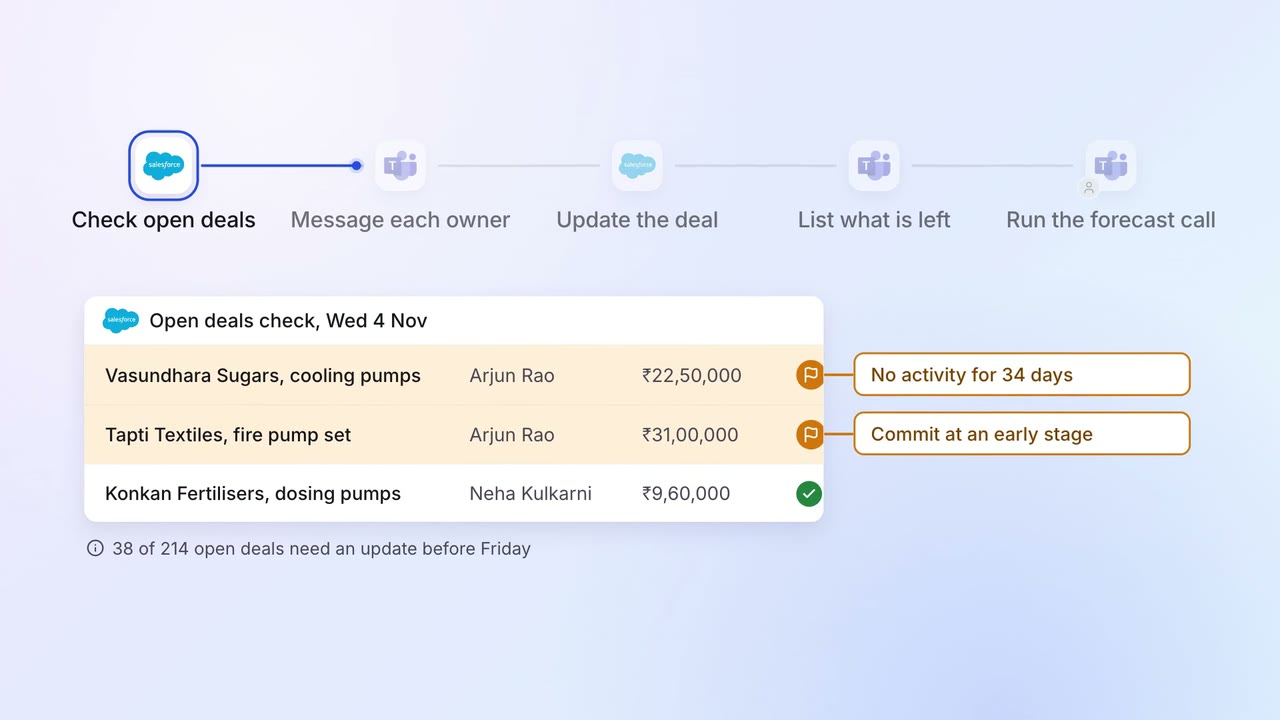
Sales Pipeline and forecasting
Every open deal is checked before the forecast call, and stale ones go back to their owners
 Salesforce
- Microsoft Teams