Quarterly business reviews arrive with every unit's KPIs explained
The AI sets each unit's KPIs against target, checks last quarter's promises, asks unit heads why each miss happened and drafts one page per unit. Your head of strategy edits and sends the pre-read.
- Used day to day by
- CEO's office
- Strategy head
- Business unit heads
How it runs with AI
Once the quarter closes, the AI collects every unit's scorecard, sets each KPI against its target and checks the actions each unit promised at the last review. It asks each unit head on Teams why a KPI missed and what the fix is, then drafts one page per unit. Your head of strategy edits the pages and sends the pre-read days ahead of the review.
How it is done today
Each quarter, a few weeks before the review, the CEO's office sends every business unit an Excel scorecard and chases it back. Then someone sets each KPI against its target in Power BI, emails unit heads to ask why the misses happened and digs out what each unit promised last quarter. The pre-read often reaches leadership the night before, and much of the commentary says "on track".
Step by step
Where the work happens, what the AI does, and where it hands over to a person.
-
Step 1, AI
Collects every unit's KPI scorecard from Power BI and the units' Excel files
Needs to know: KPI list per unit, Scorecard template
In
 SharePoint ,
  Power BI ,
  Excel
Excel Exception to step 1
Asks the unit's MIS lead for any KPI that is missing
-
Step 2, AI
Sets every KPI against its target and marks the misses
Needs to know: KPI targets, What counts as a miss
In
Power BI , Excel Exception to step 2
Marks any KPI where Power BI and the unit's file disagree, for the unit's MIS lead to fix
-
Step 3, AI
Checks each action the unit promised at the last review against what happened
Needs to know: Actions agreed last review
In
Excel -
Step 4, AI
Asks the unit head on Teams why each KPI missed and what the fix is
Needs to know: Who heads each unit, Reminder schedule
In
 Microsoft Teams
 Exception to step 4
Reminds the unit head, then tells the head of strategy
-
Step 5, AI
Drafts one page per unit, covering what moved, why, the promises kept and the decisions needed
Needs to know: Unit page template, Decisions leadership owns
In
SharePoint -
Step 6, Person
Edits each unit's page and sends the pre-read to leadership
In
SharePoint
What stays with a person
- Edits each unit's page and sends the pre-read to leadership
Apps in this example
- Power BI
- Excel
- SharePoint
- Microsoft Teams
The same flow works with the apps you use.
This fits you if
- You run quarterly reviews across several business units, plants or regions
- Each unit sends a KPI scorecard in Excel, or keeps its numbers in Power BI
- The pre-read reaches leadership a day or two before the review
- Unit commentary often says "on track" or repeats the numbers
What to watch for
- Every number comes from Power BI and the unit's own scorecard. The AI writes the words around the numbers and marks any KPI where the two disagree
- The reasons come from the unit heads. Until a unit head replies, the page shows that reason as awaited
- Your CEO's office sets what counts as a miss, such as how far a KPI can fall below target, or any safety incident
- Targets, budgets and decisions about people stay with leadership in the review
Often done together
Leadership Management reports
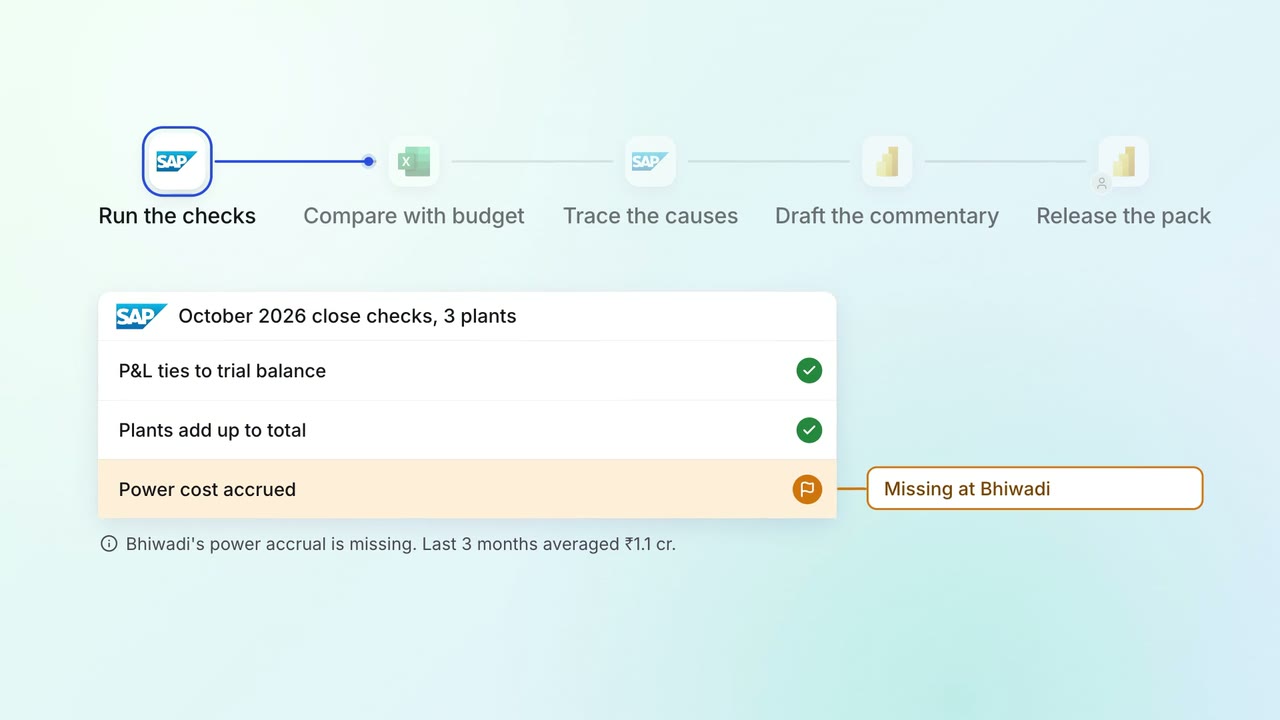
The monthly MIS pack arrives with the numbers checked and the variances explained
 SAP S/4HANA
- Excel
- Power BI
Leadership Meeting follow-ups
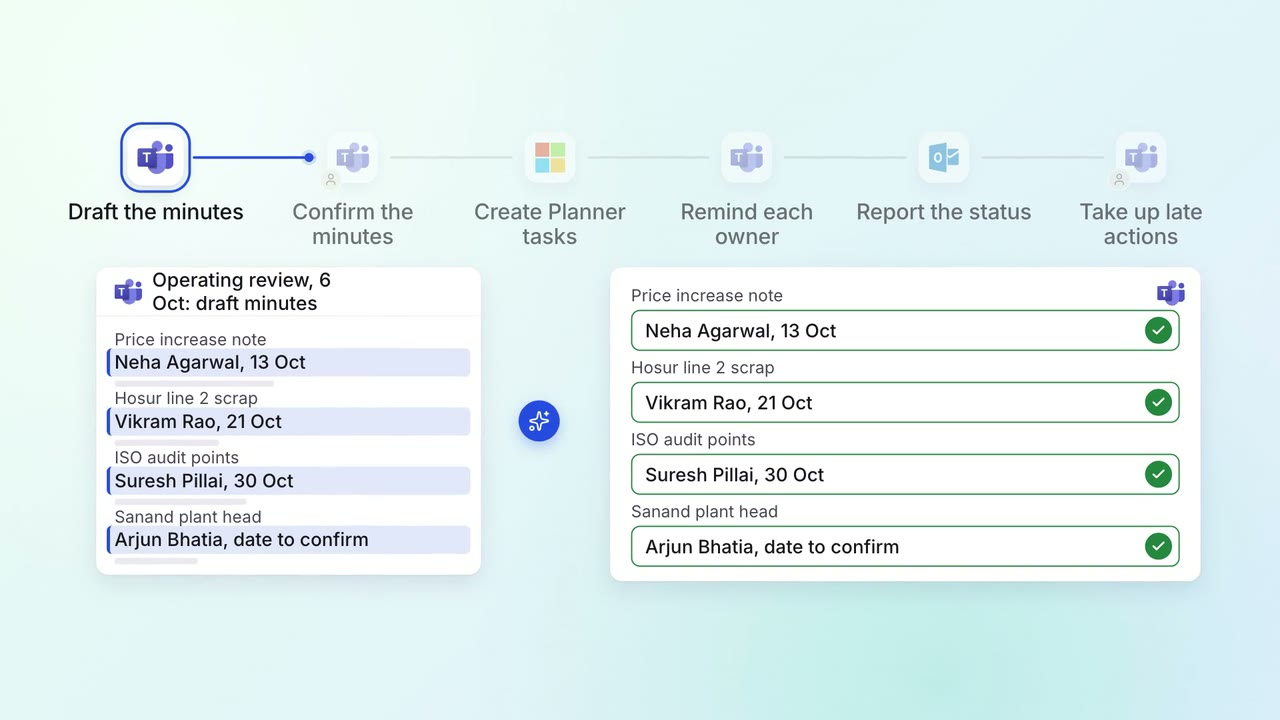
Every action from a leadership meeting gets an owner, a date and a follow-up
- Microsoft Teams
 Microsoft Planner
 Outlook
Leadership Meeting follow-ups
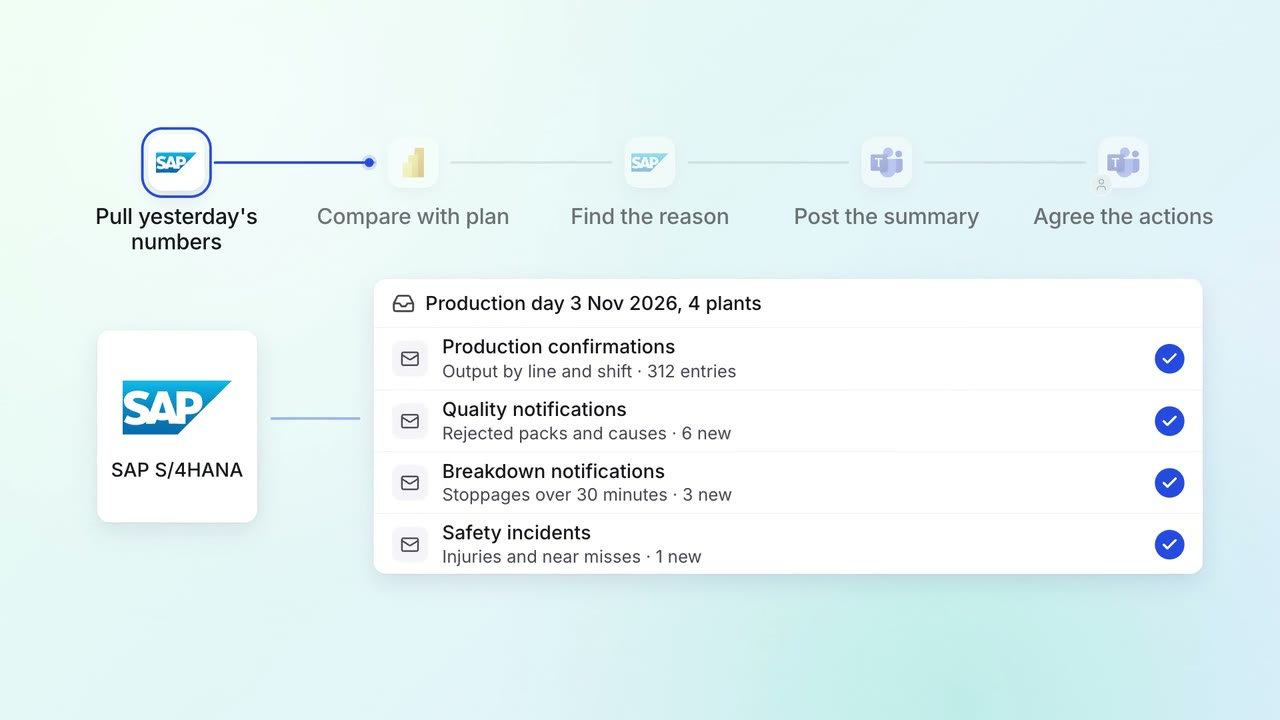
Leadership gets a 7 am summary of every plant's yesterday, with the reasons
- SAP S/4HANA
- Power BI
- Microsoft Teams