New projects and tenders in your sector reach the right regional sales team every morning
Every morning the AI checks tender portals, environmental clearance agendas and company announcements, picks the projects that fit what you sell and posts each one to the regional team on Teams.
- Used day to day by
- Marketing team
- Regional sales managers
- Bid team
How it runs with AI
Every morning the AI checks tender portals, environmental clearance agendas and company announcements, and picks out the projects that match your sectors, regions and minimum size. Each one goes to the regional sales channel on Teams with a short summary and a link to the source. Your regional teams decide which ones to pursue and reach the project owner early.
How it is done today
Someone in marketing checks tender portals, business news and clearance notices when they find the time, copies the relevant projects into Excel and emails the list to the sales head. The list reaches the regional teams days later, and a new plant or hospital often comes to light only when its tender is published.
Step by step
Where the work happens, what the AI does, and where it hands over to a person.
-
Step 1, AI
Checks tender portals, clearance agendas and company announcements every morning
Needs to know: Sources to watch, Search keywords
In Tender portals , Websites
Exception to step 1
Marks any page that fails to load, for a person to check that day
-
Step 2, AI
Checks each project against your sectors, regions and minimum project size
Needs to know: Target sectors, Regions you cover, Minimum project size
In Tender portals , Websites
Exception to step 2
Sends unclear matches to the marketing team to decide
-
Step 3, AI
Posts each project to the regional sales channel that covers its state
Needs to know: States each region covers, National accounts head
In
 Microsoft Teams
 Exception to step 3
Sends projects that span several regions to the national accounts head
-
Step 4, AI
Sends the marketing head a weekly summary of projects found and taken up in each region
Needs to know: Projects sent this week, Who took each project
In
Microsoft Teams -
Step 5, Person
Calls the project owner and adds the lead to the CRM
In
Microsoft Teams , CRM
What stays with a person
- Calls the project owner and adds the lead to the CRM
Apps in this example
- Tender portals
- Websites
- Microsoft Teams
- CRM
The same flow works with the apps you use.
This fits you if
- You sell to new plants, hospitals, buildings or infrastructure projects
- Many of your customers buy through public tenders
- Your sales team is split by region or state
- Your best wins come from projects you heard about before the tender
What to watch for
- The AI reads public pages, such as tender listings, clearance agendas, stock exchange announcements and company websites. Some portals keep documents behind a login or a captcha, so the alert links to the listing and your bid team downloads the documents
- The likely need in each alert is the AI's reading of the project. Your regional team confirms it with the client
- Your marketing team owns the rules, such as the sectors, the minimum size and which states each region covers, and updates them when territories change
- Bidding decisions stay with your sales and bid teams. The automation finds the projects and your teams decide which ones to pursue
Often done together
Sales Proposals and quotes
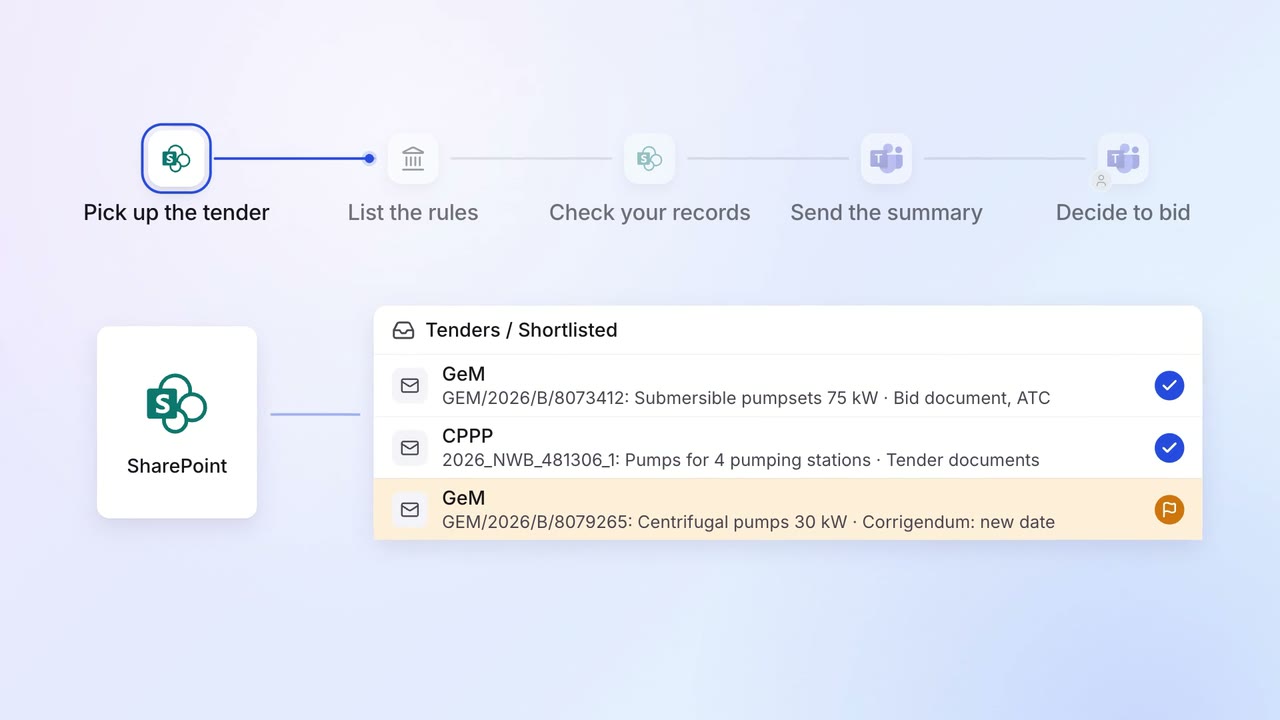
Government and PSU tenders are read and checked for eligibility before anyone bids
- GeM portal
- CPPP
 SharePoint
- Microsoft Teams
Marketing Market and competitor research
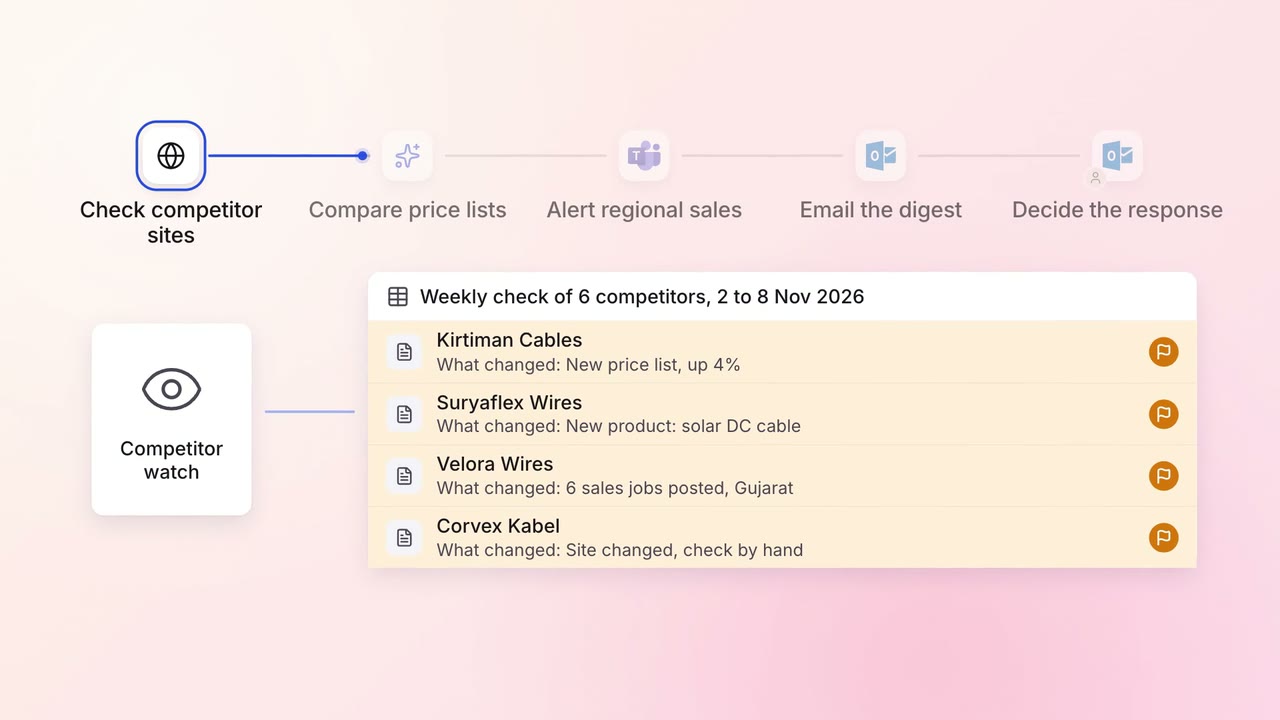
Competitor price changes, launches and hiring arrive in one email every Monday
- Competitor websites
- Job portals
- Microsoft Teams
 Outlook
Sales Renewals and account care
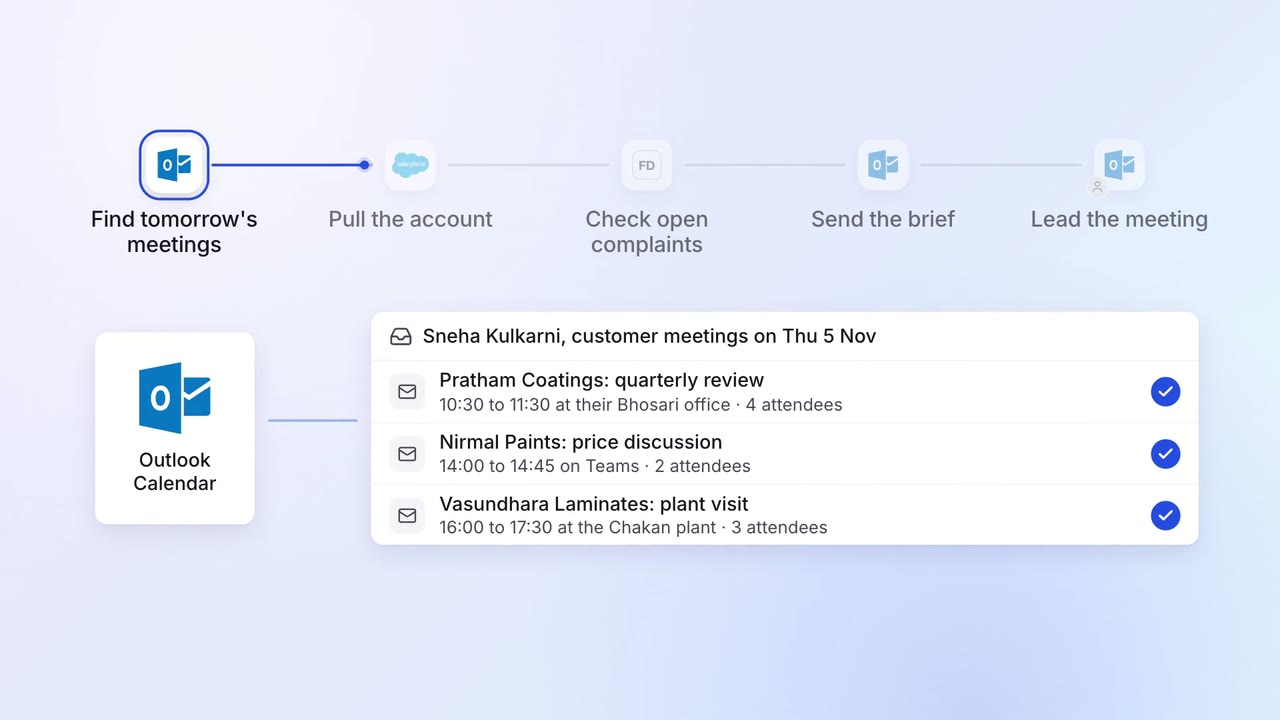
Account managers get a one-page brief before every customer meeting
- Outlook
 Salesforce
 Freshdesk