The weekly payment run is drafted to fit your cash, in your order of priority
Each week the AI pulls the bills due from SAP, holds the risky ones and fits the rest to the cash set aside, in your order of priority. Your controller approves and your signatories release.
- Used day to day by
- Payables team
- Financial controllers
- Treasury team
How it runs with AI
Every Wednesday the AI pulls the bills due, holds the risky ones and fits the rest to the cash your treasurer has set aside, in the order your finance head has agreed. The controller gets a draft proposal in SAP with a reason against every bill paid or moved, and approves it. Your signatories release the payments on the bank portal as they do today.
How it is done today
Each week the payables team exports open bills from SAP into Excel, checks which ones have a goods receipt and asks each plant which suppliers are critical. When the bills due add up to more than the cash for the run, the controller cuts the list by hand, often late on the day before. MSME limits and changed bank accounts are easy to miss under that pressure.
Step by step
Where the work happens, what the AI does, and where it hands over to a person.
-
Step 1, AI
Pulls every approved supplier bill due by next week's run
Needs to know: Payment run calendar
In
 SAP S/4HANA
 -
Step 2, AI
Holds bills with a missing goods receipt, an open quality claim or a new bank account
Needs to know: Hold rules, Verified bank accounts
In
SAP S/4HANA Exception to step 2
Releases a held bill once the receipt is posted or the new account is confirmed by phone
-
Step 3, AI
Compares the bills left with the cash the treasurer has set aside for the run
Needs to know: Cash limit for each run
In
SAP S/4HANA -
Step 4, AI
Ranks the bills by your priority order and drafts the payment proposal, with a reason for each
Needs to know: Agreed priority order, Critical suppliers by plant, MSME status of suppliers
In
SAP S/4HANA -
Step 5, Person
Reviews the proposal, moves any bill that needs moving, and approves the run
In
SAP S/4HANA -
Step 6, Person
Releases the bank file that SAP creates from the approved run
In Bank portal
What stays with a person
- Reviews the proposal, moves any bill that needs moving, and approves the run
- Releases the bank file that SAP creates from the approved run
The order of priority your finance head sets
The AI applies the order your finance head agrees, and shows which rule placed each bill. A typical order:
- Micro and small suppliers close to their legal payment limit.
- Bills that would cost you GST credit if they stayed unpaid much longer.
- Suppliers of critical materials, as named by purchase for each plant.
- Early-payment discounts worth more than what the cash costs you.
- Everything else, earliest due date first.
Apps in this example
- SAP S/4HANA
- Bank portal
The same flow works with the apps you use.
This fits you if
- You pay suppliers in a weekly or fortnightly run from SAP
- The bills due often add up to more than the cash set aside for the run
- Your team builds each run in Excel before it goes into SAP
- Many of your suppliers are micro or small enterprises
What to watch for
- Releasing money stays with people. Your finance controller approves the run, and your authorised signatories release it on the bank portal
- A changed bank account is confirmed by a call to a known contact at the supplier. The AI holds the bill until someone records that call in SAP
- The priority order and the weekly cash figure come from your finance head and treasurer. The AI applies them and shows its reason for each bill
- MSME limits depend on the Udyam details in your vendor master. Someone in purchase keeps them current as suppliers are added or change category
Often done together
Finance Supplier bills and payments
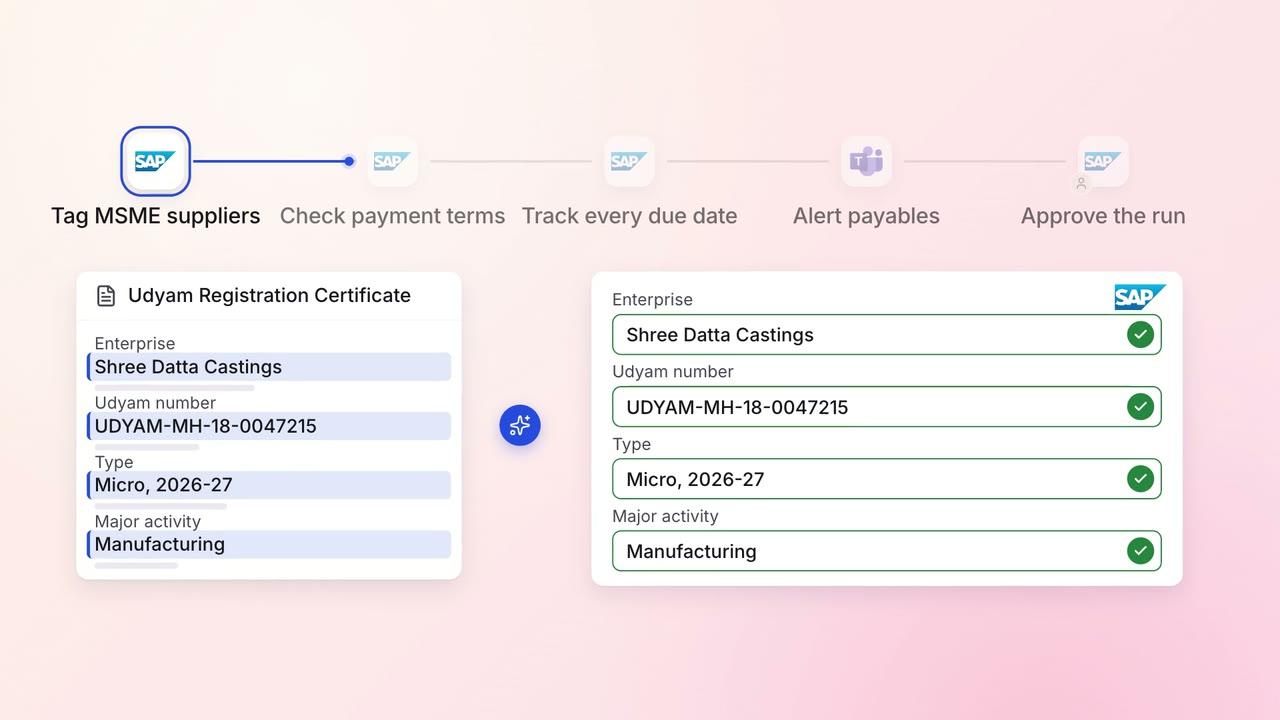
MSME suppliers are paid on time, with every due date tracked from delivery
- SAP S/4HANA
 Microsoft Teams
Finance GST and TDS
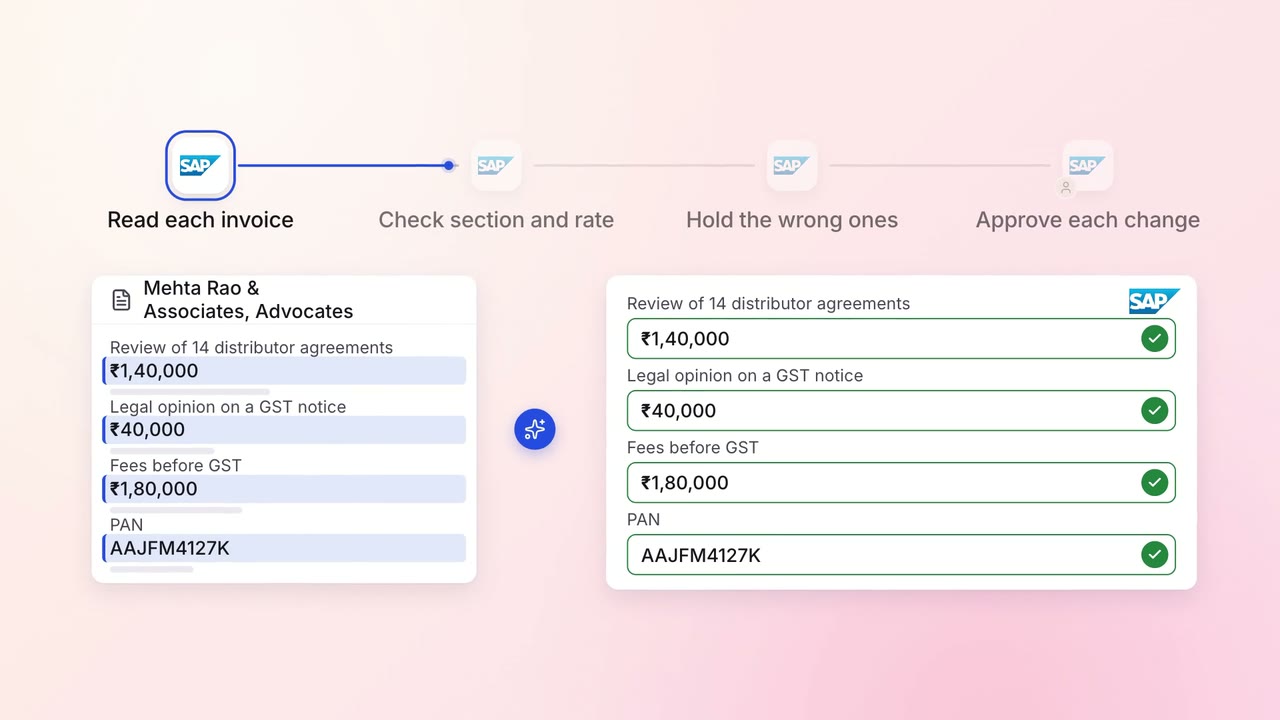
TDS on every vendor payment is checked for the right section and rate
- SAP S/4HANA
Finance MIS and cash flow
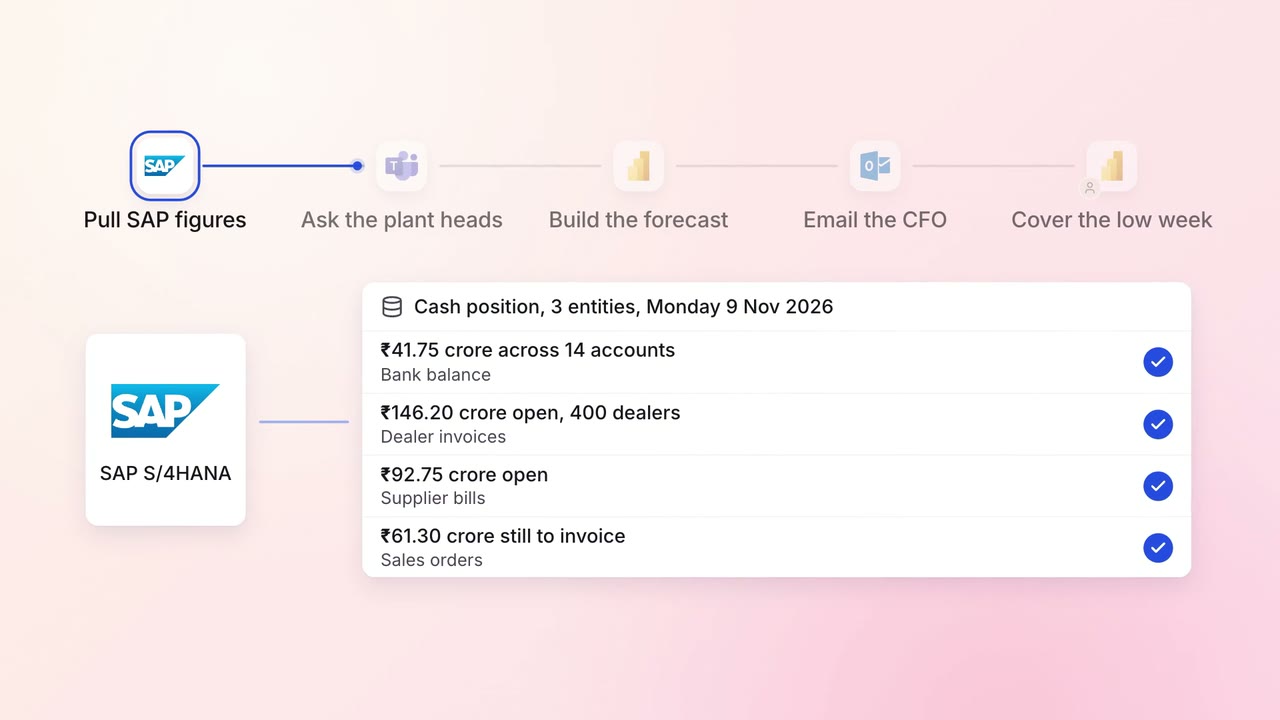
A 13-week cash forecast that updates itself every Monday
- SAP S/4HANA
- Microsoft Teams
 Excel
Excel Power BI
 Outlook