TDS on every vendor payment is checked for the right section and rate
Before each payment run, the AI checks the TDS on every vendor invoice in SAP against what was bought and who the vendor is. Your tax team approves each correction.
- Used day to day by
- Tax team
- Payables team
How it runs with AI
Before each payment run, the AI reads every invoice in it, works out what was bought, and checks the TDS section and rate against the vendor's PAN, the year's total paid and any lower deduction certificate. Invoices with the wrong TDS are held with the reason and the right section. The tax team approves each change before the run goes out.
How it is done today
Each invoice is posted in SAP with the TDS code saved on the vendor master, often set once when the vendor was created. The tax team checks a sample before each payment run. A wrong code repeats on every invoice from that vendor until an auditor finds it, and the company then owes the shortfall with interest.
Step by step
Where the work happens, what the AI does, and where it hands over to a person.
-
Step 1, AI
Reads each invoice in the payment run to see what was bought
Needs to know: Service categories
In
 SAP S/4HANA
 -
Step 2, AI
Checks the TDS section and rate on every invoice in the run
Needs to know: TDS rule table, Yearly totals by vendor, Lower deduction certificates
In
SAP S/4HANA Exception to step 2
Marks unclear cases, such as IT support, for the tax team to decide
-
Step 3, AI
Holds the invoice and proposes the right section and rate
Needs to know: Past tax team decisions
In
SAP S/4HANA -
Step 4, Person
Approves each change before the run goes out
In
SAP S/4HANA
What stays with a person
- Approves each change before the run goes out
How the check works
The AI reads what was bought from each invoice and matches it to a TDS category in a rule table your tax team owns. It then checks the vendor’s PAN and type, the total paid to that vendor so far this year against the limits in the table, and any lower deduction certificate. Services that could fit two categories go to the tax team, and their decision is saved against that vendor. Your tax team updates the table before the next payment run whenever a rate or a limit changes.
Apps in this example
- SAP S/4HANA
The same flow works with the apps you use.
This fits you if
- You pay more than 1,000 vendor invoices a month across entities or plants
- The TDS code on each invoice comes from the vendor master in SAP
- Your tax team checks a sample of invoices before each payment run
- Auditors have found short deductions in past years
What to watch for
- Some services sit between two sections, such as IT support that could be technical or professional fees. The AI marks these as unclear, the tax team decides, and the decision is saved against that vendor
- Changing a tax code and releasing a payment stay with your tax and payables teams. The AI holds the invoice and explains why
- Lower deduction certificates carry a limit and an end date. The AI tracks the amount used against both and applies the normal rate once either runs out
Often done together
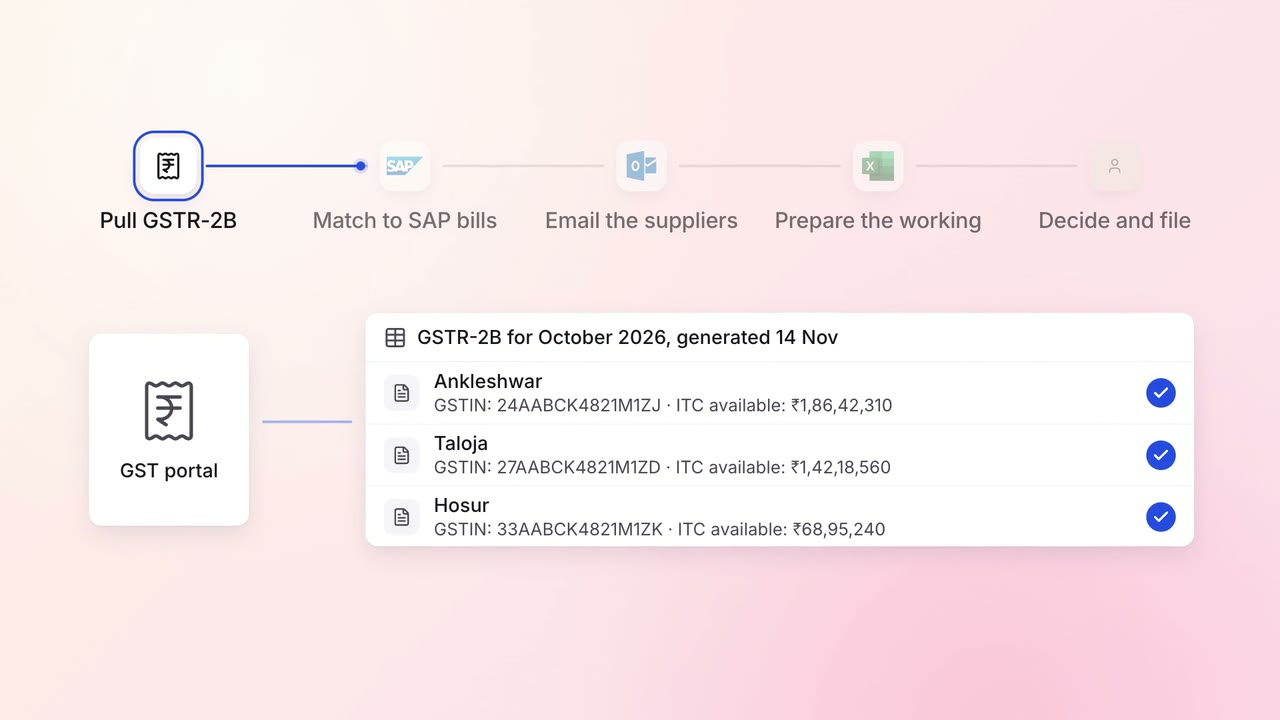
Finance GST and TDS
GST input credit is checked against GSTR-2B before every return
- GST portal
- SAP S/4HANA
 Outlook
 Excel
Excel
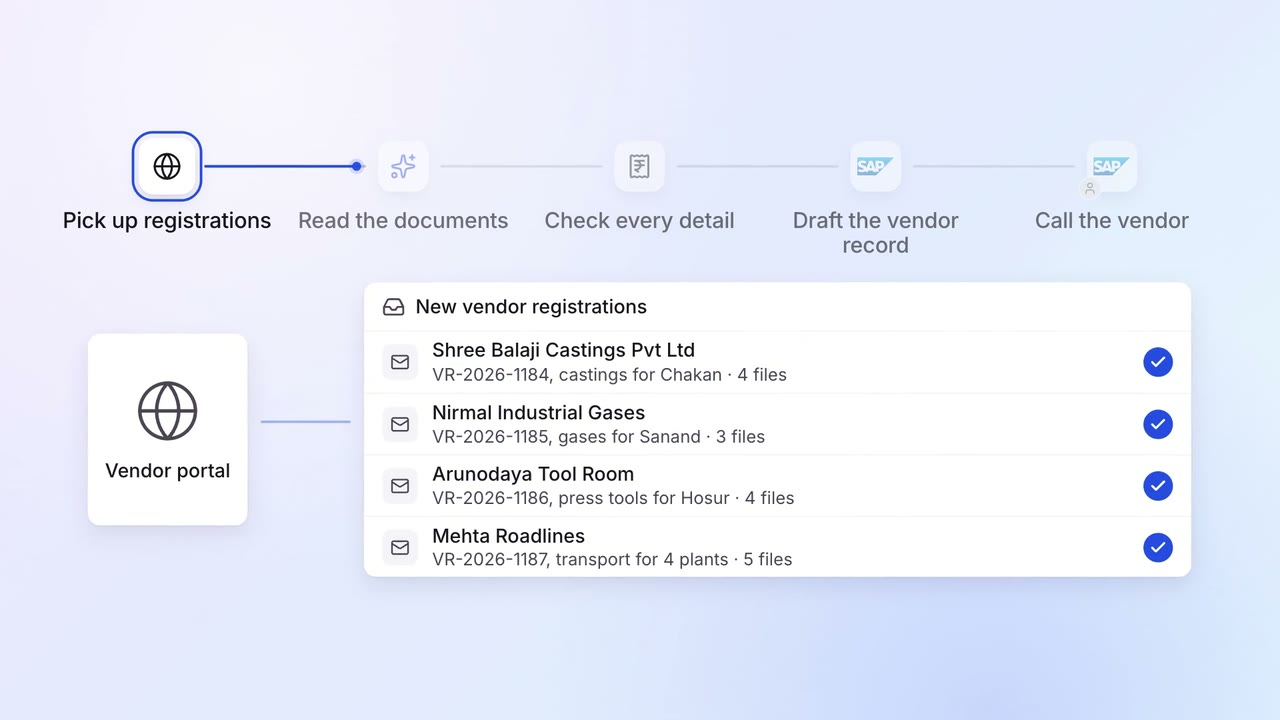
Operations Vendor management
New vendors are set up in SAP with their GST, PAN and bank details checked
- Vendor portal
- GST portal
- SAP S/4HANA
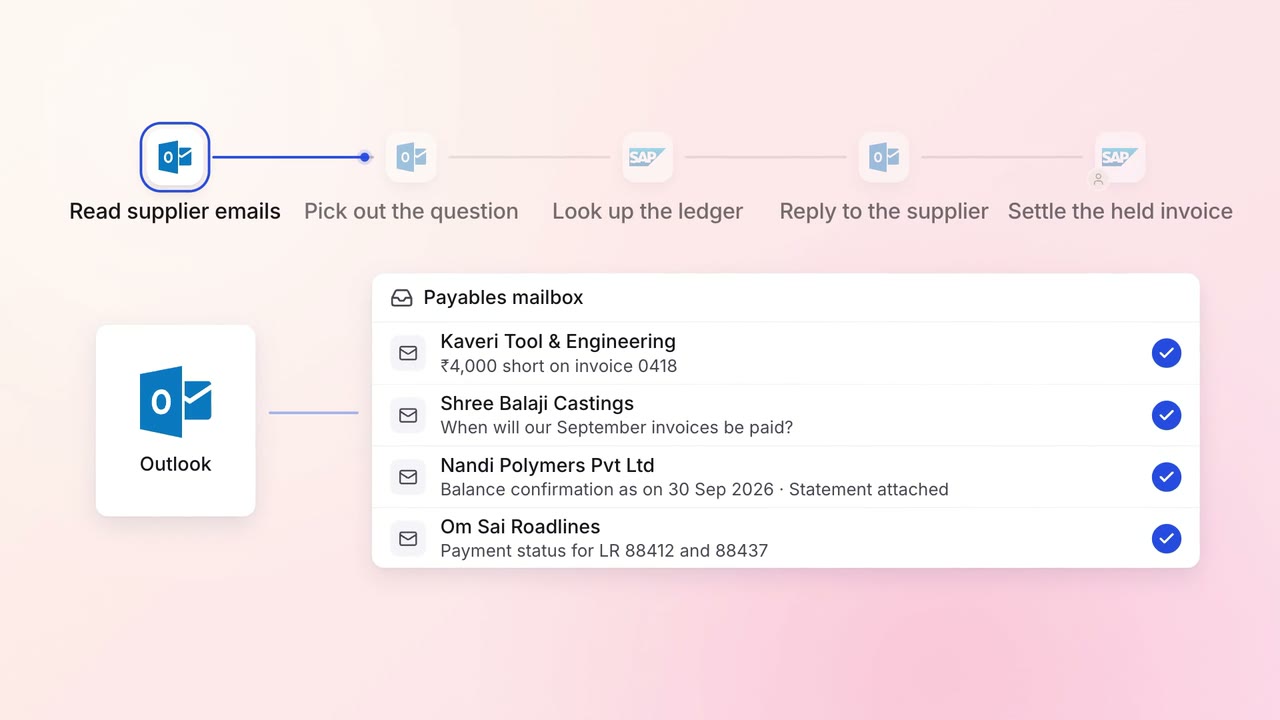
Finance Supplier bills and payments
Supplier payment queries get an answer the same day, straight from the ledger
- Outlook
- SAP S/4HANA