Annual policy acknowledgements are chased until everyone has signed
Each morning the AI checks Darwinbox for who has yet to sign, reminds them on Teams and brings in their manager if they still have not signed.
- Used day to day by
- Compliance team
- HR team
- Line managers
How it runs with AI
The AI checks Darwinbox every morning and sends each person still to sign a Teams reminder with the link. After a set number of reminders it asks their manager to step in, and it holds reminders for people on leave until they are back. The compliance head gets the final list, with every reminder on record.
How it is done today
Every year, all staff must acknowledge the Code of Conduct, Anti-bribery, POSH and Information Security policies. The compliance team downloads the sign-off list from Darwinbox, matches it against the staff list for each site and emails reminders in batches. Chasing the last few hundred people takes weeks, and staff on plant shifts are the hardest to reach.
Step by step
Where the work happens, what the AI does, and where it hands over to a person.
-
Step 1, AI
Checks every morning who has yet to sign, site by site
Needs to know: Policies each person signs, Staff list by site
In
 Darwinbox
 -
Step 2, AI
Reminds each person on Teams, with a link to sign
Needs to know: Reminder wording, Who is on leave, Shift hours
In
 Microsoft Teams , Darwinbox
 Exception to step 2
Holds the reminder for anyone on leave and sends it on their first day back
-
Step 3, AI
Asks the manager to step in after the set number of reminders
Needs to know: Each person's manager, Reminder limit
In
 Outlook
 -
Step 4, AI
Gives the compliance head the final list, with every reminder on record
Needs to know: What auditors ask for
In
Darwinbox -
Step 5, Person
Decides the next step for anyone still unsigned
In
Darwinbox
What stays with a person
- Decides the next step for anyone still unsigned
What the auditors see
For each person, the record shows the date each policy was sent, every reminder and manager email, any leave that paused the reminders, and the date they signed. The compliance head can export it for the internal auditors or the audit committee.
Apps in this example
- Darwinbox
- Microsoft Teams
- Outlook
The same flow works with the apps you use.
This fits you if
- Staff must acknowledge several policies every year, across sites or entities
- Acknowledgements are recorded in Darwinbox or another HR system
- Chasing the last few hundred people takes your team weeks
- Your auditors ask for proof that every employee acknowledged the Code of Conduct
What to watch for
- Any consequence for someone still unsigned, such as a note on their appraisal or a disciplinary step, is decided by the compliance head and HR
- Staff outside Teams, such as some shop-floor workers, go on a list for their supervisor to cover at the shift briefing
- The compliance team sets the number of reminders and the wording before the cycle starts, and reminders go out during each person's shift hours
- Questions staff reply with, such as which policy applies to a contractor, go to a person on the compliance team
Often done together
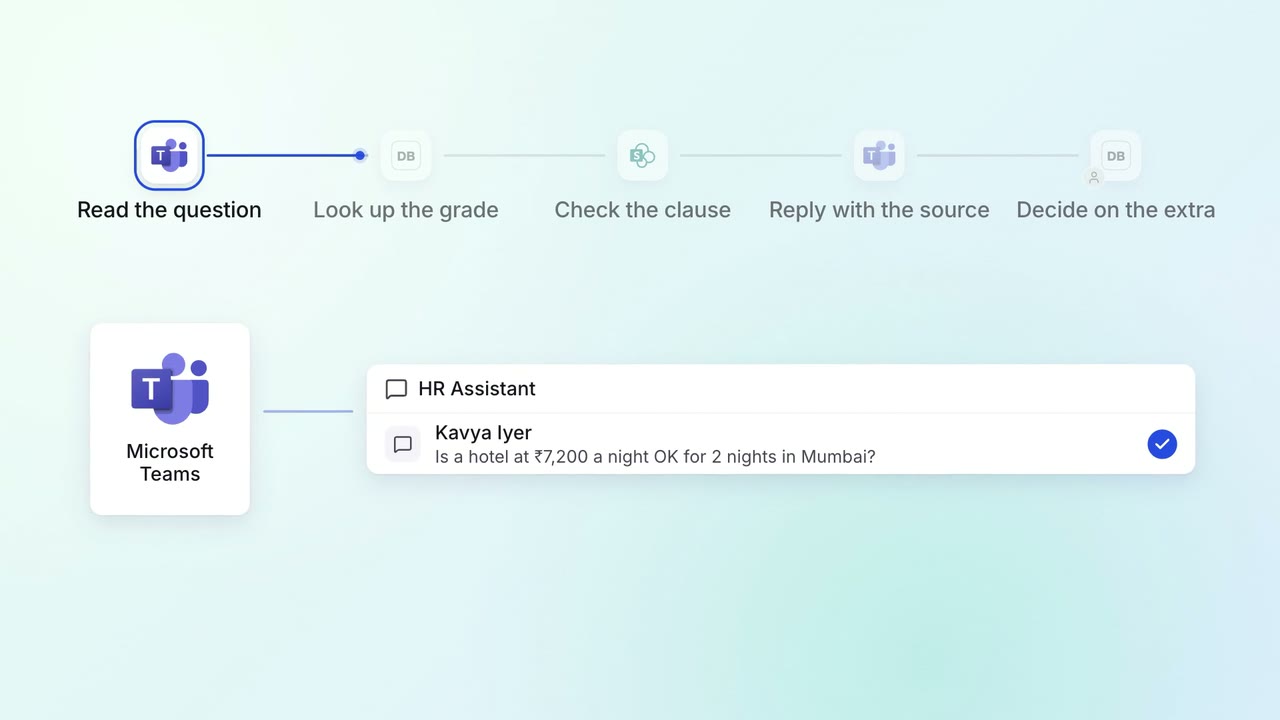
HR Policy questions
Staff get policy answers on Teams, with the clause each answer comes from
- Microsoft Teams
- Darwinbox
 SharePoint
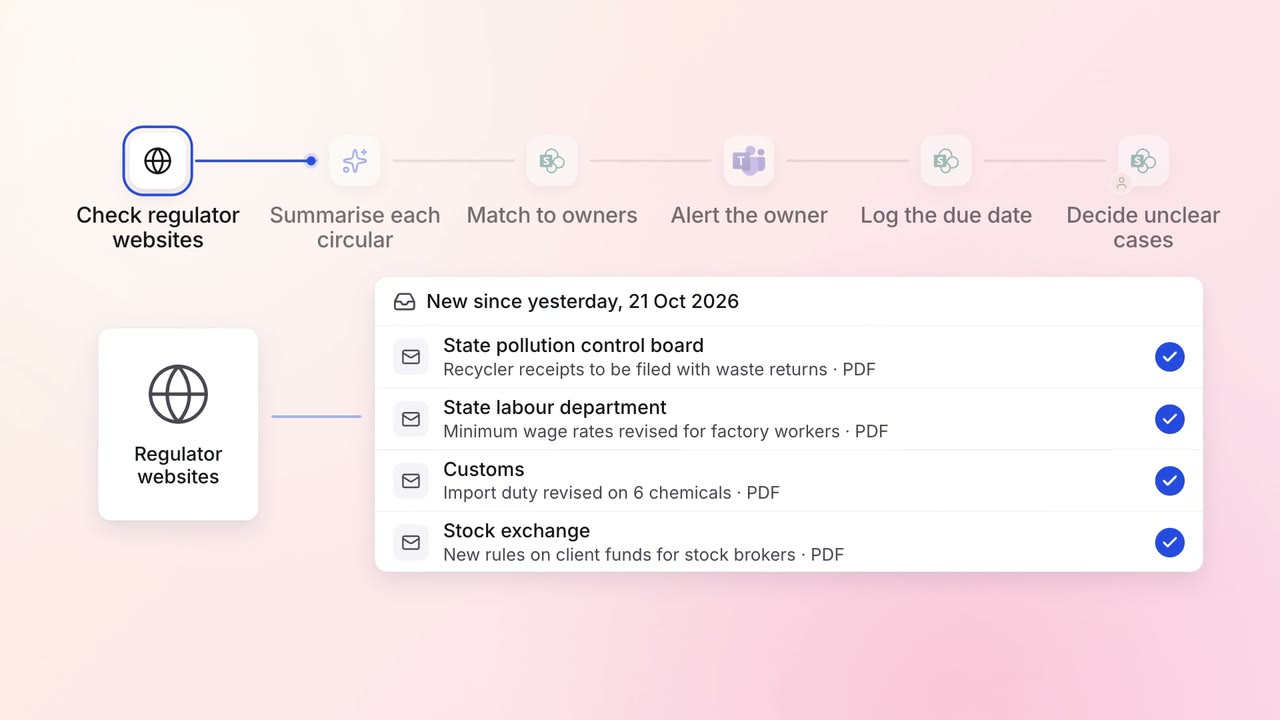
Legal and compliance Regulatory tracking
Every new circular is summarised and sent to the team that must act on it
- Regulator websites
- SharePoint
- Microsoft Teams
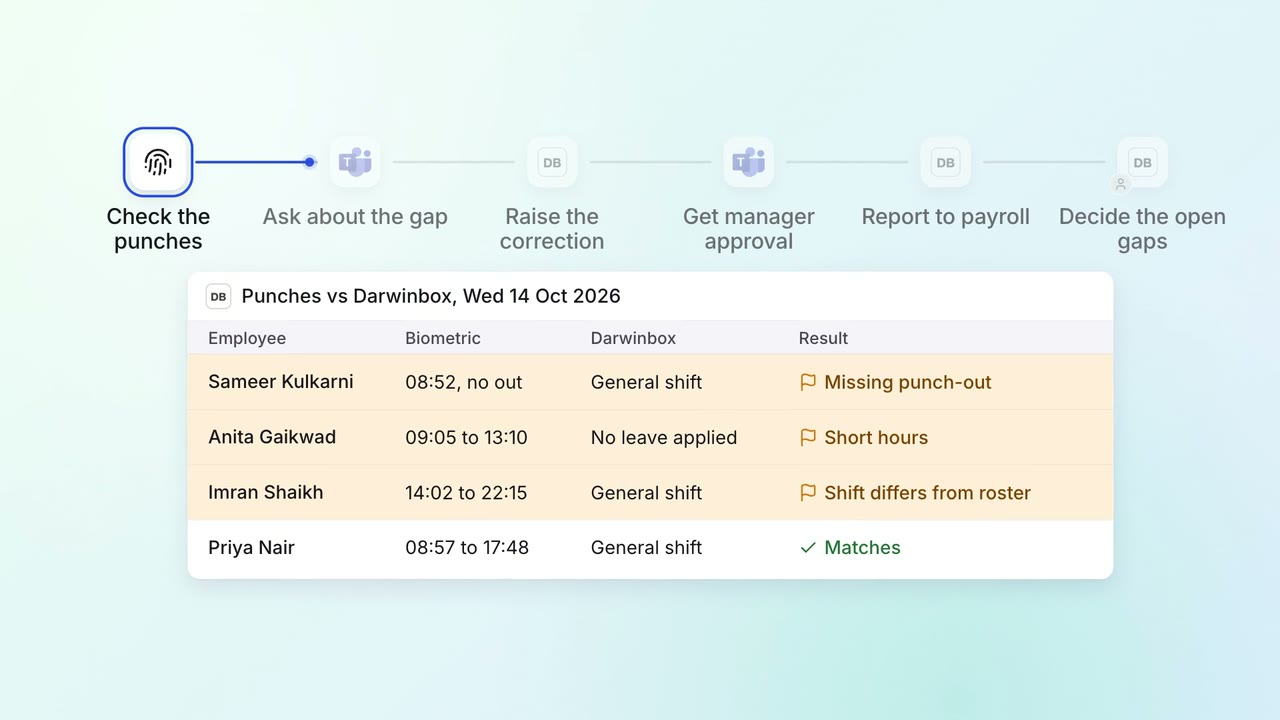
HR Leave, attendance and payroll questions
Attendance gaps are chased and cleared before payroll runs
- Biometric system
- Darwinbox
- Microsoft Teams