Staff get policy answers on Teams, with the clause each answer comes from
An HR assistant on Teams answers from the current policy in SharePoint, quotes the clause and passes anything the policy leaves open to HR.
- Used day to day by
- Employees
- HR team
- HR business partners
- Department heads
How it runs with AI
An automated HR assistant on Teams reads the question, checks the person's grade and location in Darwinbox and finds the clause in the current policy on SharePoint. It replies in about a minute with the answer and a link to the clause. Questions the policy leaves open go to HR with the chat attached.
Step by step
Where the work happens, what the AI does, and where it hands over to a person.
-
Step 1, AI
Reads the question an employee asks on Teams
Needs to know: Topics it may answer
In
 Microsoft Teams
 -
Step 2, AI
Looks up the person's grade and location in Darwinbox
Needs to know: Policy sets by location, Grade structure
In
 Darwinbox
 -
Step 3, AI
Checks the question against the clause in the current policy
Needs to know: Current policy versions, Limits by grade
In
 SharePoint
 -
Step 4, AI
Replies with the answer and the clause it comes from
Needs to know: Topics passed to HR
In
Microsoft Teams Exception to step 4
Passes the question to HR with the chat attached when the policy leaves it open
-
Step 5, Person
The head of department decides on anything above the limit
In
Darwinbox
What stays with a person
- The head of department decides on anything above the limit
Apps in this example
- Microsoft Teams
- Darwinbox
- SharePoint
The same flow works with the apps you use.
This fits you if
- HR answers the same policy questions every week by email, Teams and phone
- Your policies live in SharePoint, with different rules by grade, plant or entity
- Staff work shifts at sites where HR keeps office hours
- Your company already uses Microsoft Teams
What to watch for
- The assistant quotes the current version of each policy, so HR archives the old version on the day a new one takes effect
- HR chooses which documents the assistant can read. Restricted ones, such as salary bands, stay in their own SharePoint folder
- Approvals above a policy limit stay with the head of department. Grievances and complaints go straight to a person in HR, and the assistant tells the employee who will reply
- HR reviews a sample of answers each week in the first month, and fixes any clause that keeps causing follow-up questions
Often done together
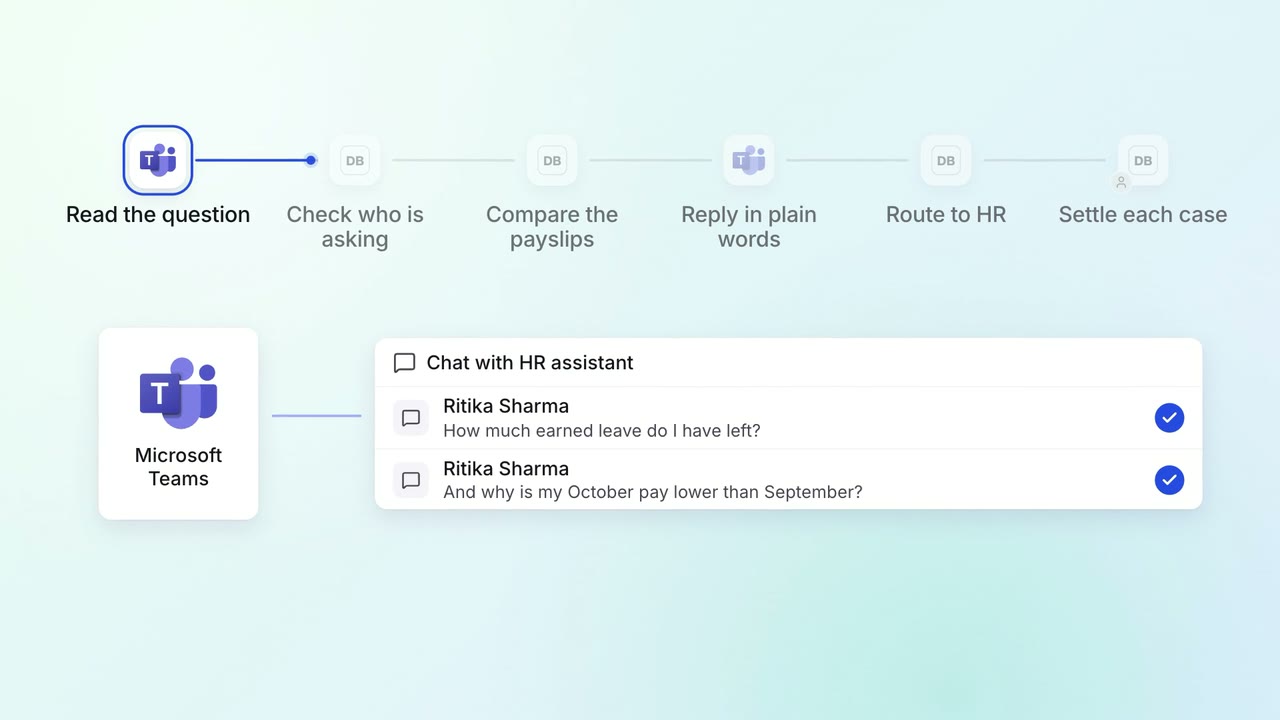
HR Leave, attendance and payroll questions
Employees get answers on leave balances and payslips on Teams, any time
- Microsoft Teams
- Darwinbox
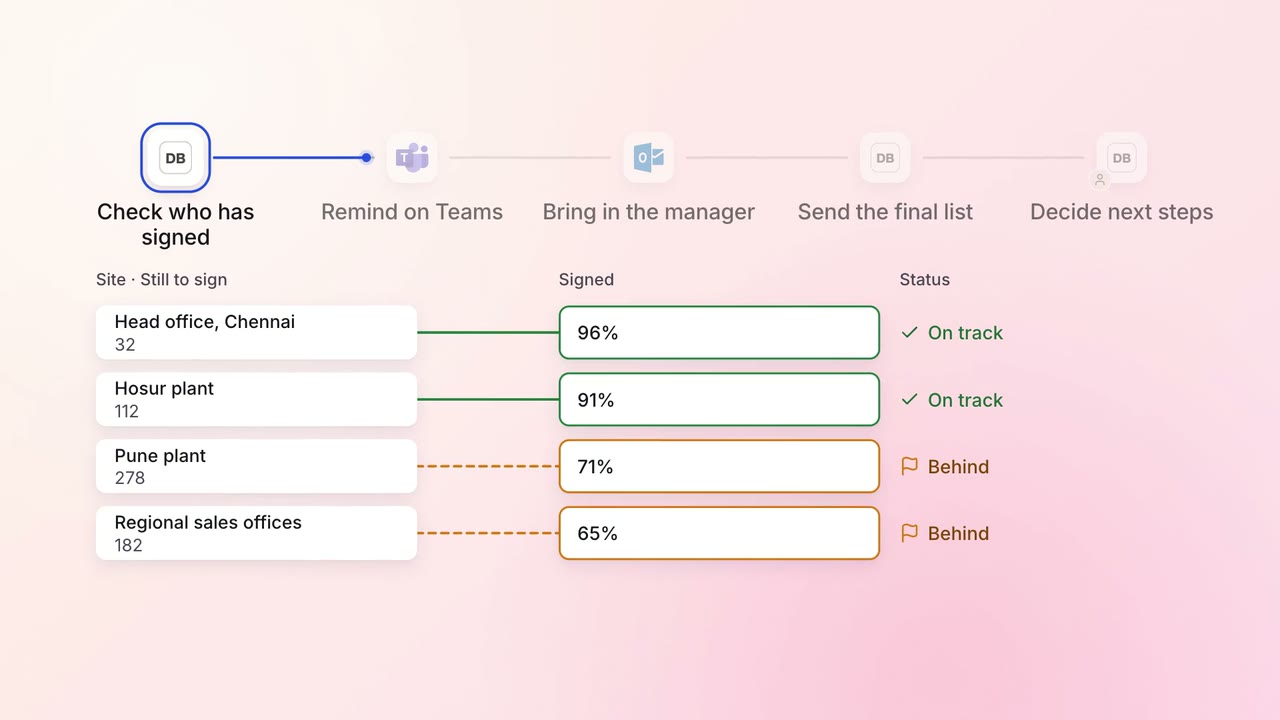
Legal and compliance Policy upkeep
Annual policy acknowledgements are chased until everyone has signed
- Darwinbox
- Microsoft Teams
 Outlook
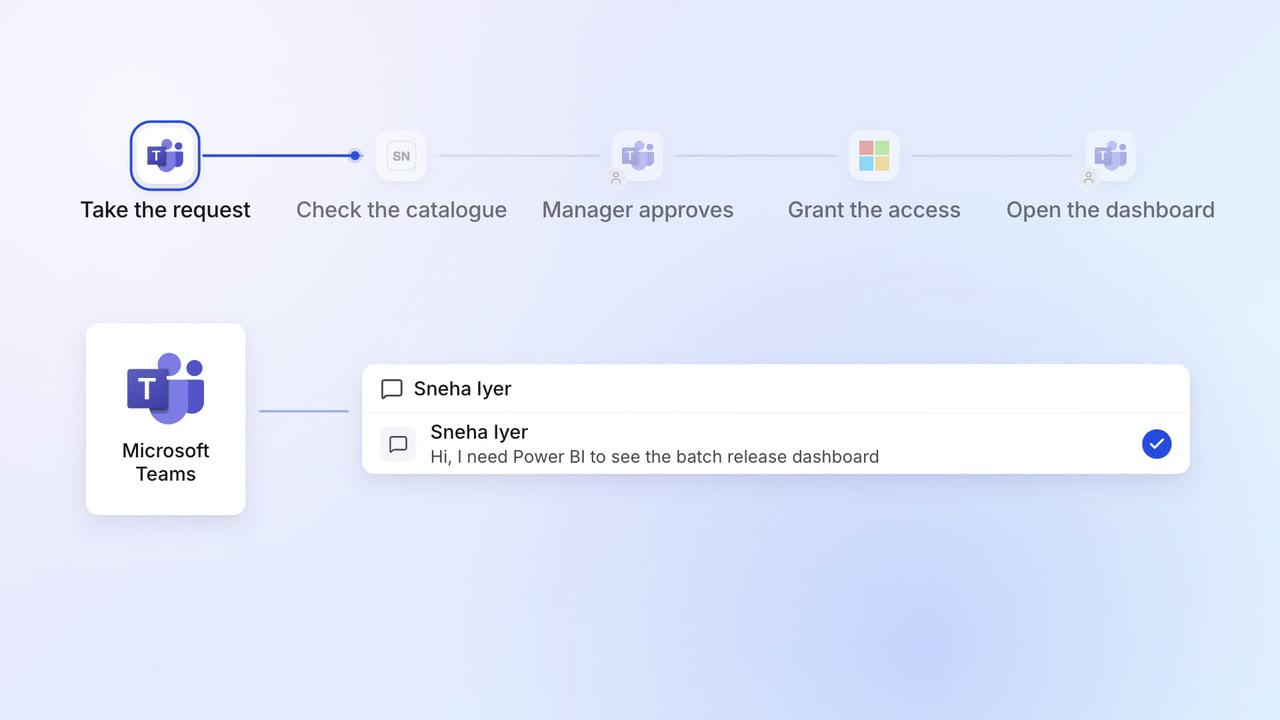
IT Helpdesk
Password resets and software access are handled on Teams in minutes
- Microsoft Teams
 ServiceNow
 Entra ID