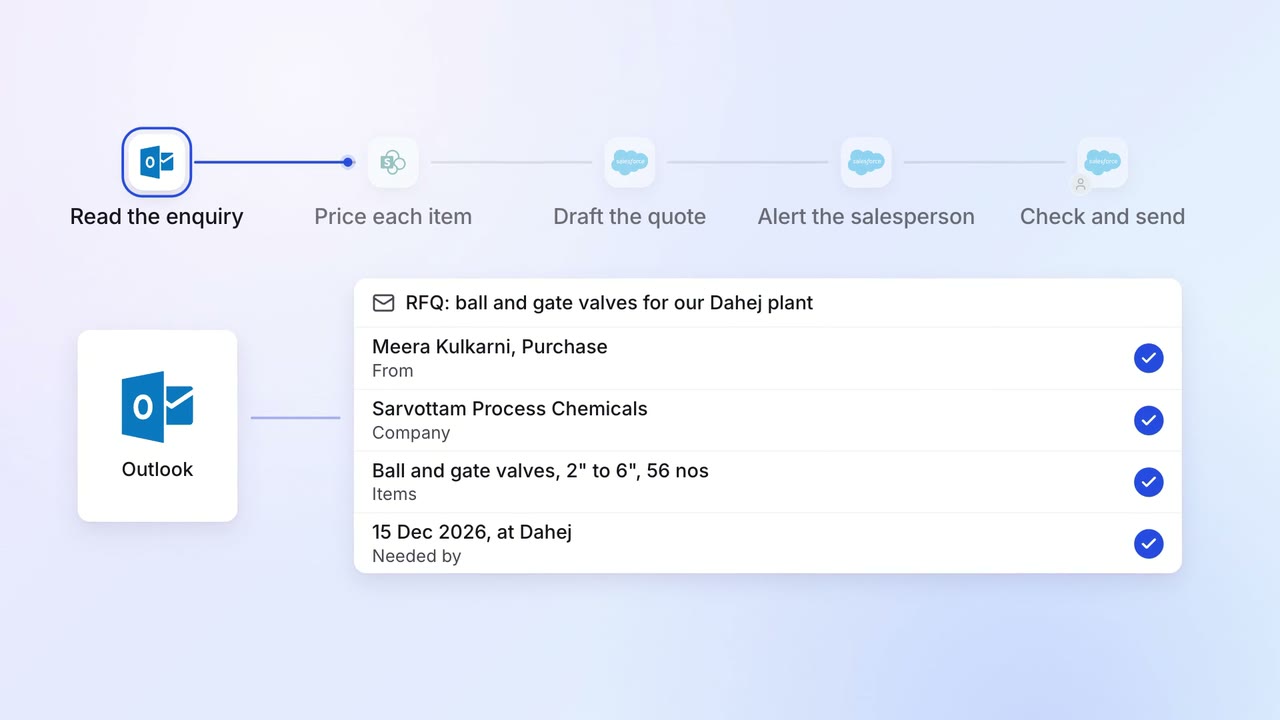
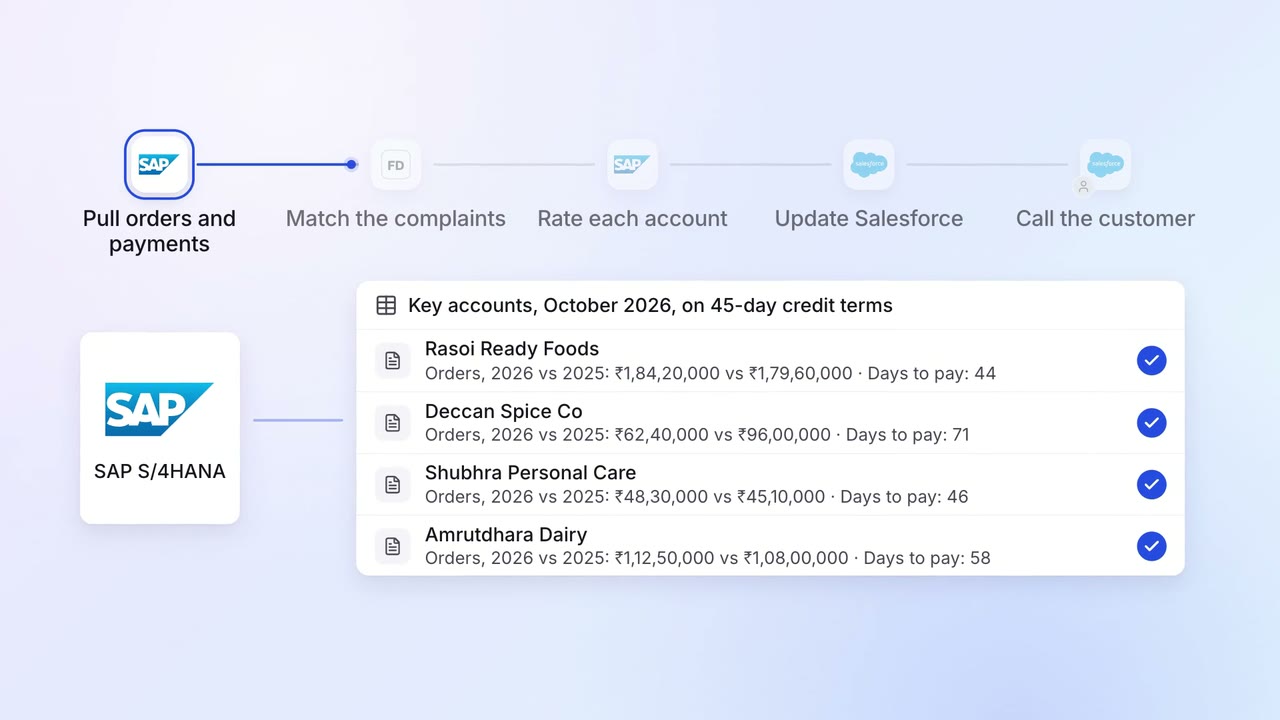
Discount requests reach the right approver, with the margin impact shown
When a salesperson asks for more than their discount limit, the AI works out the margin, sends the request on Teams to the approver your policy names and updates the quote in Salesforce.
- Used day to day by
- Salespeople
- Regional sales managers
- Sales head
- Financial controllers
How it runs with AI
The salesperson asks for the discount on the quote in Salesforce, with a reason. The AI works out the margin at the requested price, adds the customer's past discounts and sends the request on Teams to the approver your discount policy names. The approver approves, counters or rejects from that message, and the AI updates the quote with the decision on record.
How it is done today
A salesperson who needs more than their discount limit messages their manager on email or WhatsApp. The manager asks for the cost, the margin and what the customer paid last time, and larger discounts climb the chain the same way. The customer waits a day or two for a revised quote, and finance sees the margin given away at month end.
Step by step
Where the work happens, what the AI does, and where it hands over to a person.
-
Step 1, AI
Picks up each discount request raised on a quote in Salesforce
Needs to know: Discount limits by role
In
 Salesforce
 -
Step 2, AI
Works out the margin at the requested price and checks the customer's past discounts
Needs to know: Product costs, Minimum margin
In
Salesforce Exception to step 2
Sends the request to the CFO when the margin would fall below your floor
-
Step 3, AI
Sends the request on Teams to the approver your discount policy names
Needs to know: Discount policy, Approvers and deputies
In
 Microsoft Teams
 Exception to step 3
Reminds the approver after a set time, then sends it to their deputy
-
Step 4, Person
Approves, counters or rejects the discount from Teams
In
Microsoft Teams -
Step 5, AI
Updates the quote in Salesforce with the decision and tells the salesperson
Needs to know: Who raised each quote
In
Salesforce , Microsoft Teams
What stays with a person
- Approves, counters or rejects the discount from Teams
Who approves what
The AI follows the discount policy that sales and finance agree once. The policy sets how much discount each role can give, from the salesperson up to the senior approvers, and a margin floor below which any price goes to the most senior one.
When the policy changes, every new request follows the new limits the same day.
Apps in this example
- Salesforce
- Microsoft Teams
The same flow works with the apps you use.
This fits you if
- Your quotes are built in Salesforce
- You have a written discount policy with limits for each level
- Discount approvals happen on calls, email or WhatsApp today
- Finance learns how much margin was given away at month end
What to watch for
- Every discount decision stays with the approver your policy names. The AI prepares the numbers and records the decision
- The margin uses the standard cost held in Salesforce, so finance updates it when input prices move
- Sales and finance agree the policy up front, including who covers when an approver is on leave