Quotes for repeat customers go out the same day, approved by the owner in Slack
Each request is priced from this month's price list and the customer's last order, drafted in HubSpot and sent to the owner on Slack with what changed. Once approved, it goes out from HubSpot.
- Used day to day by
- Sales coordinators
- Business owner
How it runs with AI
The AI reads each request as it arrives, prices every item from this month's price list and applies the discount the customer usually gets on past orders. It drafts the quote in HubSpot and sends it on Slack with the total and what changed since the last order: to the owner for larger quotes, and to the coordinator for the rest. Once approved, the quote goes out from HubSpot the same day.
How it is done today
Contractors and panel builders email for a fresh quote, often "same as last time" with new quantities. A sales coordinator opens the price list in Google Sheets, searches Gmail and HubSpot for the last order and its discount, and types the quote into a template. Larger quotes then wait until the owner is free to look at them, so customers often get their price days later.
Step by step
Where the work happens, what the AI does, and where it hands over to a person.
-
Step 1, AI
Reads each quote request that reaches the sales inbox
Needs to know: Product names customers use
In
 Gmail
Gmail -
Step 2, AI
Prices each item from this month's price list and the customer's last order in HubSpot
Needs to know: Current price list, Usual discount per customer
In
 Google Sheets ,
  HubSpot
 Exception to step 2
Asks the owner to price any item that is not on the price list
-
Step 3, AI
Drafts the quote in HubSpot with the customer's usual discount and terms
Needs to know: Standard terms, Quote template
In
HubSpot -
Step 4, AI
Sends the draft on Slack with the total and what changed, to the owner for quotes above the approval limit
Needs to know: Approval limit, Who approves which quotes
In
 Slack
Slack -
Step 5, Person
Approves the quote in Slack, or changes a rate or a term first
In
Slack -
Step 6, AI
Sends the approved quote from HubSpot and sets a follow-up task for the coordinator
Needs to know: Follow-up rules
In
HubSpot
What stays with a person
- Approves the quote in Slack, or changes a rate or a term first
Apps in this example
- Gmail
- Google Sheets
- HubSpot
- Slack
The same flow works with the apps you use.
This fits you if
- Most of your quotes go to customers who have bought from you before
- Your price list sits in Google Sheets and changes when your input costs move
- The owner signs off large quotes personally
- Customers wait a day or more for a price today
What to watch for
- Prices, discounts and one-off deals stay with the owner. The AI applies each customer's usual discount and shows any past exception for the owner to decide
- Someone owns the price list and updates it when input costs move, because every draft is priced from it
- Past orders come from HubSpot, so an order agreed on a call needs entering there to count
- Items off the price list, such as products made to a customer's drawing, go to the owner to price
- A quote reaches the customer only after someone approves it in Slack
Often done together
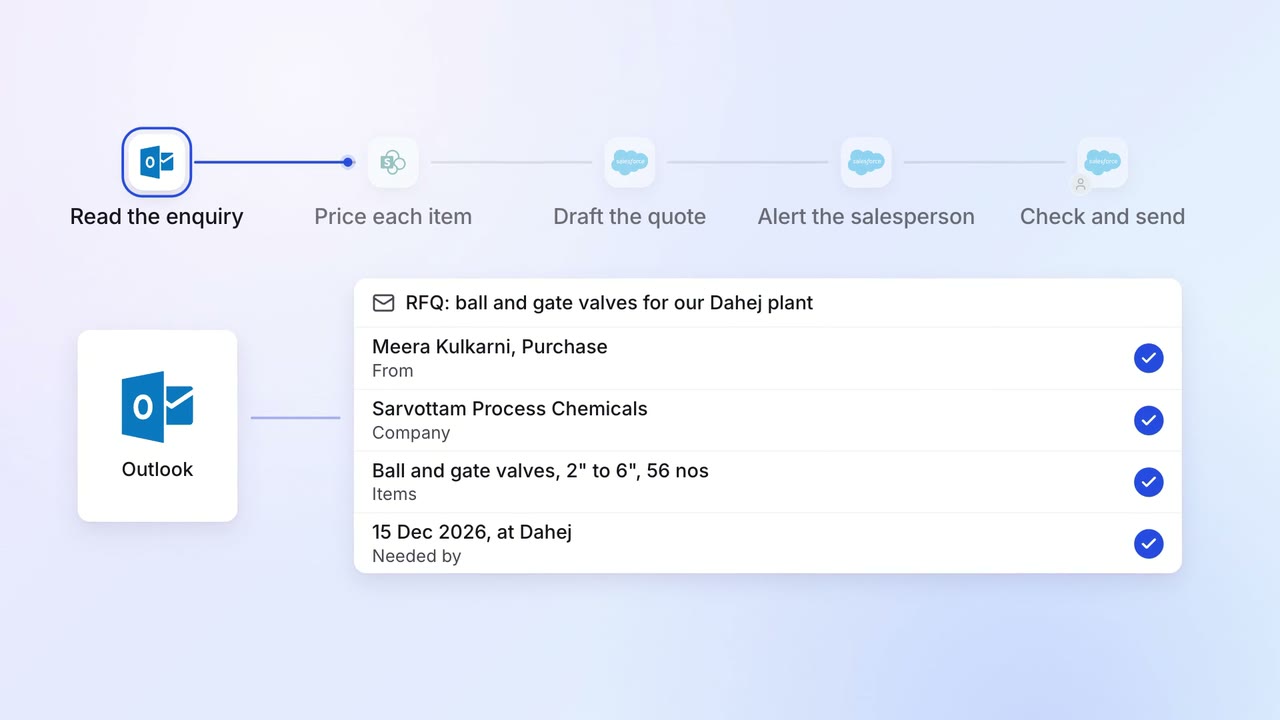
Sales Proposals and quotes
Every enquiry gets a draft quote, priced from your list and past deals
 Outlook
 SharePoint
 Salesforce
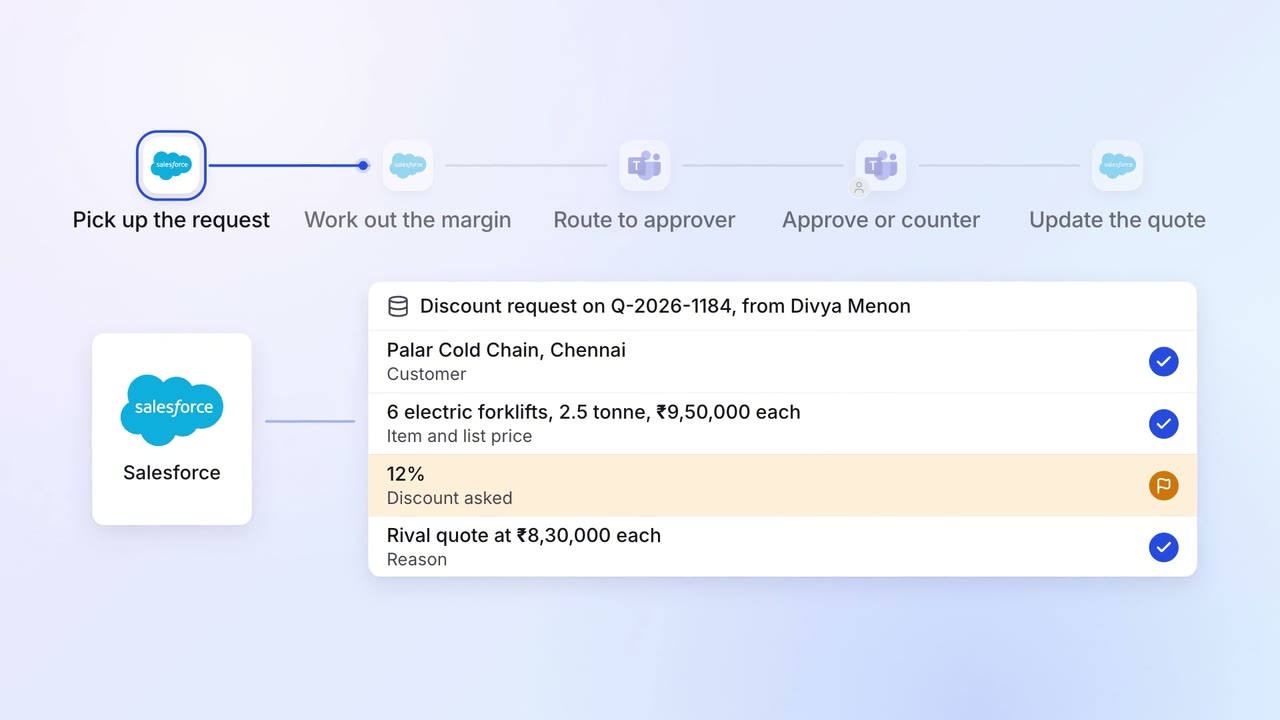
Sales Proposals and quotes
Discount requests reach the right approver, with the margin impact shown
- Salesforce
 Microsoft Teams
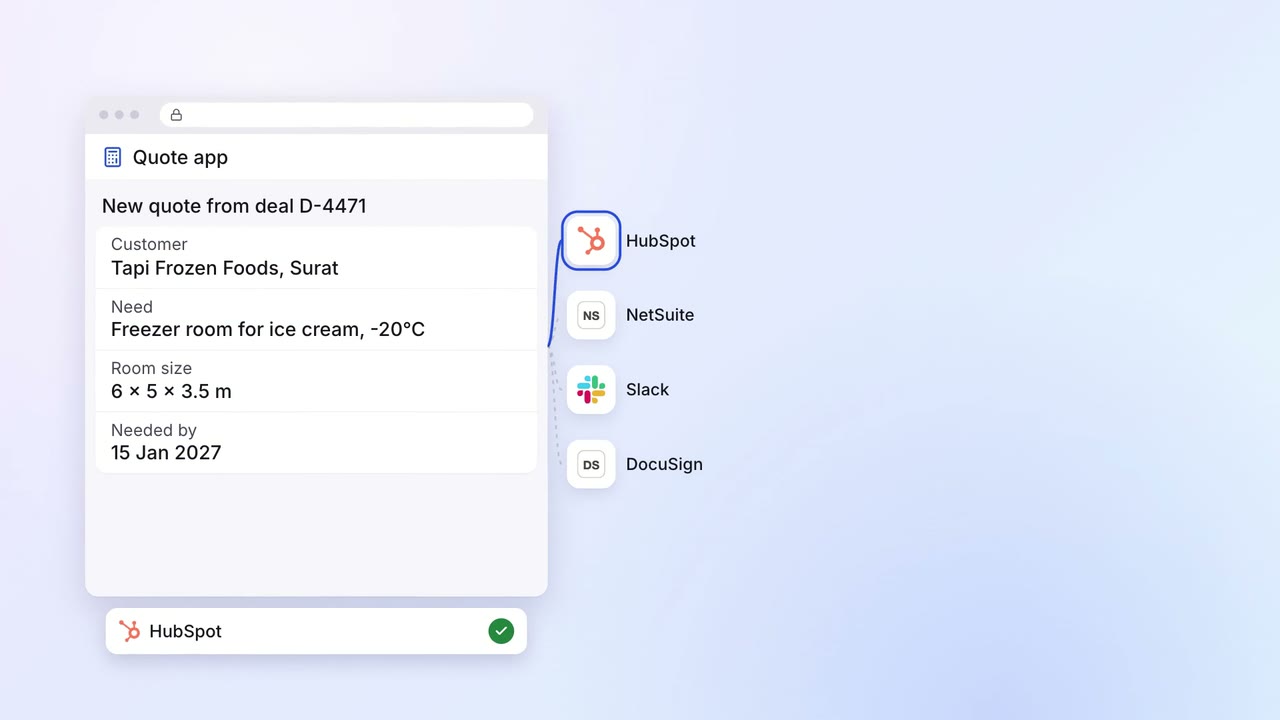
Sales Proposals and quotes
Made-to-order quotes are built right first time, priced to your rules and signed online
- Quote app
- HubSpot
 NetSuite
- Slack
 DocuSign