Reps log each visit by voice, and the CRM, visit plan and dashboard update themselves
After a visit, the rep speaks a short note into a phone app. The deal in LeadSquared, the follow-up in Google Calendar and the manager's Looker Studio dashboard all update from it.
- Used day to day by
- Salespeople
- Regional sales managers
How it runs with AI
After each visit, the rep speaks a short note into the sales app on their phone and checks what it picked out. The app logs the visit in LeadSquared, moves the deal to its new stage and books the follow-up in Google Calendar. The manager's Looker Studio dashboard shows visits, pipeline and follow-ups for every rep through the day.
Step by step
Where the work happens, what the AI does, and where it hands over to a person.
-
Step 1, AI
Turns the rep's spoken note into the customer, contact, need, value and next step, for the rep to check
Needs to know: Customer and product names
In Sales app
-
Step 2, AI
Logs the visit in LeadSquared, updates the deal and adds the next step as a task
Needs to know: Deal stages
In
 LeadSquared
 Exception to step 2
Asks the rep in the app for anything the note leaves out, such as the quantity
-
Step 3, AI
Books the follow-up visit in the rep's Google Calendar
Needs to know: Rep's working hours
In
 Google Calendar
 -
Step 4, AI
Updates the manager's Looker Studio dashboard with visits against target for each rep
Needs to know: Visit targets by rep
In
 Looker Studio , LeadSquared
 -
Step 5, Person
Decides where to help this week, such as joining a rep who is behind on visits
In
Looker Studio
What stays with a person
- Decides where to help this week, such as joining a rep who is behind on visits
Apps in this example
- Sales app
- LeadSquared
- Google Calendar
- Looker Studio
The same flow works with the apps you use.
This fits you if
- Your reps spend most of the day visiting customers, dealers or sites
- Visit notes reach LeadSquared late, from memory
- Your sales manager builds a weekly visit report by hand
- Reps already plan their visits in Google Calendar
What to watch for
- The rep sees what the app picked out and corrects it before saving. Names, quantities and prices are the details most worth a second look
- Try it with your reps' own way of speaking, including a mix of Hindi and English, before every rep uses it
- Prices, discounts and credit terms stay with the sales manager. The app records what the customer asked for
- Visit counts show activity, so decisions about a rep's performance stay with the manager, after a conversation with the rep
Often done together
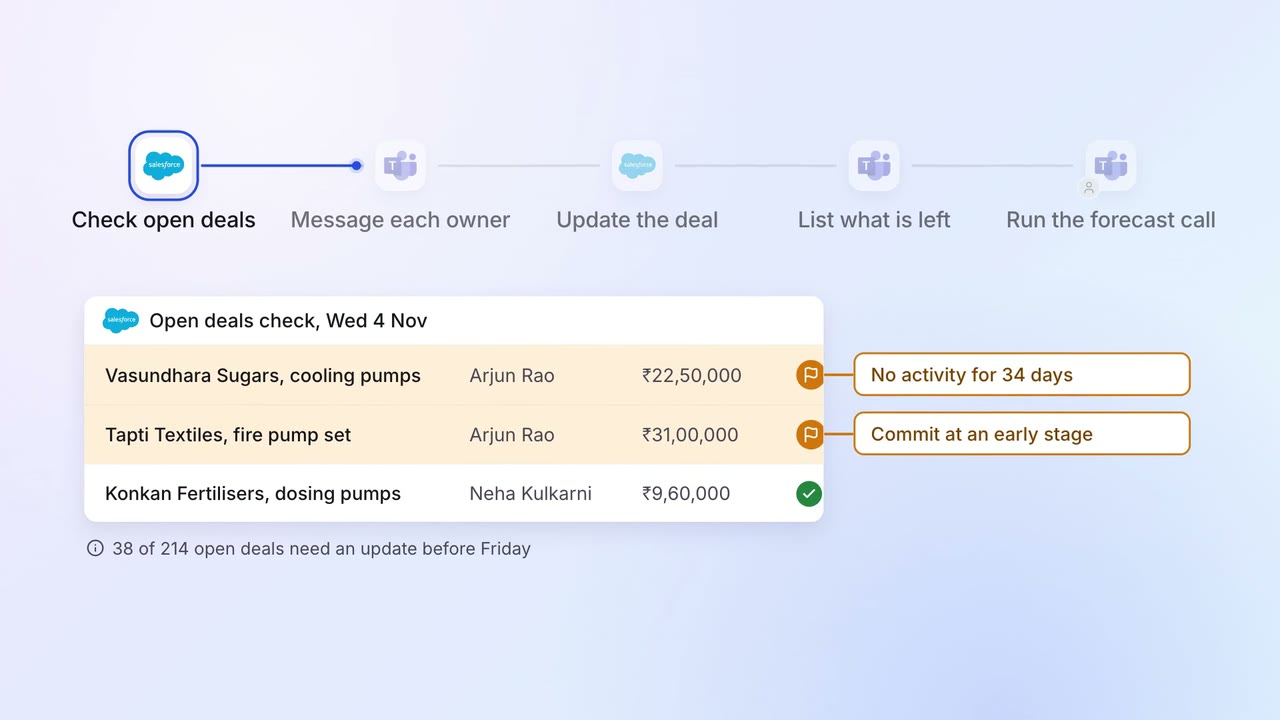
Sales Pipeline and forecasting
Every open deal is checked before the forecast call, and stale ones go back to their owners
 Salesforce
 Microsoft Teams
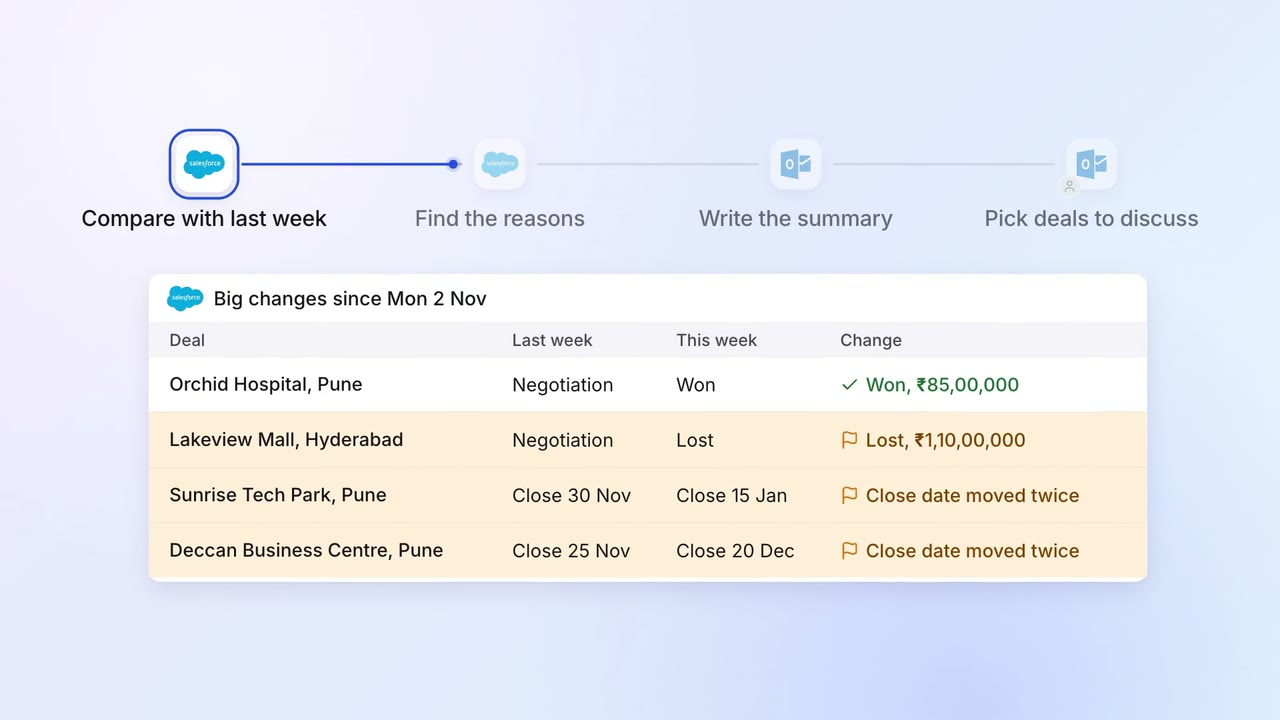
Sales Pipeline and forecasting
The sales head gets a one-page pipeline summary every Monday, with what changed and why
- Salesforce
 Outlook
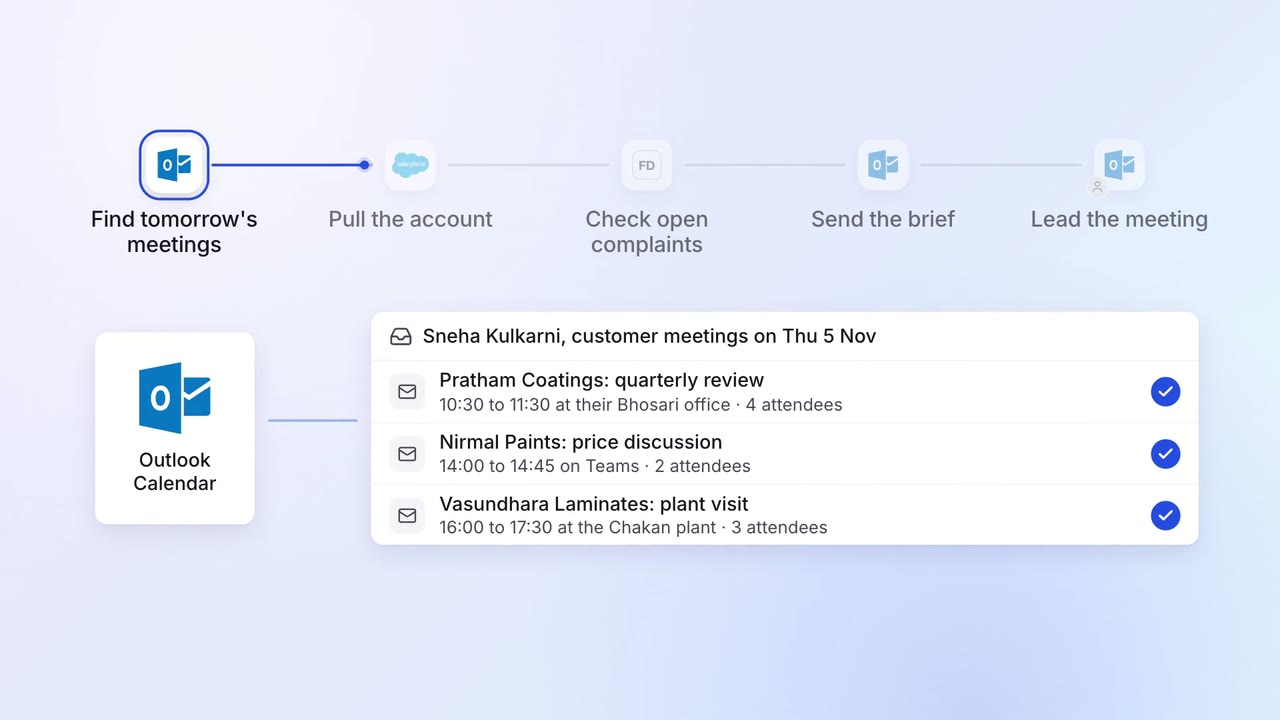
Sales Renewals and account care
Account managers get a one-page brief before every customer meeting
- Outlook
- Salesforce
 Freshdesk