Every IT ticket lands with the right team, with the details they need
The AI reads each new ticket, picks the team and priority, asks the employee for any missing detail and assigns it in ServiceNow, ready to work on.
- Used day to day by
- IT service desk
- IT team
How it runs with AI
The AI reads each ticket as it arrives and picks the team and priority from what your teams have fixed before. It asks the employee on Teams for any missing detail, adds similar past fixes and groups tickets that point to one outage. Each team gets tickets it can start on.
How it is done today
Tickets reach the IT desk by email and the ServiceNow portal, often as one line like "printer not working". A service desk agent reads each one and picks a priority and one of many support teams. Tickets that land with the wrong team move from queue to queue, and engineers start by asking for the asset number.
Step by step
Where the work happens, what the AI does, and where it hands over to a person.
-
Step 1, AI
Reads every new ticket from email and the portal
Needs to know: Common issue types
In
 ServiceNow
 -
Step 2, AI
Works out the team and the priority for each one
Needs to know: What each team owns, Past resolved tickets, Priority rules
In
ServiceNow Exception to step 2
Sends tickets it is unsure about to the service desk lead to assign
-
Step 3, AI
Asks the employee for the missing detail on Teams
Needs to know: Details each team needs
In
 Microsoft Teams
 Exception to step 3
Sends the ticket on when there is no reply, with the gap marked
-
Step 4, AI
Fills in the ticket and assigns it to the team
Needs to know: Similar past fixes
In
ServiceNow -
Step 5, Person
Starts the fix with the details already in the ticket
In
ServiceNow
What stays with a person
- Starts the fix with the details already in the ticket
How it knows which team to pick
Before it starts, the AI reads your past resolved tickets in ServiceNow to see which team fixed each kind of problem at each site. Your service desk lead writes a short note for each team on what it owns. When a ticket fits two teams, or looks like nothing it has seen, it goes to the service desk lead to assign.
Apps in this example
- ServiceNow
- Microsoft Teams
The same flow works with the apps you use.
This fits you if
- Your IT desk logs more than 1,000 tickets a month in ServiceNow
- Tickets often move between teams before someone starts work
- You support several plants, offices or entities, each with its own IT people
- Engineers often begin by asking for the asset number or the error message
What to watch for
- The service desk lead assigns every ticket the AI is unsure about, and each choice is added to the examples it works from
- Your IT team decides what counts as P1, for example a stopped production line, and the AI follows that list
- Someone owns the list of teams and what each one covers, and updates it when teams or sites change
- Tickets about a suspected phishing email or a lost laptop go straight to the security team
Often done together
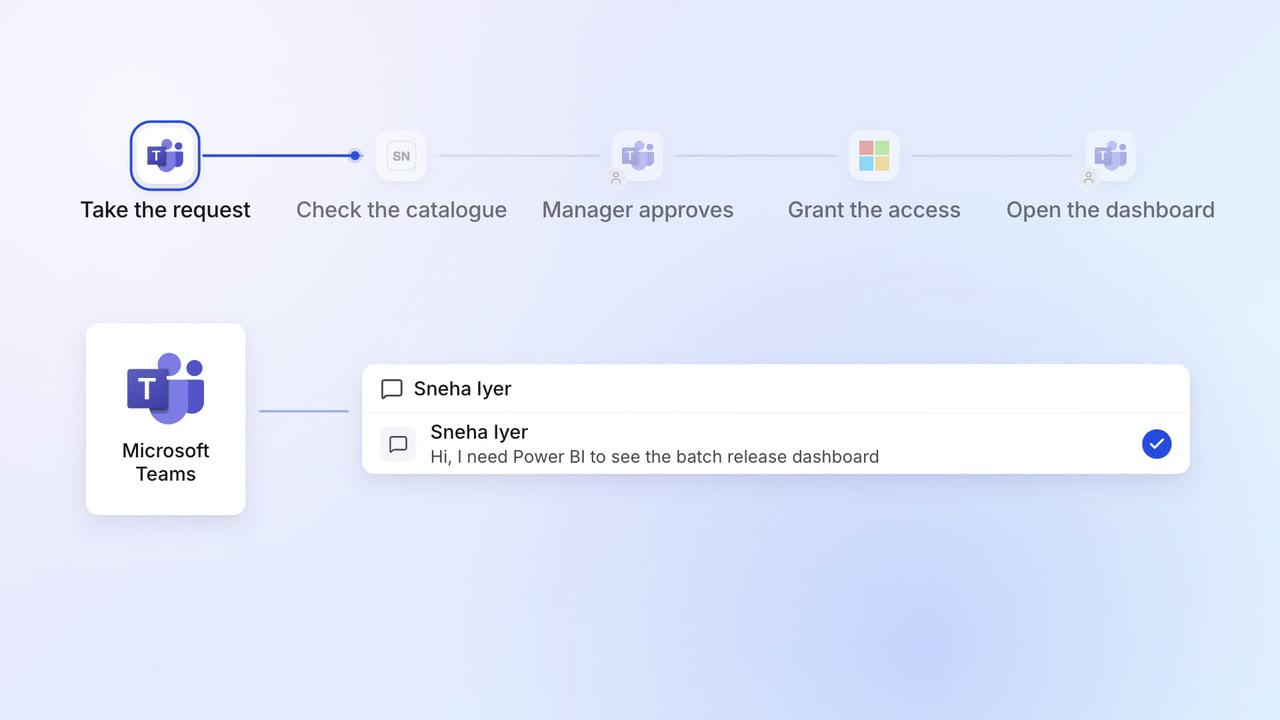
IT Helpdesk
Password resets and software access are handled on Teams in minutes
- Microsoft Teams
- ServiceNow
 Entra ID
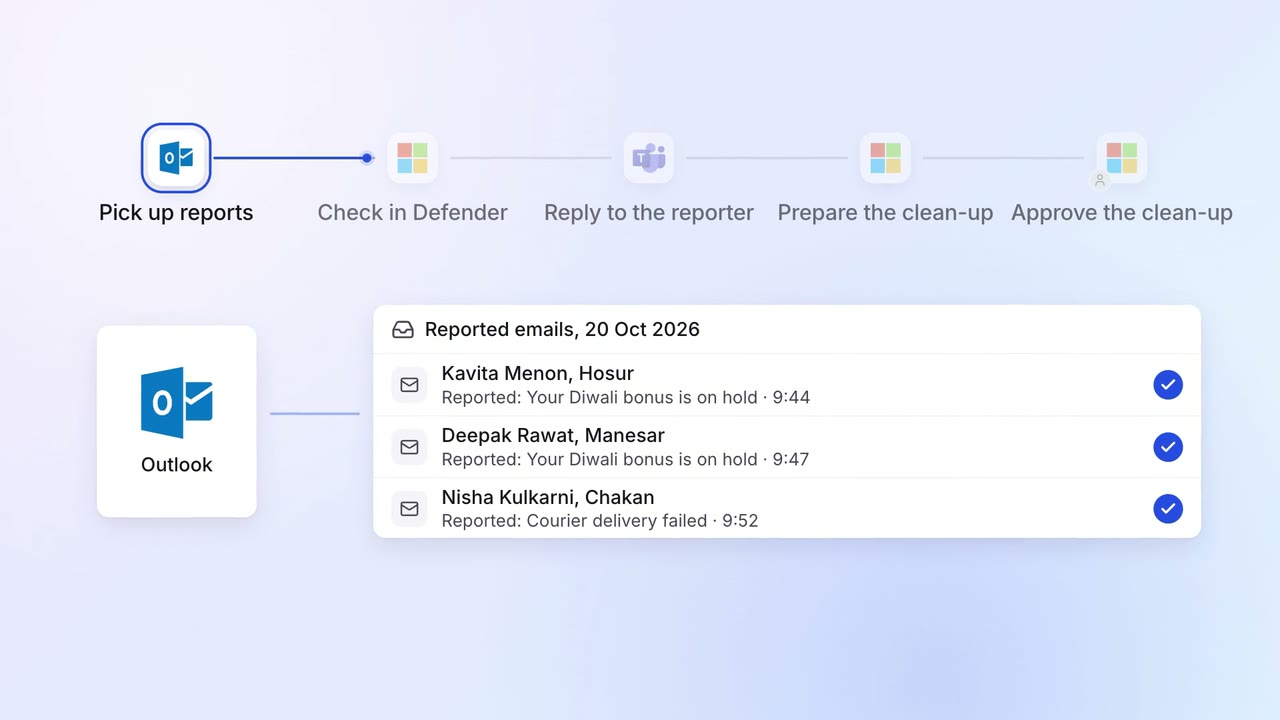
IT Security checks
Suspicious emails reported by staff are checked and answered within minutes
 Outlook
- Microsoft Defender
- Microsoft Teams
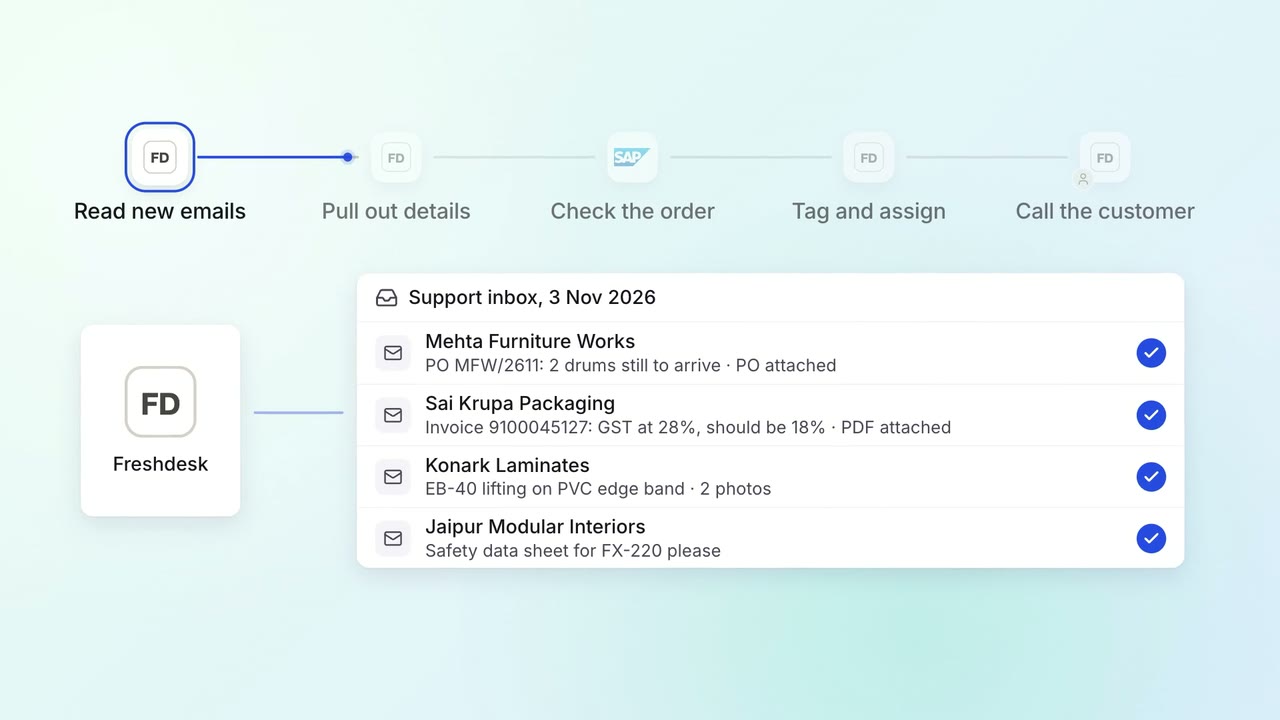
Customer service Incoming queries
Every support email is read, tagged and sent to the right team within minutes
 Freshdesk
 SAP S/4HANA