Trucks are booked and customers get tracking updates on WhatsApp
The AI requests tomorrow's trucks from your contracted transporters at the agreed rates. Customers get the truck number, arrival date and updates on WhatsApp, and your logistics desk handles the late trucks.
- Used day to day by
- Logistics team
- Salespeople
- Distributors
How it runs with AI
The AI reads tomorrow's loads from SAP and sends each truck request to the transporter contracted for that route, at the agreed rate. When a truck leaves, the distributor gets its number and arrival date on WhatsApp, with updates on the way. The AI follows every truck on the transporter's GPS, so the desk hears about a late truck hours before the distributor would.
How it is done today
Every afternoon the logistics desk works out tomorrow's loads from SAP, then calls and messages transporters one by one until each route has a truck. Once the trucks leave, distributors phone the sales team to ask where their order is, and the desk calls the driver or the transporter to find out. A late truck usually comes to light when the distributor complains.
Step by step
Where the work happens, what the AI does, and where it hands over to a person.
-
Step 1, AI
Reads tomorrow's deliveries from SAP and works out the trucks needed on each route
Needs to know: Truck types by load, Route list
In
 SAP S/4HANA
 -
Step 2, AI
Sends each truck request to the transporter contracted for that route, at the agreed rate
Needs to know: Transporters on each route, Contract rates by route
In Transporter portal
Exception to step 2
Offers the load to the next transporter on the route if the first is still unconfirmed after a set time
-
Step 3, AI
Records the confirmed truck and driver against the deliveries in SAP
Needs to know: Loads planned per truck
In Transporter portal ,
SAP S/4HANA -
Step 4, AI
Sends the distributor the truck number and arrival date on WhatsApp, then updates on the way
Needs to know: Distributor contacts, Approved message templates
In
 WhatsApp Business , Transporter portal
 -
Step 5, AI
Follows every truck on the transporter's GPS and flags the ones that will arrive late
Needs to know: Usual transit times
In Transporter portal ,
WhatsApp Business Exception to step 5
Sends the distributor the new arrival time once the logistics desk has agreed it with the transporter
-
Step 6, Person
Calls the transporter about the late truck and agrees a new arrival time
In Transporter portal
What stays with a person
- Calls the transporter about the late truck and agrees a new arrival time
Apps in this example
- SAP S/4HANA
- Transporter portal
- WhatsApp Business
The same flow works with the apps you use.
This fits you if
- You send out more than 25 full truckloads a day from your plants and warehouses
- Your transporters work on contract rates for each route
- Your logistics desk books trucks by phone and WhatsApp today
- Distributors call your sales team to ask where their truck is
- Most of your transporters can share GPS location for their trucks
What to watch for
- Distributors agree to receive WhatsApp updates, and every update uses a message template WhatsApp has approved. WhatsApp requires both
- The AI books trucks at contract rates only. When every contracted transporter on a route declines, your logistics desk books a truck at market rate and agrees the price
- Updates on the way rely on each transporter sharing its trucks' GPS location. Write this into the transporter contract
- Your logistics head keeps the route list current, with the transporters in order on each route and their contract rates
Often done together
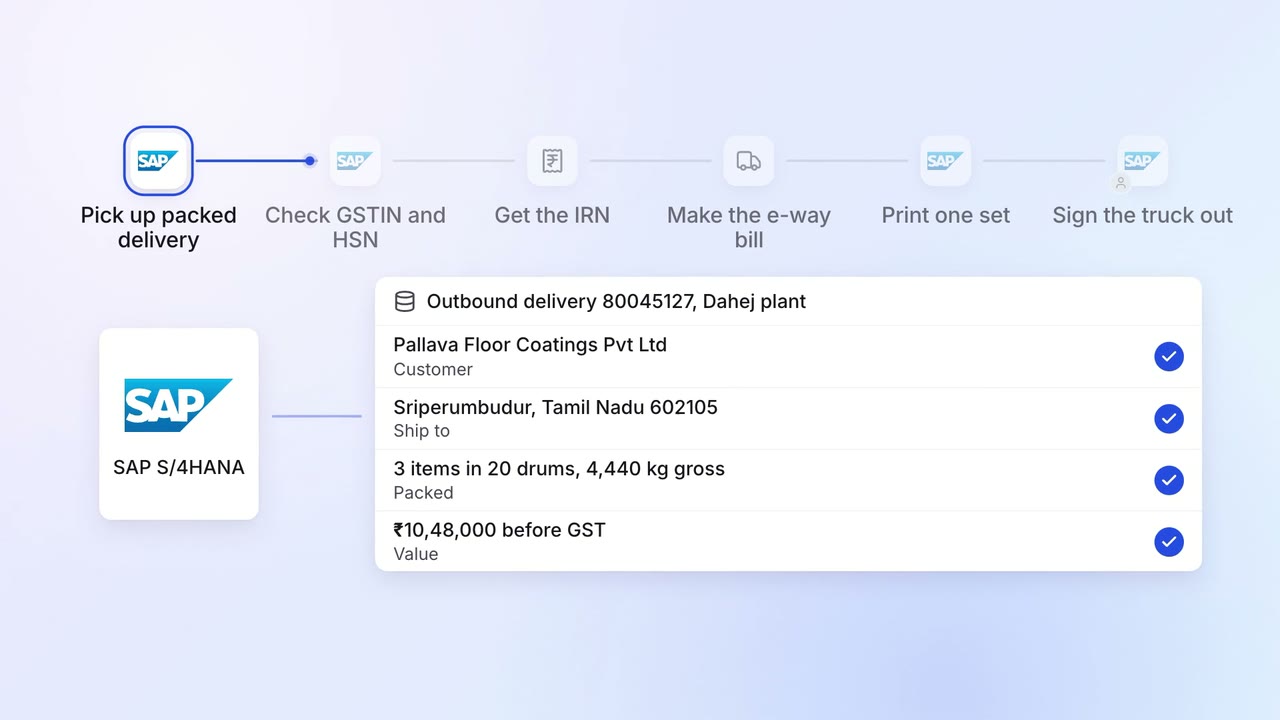
Operations Dispatch paperwork
E-way bills, invoices and packing lists are ready when the truck arrives
- SAP S/4HANA
- E-invoice portal
- E-way bill portal
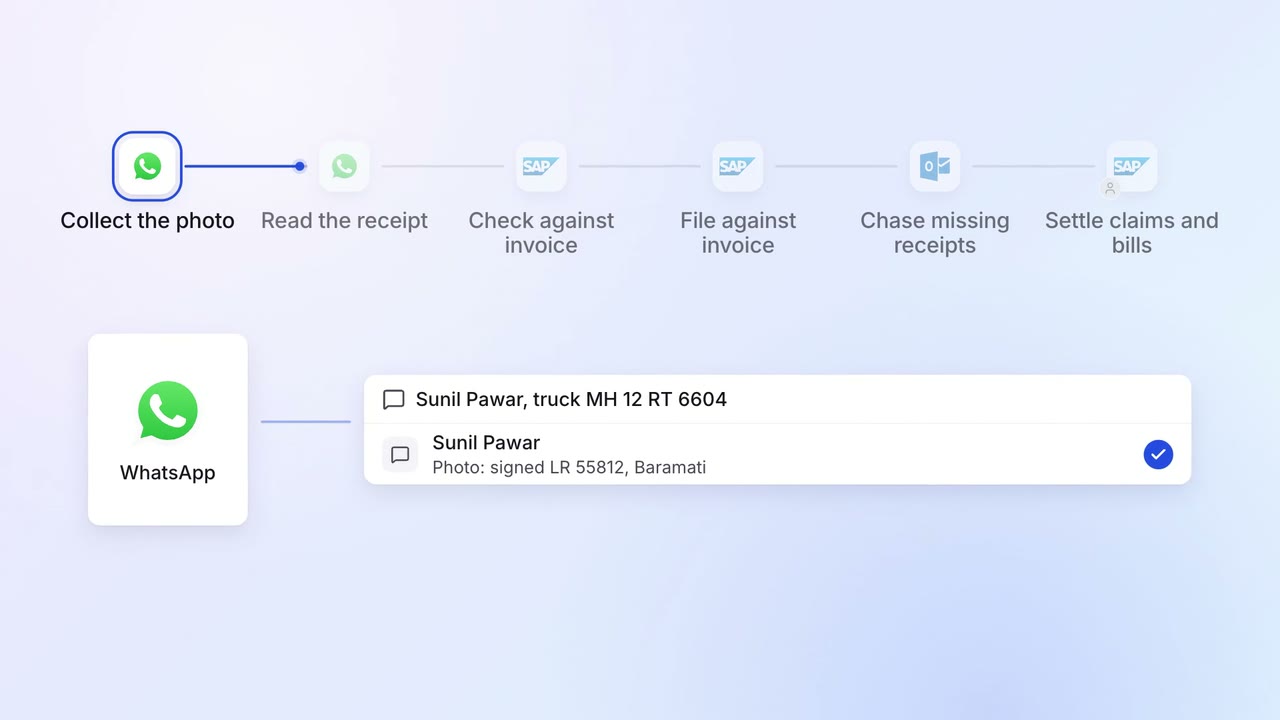
Operations Dispatch paperwork
Proof of delivery is collected, read and filed against each invoice
- WhatsApp Business
- SAP S/4HANA
 Outlook
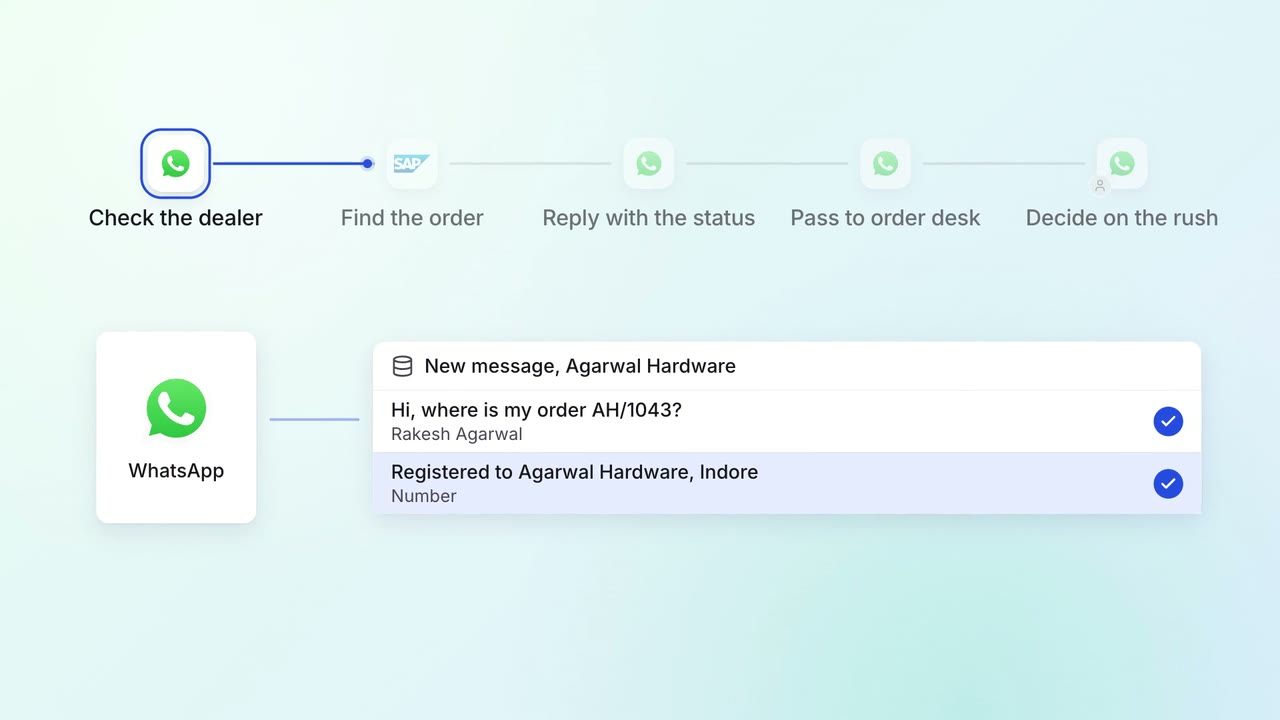
Customer service Incoming queries
Dealers and customers get their order status on WhatsApp, straight from SAP
- WhatsApp Business
- SAP S/4HANA