Customers register their warranty by scanning a sticker, with the invoice already checked
A sticker on each product opens a registration page with the serial filled in. The customer photographs the invoice, the purchase is checked against your sales records, and the warranty lands in Zendesk.
- Used day to day by
- Customers
- Customer service agents
- Customer service head
How it runs with AI
A sticker on each product opens a short registration page with the model and serial already filled in. The customer photographs the invoice, and the app reads it and checks the serial against your invoice to the dealer in Zoho Books, or the order in Shopify for website buyers. The warranty record lands in Zendesk, so the service desk sees it the moment the customer calls.
Step by step
Where the work happens, what the AI does, and where it hands over to a person.
-
Step 1, AI
Opens the registration page with the model and serial from the sticker
Needs to know: Serials from the factory
In Warranty app
-
Step 2, AI
Reads the seller, date, serial and amount from the photo of the invoice
Needs to know: Dealer list
In Warranty app
-
Step 3, AI
Checks the serial against your invoice to the dealer in Zoho Books, or the website order in Shopify
Needs to know: Earlier registrations
In
 Zoho Books ,
  Shopify ,
  Zendesk
 Exception to step 3
Sends the registration to the service desk with the reason when the records disagree
-
Step 4, AI
Creates the warranty record in Zendesk, with the invoice photo attached
Needs to know: Warranty terms by model, Extra months for registering
In
Zendesk -
Step 5, AI
Emails the customer a warranty card with the end date
Needs to know: Warranty card template
In
Zendesk -
Step 6, Person
Sees the checked warranty when the customer calls, and books a free visit
In
Zendesk
What stays with a person
- Sees the checked warranty when the customer calls, and books a free visit
Apps in this example
- Warranty app
- Zendesk
- Shopify
- Zoho Books
The same flow works with the apps you use.
This fits you if
- Your products carry a serial number and a warranty of a year or more
- You sell through dealers and through your own website
- Customers register by calling, by posting a card, or not at all
- Your service desk asks for the invoice each time a product fails
- Your dealer invoices are raised in Zoho Books, and your website runs on Shopify
What to watch for
- Blurred photos and handwritten shop bills need a person to check the reading
- Your service desk decides every registration where the records disagree, such as a different model or a unit already registered to someone else. The app registers the ones that pass every check
- Someone in service owns the warranty terms for each model, including any extra months for registering early, and updates them with each new model
- Each sticker carries the unit's own serial, the same one that goes on your invoice to the dealer, so the factory prints stickers from that list
Often done together
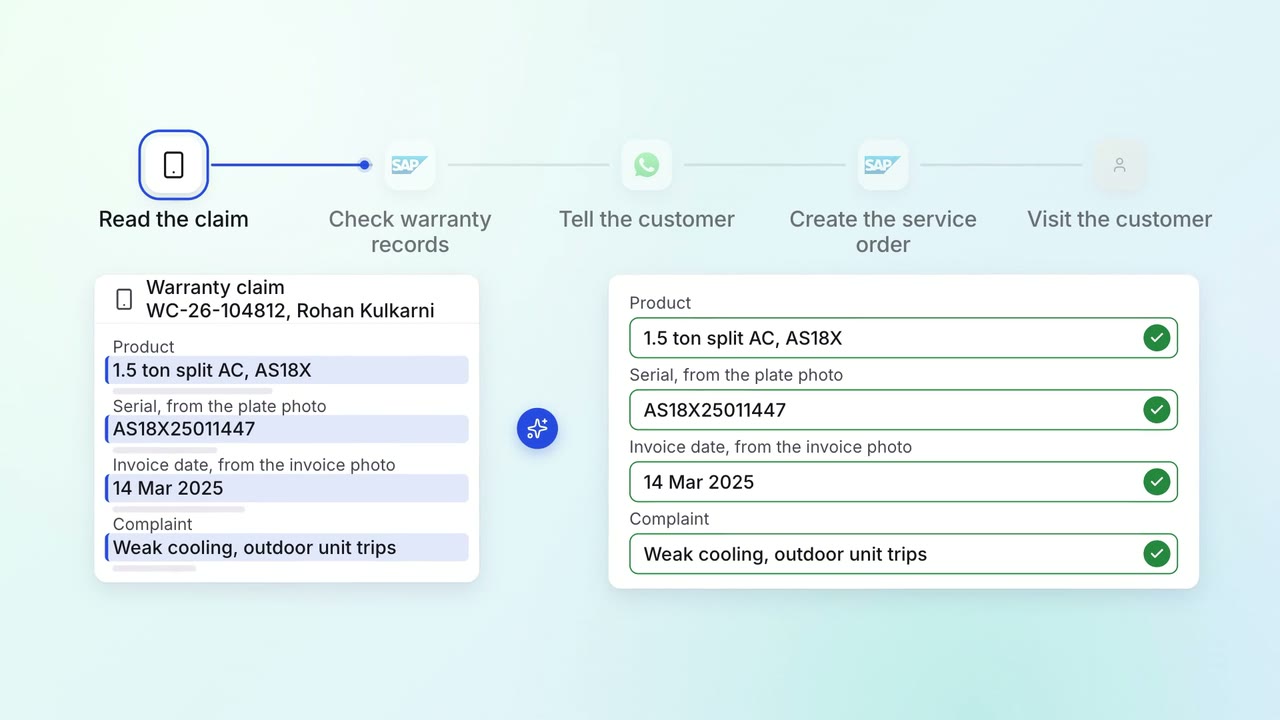
Customer service Complaints and escalations
Warranty claims are checked against the terms and service history before anyone is sent out
- Service app
 SAP S/4HANA
 WhatsApp Business
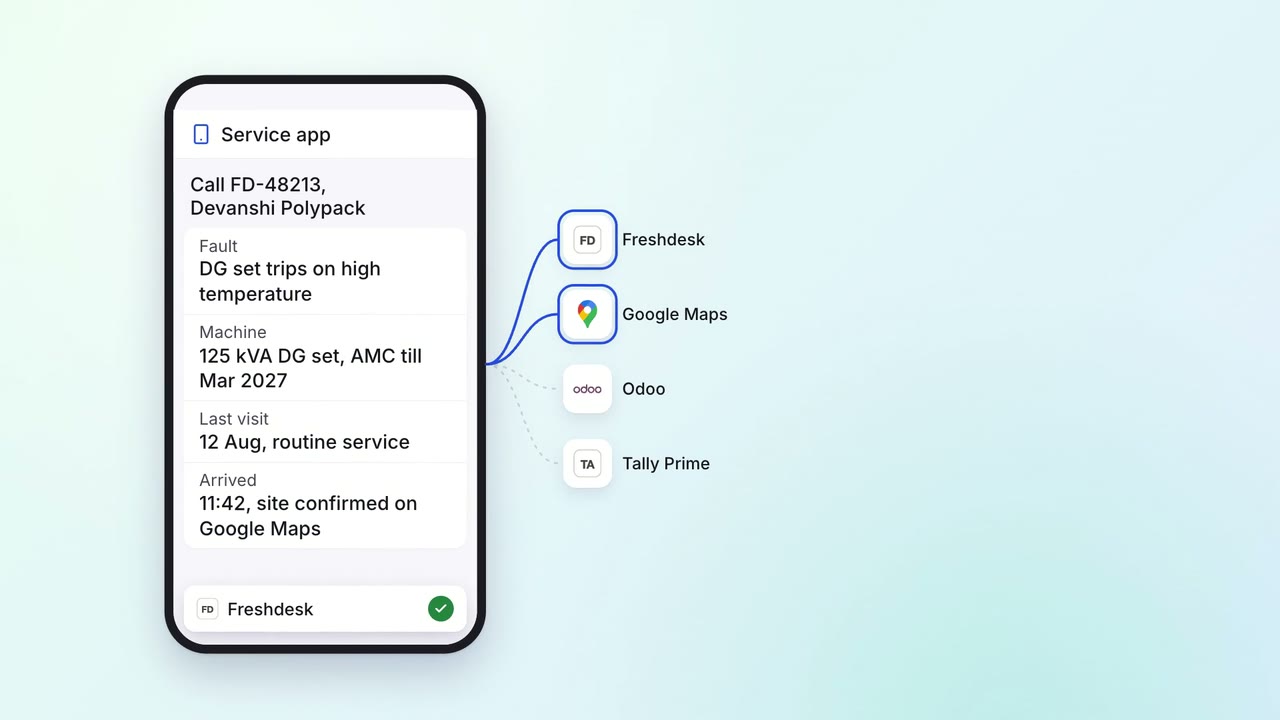
Customer service Incoming queries
Field engineers close calls on a phone app, and the invoice goes out before they leave
- Service app
 Freshdesk
 Odoo
Odoo Tally Prime
 Google Maps
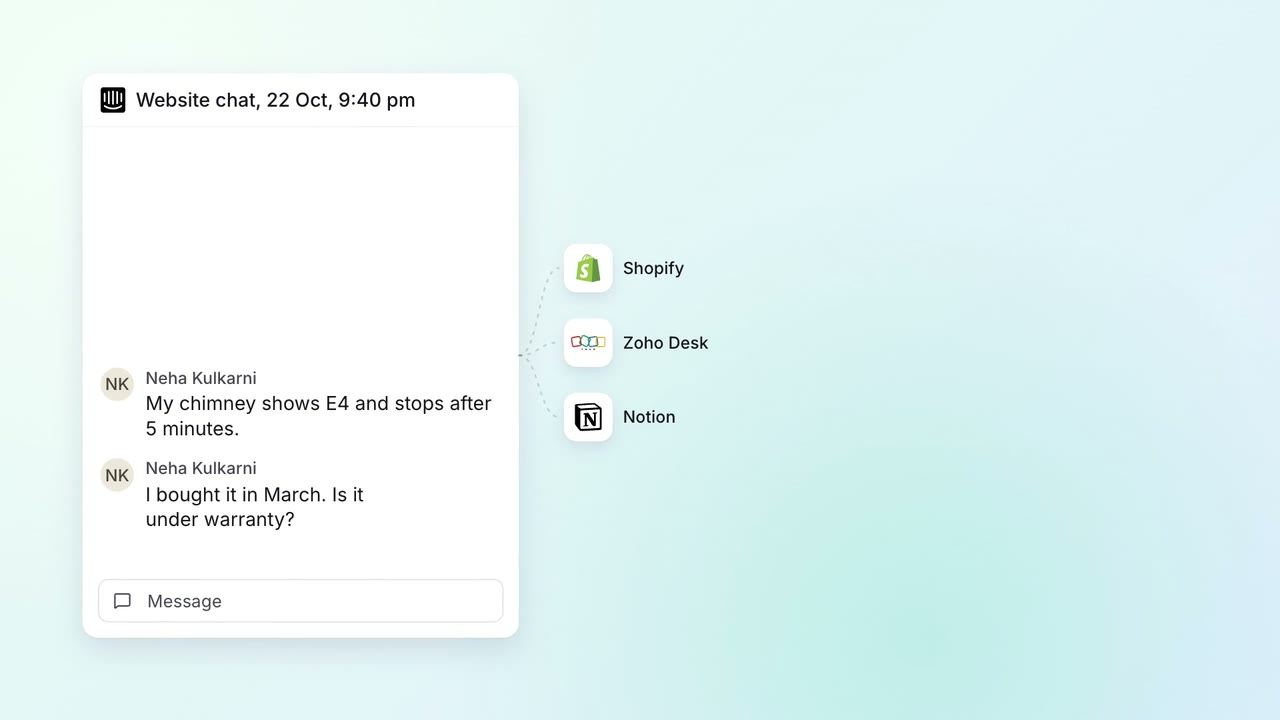 Company assistant
Customer service Incoming queries
Website chat answers from manuals, orders and warranty records, and hard cases reach an agent
 Intercom
- Shopify
- Zoho Desk
 Notion