Website chat answers from manuals, orders and warranty records, and hard cases reach an agent
An automated assistant on your website chat answers from the order in Shopify, the warranty in Zoho Desk and the manual in Notion. A hard case reaches an agent with everything it found.
- Used day to day by
- Customer service agents
- Support team leads
- Customers
What the assistant uses here
Answers from your systems, within each person's access.
- Your approval Acts in your systems only after a person approves
How it runs with AI
An automated assistant answers the chat at any hour. It confirms the customer with a one-time code, reads her order in Shopify, the warranty in Zoho Desk and the right page of the manual in Notion, and names the source in each answer. When a fault comes back or a customer asks for something only a person can give, it opens a Zoho Desk ticket with the chat, the order and the steps tried, so the agent starts with the facts.
How the assistant works here
Where people ask, what it draws on, and what comes back.
Where people ask
-
 Intercom, steps 1, 2, 4 and 5
Who asks
- Customer service agents
- Support team leads
- Customers
What it draws on
Apps
-
 Shopify, step 2
 -
 Zoho Desk, steps 3, 5 and 6
 -
 Notion, step 4
Context
- Product list, step 1
- Safety warning signs, step 1
- One-time code rule, step 2
- Warranty terms by part, step 3
- Care manuals, step 4
- Error codes and fixes, step 4
- Requests only agents handle, step 5
- Agent working hours, step 5
What comes back, and who decides
- An answer with its sources, step 4
Who decides
- Calls the customer the next morning and books a free engineer visit, with no questions repeated, step 6
How a request runs
-
Step 1, the assistant: Reads the question a customer types into the website chat
-
Step 2, the assistant: Confirms the customer with a one-time code, then finds her order in Shopify
Exception Shares no order or warranty details until the code matches
-
Step 3, the assistant: Checks the warranty registration in Zoho Desk
-
Step 4, the assistant: Replies with the fix from the care manual in Notion, naming the section
-
Step 5, the assistant: Opens a Zoho Desk ticket with the chat, the order, the warranty and the steps tried, and tells the customer when an agent will call
- Person
Step 6, a person: Calls the customer the next morning and books a free engineer visit, with no questions repeated
The same flow works with the apps you use.
Who controls it
-
Access
It runs with each person's own access, so it shows only what they could open themselves
-
Approvals
Refunds, replacements and any goodwill offer stay with your agents. The assistant gathers the facts and hands the chat over
-
Record
Every question, source, action and approval is recorded
This fits you if
- Your website chat gets more than 1,000 questions a month
- Most chats ask about deliveries, error codes, installation or warranty
- Your orders are in Shopify and warranty registrations sit in your service desk
- Customers write to you after your chat team has logged off
What to watch for
- The assistant shares order and warranty details only after the customer types the one-time code sent to the mobile number on the order
- It answers from the manuals your service team publishes in Notion, so the team updates a page on the day a model or a fix changes
- A chat that mentions a burning smell, sparks or a gas smell goes straight to an agent, and the assistant first tells the customer to switch off at the mains
- Team leaders review a sample of chats each week in the first month, and fix any manual page that keeps causing follow-up questions
Often done together
Customer service Incoming queries
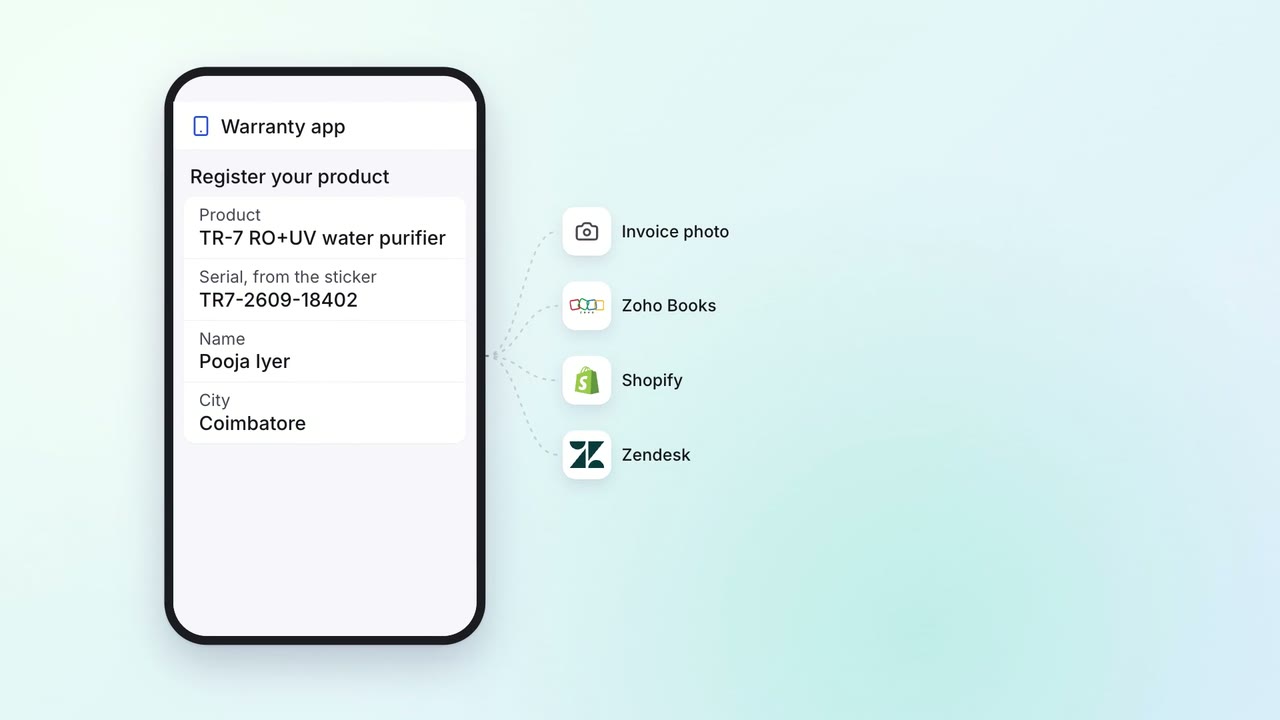
Customers register their warranty by scanning a sticker, with the invoice already checked
- Warranty app
 Zendesk
- Shopify
- Zoho Books
 Company assistant
Customer service Incoming queries
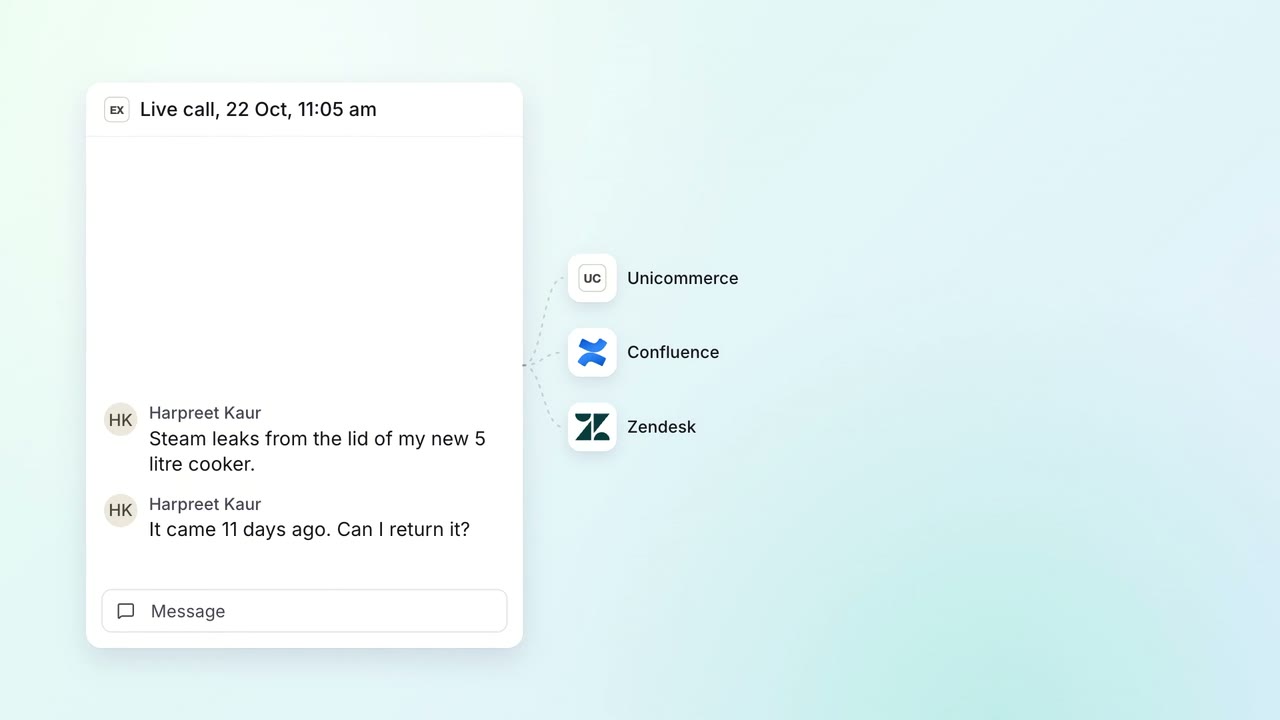
Agents on a call get a suggested answer from past tickets, the knowledge base and the caller's orders
 Exotel
- Zendesk
 Unicommerce
 Confluence
Customer service Help articles
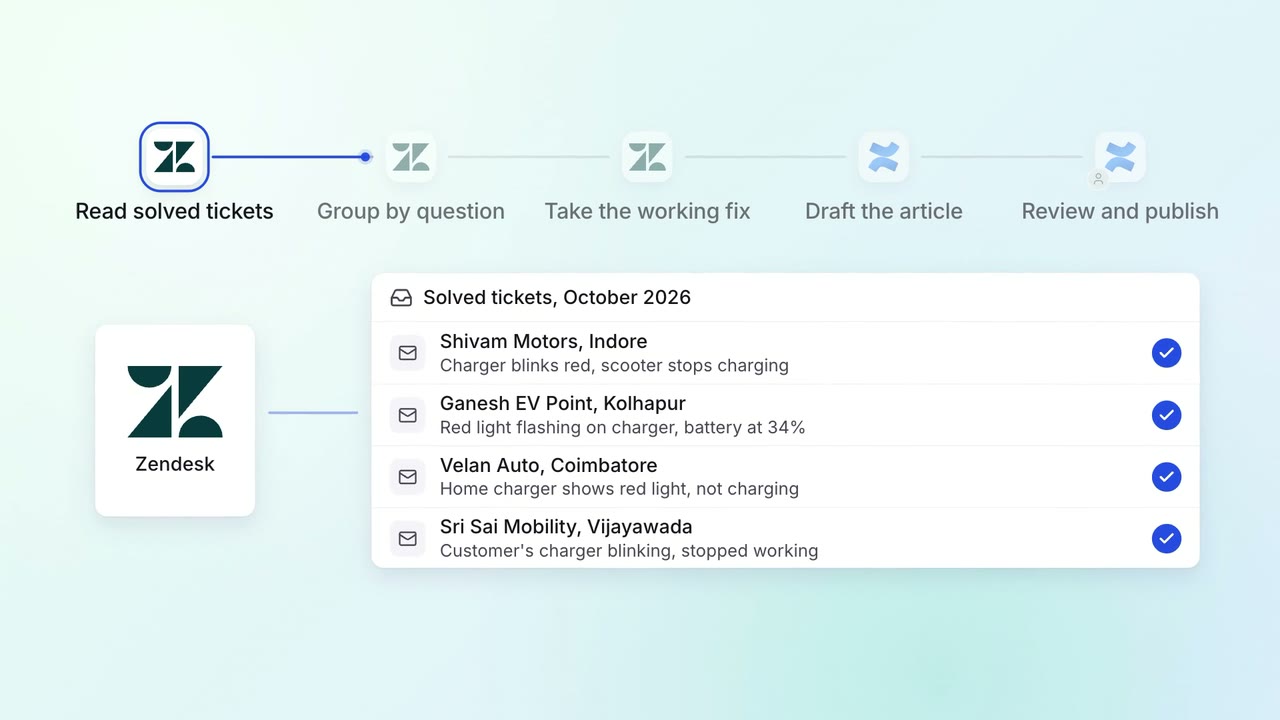
Solved tickets become help articles, so each question gets answered once
- Zendesk
- Confluence