Password resets and software access are handled on Teams in minutes
Staff ask on Teams. The AI guides password resets, gets the manager's approval for software and adds the access in Entra ID, with every request logged in ServiceNow.
- Used day to day by
- Employees
- Line managers
- IT service desk
How it runs with AI
Employees ask the IT assistant on Teams, at any hour. It guides password resets through Microsoft's self-service reset, asks the manager to approve software on Teams and then adds the access in Entra ID. Every request is logged in ServiceNow, and anything unusual goes to the IT desk with the chat attached.
Step by step
Where the work happens, what the AI does, and where it hands over to a person.
-
Step 1, AI
Answers the request on Teams straight away
Needs to know: Request types IT handles
In
 Microsoft Teams
 -
Step 2, AI
Logs it in ServiceNow and checks the software catalogue
Needs to know: Software catalogue, Who approves each item
In
 ServiceNow
 Exception to step 2
Sends anything outside the catalogue to the IT desk, with the chat attached
-
Step 3, Person
Approves the request in Teams with one tap
In
Microsoft Teams Exception to step 3
Reminds the manager after a few hours and keeps the employee updated
-
Step 4, AI
Adds the person to the right group in Entra ID and closes the ticket
Needs to know: Access group for each item
In
 Entra ID , ServiceNow
 -
Step 5, Person
Starts using the software, minutes after asking
In
Microsoft Teams
What stays with a person
- Approves the request in Teams with one tap
- Starts using the software, minutes after asking
Apps in this example
- Microsoft Teams
- ServiceNow
- Entra ID
The same flow works with the apps you use.
This fits you if
- Your staff use Microsoft Teams every day
- Your IT desk logs requests in ServiceNow
- Password resets and software access make up a large share of your tickets
- Software access is given through Entra ID groups
- Staff across several plants or shifts need help outside office hours
What to watch for
- Passwords stay with the employee. The assistant points them to Microsoft's self-service reset, which confirms who they are through their Authenticator app
- Managers approve every software request, and the assistant grants only the items in the catalogue your IT team has set up
- Admin rights, finance systems and anything outside the catalogue go to a person on the IT desk
- Your IT team owns the catalogue and the Entra ID group behind each item, and updates them when apps or licences change
Often done together
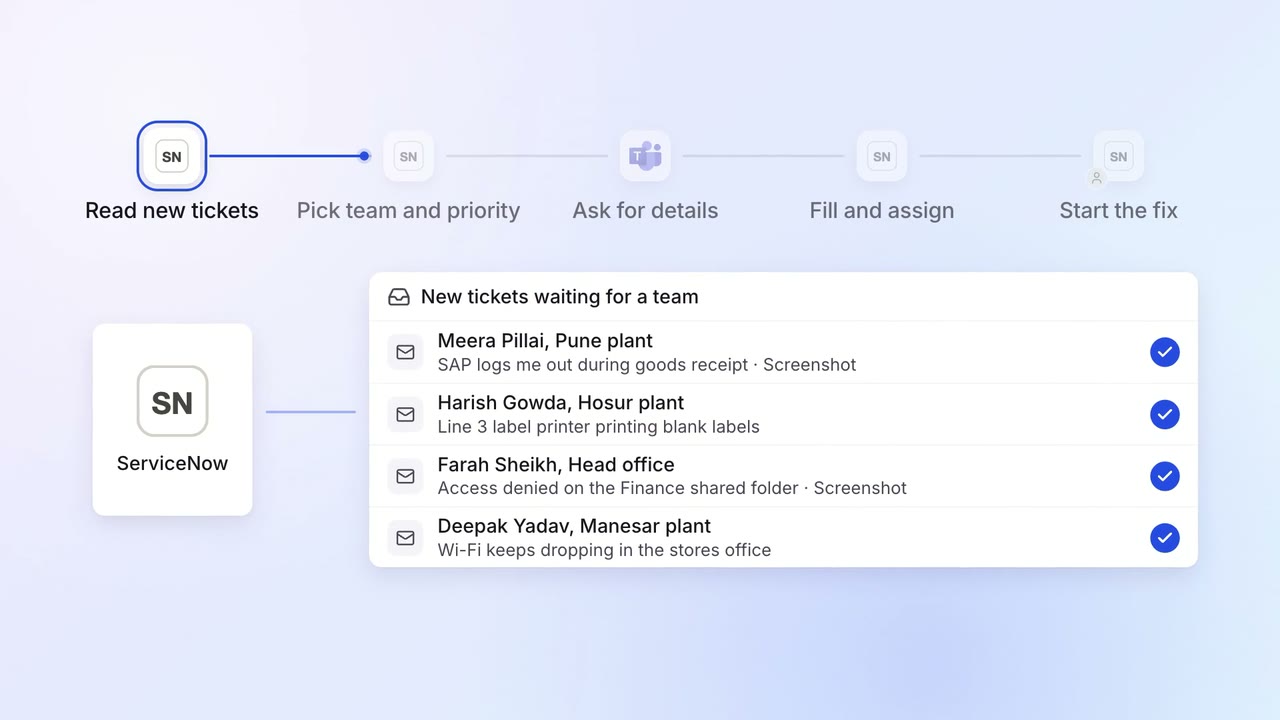
IT Helpdesk
Every IT ticket lands with the right team, with the details they need
- ServiceNow
- Microsoft Teams
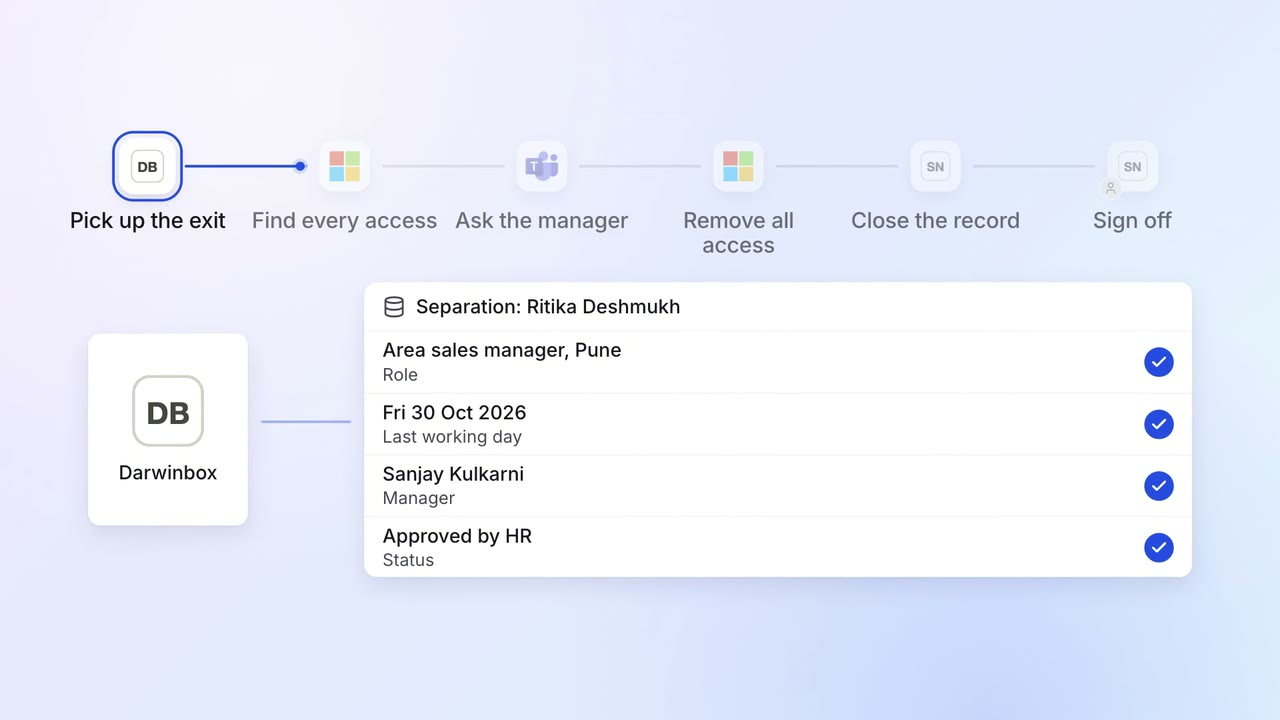
IT Access for joiners and leavers
Every leaver's access ends on the last day, with a record for audit
 Darwinbox
- Entra ID
- Microsoft Teams
- ServiceNow
 SAP S/4HANA
 Salesforce
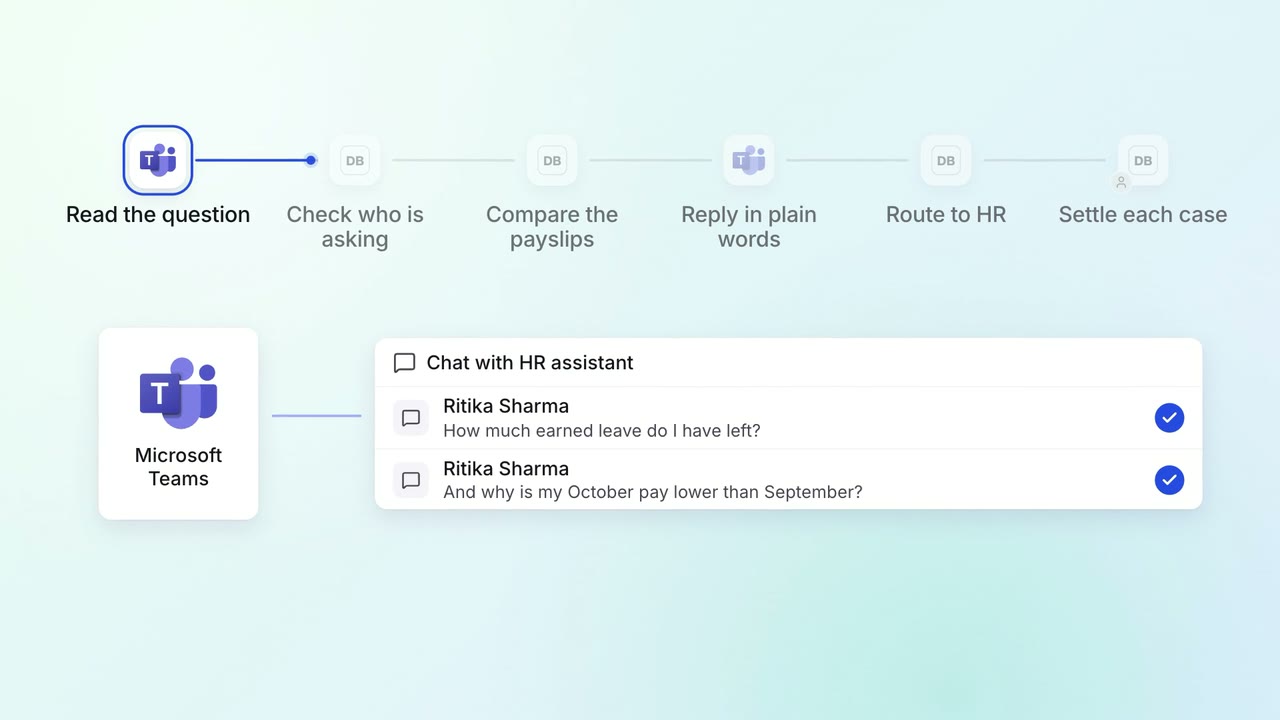
HR Leave, attendance and payroll questions
Employees get answers on leave balances and payslips on Teams, any time
- Microsoft Teams
- Darwinbox