Approvers clear every pending approval from one Teams message each morning
Each morning the company assistant gathers the bills, orders, leave and expense claims waiting on an approver, with the facts each one needs. The approver decides on Teams, and the assistant records each decision in Zoho Books or Keka under their name.
- Used day to day by
- Finance head
- Department heads
- Managing director
What the assistant uses here
Answers from your systems, within each person's access.
- Schedule Runs at a set time, under the owner's own access
- Channels Reaches people where they already talk
- Your approval Acts in your systems only after a person approves
How it runs with AI
Every weekday morning the company assistant collects what is waiting on each approver in Zoho Books and Keka, with the facts behind each item: the matched order, the budget left, the leave balance. It sends one message on Teams. The approver approves or holds each item there, and the assistant records the decision in the right app under the approver's own name.
How it is done today
Approvals sit in several apps, each with its own reminders. Approvers log in to each one when they find time, and ask for the order or the budget before they decide. Payments and leave wait days for a click.
How the assistant works here
Where people ask, what it draws on, and what comes back.
Where people ask
-
 Microsoft Teams, steps 3 and 4
Who asks
- Finance head
- Department heads
- Managing director
What it draws on
Apps
-
 Zoho Books, steps 2, 4 and 5
 -
 Keka, steps 2 and 5
Context
- Who approves what, step 1
- Approval limits, step 2
- Budgets, step 2
- Audit trail, step 5
What comes back, and who decides
- A message at the set time, step 3
- A request prepared for approval, step 4
Who decides
- The approver approves each item on Teams, or holds it, step 4
How a request runs
-
Step 1, the assistant: Runs every weekday morning for each approver
-
Step 2, the assistant: Collects pending bills and orders from Zoho Books and leave and expense claims from Keka, with the facts each one needs
-
Step 3, the assistant: Sends the approver one message on Teams with every item and its facts
- Person
Step 4, a person: The approver approves each item on Teams, or holds it
-
Step 5, the assistant: Records each decision in Zoho Books or Keka under the approver's name
The same flow works with the apps you use.
Who controls it
-
Access
It runs with each person's own access, so it shows only what they could open themselves
-
Approvals
Each approval is recorded in the source app under the approver's own name, so approval limits and the audit trail stay as they are
-
Record
Every question, source, action and approval is recorded
This fits you if
- Approvals wait in more than one app, such as accounts and HR
- Approvers often ask for the order, budget or balance before deciding
- Your approvers already use Teams through the day
What to watch for
- Anything above an approver's limit, or missing a document, is shown as held, with the reason
- Approvers can still approve in each app directly. The message is a faster way in, not a second set of rules
Often done together
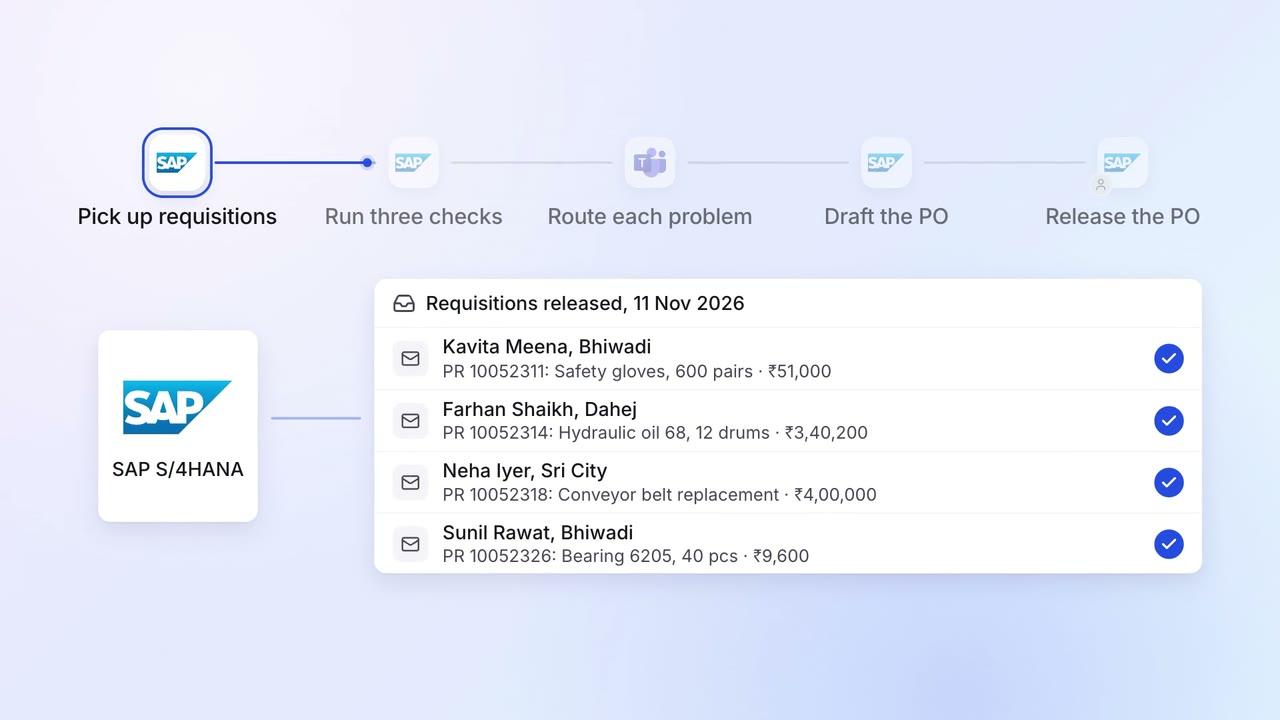
Operations Inventory and purchasing
Requisitions are checked for budget, rate contract and duplicates before a PO
 SAP S/4HANA
- Microsoft Teams
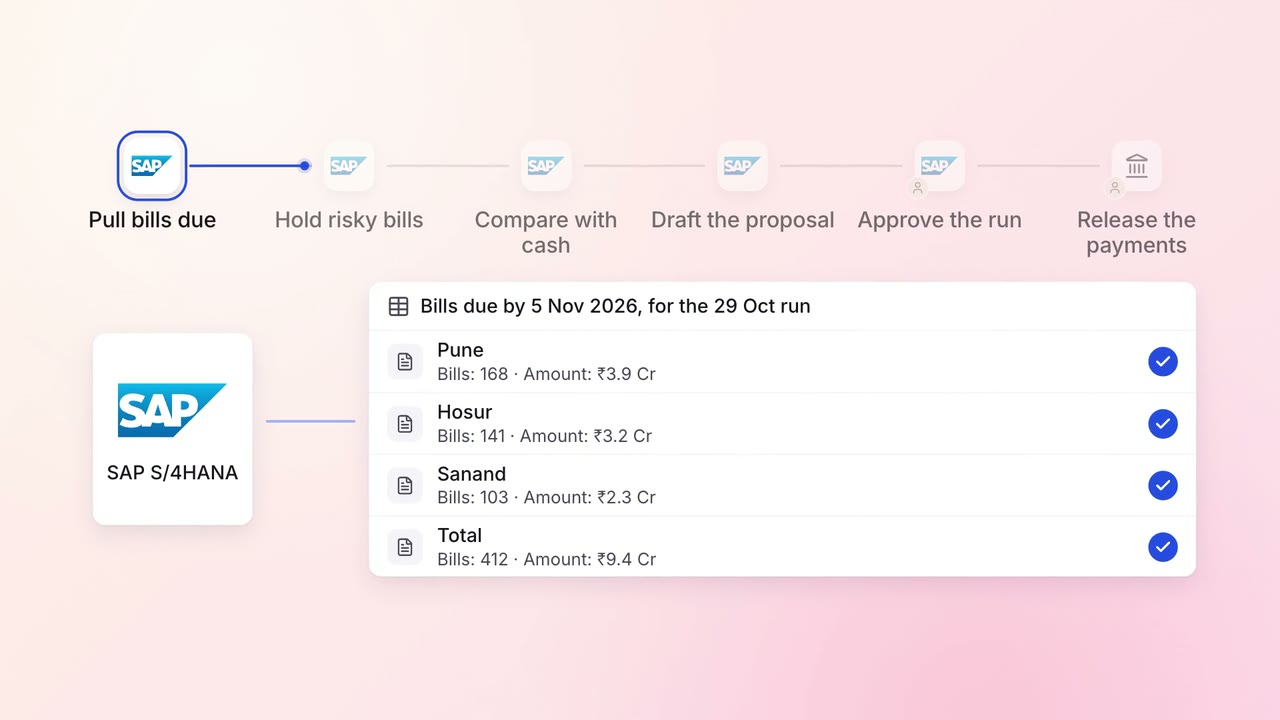
Finance Supplier bills and payments
The weekly payment run is drafted to fit your cash, in your order of priority
- SAP S/4HANA
- Bank portal
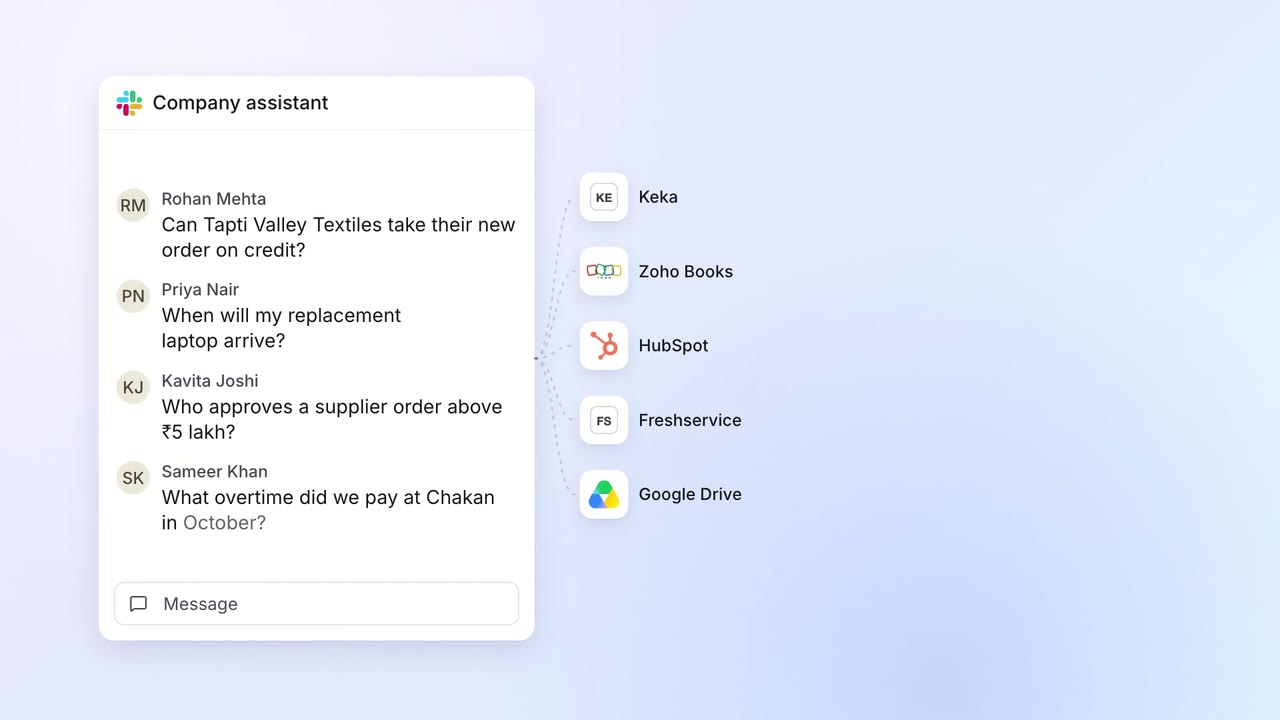 Company assistant
IT Helpdesk
Staff get answers from every company system on Slack, within their own access
 Slack
Slack- Keka
- Zoho Books
 HubSpot
 Freshservice
 Google Drive