Last night's backups are checked every morning, and each failure gets a ticket
Every morning the AI checks last night's Tally, shared drive and laptop backups against a usual night, finds the cause of each failure and raises a Freshservice ticket for IT.
- Used day to day by
- IT team
- Accounts head
How it runs with AI
Early every morning, the AI reads each backup report and compares it with a usual night: the size, the finish time, and which Tally companies, shared drives and laptops were copied. It finds the cause of each failure, raises a Freshservice ticket with it and tells IT on Slack. It also keeps the date of your last test restore and raises a ticket when the next one is due.
Step by step
Where the work happens, what the AI does, and where it hands over to a person.
-
Step 1, AI
Reads every backup report that arrived overnight
Needs to know: Expected backup reports
In
 Gmail
Gmail -
Step 2, AI
Compares each backup with a usual night, by size and by what was copied
Needs to know: Usual backup sizes, What counts as unusual, What each backup covers
In
Gmail ,  Tally Prime ,
  Google Workspace
 -
Step 3, AI
Finds the cause of each failure and sets aside laptops that were simply switched off
Needs to know: Laptop owners, Past backup failures
In
Tally Prime , Google Workspace -
Step 4, AI
Raises a Freshservice ticket for each failure, with the cause, and tells IT on Slack
Needs to know: Who fixes each system
In
 Freshservice ,
  Slack
Slack Exception to step 4
Alerts the IT head on Slack when a ticket is still open at the end of the day
-
Step 5, Person
Fixes the backup and runs it again, and the AI checks the new copy
In
Freshservice
What stays with a person
- Fixes the backup and runs it again, and the AI checks the new copy
Apps in this example
- Gmail
- Tally Prime
- Google Workspace
- Freshservice
- Slack
The same flow works with the apps you use.
This fits you if
- Your accounts run on Tally Prime, with the data on an office server or a single PC
- Your shared files live in Google Workspace shared drives
- Backup reports arrive by email, and nobody reads them every day
- Your last test restore was more than 3 months ago, or nobody is sure when it was
What to watch for
- A report that says completed only proves a copy was made. Your IT team restores a backup to a test folder every month to prove it opens, and the AI raises a ticket when the next test is due
- Your IT team sets what counts as unusual, such as how far a backup's size can move from its recent average, and how long a laptop can go without a backup
- Restoring data over live files, deleting old backups and changing what gets backed up stay with your IT team. The AI reads reports and raises tickets
- When the accounts team moves Tally data or adds a company, they tell IT, so the backup and the check cover it from the first night
Often done together
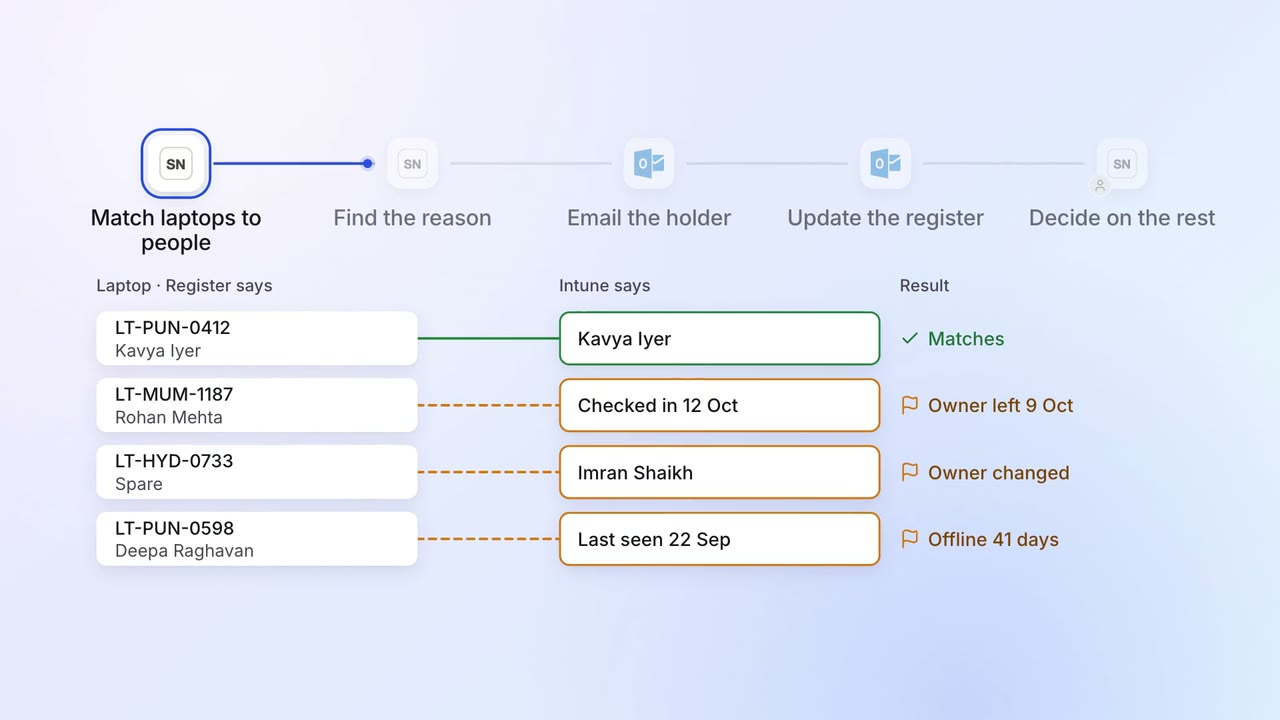
IT Asset tracking
Every laptop is matched to a person, and the missing ones are chased
 ServiceNow
 Intune
 Darwinbox
 Outlook
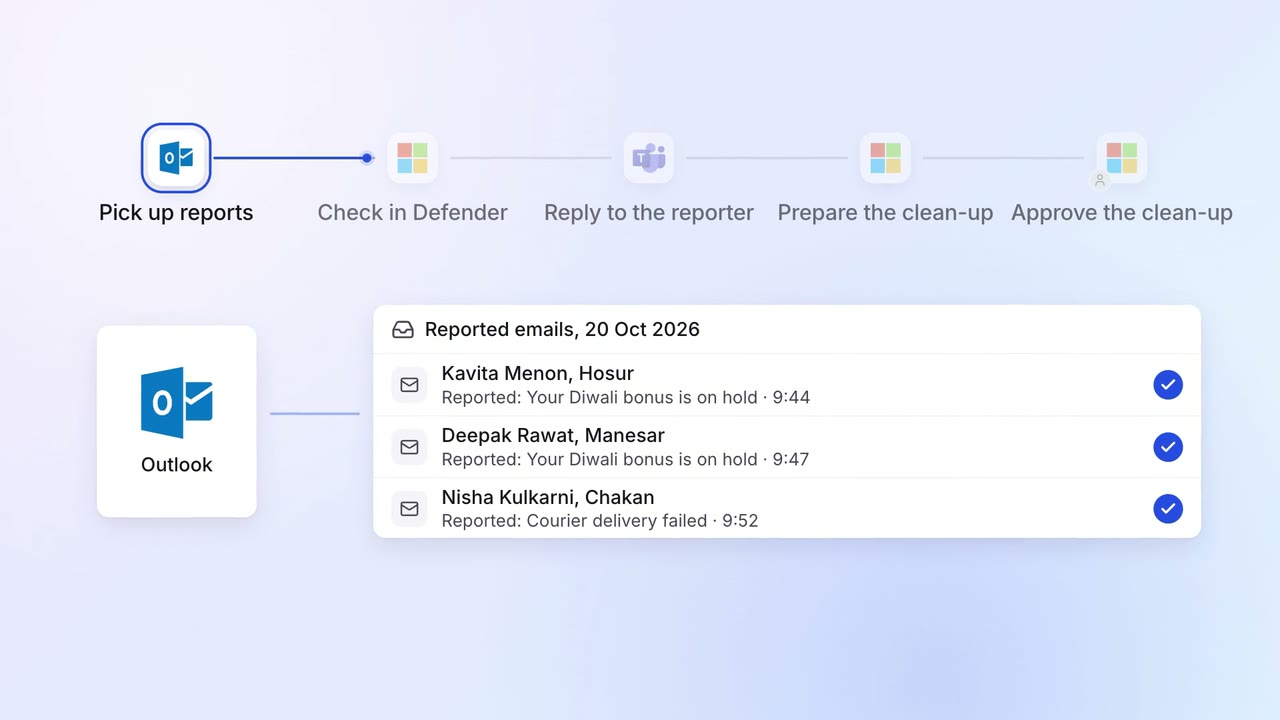
IT Security checks
Suspicious emails reported by staff are checked and answered within minutes
- Outlook
- Microsoft Defender
 Microsoft Teams
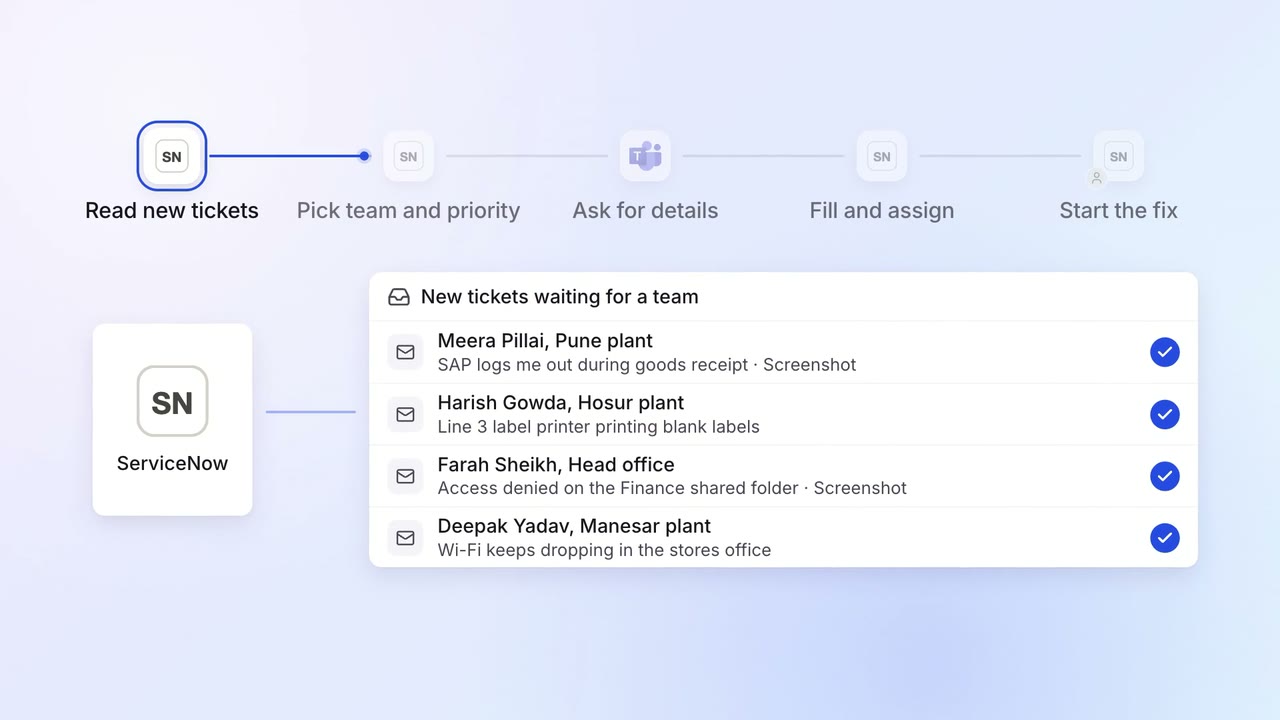
IT Helpdesk
Every IT ticket lands with the right team, with the details they need
- ServiceNow
- Microsoft Teams