Suspicious emails reported by staff are checked and answered within minutes
Each reported email is checked in Microsoft Defender and the reporter hears back on Teams. For real phishing, the clean-up is ready for your analyst to approve.
- Used day to day by
- IT security team
- Employees
How it runs with AI
The AI checks each reported email in Microsoft Defender within minutes and tells the reporter on Teams what it found. For real phishing, it finds every inbox the email reached, asks who clicked and gets the clean-up ready. The analyst approves it with the evidence on one screen.
How it is done today
Staff report suspicious emails with the Report button in Outlook, and the reports pile up in a shared mailbox. An analyst checks each one by hand: the sender, the link, the attachment and who else received it. Most turn out to be safe, reporters rarely hear back, and a real phishing email can sit in other inboxes for hours.
Step by step
Where the work happens, what the AI does, and where it hands over to a person.
-
Step 1, AI
Picks up each email that staff report with the Report button
Needs to know: Where reports arrive
In
 Outlook
 -
Step 2, AI
Checks the sender, the link and any attachment in Microsoft Defender
Needs to know: Trusted senders and domains, Phishing warning signs
In
 Microsoft Defender , Outlook
 Exception to step 2
Sends unclear cases to the security analyst, with the checks done so far
-
Step 3, AI
Replies to the reporter on Teams and asks if they clicked
Needs to know: What to tell reporters
In
 Microsoft Teams
 -
Step 4, AI
Prepares the clean-up for the analyst to approve
Needs to know: Phishing response playbook
In
Microsoft Defender -
Step 5, Person
Approves the clean-up and calls anyone who clicked
In
Microsoft Defender , Microsoft Teams
What stays with a person
- Approves the clean-up and calls anyone who clicked
Apps in this example
- Outlook
- Microsoft Defender
- Microsoft Teams
The same flow works with the apps you use.
This fits you if
- Your staff use Outlook and report suspicious emails with the Report button
- You use Microsoft Defender for Office 365
- Reported emails arrive faster than your security team can answer them
- People who report an email rarely hear what happened to it
What to watch for
- Removing emails from inboxes, blocking senders and resetting passwords stay with your security analyst. The AI prepares each action with the evidence attached
- The AI calls an email safe only when every check is clear. Anything unclear goes to an analyst
- Anyone who clicked a link or typed a password gets a call from the security team the same hour. The assistant asks the question and passes the answer on at once
- Every reply says it comes from an automated assistant, and staff can ask for a person at any point
Often done together
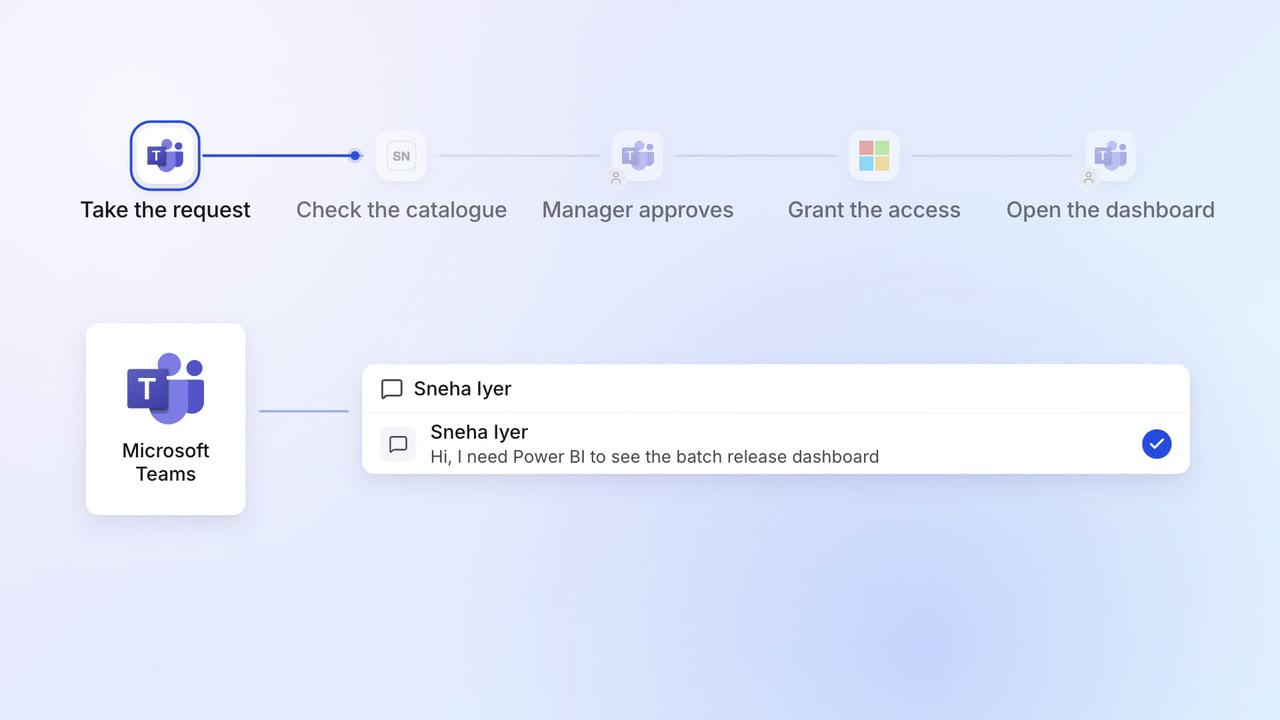
IT Helpdesk
Password resets and software access are handled on Teams in minutes
- Microsoft Teams
 ServiceNow
- Entra ID
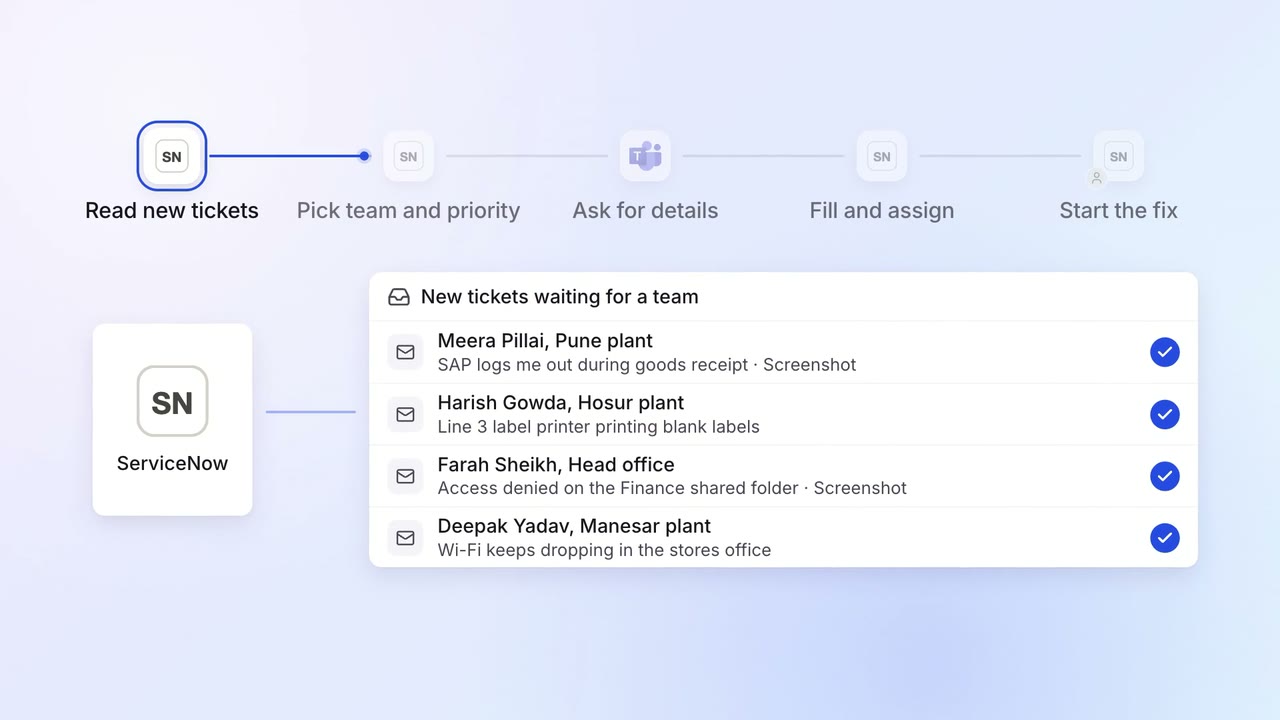
IT Helpdesk
Every IT ticket lands with the right team, with the details they need
- ServiceNow
- Microsoft Teams
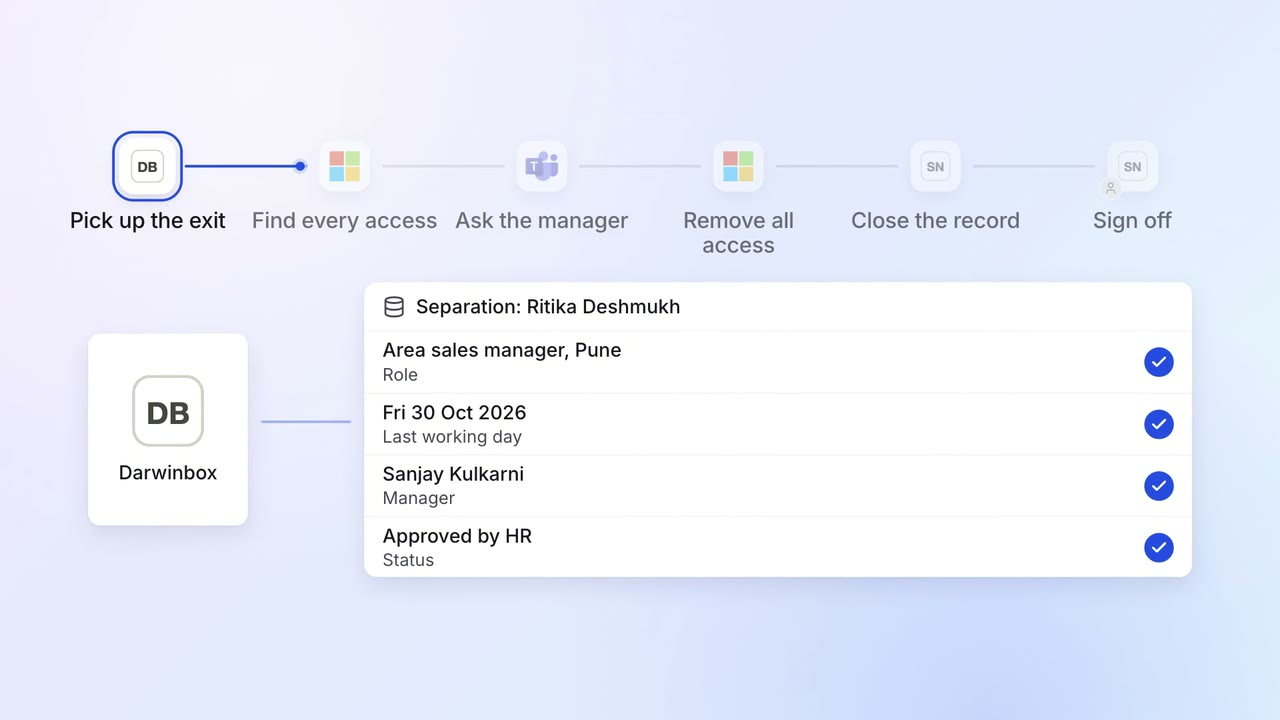
IT Access for joiners and leavers
Every leaver's access ends on the last day, with a record for audit
 Darwinbox
- Entra ID
- Microsoft Teams
- ServiceNow
 SAP S/4HANA
 Salesforce