Customer payments are matched to the right invoices the day they land
Each bank credit is matched to open invoices in SAP using the customer's payment advice, with TDS and deductions worked out. Your team settles the differences.
- Used day to day by
- Receivables team
- Financial controllers
How it runs with AI
The AI picks up each credit as it reaches the bank, finds the customer's payment advice in Outlook and matches the payment to open invoices in SAP. TDS and debit notes are worked out line by line. Receipts it can explain to the rupee are posted the same day, and the rest reach the receivables team with the difference spelled out.
How it is done today
Each morning someone downloads the statement for each bank account and goes through the credits one by one. A narration usually carries just the customer's name, so they search Outlook for the payment advice, work out the TDS and any deductions, and post the receipt in SAP. Payments with a bare narration wait days to be applied, so customers who have already paid still get reminders.
Step by step
Where the work happens, what the AI does, and where it hands over to a person.
-
Step 1, AI
Picks up each new credit from every bank account you collect into
Needs to know: Collection accounts in scope
In Bank statements
-
Step 2, AI
Finds the customer's payment advice in Outlook and reads it
Needs to know: Customer email addresses, Payment advice formats
In
 Outlook
 Exception to step 2
Proposes a match by amount and emails the customer for the advice
-
Step 3, AI
Matches the payment to open invoices in SAP and explains each difference
Needs to know: Approved deduction rules, Quality rejection records
In
 SAP S/4HANA
 -
Step 4, AI
Posts the receipt in SAP and leaves the difference open
Needs to know: Auto-posting rules
In
SAP S/4HANA -
Step 5, Person
Settles each flagged deduction with the customer
In
SAP S/4HANA , Outlook
What stays with a person
- Settles each flagged deduction with the customer
Apps in this example
- Bank statements
- Outlook
- SAP S/4HANA
The same flow works with the apps you use.
This fits you if
- You receive more than 500 customer payments a month
- Most customers pay by NEFT or RTGS and email a payment advice
- Your customers deduct TDS or debit notes from what they pay
- You collect into more than one bank account or entity
- Receipts are posted in SAP S/4HANA by hand today
What to watch for
- The AI posts a receipt when it can explain every rupee, using the TDS and deduction rules your team has approved. Everything else waits for a person
- Accepting a debit note, raising a credit note or writing off a balance stays with your team
- The AI keeps a list of each customer's TDS deduction to check against Form 26AS
- Run it alongside your team for the first month and compare its matches with theirs before it posts on its own
- The AI reads bank statements with read-only access. Moving money stays with your treasury team
Often done together
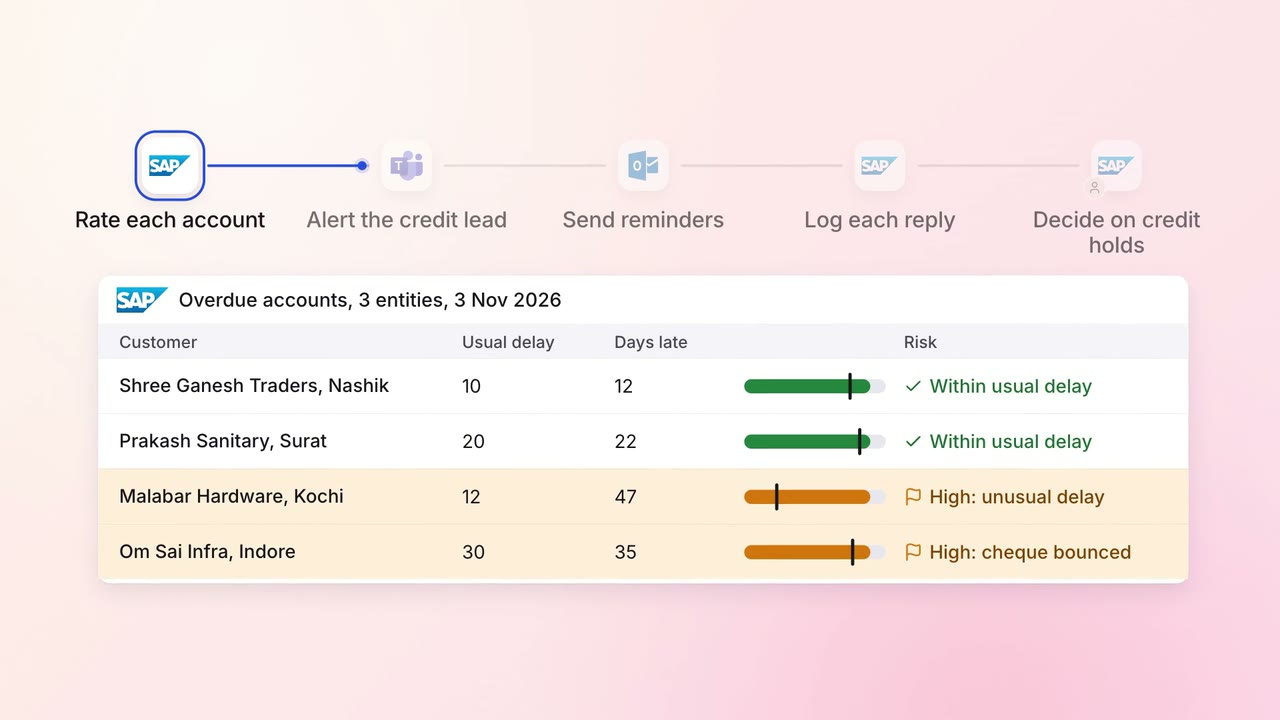
Finance Invoicing and collections
Overdue invoices get the right reminder, and risky accounts reach a person first
- SAP S/4HANA
- Outlook
 Microsoft Teams
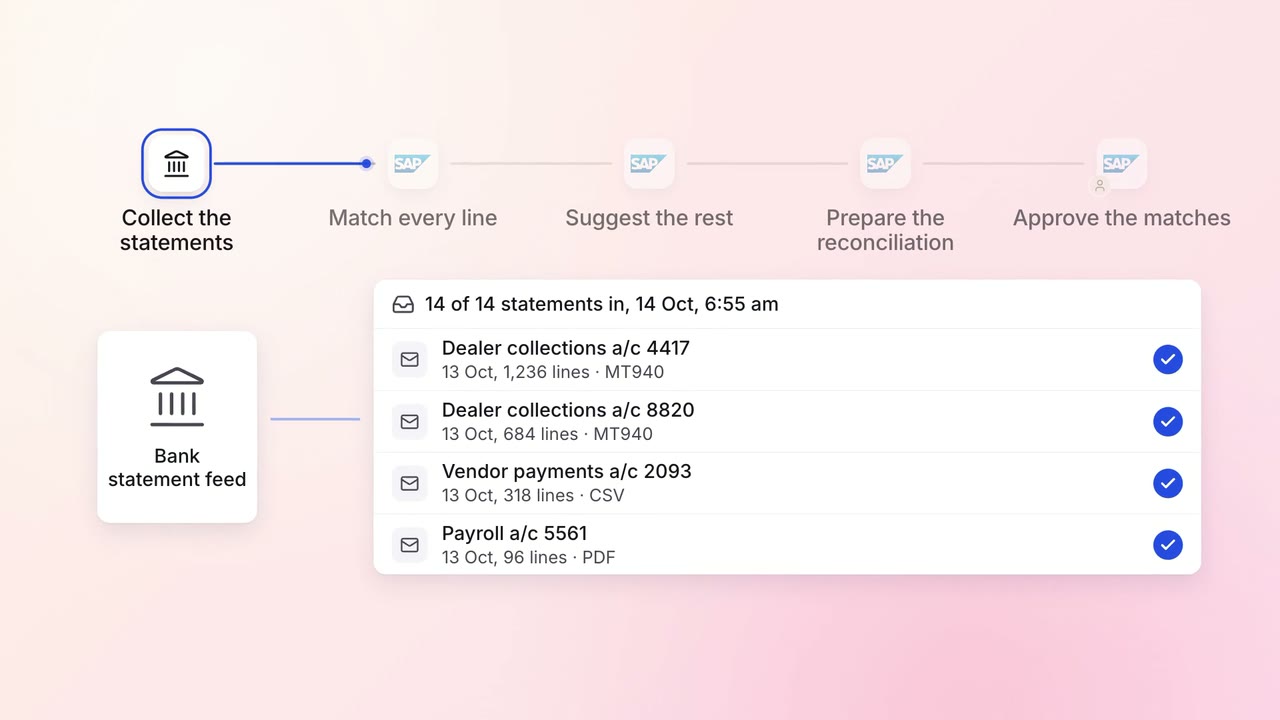
Finance Month-end close
Every bank account is reconciled each morning, with only the exceptions left for the team
- Bank statements
- SAP S/4HANA
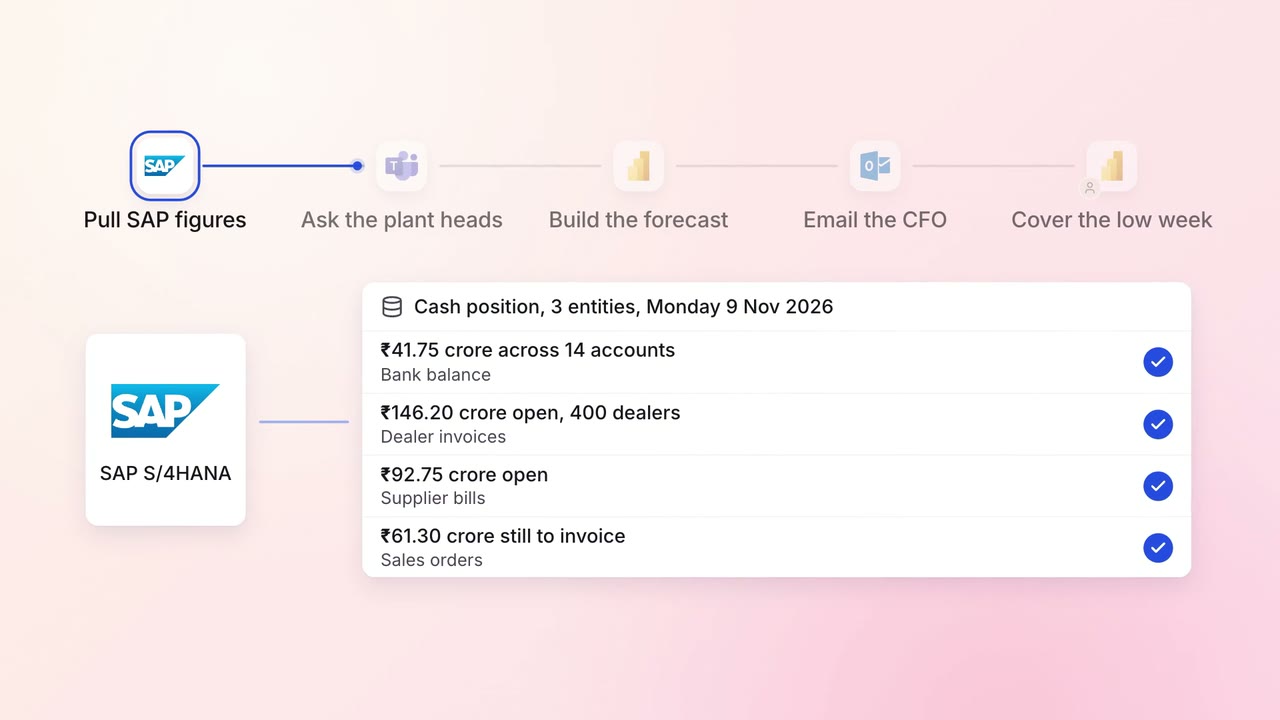
Finance MIS and cash flow
A 13-week cash forecast that updates itself every Monday
- SAP S/4HANA
- Microsoft Teams
 Excel
Excel Power BI
- Outlook