Every contract's renewal dates and obligations are tracked, with reminders in time to act
The AI reads each signed contract, records its notice deadline and obligations in SharePoint, and reminds the owner in time to renew, renegotiate or end it.
- Used day to day by
- Legal team
- Contract managers
How it runs with AI
The AI reads every signed contract and records its end date, notice deadline and obligations in a register in SharePoint, each with a named owner. Owners get an Outlook reminder well before each notice deadline, and again as it nears, until they reply with a decision. Legal sees every upcoming deadline in one list.
How it is done today
Signed contracts are saved as PDFs in SharePoint, and someone in legal types the key dates into an Excel tracker when there is time. Notice periods, bank guarantee expiries and insurance renewals sit inside the clauses. Owners often hear about a renewal after the notice date has passed, and the contract rolls over on the old terms.
Step by step
Where the work happens, what the AI does, and where it hands over to a person.
-
Step 1, AI
Reads every signed contract in the SharePoint library, and each new one as it is saved
Needs to know: Signed contract folders
In
 SharePoint
 -
Step 2, AI
Pulls out the end date, notice period, renewal terms and each side's obligations
Needs to know: Terms the register records, Amendments and side letters
In
SharePoint -
Step 3, AI
Adds the contract to the register with an owner and reminder dates
Needs to know: Who owns each contract, Reminder timings
In
SharePoint -
Step 4, AI
Emails the owner well before each notice deadline and asks for a decision
Needs to know: Reminder timings, Who to escalate to
In
 Outlook , SharePoint
 Exception to step 4
Reminds again as the deadline nears, then tells the legal head
-
Step 5, Person
Decides to renew, renegotiate or end, and legal sends any notice in time
In
Outlook
What stays with a person
- Decides to renew, renegotiate or end, and legal sends any notice in time
Apps in this example
- SharePoint
- Outlook
The same flow works with the apps you use.
This fits you if
- You hold more than 300 live contracts across companies, plants or offices
- Signed contracts are saved in SharePoint or shared folders
- Renewal dates live in an Excel tracker or with the person who signed
- A contract has rolled over on old terms because the notice date passed
What to watch for
- Whether to renew, renegotiate or end stays with the contract owner and legal. The AI reminds them and records their reply
- Each date in the register links to the clause it came from. Notice dates are worked out by a date calculation, and someone in legal checks each new entry before its reminders start
- Amendments and side letters can change dates, so they are saved with the main contract and read together
- Scanned older contracts and handwritten changes need a person to check the reading
Often done together
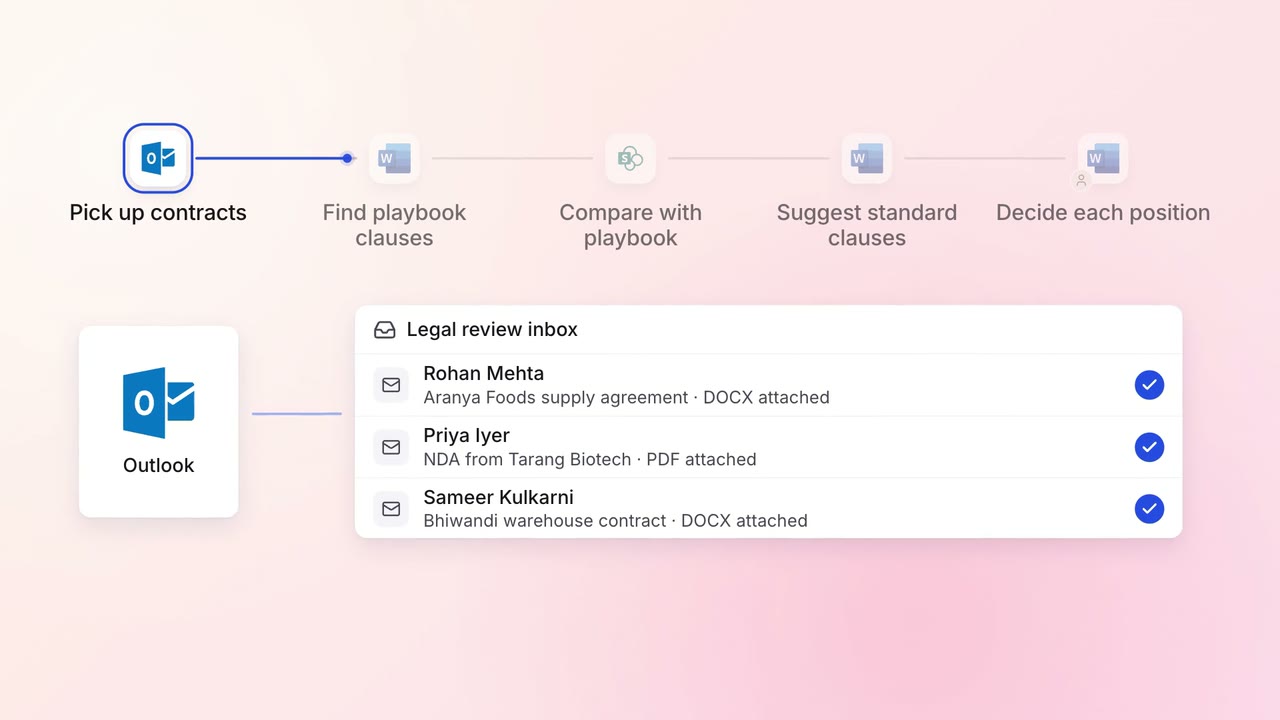
Legal and compliance Contract review
Incoming contracts are checked against your standard positions, with each difference marked
- Outlook
 Microsoft Word
- SharePoint
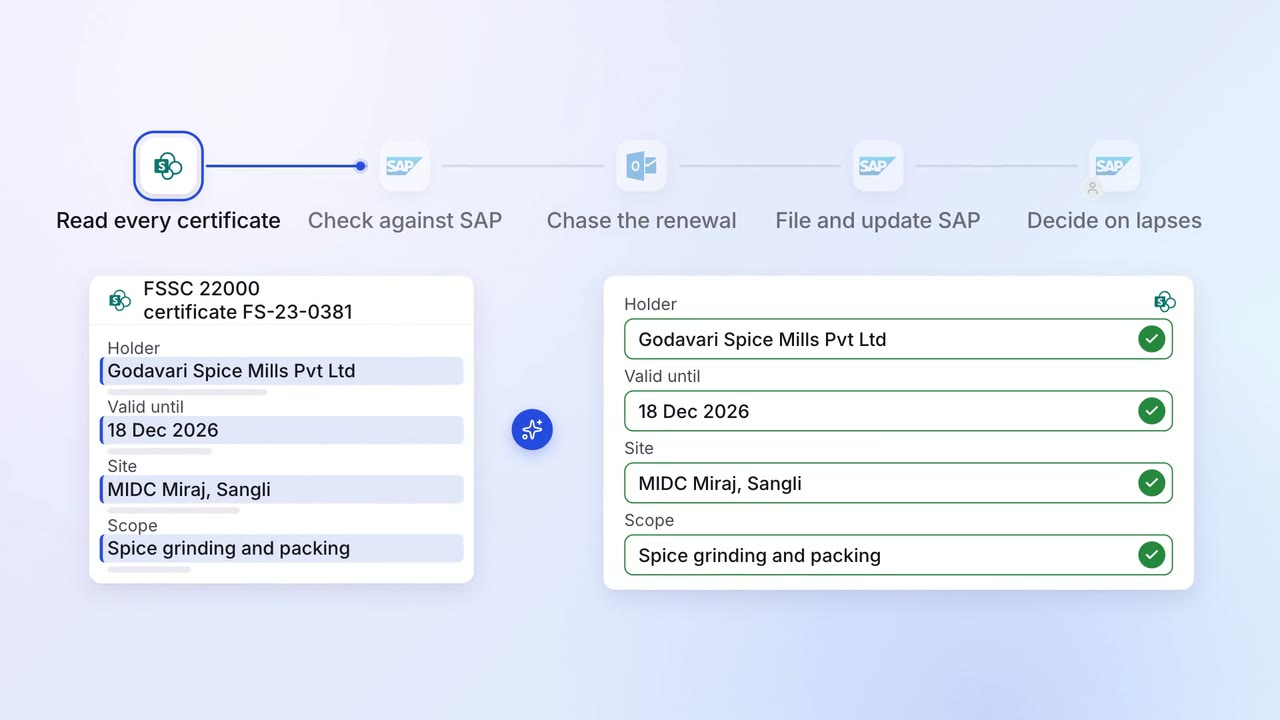
Operations Quality and audits
Supplier certificates and test reports are chased for renewal before they expire
- SharePoint
 SAP S/4HANA
- Outlook
 Microsoft Teams
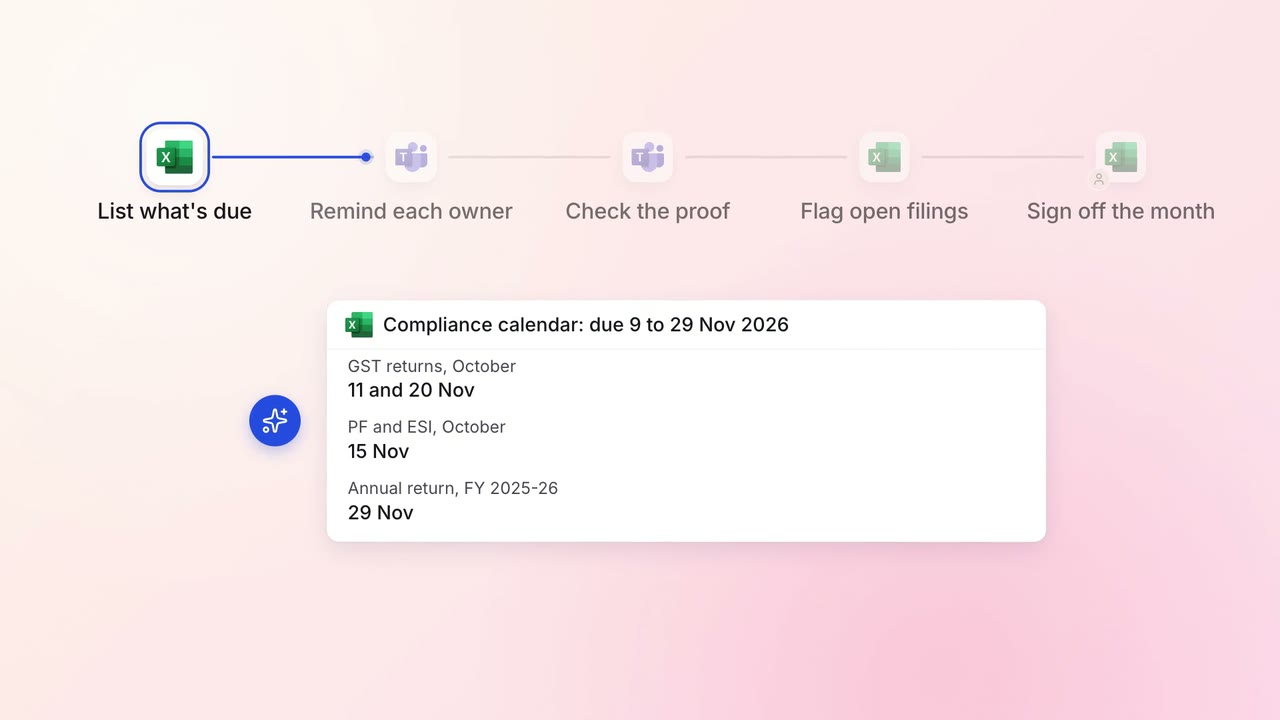
Legal and compliance Regulatory tracking
Every statutory filing across your companies is tracked to its due date
 Excel
Excel- Microsoft Teams