Every statutory filing across your companies is tracked to its due date
Each Monday the AI lists what falls due from your compliance calendar, reminds each owner on Teams, checks every acknowledgement and flags anything still open as its date nears.
- Used day to day by
- Compliance head
- Tax team
- Payroll team
- Company secretary
How it runs with AI
Every Monday the AI reads the calendar and sends each owner their filings for the coming weeks on Teams. When an owner posts the acknowledgement, the AI checks the registration and period against the calendar and marks it filed. Anything still open close to its due date goes to the compliance head, who signs off the month with every acknowledgement on file.
How it is done today
One person in compliance keeps an Excel calendar for each company: GST returns for every registration, PF and ESI for every site, TDS, and ROC forms after each AGM. Before each date they email the owners, chase replies and collect acknowledgements by email. A filing someone thought was done shows up later as a late fee or interest.
Step by step
Where the work happens, what the AI does, and where it hands over to a person.
-
Step 1, AI
Reads the compliance calendar each Monday and lists what falls due for each company
Needs to know: Filing calendar by company, Who owns each filing
In
 Excel
Excel -
Step 2, AI
Sends each owner their filings on Teams and asks where each one stands
Needs to know: Who owns each filing, Reminder timings
In
 Microsoft Teams
 Exception to step 2
Reminds the owner again if the status is still unknown
-
Step 3, AI
Reads each acknowledgement an owner posts and matches it to the calendar
Needs to know: Each company's registrations, Filing periods
In
Microsoft Teams , Excel Exception to step 3
Asks the owner to check when the registration or period on the proof differs from the calendar
-
Step 4, AI
Flags every filing still open close to its due date to the compliance head
Needs to know: Current due dates, Who signs off
In
Excel , Microsoft Teams -
Step 5, Person
Settles the open filings and signs off the month for the CFO
In
Excel
What stays with a person
- Settles the open filings and signs off the month for the CFO
What the calendar holds
Every recurring return and payment for each company: tax returns for each registration, payroll filings for each site and company law forms after each AGM. Many groups add licence renewals too, each with its own owner. The dates come from the law and your registrations, and your company secretary or tax adviser confirms them at the start of each financial year.
Apps in this example
- Excel
- Microsoft Teams
The same flow works with the apps you use.
This fits you if
- You file GST, PF, ESI, TDS and ROC returns for more than one company or state
- Your compliance calendar lives in Excel, kept by one or two people
- Owners send proof of filing by email, often days later
- You have paid a late fee or interest on a filing someone thought was done
What to watch for
- Preparing, filing and paying each return stays with your GST, payroll and secretarial teams and their advisers. The AI tracks the dates, reminds owners and checks the proof
- The government sometimes extends a due date by notification. Someone in compliance updates the calendar the day an extension is notified, and reminders follow the new date
- A filing is marked done only when its acknowledgement matches the calendar, so the tracker agrees with the portals
- Each April, your company secretary or tax adviser checks the calendar for the new year, including any new registrations and sites
Often done together
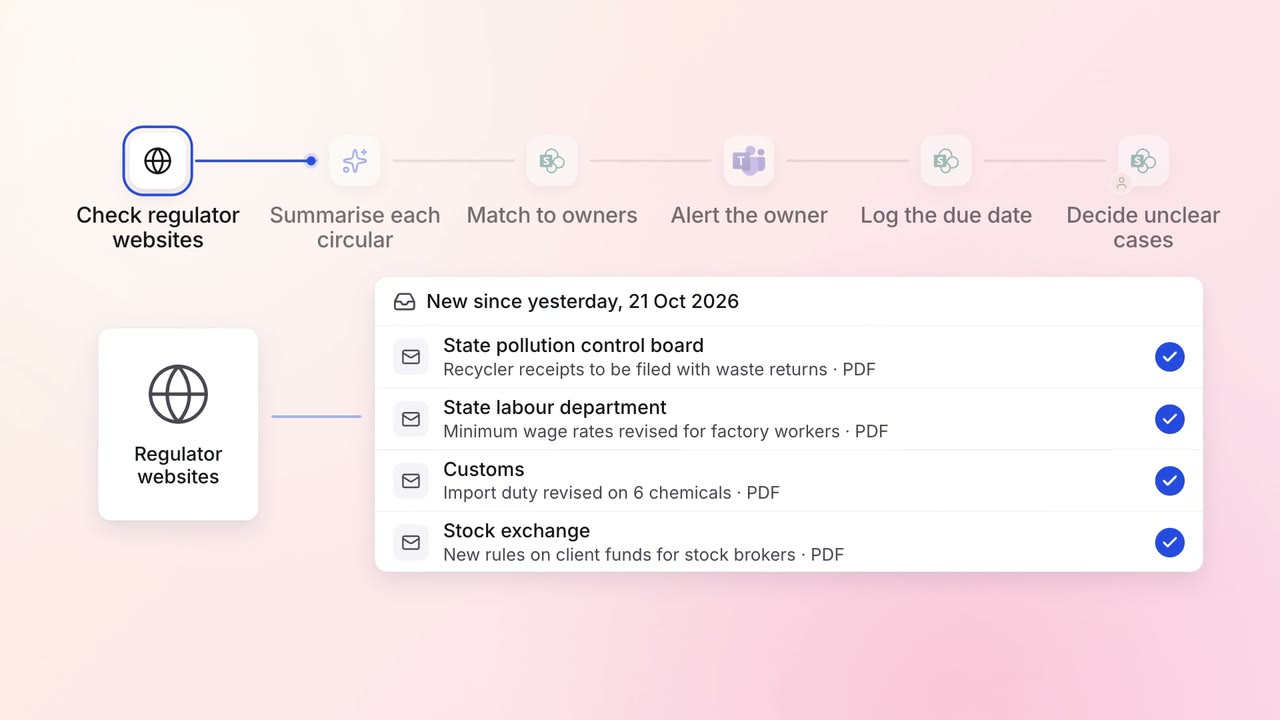
Legal and compliance Regulatory tracking
Every new circular is summarised and sent to the team that must act on it
- Regulator websites
 SharePoint
- Microsoft Teams
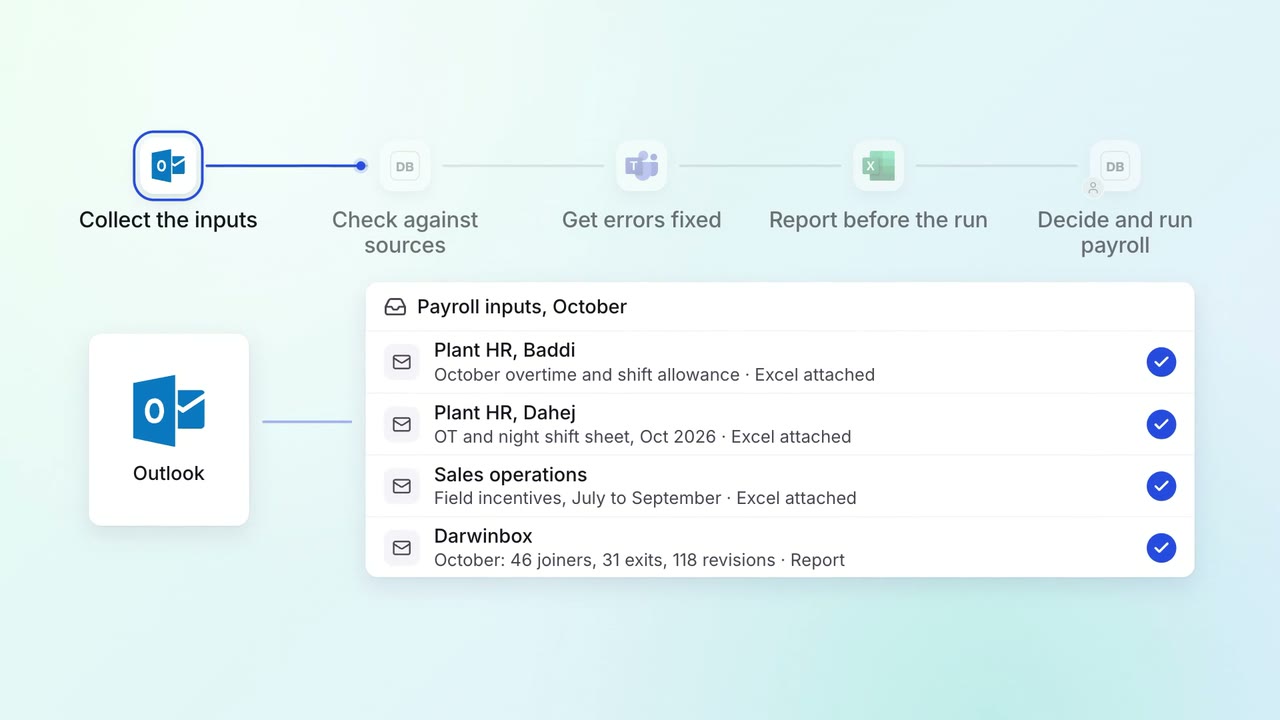
HR Leave, attendance and payroll questions
Every payroll input is checked against its source before the monthly run
 Darwinbox
- Excel
 Outlook
- Microsoft Teams
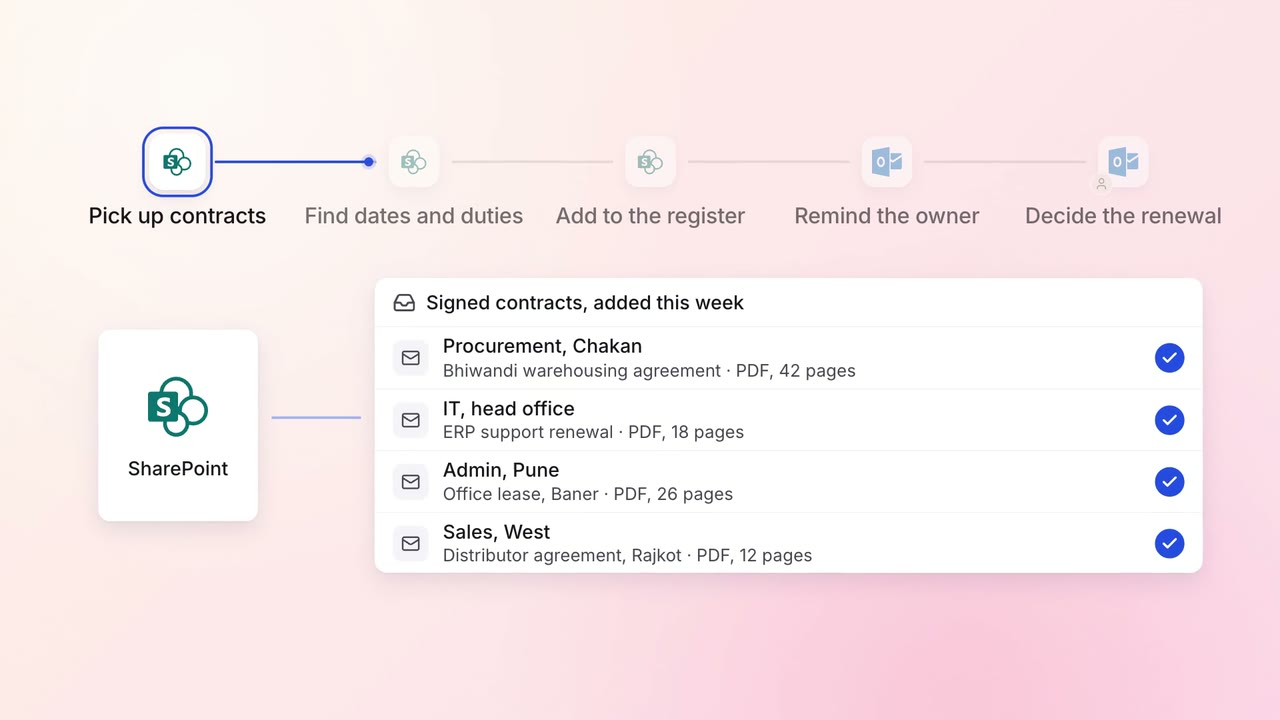
Legal and compliance Contract review
Every contract's renewal dates and obligations are tracked, with reminders in time to act
- SharePoint
- Outlook