Supplier certificates and test reports are chased for renewal before they expire
The AI reads every supplier certificate in SharePoint, checks it against what you buy in SAP, and chases each renewal well before expiry. Your quality head decides on any lapse.
- Used day to day by
- Quality team
- Quality head
- Purchase team
How it runs with AI
The AI reads every certificate and test report in SharePoint and checks it against what you buy from that supplier in SAP, including the site it ships from. It emails each supplier well before expiry and follows up every week. When the renewal arrives, it checks the name, site and dates, files it and updates SAP. Your quality head hears about a lapse the day it happens, with the open POs listed.
How it is done today
Each approved supplier sends its certificates and test reports: an FSSAI licence, a food safety certificate such as FSSC 22000, and a yearly lab report for packaging. The files sit in SharePoint folders, and someone in supplier quality keeps the expiry dates in an Excel sheet when there is time. A lapsed certificate usually comes to light during a customer audit, with that supplier's material already in the stores.
Step by step
Where the work happens, what the AI does, and where it hands over to a person.
-
Step 1, AI
Reads each certificate and test report in the supplier folders
Needs to know: Certificate types to read
In
 SharePoint
 -
Step 2, AI
Checks each one against the suppliers and materials in SAP
Needs to know: Approved supplier list, Documents each material needs, Report validity periods
In
SharePoint ,  SAP S/4HANA
 -
Step 3, AI
Emails each supplier well before expiry and follows up every week
Needs to know: Reminder lead time, Supplier quality contacts
In
 Outlook ,
  Microsoft Teams
 Exception to step 3
Alerts the quality head on Teams the day a certificate lapses, with the open POs listed
-
Step 4, AI
Checks the renewed certificate, files it and updates the supplier in SAP
Needs to know: Supplier sites and scope
In
Outlook , SharePoint , SAP S/4HANA Exception to step 4
Sends it back to the supplier when the name, site or scope differs
-
Step 5, Person
Decides on any lapsed or mismatched certificate, to block the supplier or allow a short written extension
In
Microsoft Teams , SAP S/4HANA
What stays with a person
- Decides on any lapsed or mismatched certificate, to block the supplier or allow a short written extension
Apps in this example
- SharePoint
- SAP S/4HANA
- Outlook
- Microsoft Teams
The same flow works with the apps you use.
This fits you if
- You buy from more than 100 approved suppliers across several plants
- Customers or auditors ask to see current supplier certificates
- Supplier documents live in SharePoint folders or in email
- Expiry dates are kept in an Excel sheet today
What to watch for
- Blocking a supplier, or allowing a short extension while a renewal audit is booked, is your quality head's decision. The AI reports the lapse with the open POs, and your team makes any change to the supplier in SAP
- A certification body can suspend a certificate before its printed expiry date. For your key suppliers, your team confirms the status with the certification body once a year
- Your quality team sets the rules once, such as which documents each material needs, how long a test report counts as current and how far ahead to remind
- A scanned or photographed certificate goes to a person whenever the AI is unsure of a date or number
Often done together
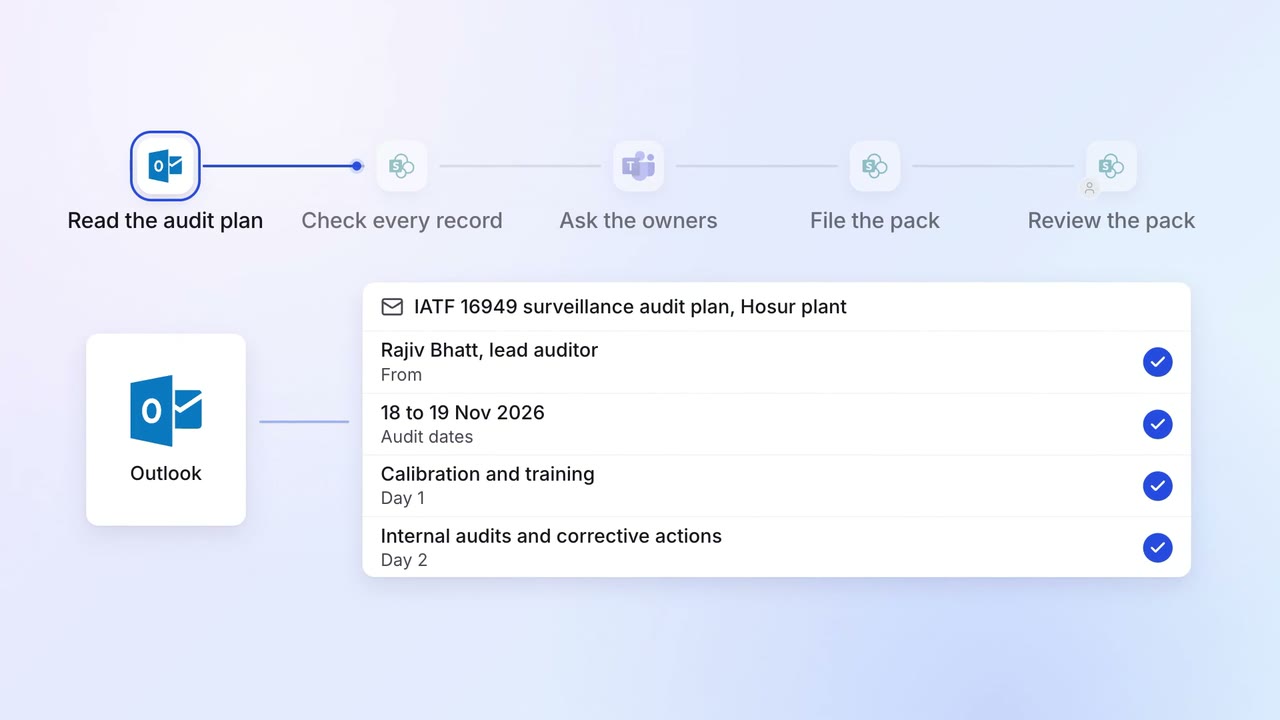
Operations Quality and audits
Evidence for every audit point is ready before the auditor asks
- Outlook
- SharePoint
- SAP S/4HANA
- Microsoft Teams
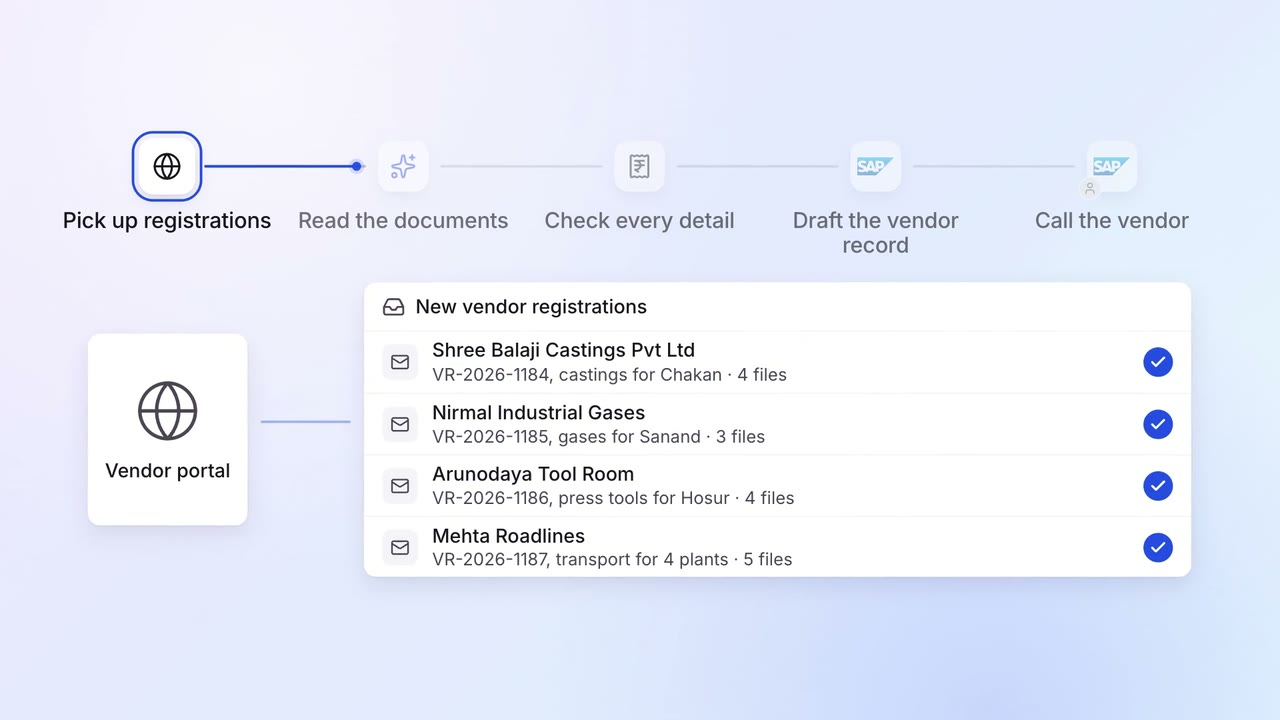
Operations Vendor management
New vendors are set up in SAP with their GST, PAN and bank details checked
- Vendor portal
- GST portal
- SAP S/4HANA
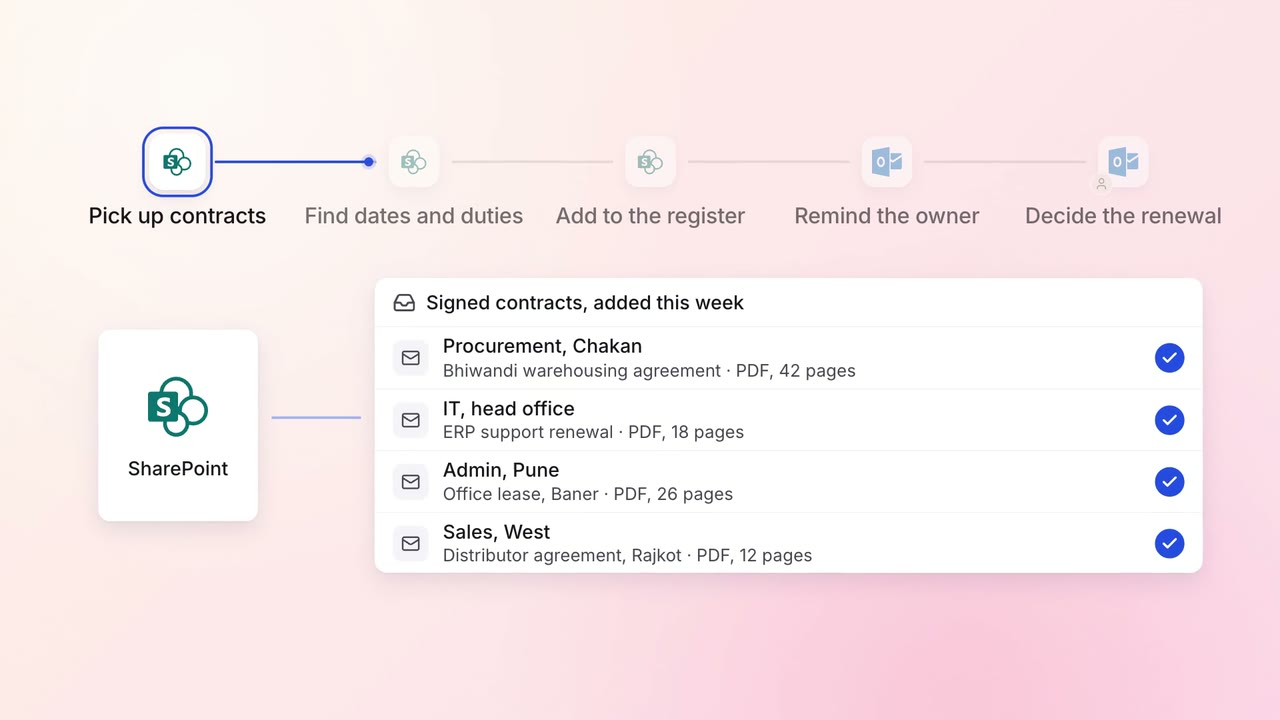
Legal and compliance Contract review
Every contract's renewal dates and obligations are tracked, with reminders in time to act
- SharePoint
- Outlook