Contract workers' hours are recorded at the gate, and every contractor bill is checked against them
Contract workers check in and out on a tablet at the gate. Their hours fill each contractor's register every evening, and each monthly bill in Zoho Books is checked against them before accounts pays.
- Used day to day by
- Plant HR
- Accounts team
- Gate security
- Shift supervisors
How it runs with AI
Workers check in and out on a tablet at the gate with their ID card and a photo. The app checks each worker against the contractor's approved list in greytHR, counts the hours against the shift and the overtime supervisors approved, and fills each contractor's register in Google Sheets every evening. When a contractor's bill reaches Zoho Books, it is checked against the gate hours, and accounts decides what to pay.
Step by step
Where the work happens, what the AI does, and where it hands over to a person.
-
Step 1, AI
Checks each worker in at the gate tablet against the contractor's approved list, with a photo
Needs to know: Approved worker list, Safety induction status
In Gate app ,
 greytHR
 Exception to step 1
Holds the worker at the gate and alerts the contractor's supervisor when the name is not on the approved list or the safety induction has lapsed
-
Step 2, AI
Counts each worker's hours at check-out against the shift and the overtime approved in greytHR
Needs to know: Shift timings, Approved overtime
In Gate app ,
greytHR Exception to step 2
Sends overtime nobody approved to the shift supervisor to approve or reject the same day
-
Step 3, AI
Fills each contractor's attendance and overtime register in Google Sheets every evening
Needs to know: Register format, Contractor for each worker
In
 Google Sheets
 -
Step 4, AI
Checks the contractor's monthly bill in Zoho Books against the gate hours
Needs to know: Contract rates, Overtime rates
In
 Zoho Books , Google Sheets
 -
Step 5, Person
Accounts pays what the gate hours support and takes the difference up with the contractor
In
Zoho Books
What stays with a person
- Accounts pays what the gate hours support and takes the difference up with the contractor
What each contractor sees
Each contractor can view its own register in Google Sheets, updated every evening. A question about a worker’s hours is raised and settled during the month, so the bill starts from the same count on both sides.
Apps in this example
- Gate app
- greytHR
- Google Sheets
- Zoho Books
The same flow works with the apps you use.
This fits you if
- You use 50 or more contract workers from 2 or more contractors
- Workers sign a paper register at the gate today
- Contractor bills are paid on the contractor's own count of man-days
- Supervisors approve overtime, and the bill's overtime is rarely checked against it
What to watch for
- The photo taken at check-in lets the security desk spot one worker checking in for another
- Workers' photos and ID numbers are personal data. Decide who can see them and how long they are kept, and tell the workers
- When the tablet or the network is down, the security desk keeps the paper register and enters it the same day
- Paying the contractor and querying a bill stay with accounts. Before paying, accounts also asks for proof that the contractor paid its workers for the month
Often done together
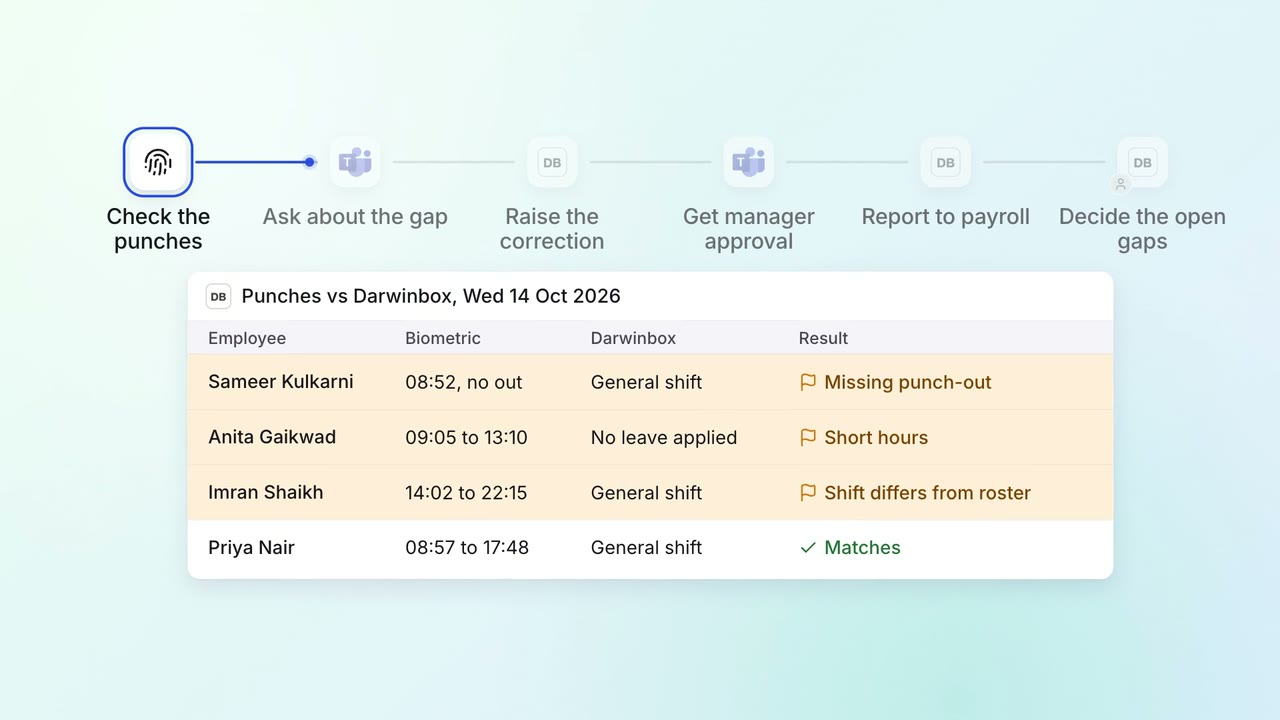
HR Leave, attendance and payroll questions
Attendance gaps are chased and cleared before payroll runs
- Biometric system
 Darwinbox
 Microsoft Teams
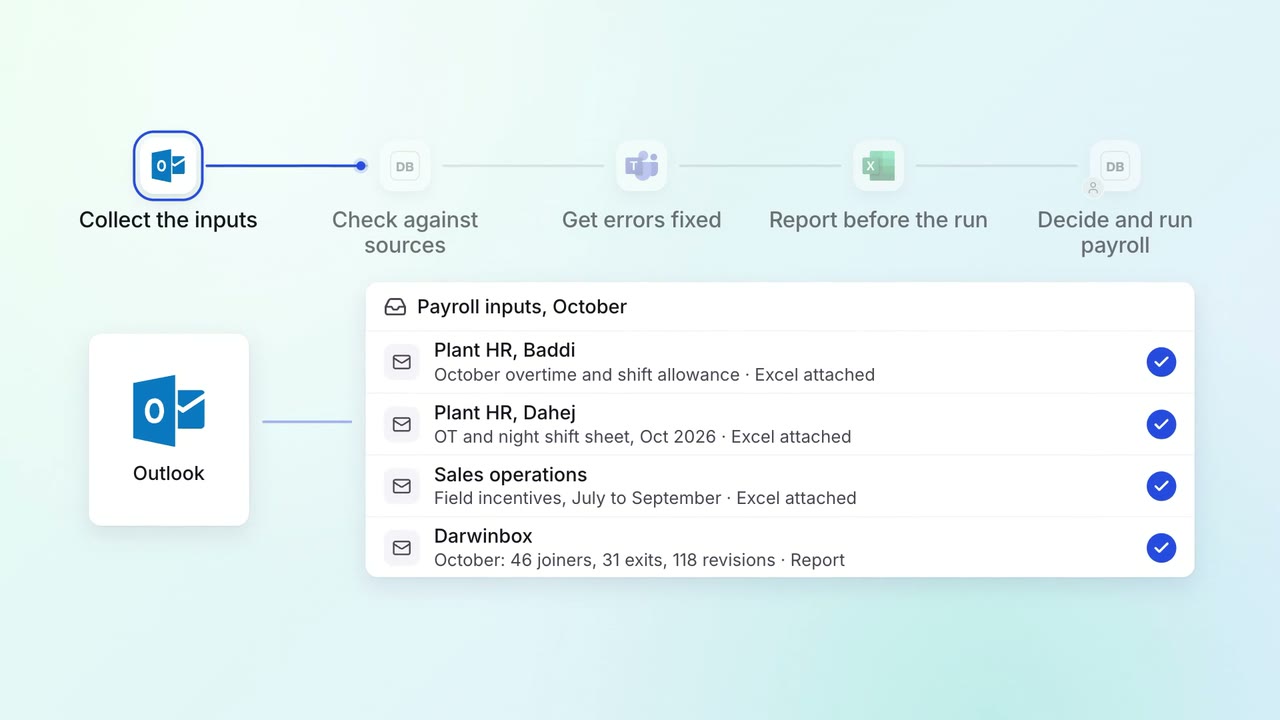
HR Leave, attendance and payroll questions
Every payroll input is checked against its source before the monthly run
- Darwinbox
 Excel
Excel Outlook
- Microsoft Teams
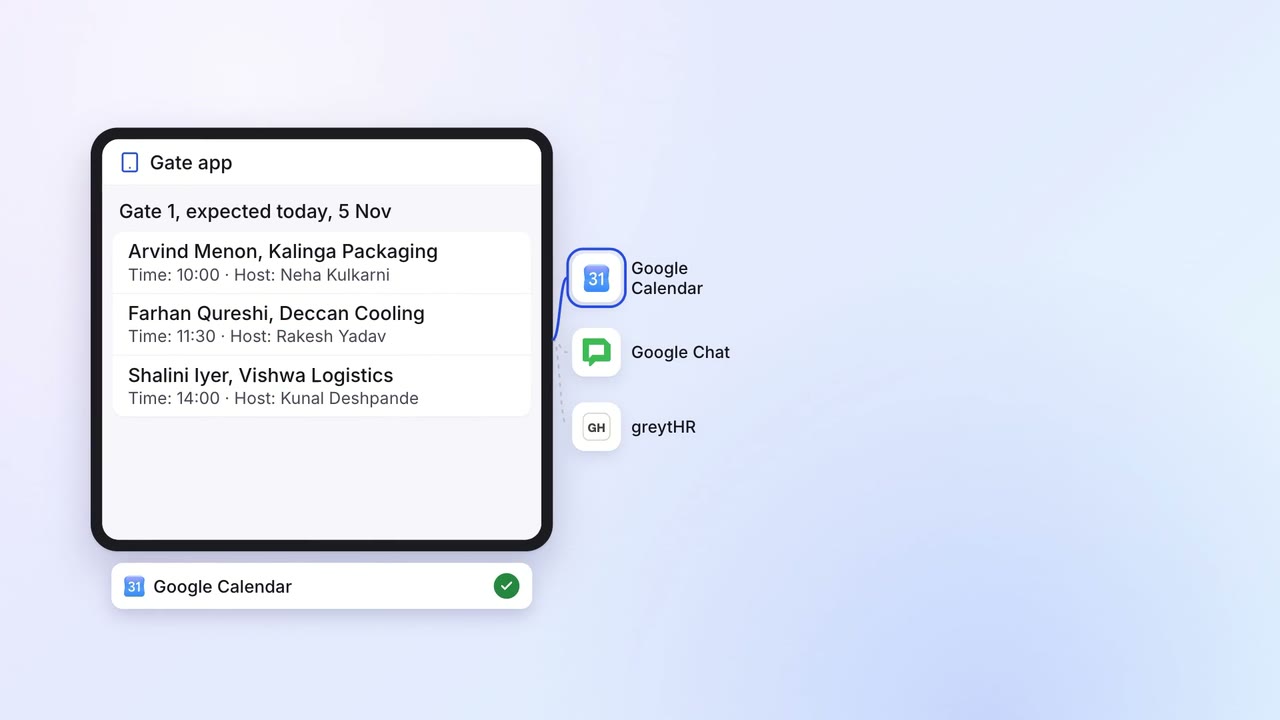
Operations Quality and audits
Visitors and contractors are checked and briefed at the gate, and security knows who is inside
- Gate app
 Google Calendar
 Google Chat
- greytHR