Every payroll input is checked against its source before the monthly run
Overtime, incentives, joiners and leavers are checked line by line against punches, the incentive scheme and Darwinbox. Each owner fixes their own errors before cut-off, and the payroll lead decides what is left.
- Used day to day by
- Payroll team
- Plant HR
- Sales operations team
- Financial controllers
How it runs with AI
The AI checks every line as each sheet arrives: overtime against punches, incentives against the approved scheme, revisions against signed letters, and joiners and leavers against their dates. Each owner gets their own errors on Teams and fixes the sheet. On cut-off day, the payroll lead gets one report and decides the few items still open.
How it is done today
Each month, the plants email overtime and shift allowance sheets, sales operations sends the field-force incentive sheet, and Darwinbox holds the joiners, exits and pay revisions. In the days before cut-off, the payroll team checks them by eye against punches, schemes and approvals. Errors that slip through come back after payday as recoveries and arrears.
Step by step
Where the work happens, what the AI does, and where it hands over to a person.
-
Step 1, AI
Picks up each input sheet as it arrives, plus the month's changes in Darwinbox
Needs to know: Who sends each sheet, Payroll cut-off date
In
 Outlook ,
  Excel ,
  Darwinbox
 -
Step 2, AI
Checks every line against its source and marks each error with its effect on pay
Needs to know: Overtime limits by plant, Approved incentive scheme, Limits for unusual changes
In
Excel , Darwinbox -
Step 3, AI
Sends each owner their own errors on Teams and checks the corrected sheet
Needs to know: Owner of each sheet, Payroll cut-off date
In
 Microsoft Teams , Excel
 Exception to step 3
Tells the payroll lead about any error still open on cut-off day
-
Step 4, AI
Gives the payroll lead one report on cut-off day, with the items still open
Needs to know: Who sees which totals
In
Excel -
Step 5, Person
Decides the open items and starts the payroll run
In
Darwinbox
What stays with a person
- Decides the open items and starts the payroll run
Who sees what
- Each plant HR team sees only the errors in its own sheet. Sales operations sees only the incentive errors.
- Each Teams message carries the employee ID and the one figure in question, which the owner sent in the first place. Salaries stay in Darwinbox.
- The payroll lead sees every site and the full report. The finance controller sees the totals by site.
Apps in this example
- Darwinbox
- Excel
- Outlook
- Microsoft Teams
The same flow works with the apps you use.
This fits you if
- You run payroll for more than one plant, entity or field force
- Overtime, incentives or deductions reach payroll as Excel sheets
- Your payroll team checks the inputs by eye in the days before cut-off
- Errors show up after payday, as recoveries or arrears
What to watch for
- Pay decisions stay with the payroll lead, including the open items, any recovery and the release of the run. The AI checks the inputs, and Darwinbox still calculates pay, PF, ESI and TDS
- A bank account changed close to cut-off gets a call to the employee, on the number already on file, before that salary goes out
- Payroll sets the rules up front, such as each plant's overtime limit, the incentive slabs and how big a change from last month needs a look
- Payroll owns the list of checks and updates it whenever a law or a company rule changes
Often done together
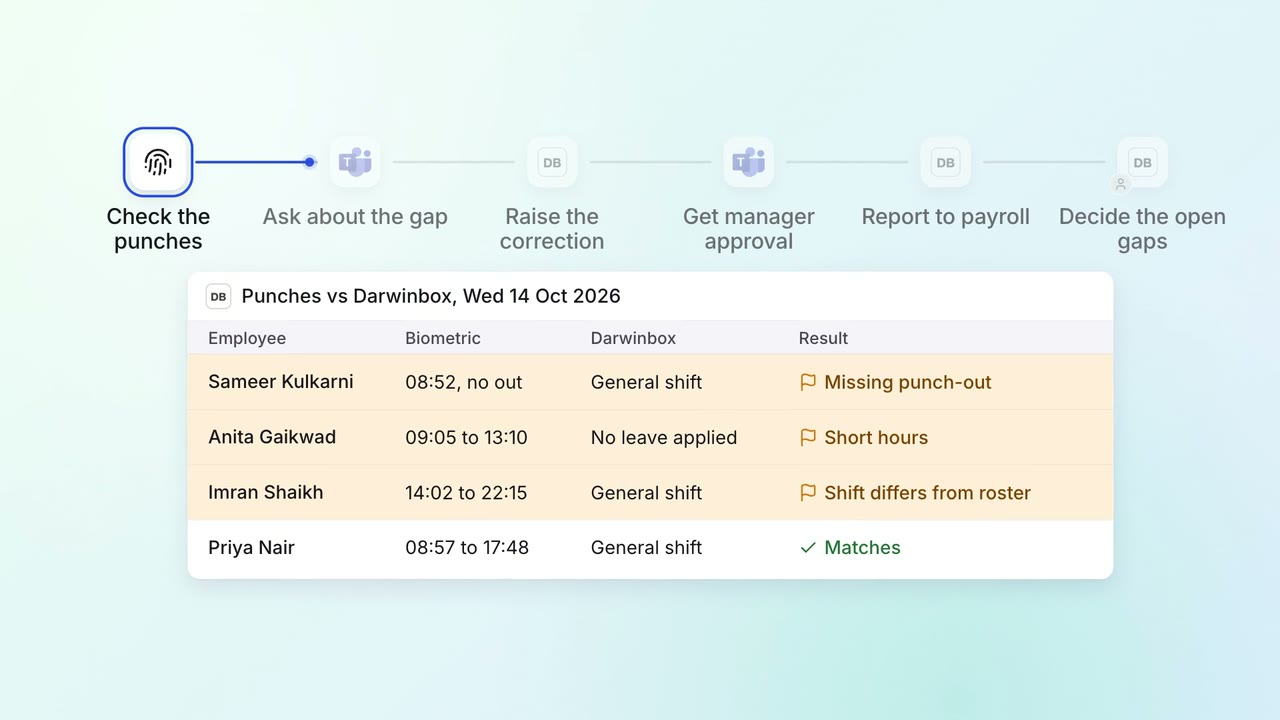
HR Leave, attendance and payroll questions
Attendance gaps are chased and cleared before payroll runs
- Biometric system
- Darwinbox
- Microsoft Teams
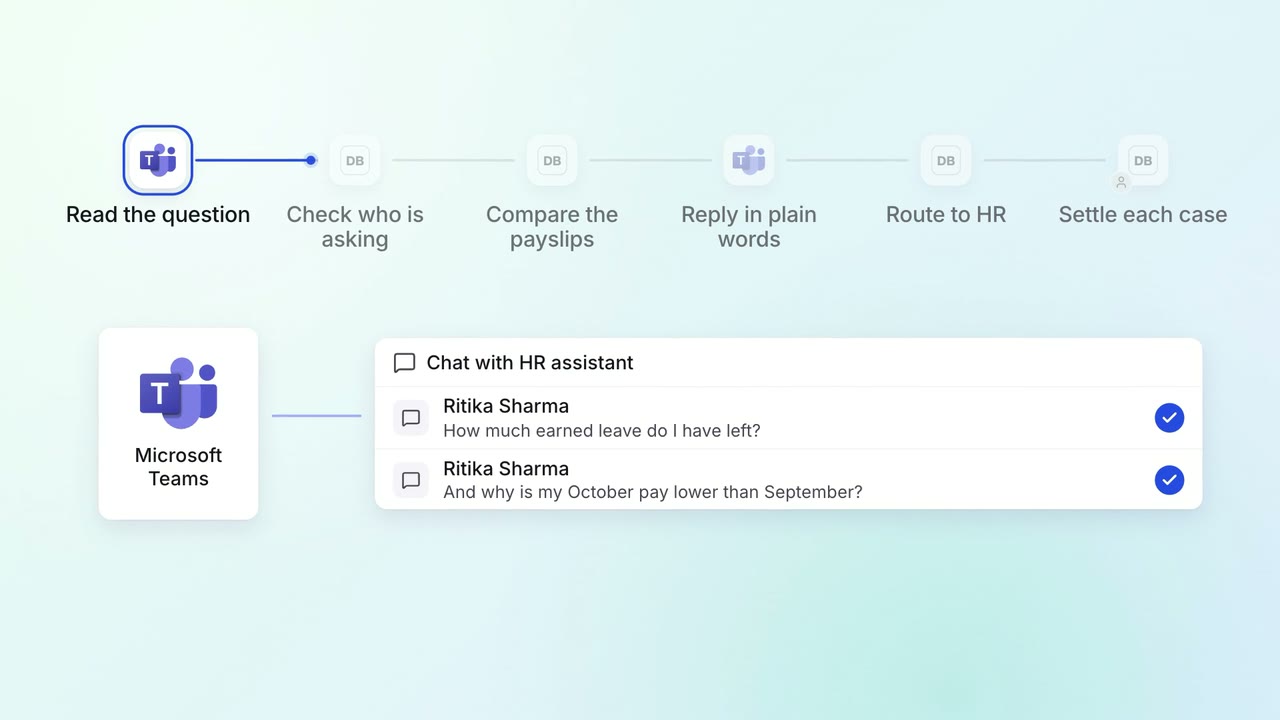
HR Leave, attendance and payroll questions
Employees get answers on leave balances and payslips on Teams, any time
- Microsoft Teams
- Darwinbox
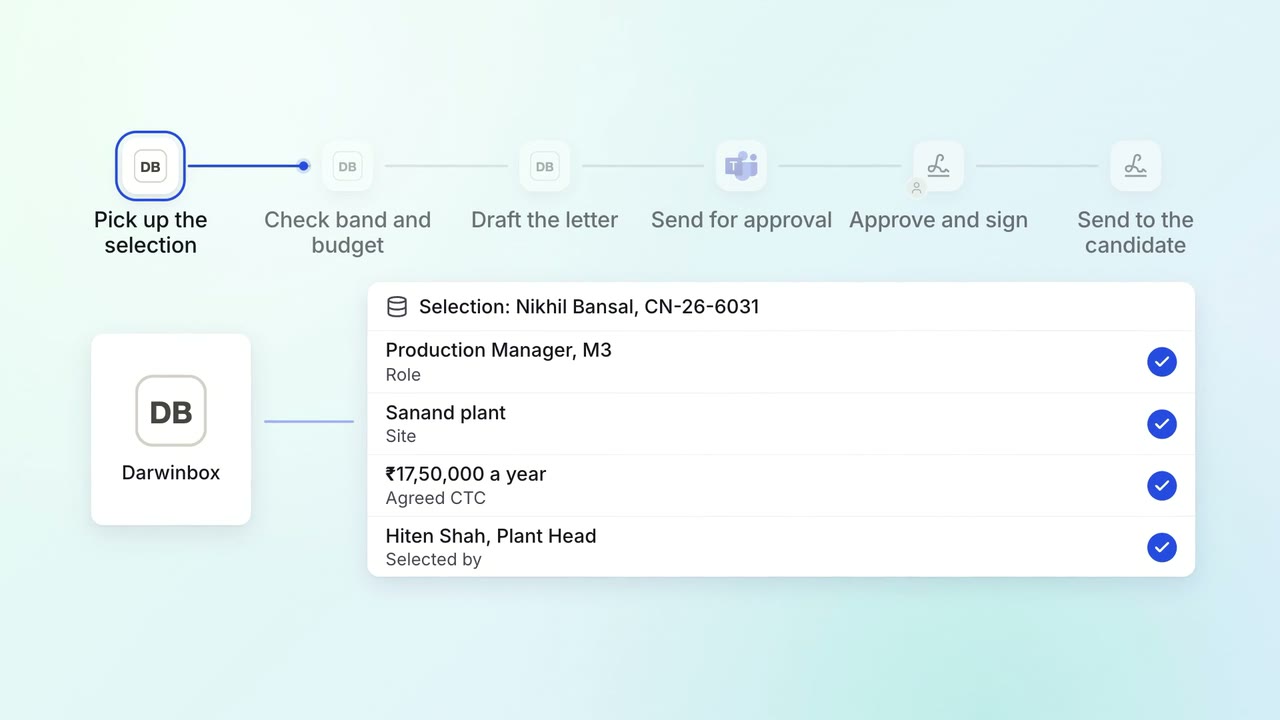
HR Hiring
Offer letters are drafted from the approved grade and reach the approvers the same day
- Darwinbox
- Microsoft Teams
- Leegality