Lawyers ask in plain words and get a contract's current terms, checked against its invoices
A legal assistant in Google Chat reads each signed contract and its amendments, checks the invoices in NetSuite and answers with the clause and invoice it used.
- Used day to day by
- Legal team
- Contract managers
- Finance team
What the assistant uses here
Answers from your systems, within each person's access.
- Channels Reaches people where they already talk
- Your approval Acts in your systems only after a person approves
How it runs with AI
Lawyers ask the legal assistant in Google Chat in plain words. It reads the contract and every signed amendment, works out the terms in force, checks the invoices in NetSuite and answers in about a minute, with a link to each clause and invoice it used. Each person gets answers only from the contracts and invoices they can already open.
How the assistant works here
Where people ask, what it draws on, and what comes back.
Where people ask
-
 Google Chat, steps 1 and 4
Who asks
- Legal team
- Contract managers
- Finance team
What it draws on
Apps
-
 Google Drive, step 2
 -
 DocuSign, step 2
 -
 NetSuite, steps 3 and 5
Context
- Customer names and aliases, step 1
- Where each contract is filed, step 2
- Signed versus draft versions, step 2
- Customer to contract links, step 3
- Billing schedule, step 3
- Who may see which contracts, step 4
What comes back, and who decides
- An answer with its sources, step 4
Who decides
- The lawyer decides the position and asks finance for a credit note, step 5
How a request runs
-
Step 1, the assistant: Reads the question a lawyer asks in Google Chat
-
Step 2, the assistant: Reads the signed contract and each amendment, and works out the fee in force
-
Step 3, the assistant: Checks the invoices in NetSuite against the fee each month allows
-
Step 4, the assistant: Replies with the answer and a link to each clause and invoice it used
Exception Names the document it could not find, and answers from the last signed version
- Person
Step 5, a person: The lawyer decides the position and asks finance for a credit note
The same flow works with the apps you use.
Who controls it
-
Access
Each person gets answers only from the contracts and invoices they can already open. Contracts legal keeps restricted, such as settlements, stay out of everyone else's answers
-
Approvals
The legal position, the reply to the customer and any credit note stay with your lawyers and finance team. The assistant finds and quotes
-
Record
Every question, source, action and approval is recorded
This fits you if
- Your customer contracts have been amended more than once, so the terms in force sit across several documents
- Older contracts are scans in Google Drive and newer ones are signed in DocuSign
- Invoices are raised in NetSuite by a team that rarely sees the contract
- Lawyers ask finance for invoice copies to answer a customer dispute
What to watch for
- A poor scan or a handwritten change needs a lawyer to check the reading, so the assistant marks every answer that relies on a scan
- An amendment that is still an unsigned draft does not count. The assistant says it exists and answers from the last signed version
Often done together
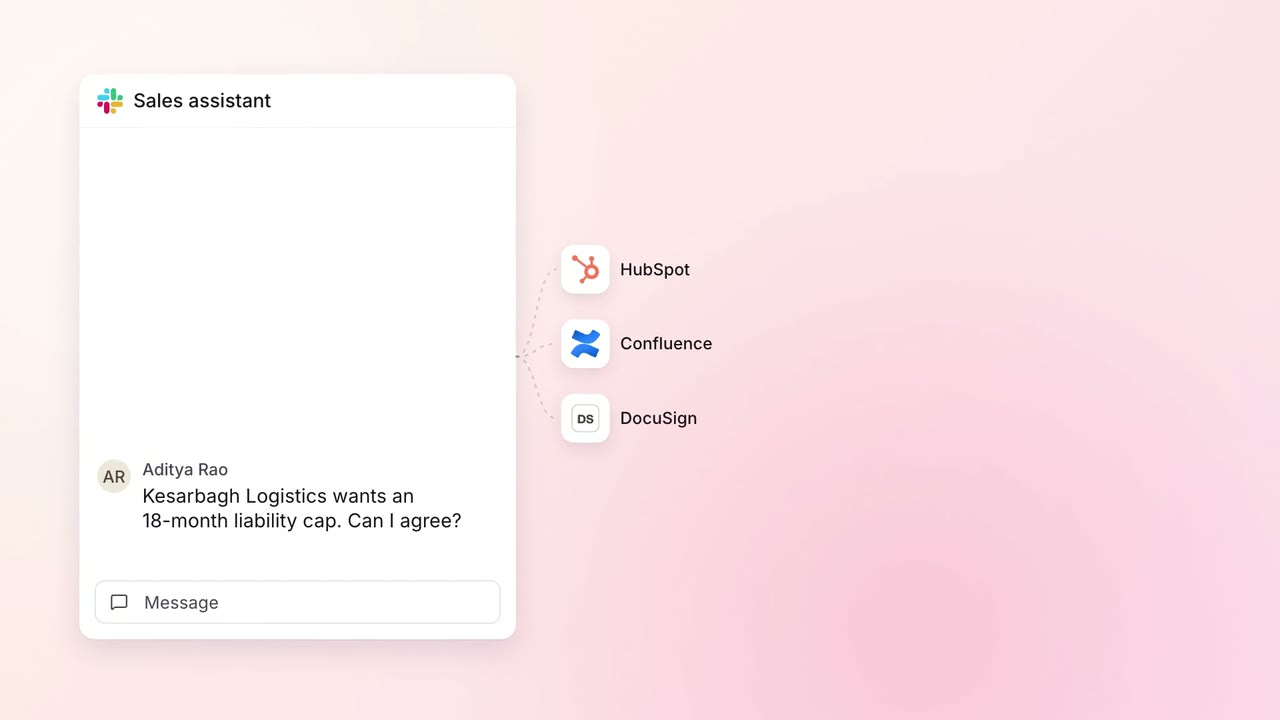 Company assistant
Legal and compliance Contract review
Salespeople get contract answers in a minute, and new questions reach a lawyer
 Slack
Slack HubSpot
 Confluence
- DocuSign
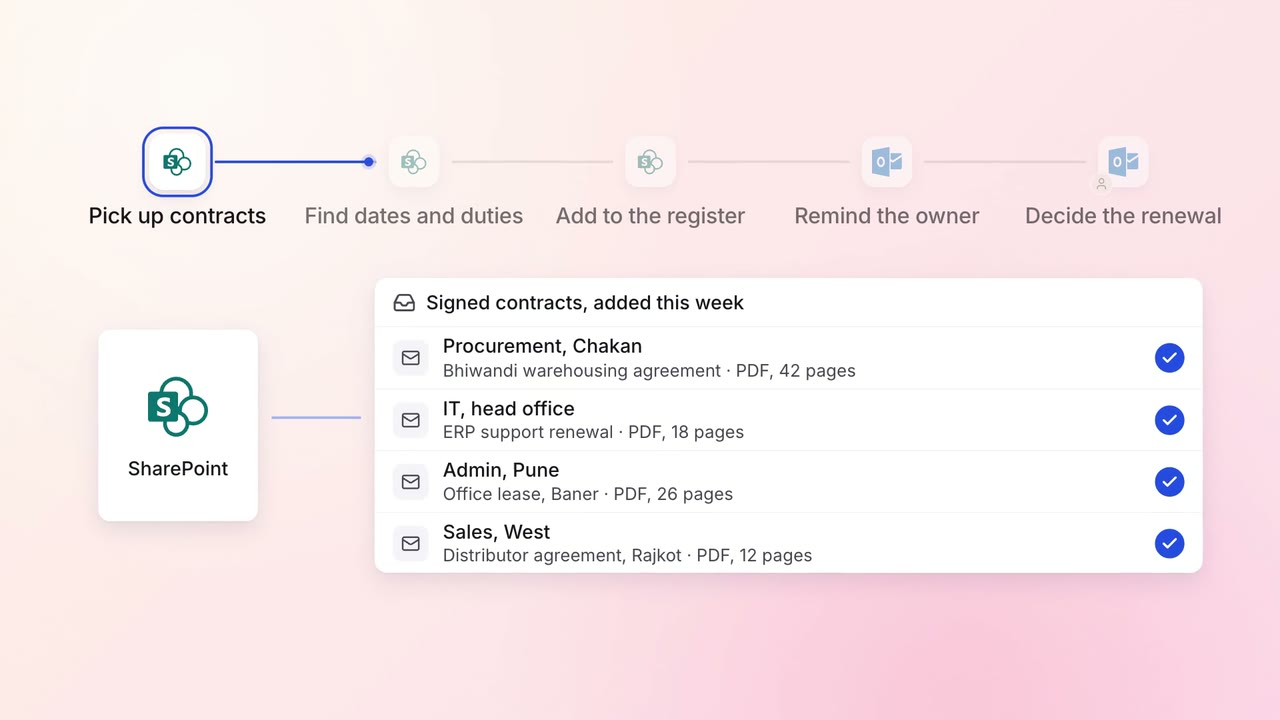
Legal and compliance Contract review
Every contract's renewal dates and obligations are tracked, with reminders in time to act
 SharePoint
 Outlook
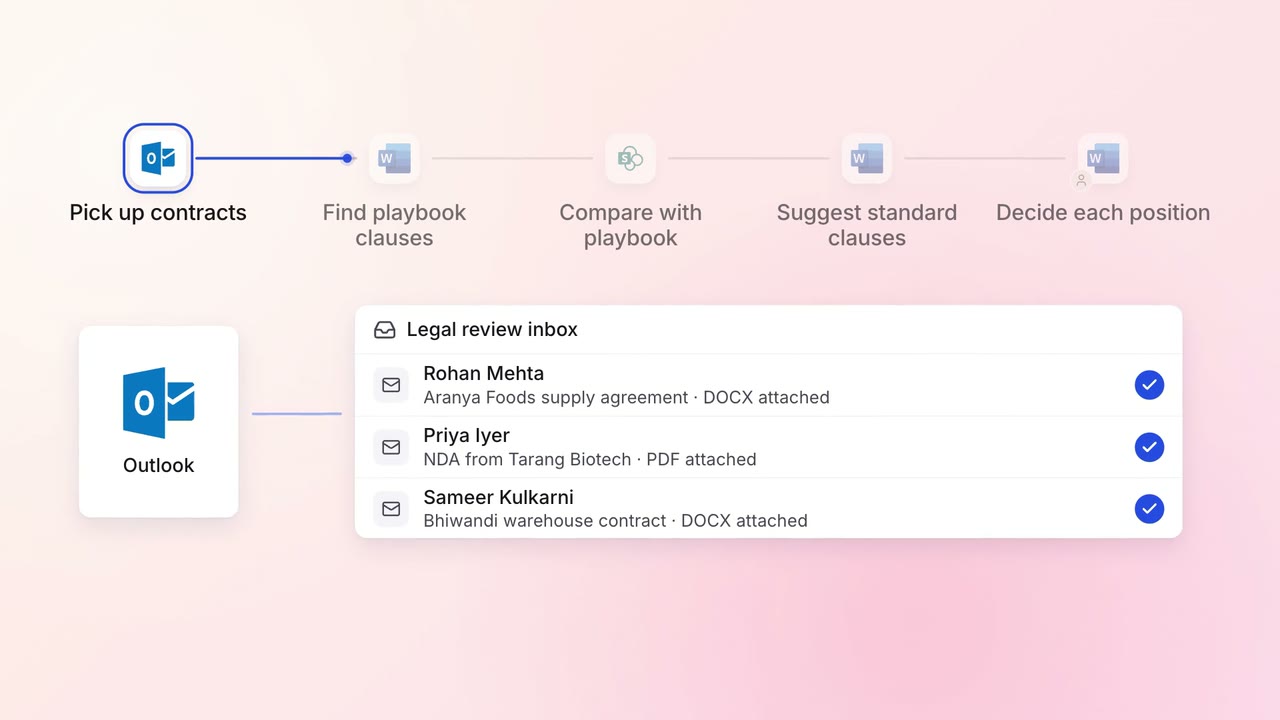
Legal and compliance Contract review
Incoming contracts are checked against your standard positions, with each difference marked
- Outlook
 Microsoft Word
- SharePoint